Quick summary
Analog FPV sends an uncompressed video signal from a VTX (video transmitter) to a 5.8GHz VRX (video receiver); digital FPV sends an encoded signal that a matched transmitter and receiver pair decode into an HD picture. For most schools, clubs and drone soccer teams, analog remains the practical default because it is lower-cost, quicker to swap and easy to record with a simple DVR, while digital is chosen when coaches need HD review footage or a cleaner broadcast-style feed. The right choice depends on budget, latency needs, how many pilots fly at once, and what your program needs to record.
Key Takeaways
- Analog is generally simpler and cheaper per pilot, with easy DVR recording on the ground station and fast field swaps; digital gives a sharper image and richer OSD presentation but usually costs more per seat.
- OSD (on-screen display) matters more than raw picture quality for training: battery voltage, timers, mode flags and GPS data help students build safe habits.
- DVR recording can be done on the quad or on the ground station; a ground-station DVR records what the pilot actually saw, which is usually better for coaching.
- Standardize one video chain across a team kit so batteries, antennas, VRX modules and goggles stay interchangeable.
- Latency, channel count and regulatory or event rules should be confirmed in writing before you buy a fleet.
What does analog vs digital FPV actually change for a team?
At a program level, the choice changes four things: cost per pilot, how easily you record and review flights, how many pilots can fly in the same space, and how much technical support students need. The picture quality difference is real, but it is rarely the biggest operational factor for a school.
The basic signal chain
A VTX sends video from the drone; a VRX receives it; goggles or a monitor display it. An OSD overlays data such as voltage or a timer onto that video. A DVR records the video — either onboard the drone or at the ground station. In Betaflight, OSD support is available for analog and digital video systems, and you can display battery voltage, current draw, GPS coordinates, timers and more. Betaflight documentation notes its OSD works with “pretty much any video system, be it analog or digital” (Betaflight Getting Started).
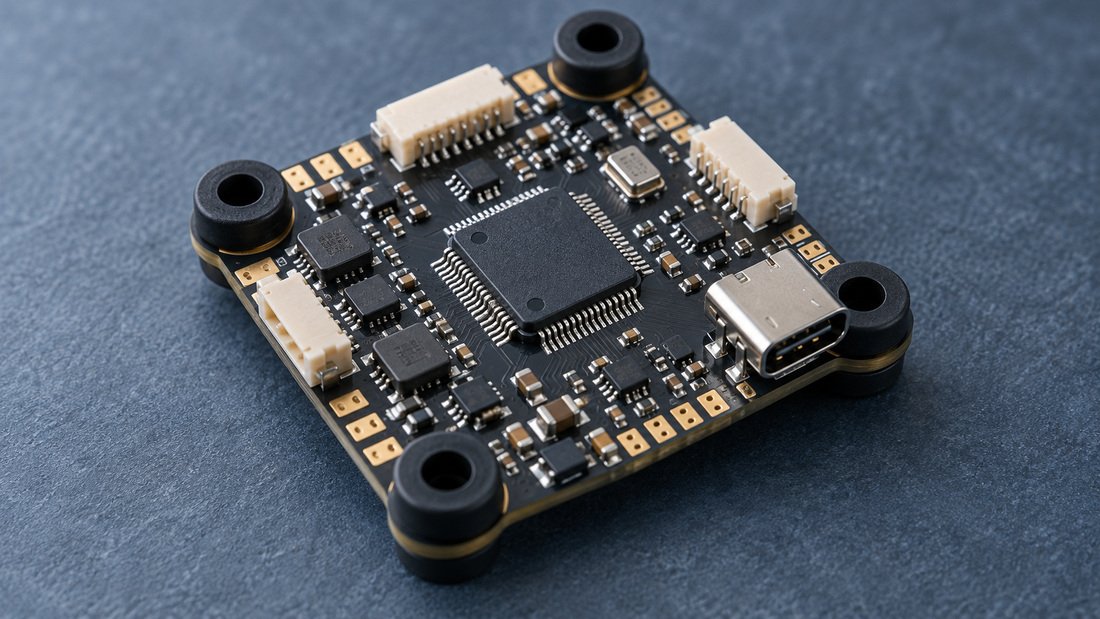
That matters for procurement: your flight controller firmware choice should not lock you into one video ecosystem. See our flight controllers and the wider FPV electronics range when you plan a standardized kit.
Analog FPV: strengths and limits for schools and clubs
Why analog is often the default
Analog equipment is widely available in many price bands, interchangeable across many brands, and forgiving in the field. A pilot who loses video can often regain it by changing channel or moving position. Recording is straightforward: a ground-station DVR captures the feed.
Where analog is weaker
Picture detail is lower, and interference can create noise before video is lost. For programs that want HD review footage or a clean spectator feed, that can be a real limitation. Analog also needs disciplined channel management when many pilots fly together.
Recording and review
A ground DVR records exactly what the pilot saw — useful for coaching because the coach sees the same video the student saw. Confirm the DVR’s input format, recording resolution and storage method before buying a fleet. Our FPV DVR category is a starting point for team ground stations.
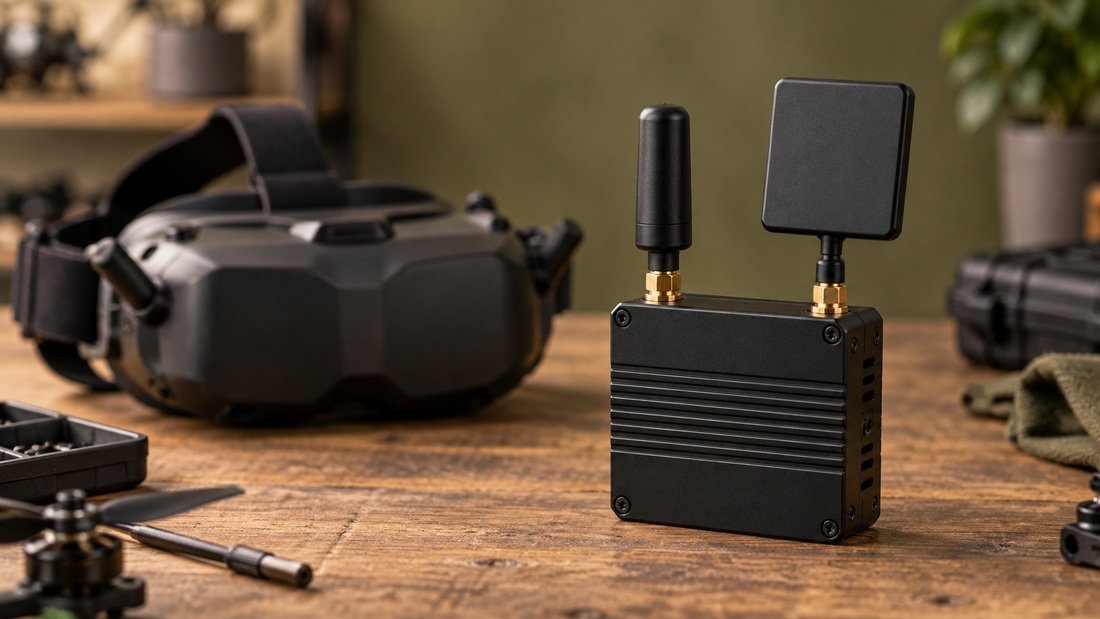
Digital FPV: strengths and limits for schools and clubs
Why teams consider digital
Digital systems deliver a higher-detail image and a richer OSD presentation, which can help students read speed, altitude or course cues. A cleaner feed is often easier for spectators, parents and event organizers to follow.
Where digital adds friction
Digital usually costs more per pilot and typically requires matched components, so mixing brands across a fleet is harder. More processing in the video chain can add latency; whether this matters depends on the activity. Recording paths also vary — some systems record onboard, some at the ground station, and some do both.
When digital is the better fit
If the program’s priority is HD review footage, media output or sponsor-facing video, digital can justify its cost. If the priority is getting 12 students flying with minimal downtime, analog usually wins on logistics.
Comparison table: analog vs digital FPV for teams
| Factor | Analog FPV | Digital FPV |
|---|---|---|
| Typical cost per pilot | Generally lower | Generally higher |
| Image detail | Lower | Higher |
| Component mixing | Broad compatibility | Usually matched ecosystem |
| Latency | Usually very low | Varies by system; verify for your use case |
| Ground DVR recording | Common and simple | Possible but setup varies |
| Onboard DVR recording | Betaflight OSD can be recorded by a DVR board — for recording the OSD, not the camera picture; verify the chain | Varies by system; confirm before purchase |
| Field repair/swaps | Simple, many interchangeable parts | Can be less interchangeable |
| OSD capability | Supported in Betaflight | Supported in Betaflight |
Table is general guidance. Confirm specific specifications with your supplier before committing to a fleet.
OSD and DVR: the training features that matter most
What to show on the OSD
Start students with a minimal OSD: battery voltage, a flight timer and a mode indicator. Add GPS coordinates, speed or an artificial horizon as skills develop. Betaflight supports a wide set of OSD elements, and the OSD can also be used to configure some settings and check post-flight statistics (Betaflight Getting Started).
Ground DVR vs onboard DVR
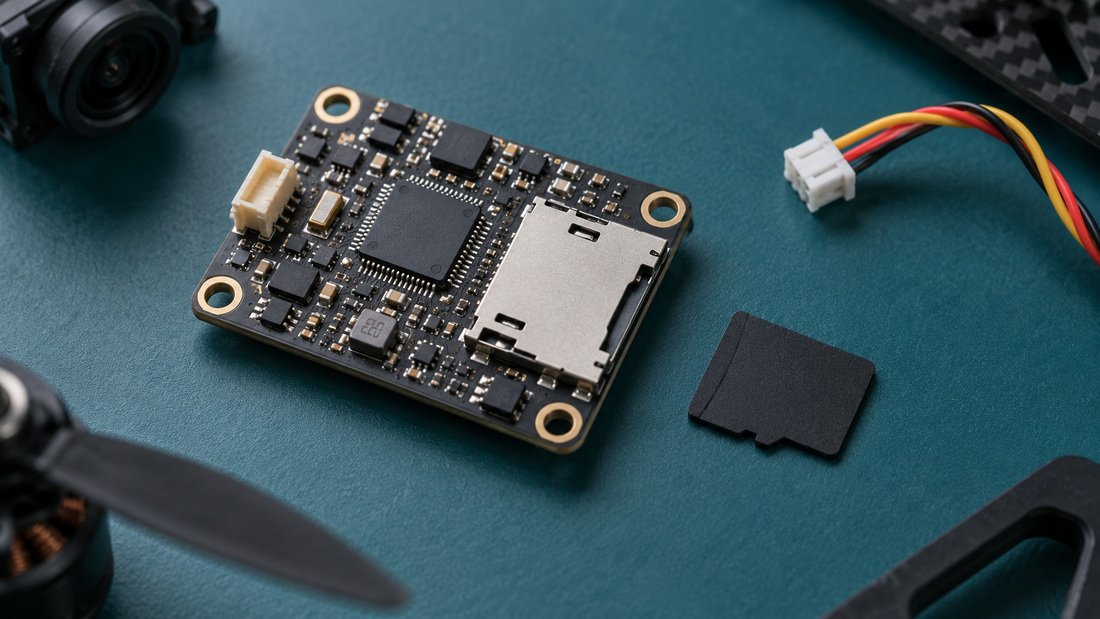
A ground DVR records the pilot’s view — best for coaching. An onboard DVR records on the drone, which can be useful when the video link drops, but it may not capture the same feed the pilot saw. For a training program, a ground-station DVR is usually the more useful first purchase; note that a DVR board attached to a flight controller typically records the OSD overlay and not the camera picture, so the video source and wiring must be verified before you buy.
How OSD and DVR affect coaching
OSD data lets a coach see whether a student is managing voltage and time. DVR footage lets the coach replay the exact moment a student lost the course. Together they turn a flight session into a debrief, which is often the difference between a club and a competitive team.
Common mistakes when schools choose FPV video systems
- Buying goggles and VTXs from different ecosystems without checking compatibility.
- Ignoring channel planning, then finding that multiple pilots interfere with each other.
- Assuming a flight-controller DVR records the camera picture rather than the OSD overlay — verify the wiring and source.
- Choosing digital for image quality without checking latency against the activity.
- Standardizing on a single vendor without confirming spare-part availability for a full season.
- Forgetting to record bench-test footage to prove a fault before requesting support.
If your club is comparing kits, Request a Team Kit Quote and ask for a component-level list you can review with your coaches.
Buyer checklist for schools, clubs and associations
- Decide whether review footage needs to be HD or whether pilot-view recording is enough.
- Count simultaneous pilots and plan channel assignments, including a spare channel.
- Confirm VRX module compatibility with your chosen goggles.
- Confirm DVR input format, recording resolution and storage medium.
- Confirm OSD support for your flight controller firmware.
- Ask whether the video chain is one ecosystem or interchangeable across brands.
- Request sample units and test latency, range and recording before a fleet order.
- Ask for spare antennas, VTX and VRX units sized to your fleet.
- Confirm support, spares and firmware guidance in writing.
- Request written confirmation of lead times, MOQ and warranty terms for your region.
Procurement notes for distributors and OEM/ODM teams
Distributors serving school districts should stock a small number of standardized SKUs rather than a wide catalog, because schools value interchangeability. OEM/ODM buyers should specify the video chain, OSD requirements and DVR behavior early, because these affect board layout and connector choices. DPF’s FPV video receivers and FPV DVR lines are built for this kind of kit planning; confirm exact specifications with our team for your program.
Frequently asked questions
Is analog or digital better for drone soccer?
For many school and club programs, analog is the practical default because it is simpler and easier to record at the ground station. Digital is worth considering when HD review or spectator footage is a priority. Confirm event or league rules before standardizing.
Does Betaflight support OSD on digital video?
Yes. Betaflight documentation states its OSD supports “pretty much any video system, be it analog or digital” (Betaflight Getting Started). Confirm the specific OSD elements your chosen system supports.
Can I record FPV video without an onboard camera DVR?
Yes — a ground-station DVR records the video received by the VRX, which is usually the pilot’s view. An onboard DVR can also record, but note that a DVR board on a flight controller typically records the OSD overlay rather than the camera picture, so verify the source and wiring.
What is the difference between OSD and DVR?
OSD (on-screen display) is information overlaid on the video, such as voltage or a timer. DVR (digital video recorder) is the device that records the video. They are complementary: OSD gives live data, DVR gives a replayable record.
How many pilots can fly on 5.8GHz at once?
This depends on the number of available channels, your event rules and local spectrum conditions. Plan channel assignments and keep a spare. Verify legal and event requirements for your region before flying.
Should a school buy analog first and upgrade to digital later?
Many programs start analog to get students flying affordably, then add a limited digital set for media or advanced review. Keeping the flight controller and OSD setup consistent across both makes the upgrade easier.
What should we confirm in writing before ordering a fleet?
Ask for written confirmation of compatibility, DVR input format and recording behavior, spare-part availability, support process, and — for commercial terms — lead times, MOQ and warranty for your region.
Conclusion and next step
For most schools, clubs and associations, analog FPV is the lower-friction starting point: it is easier to record, easier to swap and easier to standardize. Digital earns its place when HD review footage or spectator quality is the priority. Whichever you choose, treat the video chain — VTX, VRX, goggles, OSD and DVR — as one system, and confirm the details in writing before you scale.
Ready to plan a standardized team kit? Request a Team Kit Quote and tell us your pilot count, recording needs and timeline.