Quick summary
In a drone soccer ball, the LEDs are usually addressable RGB strips or LEDs wired to the flight controller and driven by firmware such as Betaflight. The firmware maps flight information — arming state, battery level, flight mode, failsafe and troubleshooting codes — onto colours and blink patterns, so the ball glows in different ways depending on what the drone is doing. The LED strip is not the sensor; it is a display device, and what it shows depends on how the club, league or manufacturer configured it.
Key Takeaways
- LEDs on a drone soccer ball are typically standard addressable RGB LEDs (for example WS2811-type strips) controlled by the flight controller, not a separate status computer.
- Common statuses shown through LEDs include arming, battery warnings, flight mode, signal loss or failsafe, and diagnostic codes.
- There is no single universal colour code for drone soccer. Patterns vary by firmware configuration and by manufacturer, so teams should confirm the mapping for their specific ball.
- A ball with no lights, or lights that behave inconsistently, may have a wiring, power, firmware or LED-strip issue rather than a motor or receiver problem.
- For club and association procurement, ask suppliers for the LED configuration file or firmware settings, a documented colour mapping and a spare-parts path for LED strips and connectors.
What the LEDs in a drone soccer ball actually are
Most small FPV-based drones, including drone soccer balls, use an LED strip made of individually addressable RGB LEDs. A common example is the WS2811 family, which Betaflight explicitly supports: “Using any standard WS2811 LED strip, you can add a pop of color to your quad. You can even use the LEDs to display flight information, like battery level warnings, flight mode, status for troubleshooting, and more” (Betaflight documentation).
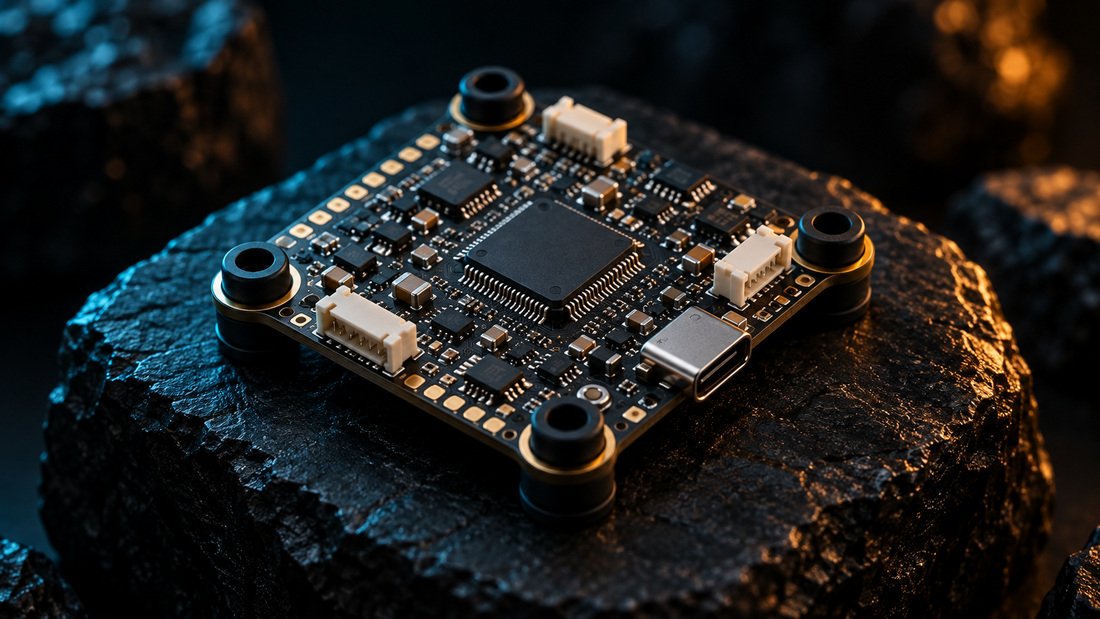
That passage matters for schools and clubs because it describes the mechanism precisely. The LEDs are output devices. They receive data from the flight controller, which is the small computer running the firmware. In Betaflight’s own words, a flight controller “reads the sensors (gyro, accelerometer, GPS, etc.), computes the desired actions to take, sends the commands to the ESC to control the motors, generate thrust, and keep the quadcopter in the air. It can also control other peripherals (VTX control, radio link telemetry, LEDs)” (Betaflight documentation).
So when a drone soccer ball glows red, pulses blue or flashes a sequence, the light is a summary. The underlying information comes from the gyro, battery monitor, radio link and firmware state. The LED pattern is the human-readable layer on top.
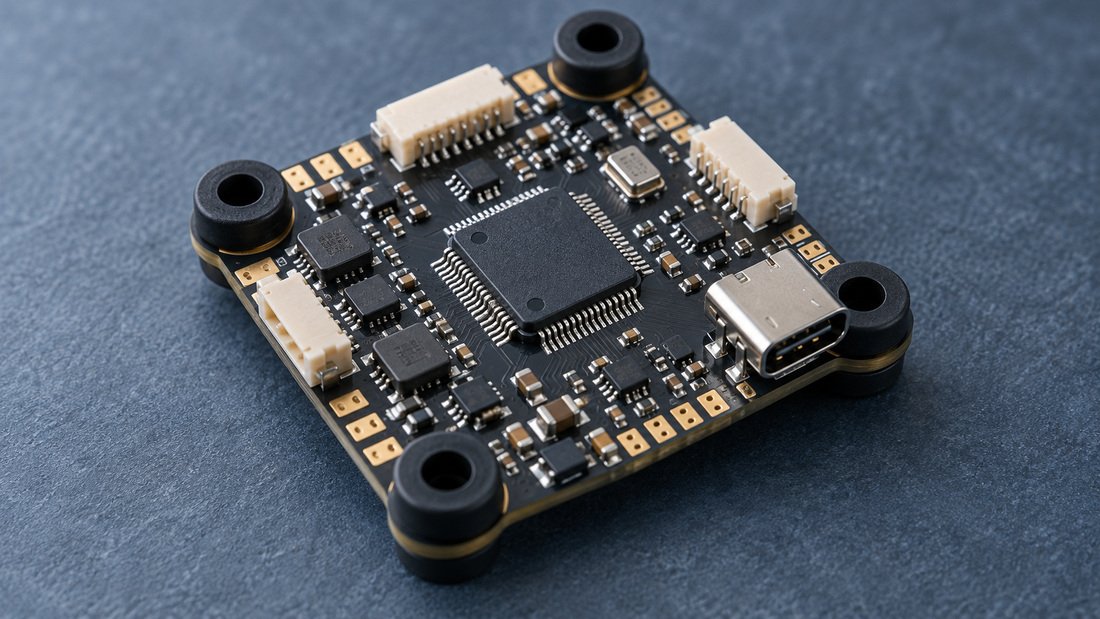
How flight status becomes an LED colour or blink pattern
The chain is straightforward: a sensor or firmware event produces a value; the flight controller translates that value into an LED command; the LED strip displays the result. Understanding the chain helps coaches and technicians troubleshoot faster because they can isolate whether the problem is in the information source, the firmware mapping or the LED hardware itself.
Betaflight notes that the flight controller can read a wide range of sensors: “The gyroscope is used for most basic flight control with acro mode, but you can also use an accelerometer for self-leveling, a magnetometer for global heading, a barometer for altitude measurement, and a GPS for GPS rescue and info” (Betaflight documentation). Each of those can, in principle, be mapped to an LED output if the firmware and configuration enable it.
Typical statuses a club may see on the ball
Different programs configure LEDs differently, but the categories below are the ones most commonly mapped in FPV firmware and club setups. Treat them as a starting framework and confirm the exact mapping for your ball.
| Status category | What the LED often does | What it usually points to |
|---|---|---|
| Arming / disarmed | Different colour or steady vs. off when the ball is armed | The ball is ready to fly or is in a safe state |
| Battery level warning | Colour change, pulsing or a low-battery sequence | The pack may be near a voltage threshold set in firmware |
| Flight mode | A specific colour or pattern per mode | Which control profile the ball is using |
| Signal loss / failsafe | Distinct flashing or alarm-style pattern | The radio link or failsafe state needs attention |
| Troubleshooting / diagnostic | Repeating sequences or codes | Startup faults, sensor issues or configuration errors |
When a club asks “what does the red light mean?”, the honest answer is that it depends on configuration. A colour that means low battery on one ball may mean disarmed on another. This is why documentation, not guesswork, should drive club-level training.
Why the same colour can mean different things across balls
LED behaviour is set by firmware and configuration, not by a global drone soccer standard. Betaflight is open-source flight control software, and its documentation notes that it “exists so that every pilot, whatever they fly and whoever made their hardware, gets precise, predictable and reliable flight, and so that the knowledge behind it stays open to everyone” (Betaflight documentation). Open configuration means flexibility, but it also means variation between suppliers, programs and even individual balls if someone has changed the settings.
The same source explains that Betaflight runs on hardware from many manufacturers and that “Support for each board comes from its manufacturer” (Betaflight documentation). In practical terms, the LED mapping in a drone soccer ball is often set by the ball manufacturer or by the club during setup. There is no substitute for asking the supplier what the intended mapping is.
For clubs buying in volume, this variability is a procurement issue, not just a technical one. Two balls from different suppliers may look identical on the field but show different colours for the same status. That complicates coaching, safety briefings and event rules.
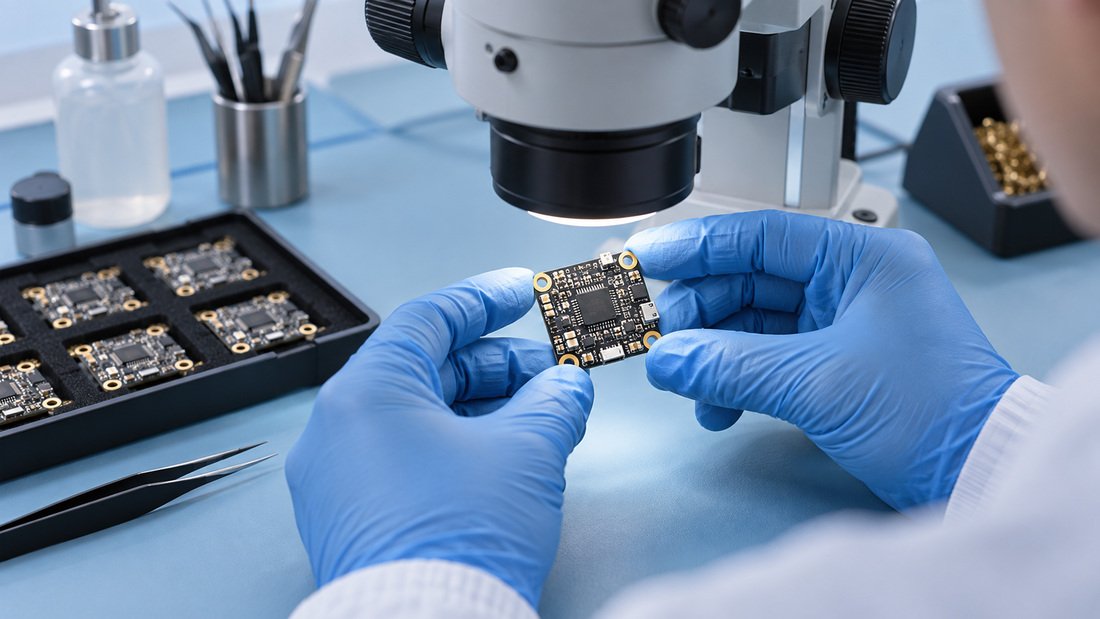
How LED status fits into the wider drone soccer ball electronics stack
A drone soccer ball is a complete FPV system in a protective shell. The LED output is one subsystem among several, and it only makes sense in context.
Flight controller
The flight controller runs the firmware and drives the LED output in most builds. If the flight controller is not powered, or if its LED configuration is not enabled, the ball will not show status lights even if the LED strip itself is healthy. Clubs specifying spares should treat the flight controllers as a critical spare line.
ESC and motors
The flight controller sends commands to the electronic speed controllers, which drive the motors. Betaflight supports multiple ESC protocols, with DShot being the main one: “The main one used on nearly everything is DShot, but there are also other protocols like Oneshot, Multishot, and even PWM if you really need them” (Betaflight documentation). A motor problem does not usually show as a battery warning on the LEDs, which is why separating status categories matters in diagnosis.
Receiver and radio link
The radio link provides the control signal and telemetry. Betaflight supports “a wide variety of receiver protocols, including CRSF, Ghost, FPort, SBUS, Spektrum, and more” (Betaflight documentation). A failsafe or signal-loss indication on the LEDs is a prompt to check the receiver, antenna placement and transmitter settings. Antenna mounting and receiver position are common causes of intermittent link warnings in small airframes.
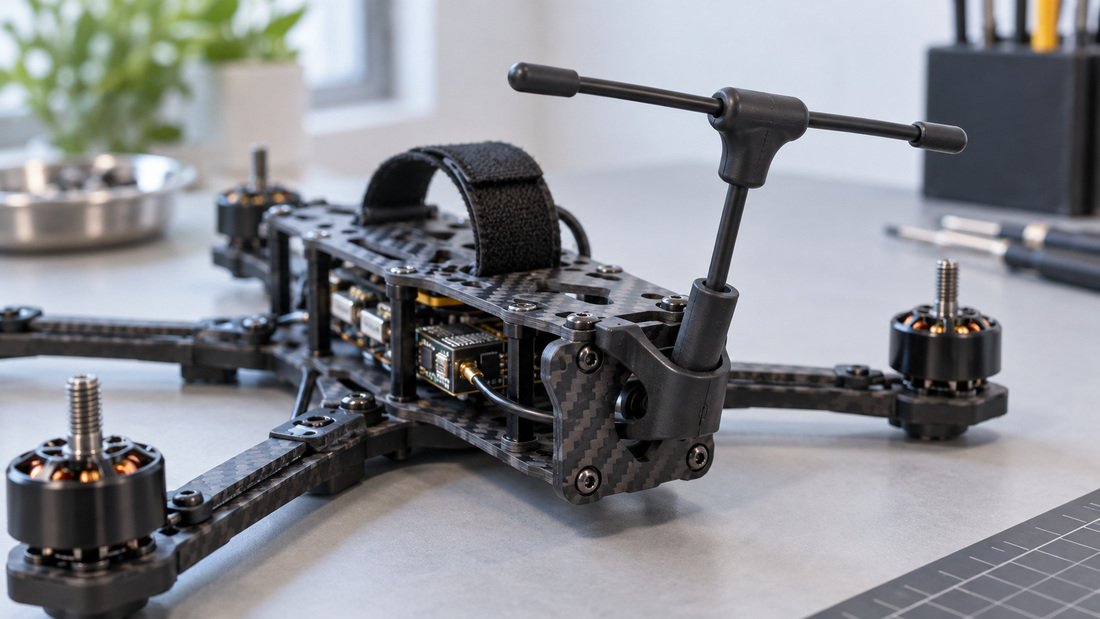
Video and telemetry
On-screen display (OSD) and video systems carry richer status information than LEDs. Betaflight supports OSD “for pretty much any video system, be it analog or digital” and can display “battery voltage and current draw, to GPS coordinates, speed, flight timers, artificial horizons, and more” (Betaflight documentation). For coaches, pairing the LED status with the OSD and, where used, an FPV DVR recording gives a much clearer picture than the LED alone.
For clubs standardising their builds, DPF groups these subsystems under FPV electronics, and matching receivers are covered under FPV video receivers.
If your program is specifying balls for a new season and needs a consistent LED behaviour across a fleet, you can outline your requirements and request a configuration discussion through our team: Contact us.
Practical club and school guidance: reading and using LED status
LED status is most useful when it is documented, taught and consistent. Below is a practical way to build that consistency without overcomplicating training sessions.
Step 1: Get the mapping in writing
Ask your supplier for the LED colour and pattern mapping for the exact ball model you are buying. If the supplier cannot provide one, ask what firmware and configuration the ball ships with so your own technician can document it.
Step 2: Test before field use
Power up each ball, arm it briefly in a safe area, and record what the LEDs do. A short video or photo log for each ball makes it easy to spot when a ball starts behaving differently.
Step 3: Train coaches and students on the top three statuses
Most day-to-day decisions only need a few statuses: safe to arm, battery low, and something is wrong. Keep the first training layer simple, and keep the full mapping for technicians.
Step 4: Decide club-wide rules
Associations running events may want to state which LED indications mean a ball must be pulled from play. That is a policy decision, but it is far easier to enforce when the underlying mapping is documented.
Step 5: Keep spares that match
LED strips, connectors and the flight controller are the parts most likely to affect lighting behaviour. Keep a small, labelled spare set per squad.
Common mistakes when interpreting drone soccer ball LEDs
- Assuming a colour has a universal meaning. Configuration determines meaning.
- Treating an LED warning as the root cause. The light is a symptom; check the battery, receiver or firmware state behind it.
- Ignoring the OSD. Betaflight OSD can show battery voltage, current draw, flight timers and more, which is often more precise than an LED pattern (Betaflight documentation).
- Not documenting a baseline. Without a known good pattern, a change is hard to detect.
- Buying replacement LED strips without confirming voltage, data protocol and connector type.
- Mixing balls from different suppliers in one squad without a shared status language.
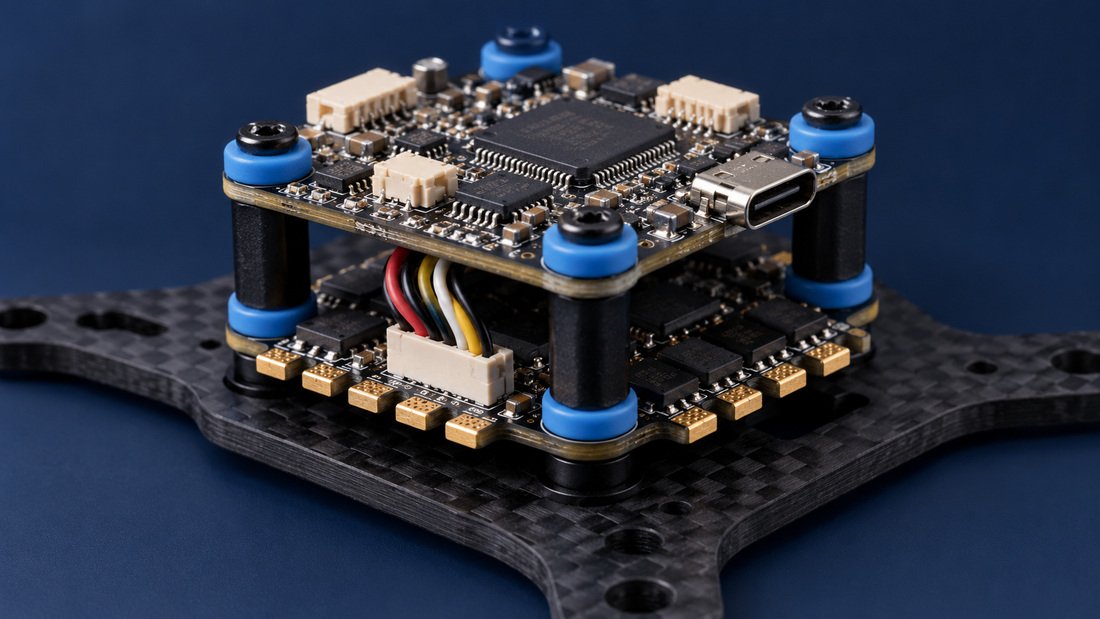
Buyer checklist for LED status clarity
Use this checklist when evaluating drone soccer balls, spares or OEM/ODM programs. Where a supplier cannot answer, ask them to confirm in writing rather than assuming.
- Documented LED colour and blink mapping for the ball as shipped.
- Which firmware and version the flight controller runs, and whether LED output is enabled by default.
- The LED type and protocol used (for example, WS2811-family addressable LEDs) and the data output used on the flight controller.
- Voltage and current draw of the LED system, and how it is powered relative to the flight controller.
- Connector type, pinout and physical mounting for the LED strip, so replacements fit.
- Whether the LED configuration is locked, and what process is required to change or restore it.
- Availability of spare LED strips, connectors and flight controllers that match the shipped configuration.
- Any club or league policy the supplier is aware of that relates to visible status lights during play.
- Support path for firmware or configuration questions after purchase.
- For OEM/ODM projects, who owns and maintains the LED mapping documentation.
Frequently asked questions
What does a red LED mean on a drone soccer ball?
It depends on the ball’s configuration. In many FPV setups, a red or colour-change indication is associated with a battery warning or a disarmed state, but there is no universal rule. Check the mapping provided by your supplier or the club that configured the ball.
Can I change what the LEDs show?
Often yes, if the flight controller firmware and configuration allow it. Betaflight supports RGB LEDs and LED output for status information, and configuration is editable (Betaflight documentation). Whether a specific ball allows changes depends on how the manufacturer locked or documented the setup.
Do all drone soccer balls use the same LED strip?
No. Addressable RGB strips such as WS2811-family products are common, but suppliers may use different strips, connectors and power arrangements. Confirm the exact part before ordering replacements.
Why do the LEDs work but the ball will not fly?
The LEDs only show status; they do not prove the motors, ESC, receiver or battery can deliver flight. Betaflight describes the flight controller as reading sensors and sending commands to the ESC to control the motors (Betaflight documentation). A fault in any of those links can prevent flight even while the LEDs remain active.
Is an LED warning reliable enough for competition decisions?
It can be a useful first signal, but it should not be the only one. Pair LED status with the OSD, battery checks and a pre-flight routine. Competition rules are set by the event organiser, so confirm their requirements.
What should a club ask a supplier before buying a fleet?
Ask for the LED mapping, the firmware and configuration baseline, the LED part type, spare-part availability and the support path for configuration questions. Request these in writing so the whole club works from the same reference.
Can DPF pre-configure LED behaviour for our club or OEM project?
Configuration options depend on the product and project. The practical step is to describe the status indications your club wants, the firmware baseline you prefer, and your volume and support needs, then ask DPF to confirm what is possible in writing.
Conclusion: treat LED status as documentation, not decoration
In a drone soccer ball, LEDs are a firmware-driven display of flight status: arming, battery, flight mode, signal state and troubleshooting codes. Because the mapping comes from configuration rather than a universal law, the most valuable thing a club, school or association can do is get that mapping documented and teach it consistently.
For procurement teams, LED clarity is also a quality signal. A supplier who can explain the LED type, data output, firmware baseline and spare-parts path is usually easier to work with over a season than one who cannot. Where terms such as lead time, minimum order quantity, warranty and customisation are not confirmed in writing, ask before committing.
Ready to specify balls and spares with a consistent LED status language for your program? Request a Team Kit Quote and tell us which status indications your players and coaches actually need to see.