Quick summary
Upgrading a drone soccer ball’s electronics means replacing or reconfiguring the flight controller, electronic speed controllers (ESCs), receiver and wiring inside the protective cage, then updating firmware and re-testing. You keep the ball shell and mechanical frame, and swap the electronics stack, receiver, or power path. A common route is installing a modern flight controller running current firmware, matching ESCs for the motors, and a protocol-compatible receiver. Plan the upgrade in stages: measure the cage, buy parts that fit, document the wiring, flash and configure, then bench-test and fly in a netted area before competition use.
Key Takeaways
- Upgrading usually means swapping the flight controller, ESCs, receiver or wiring — not the ball shell.
- A flight controller is a small computer that reads sensors (gyro, accelerometer, GPS) and sends commands to the ESCs to control motor thrust.
- Betaflight is open-source flight control software that runs on the flight controller; it supports many receiver and ESC protocols, including CRSF, FPort, SBUS, DShot, Oneshot and Multishot.
- Physical fit and connector compatibility inside the cage matter as much as firmware features.
- Treat upgrading as a club-level policy decision: standardise parts, document builds, and keep spare units.
- Never assume warranty, MOQ or lead-time terms — confirm them in writing with your supplier.
What is a drone soccer ball, and what electronics are inside?
A drone soccer ball is a small quadcopter enclosed in a protective spherical cage, flown in teams, where the “ball” scores by passing through a circular goal. The cage protects the electronics during contact and crashes.
Inside the cage, the electronics are essentially a miniature FPV quad: a flight controller, four ESCs (or a 4-in-1 board), motors, a radio receiver, a battery connector, and often a video transmitter (VTX) and camera for first-person view. Some designs add LEDs or status indicators.
For a deeper look at the parts categories involved, see our overview of FPV electronics.
Which parts can realistically be upgraded?
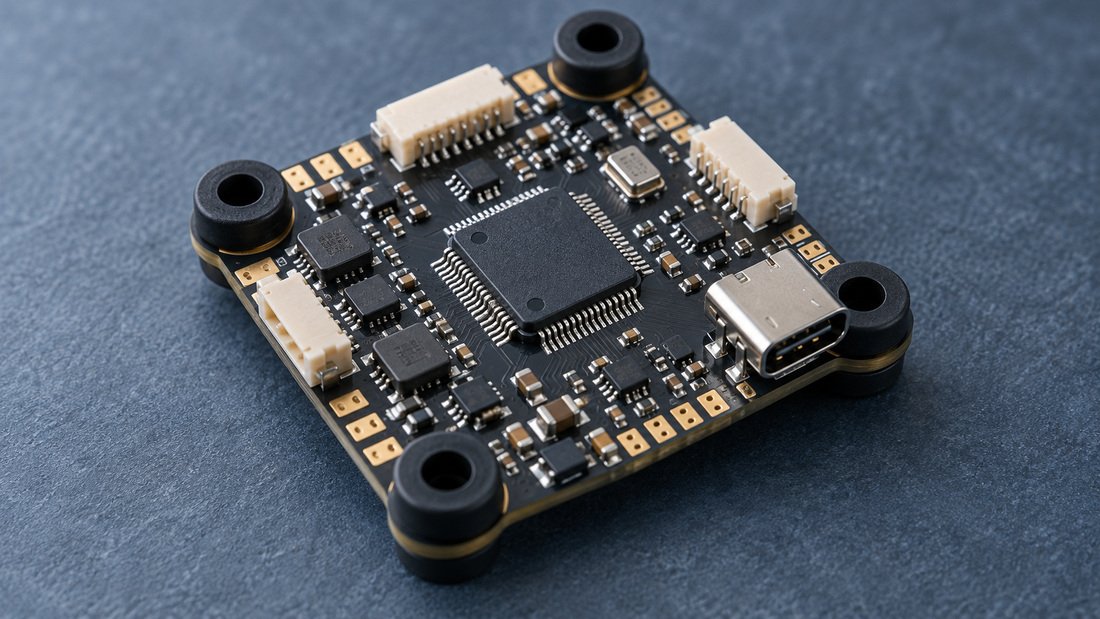
In practice, clubs upgrade four things: the flight controller, the ESC board, the receiver, and the wiring/connectors. You can also upgrade the VTX, camera and battery connector, but these often depend on competition rules and cage geometry. The shell, cage and motor mounts usually stay.
Why upgrade drone soccer ball electronics?
Teams upgrade for reliability, spare-part availability, repairability and maintainability across a fleet. When a ball is used by dozens of students a week, the electronics take a beating.
- Reliability and serviceability — a standardised, widely supported controller is easier to repair and reconfigure.
- Parts commonality — one controller and one receiver type reduces the spare inventory a club must carry.
- Firmware support — current firmware can mean better protocol support and easier tuning, provided the manufacturer supports the board.
- Teaching value — students can learn soldering, wiring, firmware and tuning on a durable platform.
Betaflight’s documentation notes it runs on flight controllers from many manufacturers and that support for each board comes from its manufacturer — useful context when choosing parts (Betaflight Getting Started).
When upgrading is not the right move
If the cage is cracked, motors are seized, or the battery chemistry is wrong, an electronics swap will not fix the underlying problem. If your league has equipment rules, confirm allowed electronics before buying. If a ball is still under a supplier’s warranty terms, opening it may affect that — verify in writing first.
Core components you may replace
Flight controller
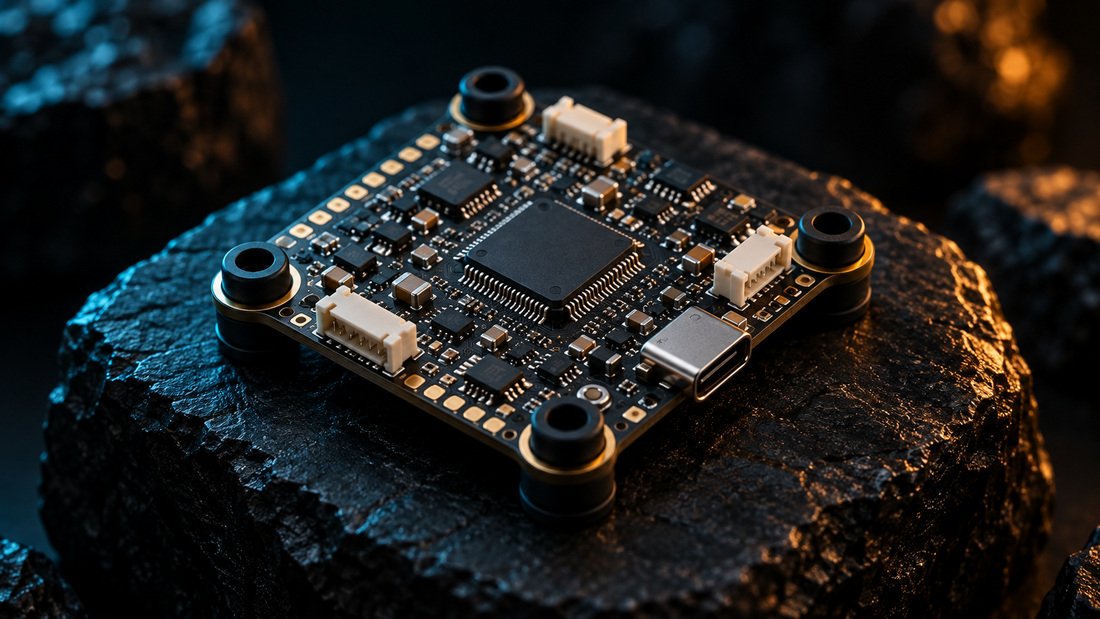
The flight controller reads the gyro and other sensors, computes corrections, and sends commands to the ESCs to keep the ball stable. Betaflight describes it as “basically a computer that reads the sensors (gyro, accelerometer, GPS, etc…), computes the desired actions to take, sends the commands to the ESC to control the motors” (Betaflight Getting Started).
When choosing one, match mounting-hole pattern, board size, connector count, and the firmware target. Browse our flight controllers category to compare form factors.
ESCs
Electronic speed controllers convert the controller’s command signals into motor drive. Betaflight supports several ESC protocols, with DShot as the main one used on nearly everything, plus Oneshot, Multishot and PWM (Betaflight Getting Started). Ensure your ESC firmware and the flight controller’s protocol setting agree.
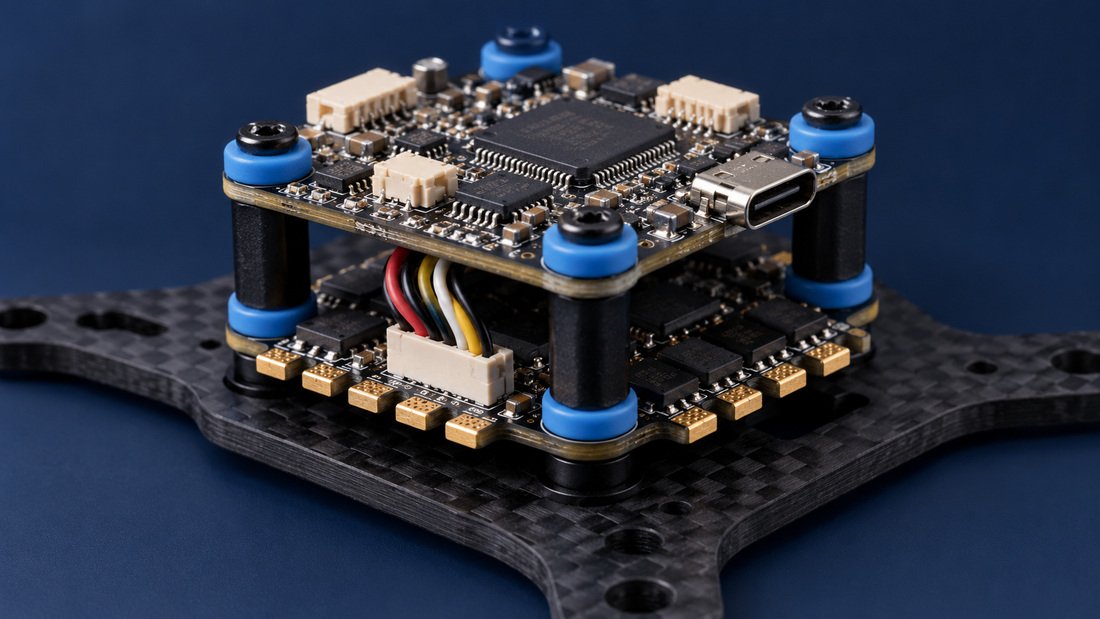
Many small quadcopters use a 4-in-1 ESC, which saves space inside a cage but means replacing all four channels if one fails. See electronic speed controllers.
Receiver and antenna
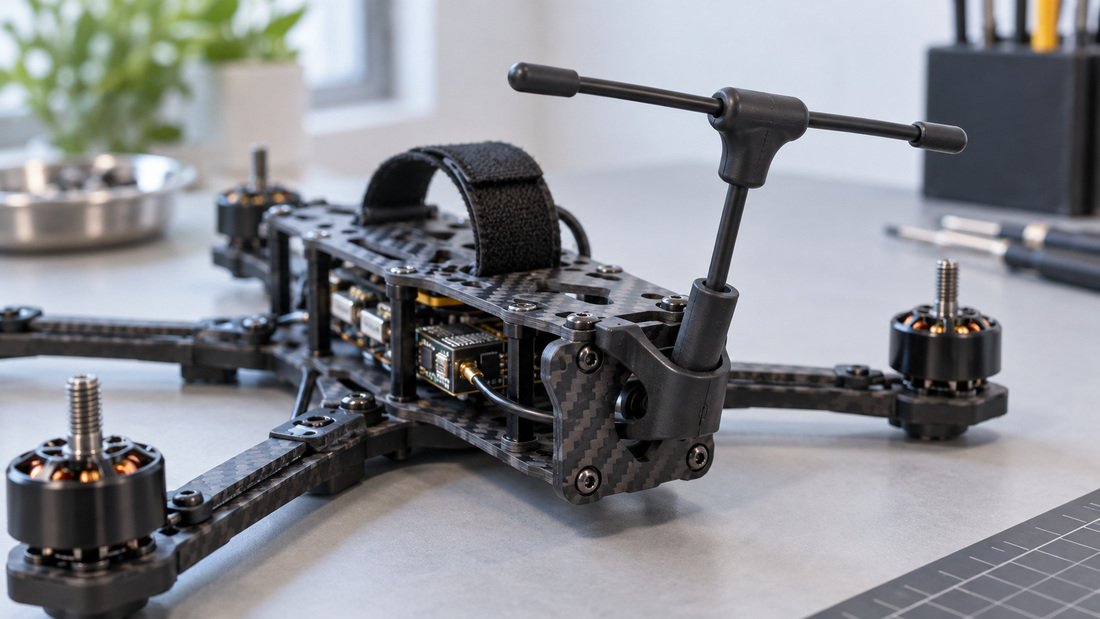
The receiver links the pilot’s radio to the flight controller. Betaflight supports protocols including CRSF, Ghost, FPort, SBUS and Spektrum, so a receiver is only useful if the protocol matches both your radio and your firmware (Betaflight Getting Started).
Antenna placement inside a sphere is a real constraint: anything metal or carbon near the antenna degrades the link. Plan the mounting so the antenna’s active element stays clear.
Video and FPV systems
If your format uses FPV, the VTX, camera and any video receiver or DVR matter. Betaflight supports on-screen display (OSD) for analog and digital video systems, showing battery voltage, current draw, timers and more (Betaflight Getting Started). For ground-side equipment, see FPV video receivers and FPV DVR.
Comparison table: upgrade options and trade-offs
| Upgrade route | What changes | Advantages | Trade-offs | Best for |
|---|---|---|---|---|
| Receiver-only swap | Receiver + antenna | Low cost, minimal soldering, fastest | Only helps if your radio protocol was the bottleneck | Fixing link reliability issues |
| Flight controller swap | Controller board + firmware | Newer firmware, OSD, more protocol options | Requires rewiring, retuning, firmware knowledge | Clubs standardising on one platform |
| 4-in-1 ESC swap | ESC board | Compact, tidy wiring inside cage | One channel failure means replacing the whole board | Rebuilding worn training balls |
| Full electronics refresh | Controller, ESC, receiver, wiring, connectors | Predictable, documented, near-new internals | Highest cost and bench time per ball | Competition fleets and shared club inventory |
| Battery/connector change | Connector, wiring gauge | May improve consistency | Rules and safety implications; verify with organiser | Fixing heat or voltage-sag symptoms |
Contact us for a tailored team kit: Request a Team Kit Quote.
Step-by-step: how to upgrade drone soccer ball electronics
The safest approach is staged: document, disassemble, select parts, install, configure, then test. Do not skip documentation — a club that repairs many balls will thank itself later.
Step 1: Document the current build before you touch anything
Photograph the wiring, note the motor order, label connectors with tape, and record the current firmware board target and version. This gives you a rollback reference if the new parts misbehave.
Step 2: Open the cage safely
Remove the battery first and let components cool. Work on a non-conductive mat with the screws in a tray. Inspect the cage, motor mounts and prop guards for cracks at the same time.
Step 3: Choose parts that physically fit and electrically match
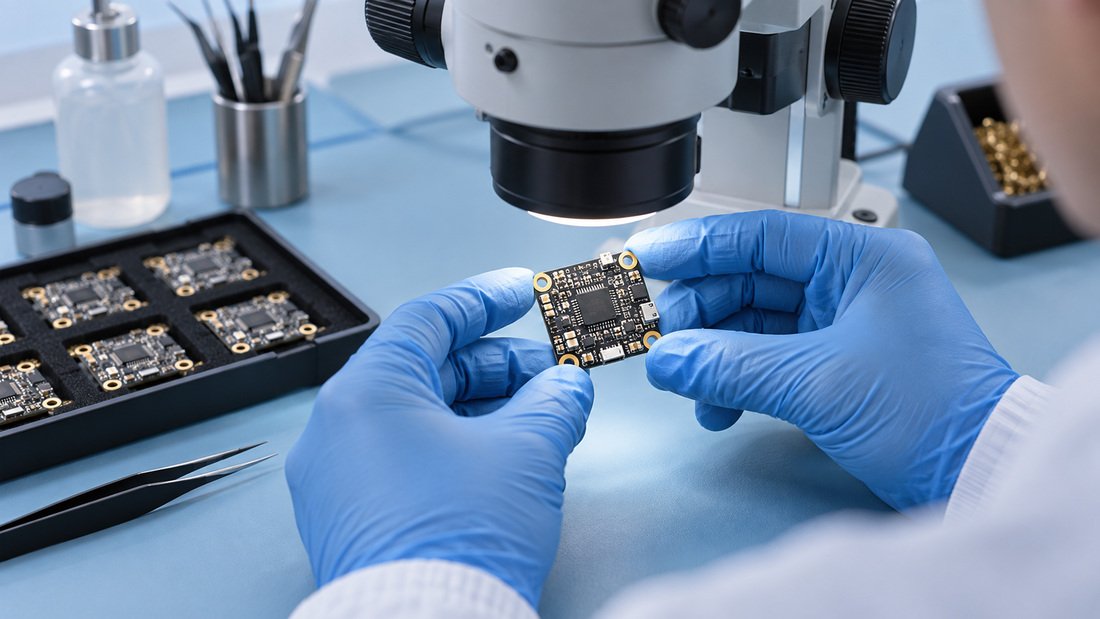
Check mounting-hole spacing, board dimensions, connector types, motor wire pads, and whether the receiver must share a UART (a serial port). Confirm the ESC protocol you intend to run and that the flight controller’s firmware supports it.
Step 4: Install and wire
Dry-fit the stack before soldering. Keep power wires short, route signal wires away from the power path where practical, and secure the antenna so it cannot shift in a crash. Follow the manufacturer’s pinout for your specific board — pinouts differ between models.
Step 5: Flash and configure firmware
Flash the correct firmware target for your board, set the receiver protocol, configure the ESC protocol, and set up the OSD if you use video. Betaflight notes that support for each board comes from its manufacturer, so use the board maker’s guidance (Betaflight Getting Started).
Step 6: Bench-test, then fly in a netted area
Remove props for motor-direction and arming checks. Verify failsafe behaviour, receiver range, motor order and sensor response. Then test in a netted or fenced area before competition use. Never test a new build in a crowded hall.
Common mistakes when upgrading drone soccer ball electronics
- Buying on price alone. A cheaper controller that no one in the club can configure costs more in coach time.
- Mixing protocols. A receiver whose protocol the firmware does not support simply will not bind, regardless of wiring quality.
- Ignoring physical fit. Boards that are a millimetre too wide will not sit in the cage stack.
- No documentation. Without photos and notes, the next repair starts from scratch.
- Testing in public. Always bench-test and then fly in a netted area.
- Assuming warranty. Opening a ball can affect terms — confirm with the supplier in writing.
Procurement checklist for clubs and schools
Use this list before you commit budget. Anything you cannot answer is a question for the supplier.
- How many balls will you upgrade this season, and how many spares do you need?
- Does the chosen flight controller fit the existing cage and mounting pattern?
- Does the receiver protocol match your club’s radios and the firmware?
- Are ESCs rated for your motor and battery combination?
- Do you have the tools: soldering iron, solder, flux, multimeter, heat shrink, wire?
- Who in the club will own firmware flashing and configuration?
- What documentation will you keep per ball (photos, firmware version, parts list)?
- What are the supplier’s confirmed warranty, return, lead-time and minimum-order terms in writing?
- Does your league permit the parts you intend to fit?
- Have you planned a safe test area?
For a fleet purchase, also consider a shared spare kit: one controller, one ESC board, one receiver and one antenna per five to ten balls is a common club starting point — adjust to your failure history.
FAQ: upgrading drone soccer ball electronics
Can I upgrade the electronics without changing the ball shell?
Usually yes. The shell and cage are mechanical, and most electronics upgrades reuse them. The limiting factors are mounting-hole pattern, board size and connector clearance inside the stack.
Do I need to know Betaflight to upgrade a ball?
You need to be able to flash and configure the firmware your flight controller runs. Betaflight is one widely used open-source option, and its documentation explains that it runs on flight controllers from many manufacturers, with board support coming from each manufacturer (Betaflight Getting Started). Other firmware exists; check what your board supports.
Which receiver protocol should a school club choose?
Choose the protocol that matches your existing transmitters and is supported by your flight controller firmware. Betaflight lists CRSF, Ghost, FPort, SBUS and Spektrum among supported protocols (Betaflight Getting Started). Standardising across a club reduces configuration errors.
Is a 4-in-1 ESC better than four separate ESCs in a ball?
A 4-in-1 board saves space and simplifies wiring, which suits a small cage. Separate ESCs can be replaced individually, which may reduce cost per failure. The better choice depends on your repair pattern and cage layout.
How many spare parts should a club hold?
There is no universal figure. Base it on your fleet size and observed failure rate, and confirm availability and lead times with your supplier in writing before the season starts.
Will upgrading void a warranty?
Warranty terms vary by supplier and jurisdiction, and opening a product can affect them. Ask your supplier to confirm in writing how modifications affect coverage in your region before you begin.
Do upgraded electronics change competition legality?
League rules vary. Check your competition organiser’s current equipment requirements and confirm that the parts you plan to fit are permitted.
Conclusion: upgrade in stages and document everything
Upgrading a drone soccer ball’s electronics is a manageable project when you treat it as a documented rebuild rather than a one-off repair. Choose parts that physically fit, match receiver and ESC protocols to your firmware, flash and configure carefully, and bench-test before flying in a netted area. For clubs, the payoff is a standardised, repairable fleet that students can learn on.
Ready to plan a fleet upgrade or order shared spare parts? Request a Team Kit Quote and tell us your fleet size, radios and cage dimensions so the part selection can be confirmed against your build.