Quick summary
Flashing an ELRS receiver means installing compatible ExpressLRS firmware over Wi-Fi or a wired link, then binding it to a transmitter running the same major version. In practice, you confirm the receiver target and regulatory domain, enter the receiver’s Wi-Fi update mode, upload the correct firmware file, and bind. Most failures come from wrong targets, mismatched versions or skipped binding steps. This guide explains the process for school and drone soccer teams, with practical checks and procurement advice.
Key Takeaways
- ELRS (ExpressLRS) receivers are usually flashed over Wi-Fi, so no special programmer is needed for most modern units.
- Transmitter and receiver must use compatible firmware versions and the same regulatory domain settings.
- Bind only after flashing, and keep a simple test bench to verify link behaviour before flying.
- For clubs and schools, standardise one firmware version and one binding phrase across a fleet to reduce support load.
- Confirm firmware targets, regulatory requirements and update methods with your supplier before ordering in bulk.
What does flashing an ELRS receiver actually involve?
Flashing is the process of writing ExpressLRS firmware onto the receiver’s microcontroller. It is separate from binding, which pairs the receiver with a transmitter. Think of flashing as installing the operating system and binding as pairing two devices. You normally flash once per firmware update, then bind whenever you change transmitter, receiver or binding phrase.
Most current ELRS receivers support Wi-Fi firmware updates. The receiver creates a temporary Wi-Fi access point, and you upload a firmware file through a browser. Some older or compact boards require a wired connection such as UART or a dedicated programmer. The exact method depends on the receiver design, so check the product documentation rather than assuming Wi-Fi is available.
Before you start: prerequisites and safety checks
Gather the right information before connecting anything. A few minutes of preparation prevents most flashing errors.
- Confirm the receiver model and hardware target. The target is a firmware identifier, not just the product name.
- Confirm the transmitter module model and its current firmware version.
- Check the regulatory domain your organisation must use. Transmitting on the wrong domain can be illegal and may damage interoperability.
- Use a stable power source. Low voltage during flashing can corrupt firmware.
- Keep receivers away from props and aircraft during bench testing.
If you are equipping a school or club, record each receiver’s target and firmware version in a simple spreadsheet. This makes later troubleshooting much faster.
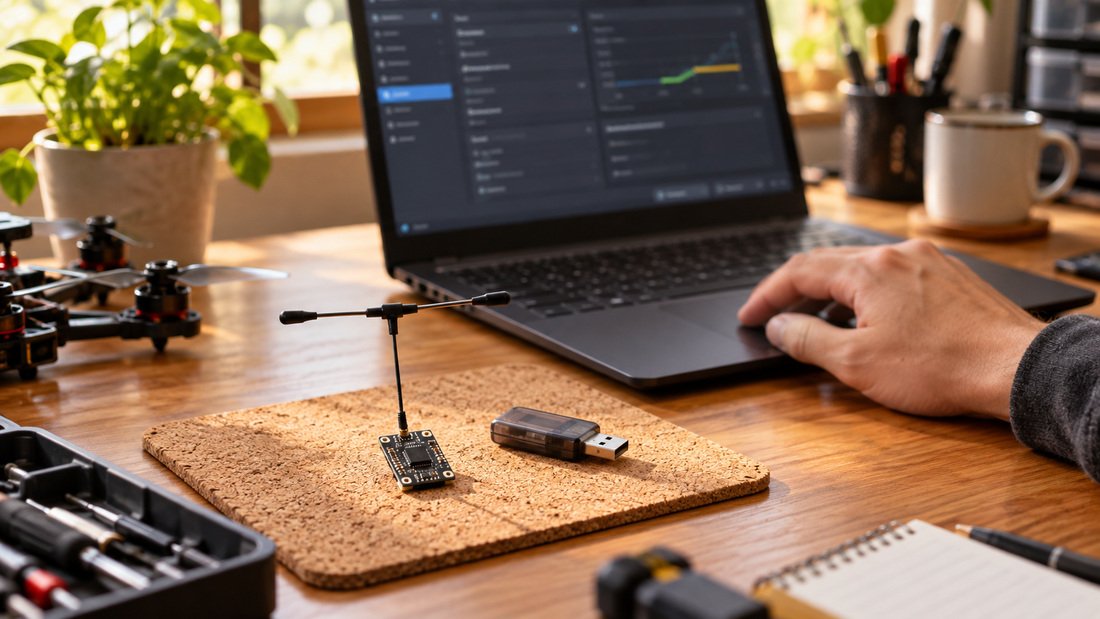
How to flash ELRS firmware over Wi-Fi
The Wi-Fi method is the most common for modern ELRS receivers. The exact menu names vary by firmware version, but the sequence is consistent.
Step 1: Put the receiver into Wi-Fi update mode
Power the receiver and follow the manufacturer’s instructions to enter Wi-Fi mode. This is often done by powering the receiver a number of times in quick succession, or by holding a button if one is fitted. The receiver should broadcast a Wi-Fi network. Connect to it from a phone or laptop.
Step 2: Open the receiver’s web interface
Once connected, open the receiver’s local web page. You should see a firmware update section. If the page does not load, disconnect other networks and try again. Some devices need you to disable mobile data temporarily.
Step 3: Upload the correct firmware file
Select the firmware file that matches the receiver target and your chosen regulatory domain. Upload it and wait for the confirmation message. Do not power off during the process. After the update, the receiver restarts.
Step 4: Verify the firmware version
Reconnect to the receiver’s Wi-Fi interface or check the transmitter’s device list to confirm the new version. If the version has not changed, the upload may have failed silently; repeat the process.
For teams managing many receivers, consider using a firmware configuration tool to generate files with consistent settings. This reduces human error across a fleet.
How to flash when Wi-Fi is not available
Some receivers have no Wi-Fi support or need recovery after a failed update. In that case, flashing usually happens through a wired connection. Methods include UART, DFU (device firmware update) over USB, or a dedicated programmer, depending on the board. You will typically need the receiver’s target file and a compatible flashing tool.
Wired flashing is more involved and varies widely between receiver designs. Ask your supplier for the recommended procedure and required cable for the specific model. Do not assume a method from another receiver will work.
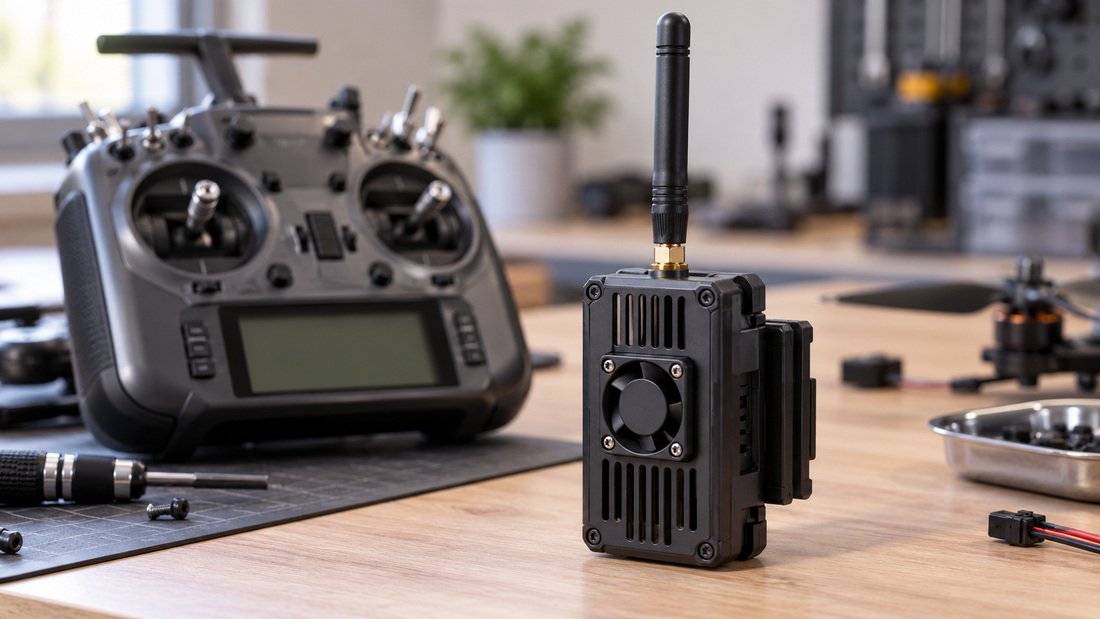
How to bind an ELRS receiver after flashing
Binding pairs the receiver with a transmitter. ELRS supports two common approaches: a binding phrase and traditional bind mode. The binding phrase is generally easier for clubs because it is repeatable across many receivers.
Binding phrase method
Set the same binding phrase in the transmitter module and in the receiver firmware. When both are flashed with matching phrases, they bind automatically at power-up. This is efficient for fleets, but it also means anyone with the phrase can bind. For school programs, keep the phrase private and change it if equipment is lost.
Traditional bind mode
Some receivers support a bind button or a bind procedure through the transmitter menu. Follow the specific procedure for your hardware. Binding usually takes a few seconds, and the receiver’s LED changes state to confirm success.
What if binding fails?
Check that transmitter and receiver firmware versions are compatible, that the regulatory domain matches, and that the receiver is actually in bind mode. Also confirm the receiver is powered and within range. A failed bind is rarely a hardware fault; it is usually a configuration mismatch.
ELRS flashing and binding methods compared
| Method | Best for | Pros | Cons |
|---|---|---|---|
| Wi-Fi update | Most modern receivers | No cable, browser-based, fast | Requires Wi-Fi support; can be confusing on some phones |
| Wired/UART/DFU | Recovery, older boards | Works without Wi-Fi; can recover bricked units | Needs correct cable and procedure; varies by board |
| Binding phrase | Clubs and fleets | Repeatable, no button pressing | Phrase must be managed securely |
| Traditional bind | Single receivers, quick tests | Simple for one-off use | Less convenient across many units |
Common mistakes when flashing and binding ELRS
Most problems are predictable. The list below covers the errors clubs report most often.
- Wrong firmware target. A file for a different receiver can leave the unit unresponsive. Always match the target exactly.
- Version mismatch. Transmitter and receiver should use compatible major versions. Mixing old and new firmware can cause binding or link issues.
- Wrong regulatory domain. This can cause legal and interoperability problems. Confirm the requirement for your country.
- Power loss during flashing. Use a stable supply and avoid unplugging until the process finishes.
- Skipping verification. After flashing, confirm the version and test binding on the bench before installing in an aircraft.
- Assuming every receiver has Wi-Fi. Check the model documentation first.
Bench testing after flashing
A short bench test catches most issues before they reach a student or pilot. Power the transmitter and receiver, confirm binding, and observe the link status. Check that failsafe behaviour is configured as intended. For drone soccer, where many aircraft operate close together, also verify that your binding phrase strategy does not cause unintended pairing between teams.
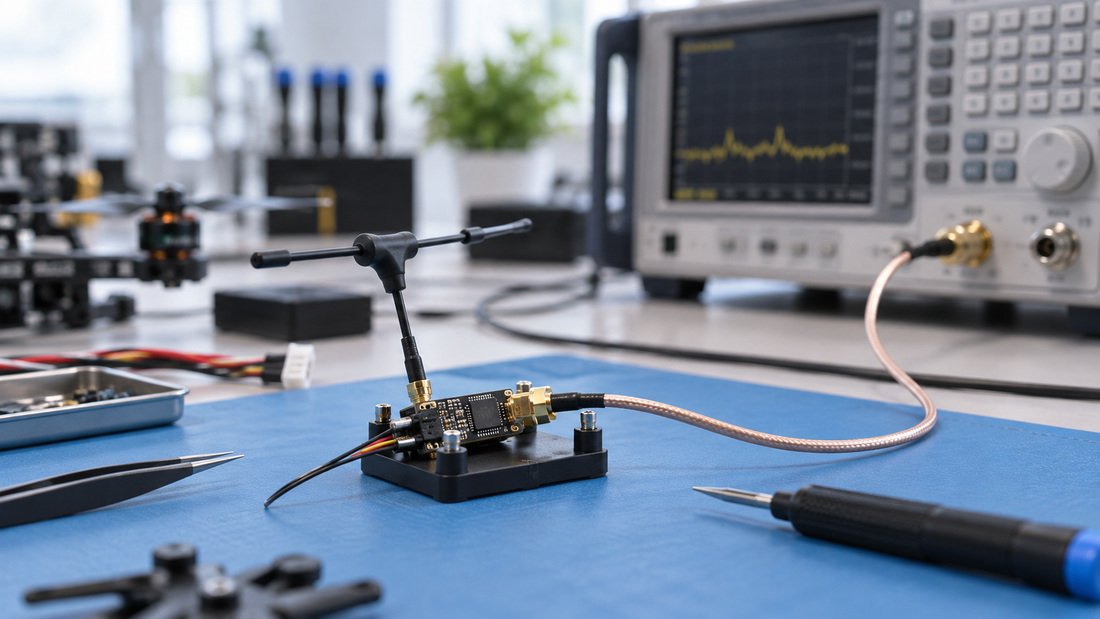
If you are testing antennas or range, keep the aircraft restrained and follow local rules. Bench testing is not a substitute for regulated field testing.
Procurement checklist for schools and drone soccer clubs
Use this checklist when specifying ELRS receivers and transmitter modules for a program.
- Confirm the receiver model supports the flashing method your team can manage (Wi-Fi or wired).
- Ask for the firmware target name and the recommended update procedure in writing.
- Confirm regulatory domain options and which one applies to your region.
- Ask whether a binding phrase can be pre-set or documented for fleet management.
- Clarify what documentation, cables or programmers are included with each unit.
- Confirm warranty, replacement and technical support terms in writing before ordering.
- Request a sample unit to test the flashing and binding workflow before committing to a bulk order.
For compatible receiver options, see our ELRS receivers range. Transmitter modules are listed under ELRS transmitter modules. If you need to check whether a receiver matches your transmitter, the ELRS receiver compatibility page is a useful starting point.
Need help specifying a fleet? Discuss your team’s requirements with us and we can help you plan a consistent setup.
Frequently asked questions
Can I flash an ELRS receiver without Wi-Fi?
Yes, many receivers support wired flashing through UART, DFU or a programmer, but the method depends on the board. Ask your supplier for the specific procedure and cable before attempting it.
Do transmitter and receiver firmware versions need to match exactly?
They should be compatible, usually within the same major version. Exact matching is the safest approach for clubs. Confirm the recommended pairing with your supplier or the firmware documentation.
Why does my receiver not bind after flashing?
Common causes include a version mismatch, different regulatory domain settings, the receiver not being in bind mode, or a binding phrase mismatch. Check each in turn before assuming a hardware fault.
Is it safe to flash a receiver many times?
Flashing is a normal maintenance activity, but frequent power interruptions or incorrect files can cause problems. Use a stable power source and verify each update.
Can I use one binding phrase for a whole school fleet?
Yes, a shared binding phrase simplifies fleet management, but it means any transmitter with that phrase can bind. Keep the phrase private and consider separate phrases for different teams or events.
What should I confirm with a supplier before buying ELRS receivers in bulk?
Confirm firmware targets, update methods, regulatory domain options, included documentation, support terms and warranty in writing. Request a sample to validate your workflow first.
Conclusion
Flashing an ELRS receiver is straightforward once you know the target, the update method and the binding approach. The main risks are configuration errors, not difficult procedures. For schools and drone soccer clubs, standardising firmware and binding phrases across a fleet saves time and reduces support calls. Before ordering, confirm the technical details that matter to your program and test a sample unit. When you are ready to equip a team, Request a Team Kit Quote.