Quick summary
An online ELRS flasher is a browser-based tool that compiles ExpressLRS (ELRS, an open-source radio link protocol) firmware with your chosen options and sends it to a receiver or transmitter module over a USB cable or Wi-Fi link. You pick the target, frequency band, binding phrase and regulatory domain, the tool builds the binary, then you flash it through the web serial or web updater interface. The main work is choosing the right target and options before you press flash.
Key Takeaways
- An online flasher does not host finished firmware files; it builds firmware from source using the options you select, then flashes it through your browser.
- The most common failure is a wrong target or wrong frequency band, not a bad cable. Confirm the hardware and band before flashing.
- A shared binding phrase lets a whole team bind receivers and modules without pressing buttons on each unit.
- Regulatory domain and telemetry settings must match your region and your use case; check them with your supplier or local rules.
- Keep a record of firmware version, target and binding phrase for every unit so future updates and troubleshooting are predictable.
What an online ELRS flasher actually does
An online flasher combines three steps in one browser page: target selection, firmware compilation and flashing. The tool translates your choices into build flags, compiles the firmware, and then writes the resulting binary to the connected device or serves it to the device’s Wi-Fi update page. This is different from downloading a pre-built file from a repository, because the online tool lets you set options such as binding phrase, regulatory domain, packet rate defaults and telemetry mode before the build.
Because the tool depends on a build service, an internet connection is needed for the compile step. Some tools also support flashing from a locally downloaded file if you prefer to pre-build and store binaries. For a school or club with many identical receivers, pre-building one binary and reusing it can be faster and more consistent than rebuilding for each unit.
How the build-to-flash flow works
In a typical session you connect the device, choose the target name that matches the hardware, select the frequency band, enter a binding phrase, set the regulatory domain, then start the build. The tool compiles and either flashes over USB serial or gives you a file to upload to the device’s Wi-Fi interface. After flashing, reboot the device and confirm it binds to a transmitter with the same phrase and domain.
The exact interface varies between tools and firmware versions. Treat any step-by-step guide, including this one, as a general sequence to verify against the current tool documentation, not as a fixed procedure.
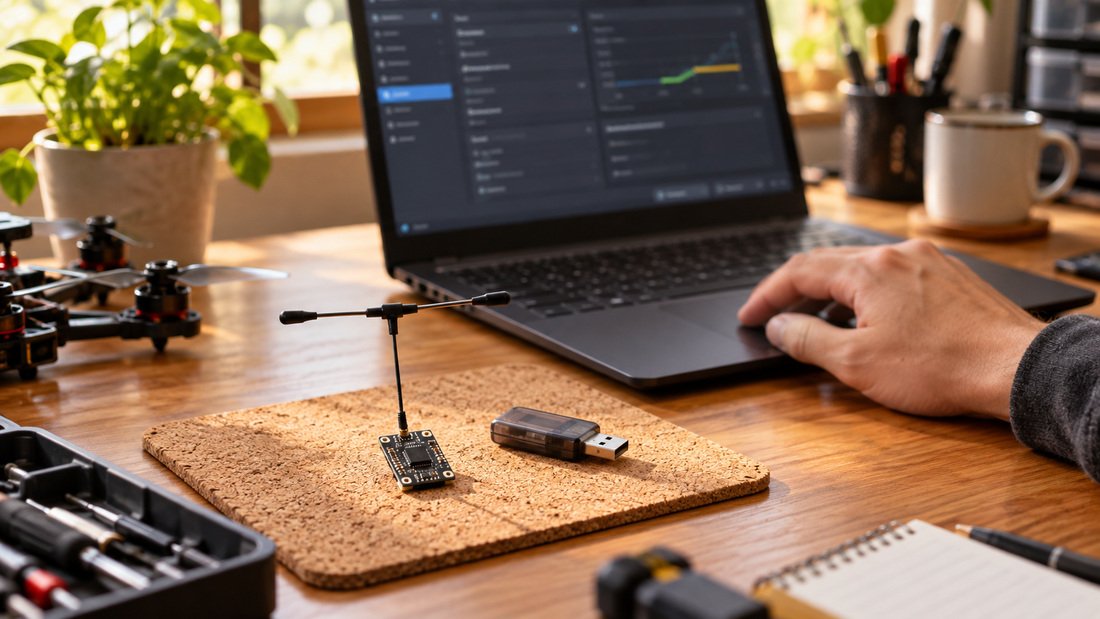
When an online flasher helps a drone soccer team
Drone soccer and club programs often run batches of similar aircraft. An online flasher helps because it reduces per-unit manual steps: a single build with a shared binding phrase can be applied across a set of receivers, and the same phrase can be set on team transmitter modules. That makes spare aircraft easier to swap in during practice and simplifies onboarding when a new member joins.
For schools, the browser-based approach can be easier to manage on shared laptops than installing a full toolchain. It also gives coaches a repeatable checklist: target, band, domain, phrase, flash, bind test. However, browser and USB driver behaviour varies by operating system, so test the flow on the devices you actually use before a session with students.
Team workflow example
An illustrative workflow for a small club: label each receiver with its target and firmware version; build one binary per hardware type with the team binding phrase; flash all units of that type in one sitting; then bench-test each aircraft’s link before flight. This is a suggested pattern, not a confirmed DPF procedure.
Comparing flashing routes
There is more than one way to update ELRS hardware. The table below compares common routes at a general level. Availability of each route depends on the specific hardware and firmware version, so confirm with the supplier.
| Route | What you need | Strengths | Trade-offs | Best for |
|---|---|---|---|---|
| Online flasher (browser build + flash) | Internet, compatible browser, USB or Wi-Fi update support | Options set at build time; no local toolchain | Depends on build service and browser/driver compatibility | Clubs and schools wanting a repeatable, guided flow |
| Pre-built binary from repository | Correct target file, flashing utility | Works offline; binary can be archived | Options may be fixed; must match target exactly | Teams standardising fleets and storing versions |
| Local build from source | Development environment and toolchain | Full control over build options | More technical setup and maintenance | OEM/ODM teams and advanced users |
| Device Wi-Fi update page | Device broadcasting its update network, browser | No cable; useful after initial setup | Requires the device to be reachable and in update mode | Field updates and quick phrase changes |
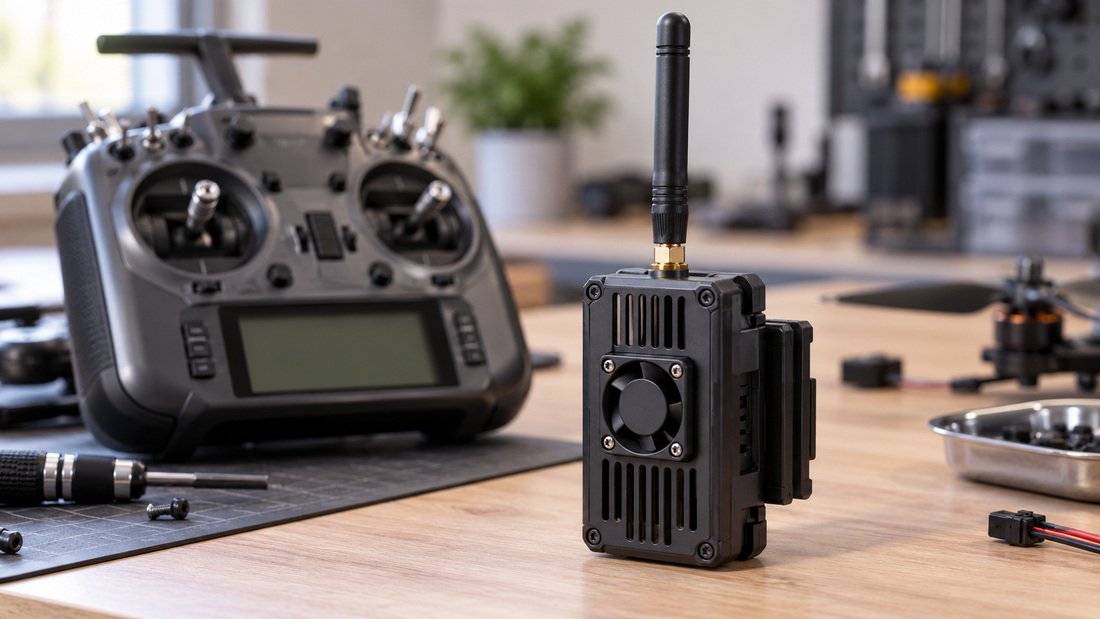
Choosing the right target, band and domain
The target is the specific hardware and firmware variant the tool must build for. Choosing a target that does not match the receiver or module can produce a device that flashes but does not function correctly. Frequency band (for example 2.4 GHz or sub-GHz options) must also match the hardware; a band mismatch is a common reason a device appears dead after flashing.
Regulatory domain settings are region-specific. Rules differ by country and change over time, so ask your supplier which domain setting is appropriate and confirm against your local regulator. Do not assume a default is valid for your location.
Binding phrase versus button binding
A binding phrase is a shared string compiled into firmware. Devices with the same phrase bind automatically when powered on. Button or traditional binding sequences can still be used depending on hardware and firmware, but a shared phrase is usually simpler for teams. If you change the phrase, you must reflash every device that should bind to the group.
For mixed fleets, keep a written record of which phrase belongs to which group. Avoid reusing a phrase across unrelated programs if you need isolated links.
Common mistakes and how to avoid them
Most flashing problems come from a small set of preventable errors. The list below reflects general community experience with firmware workflows; verify specifics against current documentation.
- Wrong target selected, causing incorrect pin mapping or non-functional features.
- Band mismatch between receiver and transmitter module.
- Forgetting to set or share the binding phrase across all units.
- Flashing while the device is not in the correct boot or update mode.
- Using a charge-only USB cable or a port that does not provide data.
- Not recording firmware version and options, making later troubleshooting harder.
- Assuming a default regulatory domain is correct for your country.
Bench testing after flashing
Before flight, power each aircraft and confirm the link binds, controls respond correctly and telemetry (if used) appears. A simple bench log per aircraft, noting firmware version, target, band, phrase group and bind result, makes fleet management much easier.
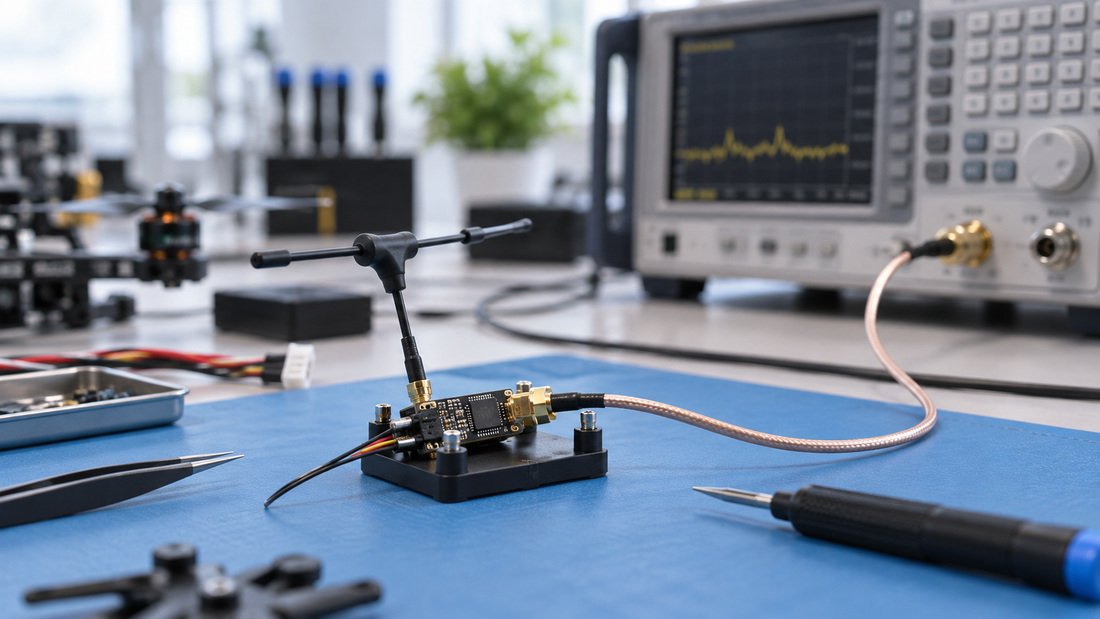
Planning a fleet update for a school or club? Talk to Drone Parts Factory about your team’s ELRS setup and confirm hardware compatibility before you standardise on a firmware workflow.
Procurement checklist for clubs and schools
Before buying ELRS receivers and transmitter modules for a program, confirm the following with your supplier in writing. This checklist covers the questions that most affect flashing and binding workflows.
- Which receiver and module models are supplied, and do they share a compatible firmware target family?
- Which frequency band is supplied, and does it match your transmitter modules and local rules?
- What firmware version ships on the units, and is it a version supported by current online flashers?
- Does the hardware support USB or Wi-Fi firmware updates, and which method is recommended for batch updates?
- Are binding phrases supported by the shipped firmware, and is there a documented procedure?
- What documentation, pinouts and target names are provided for the supplied hardware?
- What is the support path if a unit fails to flash or bind?
- Are spare receivers and antennas available so a failed unit does not ground an aircraft?
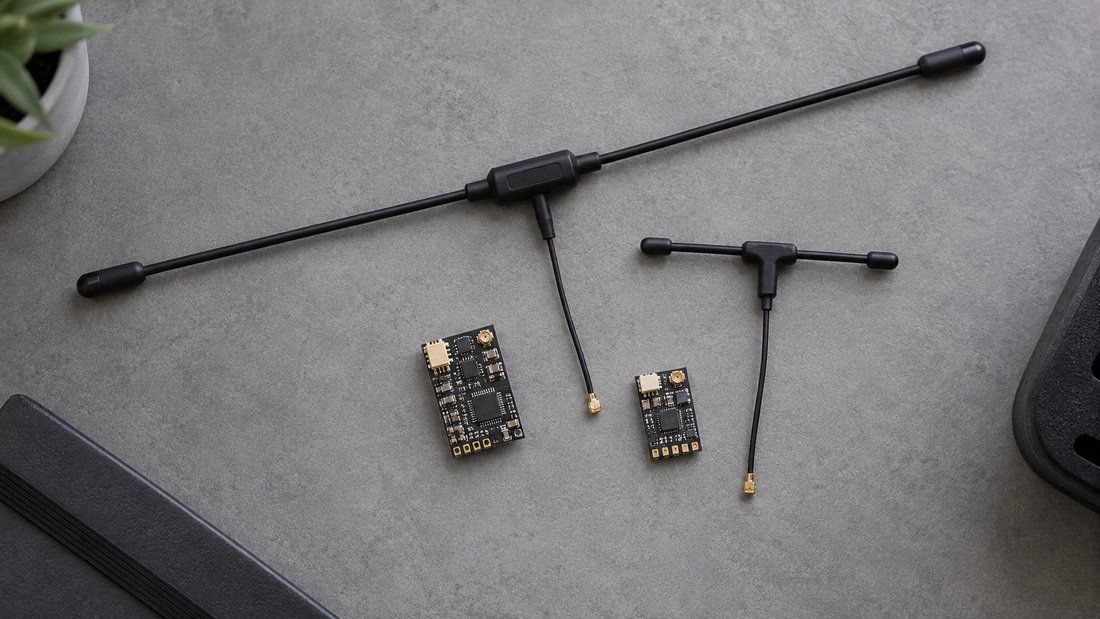
For hardware context, review the ELRS receivers and ELRS transmitter modules ranges, and check ELRS receiver compatibility guidance before committing to a fleet standard. Antenna choice also affects link behaviour; see RF antennas for general options.
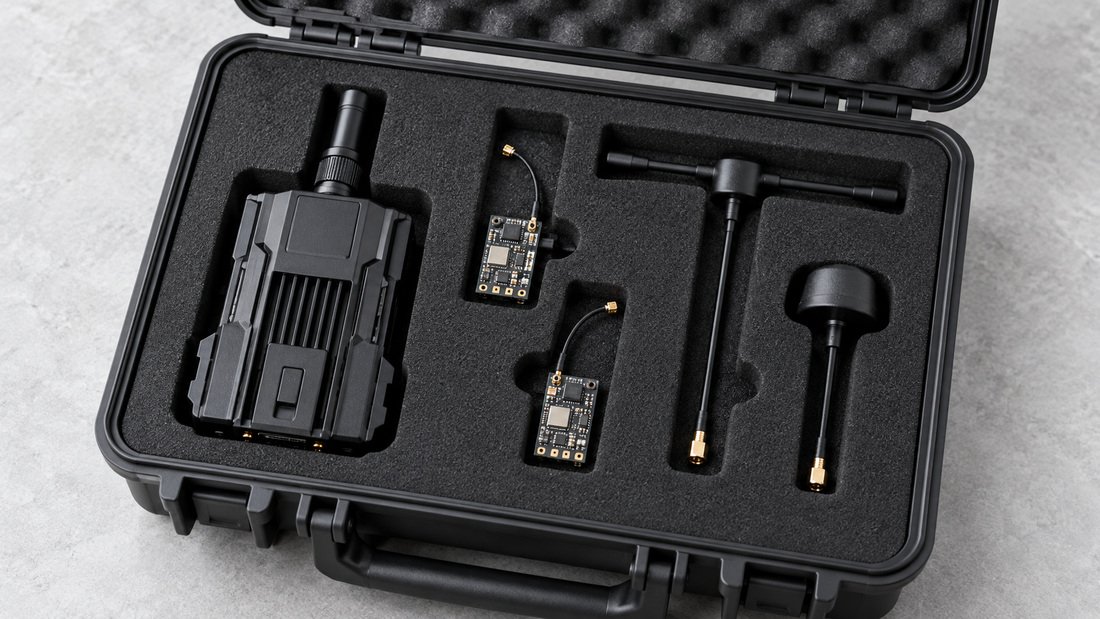
Supporting distributors, event organizers and OEM teams
If you are standardising hardware for events or resale, the flashing workflow matters as much as the radio link itself. Event organizers may need a documented, repeatable setup so multiple teams can be supported quickly. Distributors may need to know which firmware versions and target names apply to the stock they hold. OEM/ODM buyers should ask for the target names, supported update methods and documentation for each model before production planning.
Do not assume that all ELRS-branded hardware shares the same target or options. Confirm per model, in writing, and keep a version-controlled record of the build options used for each batch.
Questions to ask about firmware support
Ask whether firmware updates are expected to be supported for the life of the product, which tools are recommended, and how target names are published. If a supplier cannot confirm target names or update methods, treat that as a risk to your program’s long-term maintenance.
FAQ
Does an online ELRS flasher need an internet connection?
For the build step, usually yes, because the tool compiles firmware on a remote service. Some workflows let you download a pre-built binary and flash it offline. Check the specific tool’s current documentation.
Can I flash a receiver without a binding phrase?
Yes, depending on the firmware and hardware. Without a shared phrase you will need to use the binding method supported by your devices. For teams, a shared phrase is often simpler but requires reflashing every unit when it changes.
Why does my receiver not bind after flashing?
Common causes include a different binding phrase on the transmitter module, a band mismatch, or a target mismatch. Verify phrase, band and target first, then check that both devices are powered and in range.
Can I use the same firmware on all receivers in a club?
Only if they share the same hardware target and band. Different receiver models usually need different targets. Group your fleet by target and build one binary per group.
Is it safe to update firmware before an event?
Bench-test after any update and keep a known-good spare. Avoid making firmware changes immediately before competition unless you have time to verify every aircraft.
What should I confirm with DPF before ordering?
Confirm target names, supported update methods, firmware versions shipped, band options, documentation and support path in writing. Commercial terms such as lead times and minimum order quantities should also be confirmed in writing with the sales team.
Does the regulatory domain matter for school use?
Yes. Regulatory requirements vary by country and may change. Ask your supplier which domain setting applies and confirm with your local regulator; do not rely on a default setting.
Conclusion
An online ELRS flasher is best understood as a build-and-flash workflow, not a magic button. The tool compiles firmware from the options you choose, then writes it to the device. Most problems come from wrong targets, band mismatches or inconsistent binding phrases, all of which are avoidable with a written checklist and a bench test after each update.
For clubs, schools and event organizers, standardising on compatible receivers and modules, recording firmware versions and testing before flight will save more time than any single flashing step. For distributors and OEM teams, confirm target names and update methods per model before committing to volume. Request a Team Kit Quote to discuss ELRS receivers and transmitter modules for your program.