Quick summary
ELRS receiver LED blinking patterns typically indicate the receiver’s current state: a fast blink usually means it is in binding mode or waiting for a transmitter signal, a slow or double blink often signals a firmware mismatch or configuration issue, and a solid LED generally means a successful link. Because ExpressLRS (ELRS) is open-source and hardware varies, always confirm the exact pattern meaning in your receiver’s official documentation and firmware target.
Key Takeaways
- LED patterns are firmware-defined; the same blink may mean different things on different ELRS versions or hardware.
- Most blinking issues trace back to firmware version mismatch, incorrect binding phrase, or wiring/telemetry configuration.
- Before flashing, verify your receiver target and confirm the correct firmware file for your hardware.
- Use a systematic troubleshooting sequence: power, firmware, binding phrase, then RF environment.
- For teams, standardize firmware and binding procedures across all receivers to reduce field failures.
Why ELRS Receiver LEDs Matter for Teams
In drone soccer, a receiver that fails to bind or loses link can sideline a match. The LED is often the first diagnostic clue. However, ELRS is a community-driven firmware, and LED behavior is not standardized across all versions or manufacturers. Treat the LED as a starting point, not a definitive diagnosis.
What the LED Can and Cannot Tell You
The LED can indicate power, binding mode, link status, and sometimes firmware update mode. It cannot tell you the exact firmware version, the binding phrase, or the quality of your RF environment. For those, you need configuration tools and a systematic check.
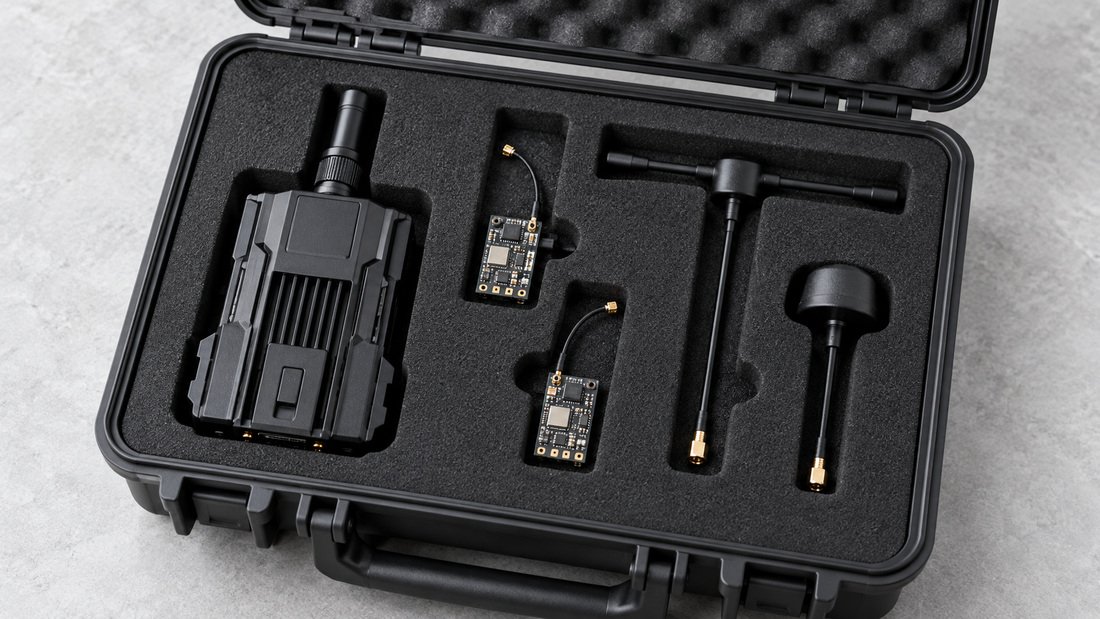
Common ELRS LED Blinking Patterns and What They Usually Mean
Below is a general guide based on common ELRS firmware behavior. Always cross-check with your receiver’s manual or the firmware release notes for your specific version.
| LED Pattern | Likely Meaning | Typical Action |
|---|---|---|
| Fast blink (e.g., 10 Hz) | Binding mode or no transmitter signal | Put transmitter in binding mode; check binding phrase |
| Slow blink (e.g., 1 Hz) | Connected but no valid signal, or firmware mismatch | Verify firmware version and binding phrase; check antenna |
| Double blink | Wi-Fi update mode or configuration mode | Connect via Wi-Fi to configure or flash |
| Solid LED | Linked to transmitter | Normal operation; proceed with pre-flight checks |
| No LED | No power or hardware fault | Check wiring, power supply, and solder joints |
Note: These patterns are illustrative. Your receiver may use different patterns. Consult the documentation provided by your supplier or the ELRS firmware repository for your version.
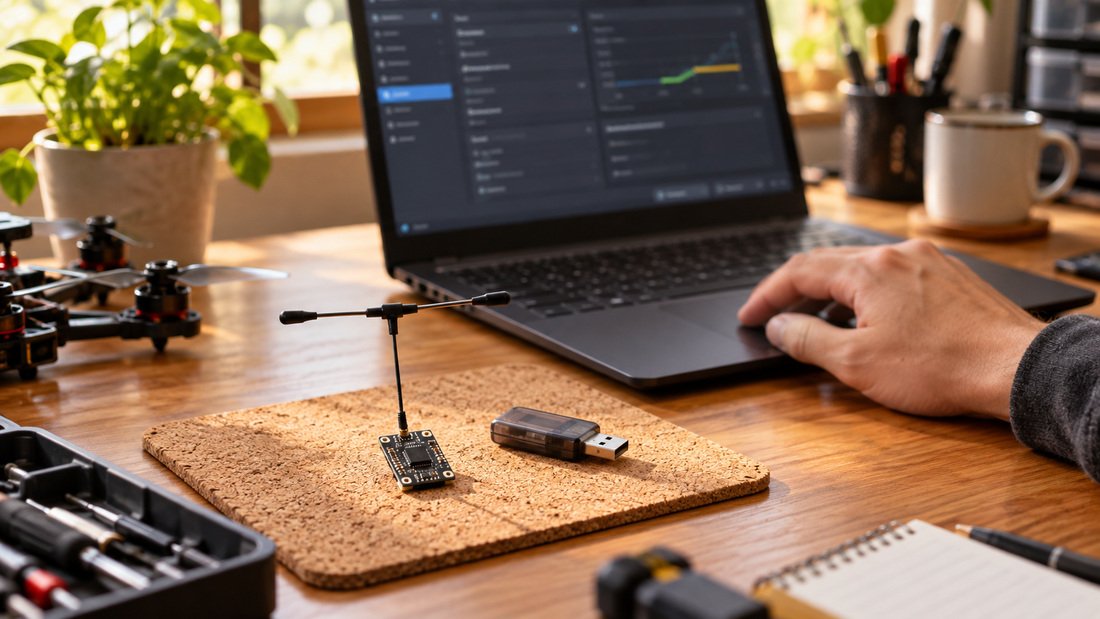
ELRS Firmware, Flashing and Binding: How They Affect the LED
Firmware version, flashing method, and binding phrase are the three most common causes of unexpected LED behavior. Understanding their relationship helps you troubleshoot efficiently.
Firmware Version Mismatch
ELRS requires the transmitter and receiver to run compatible firmware versions. A major version mismatch (e.g., 2.x vs 3.x) can prevent binding and cause the receiver LED to blink in a pattern that indicates no link. Always verify the firmware version on both ends before binding.
Flashing the Receiver
Flashing updates the firmware. If flashing fails or an incorrect target is used, the receiver may enter a bootloop or show an abnormal blink. Use the correct target for your hardware and follow the flashing instructions carefully. For a compatibility overview, see our ELRS receiver compatibility page.
Binding Phrase and Binding Mode
ELRS uses a binding phrase (a string of characters) to pair transmitter and receiver. If the phrases differ, binding will not occur, and the receiver may blink as if in binding mode. Alternatively, you can use traditional binding mode, but ensure both devices are in the same mode. For hardware options, browse our ELRS receivers and ELRS transmitter modules.
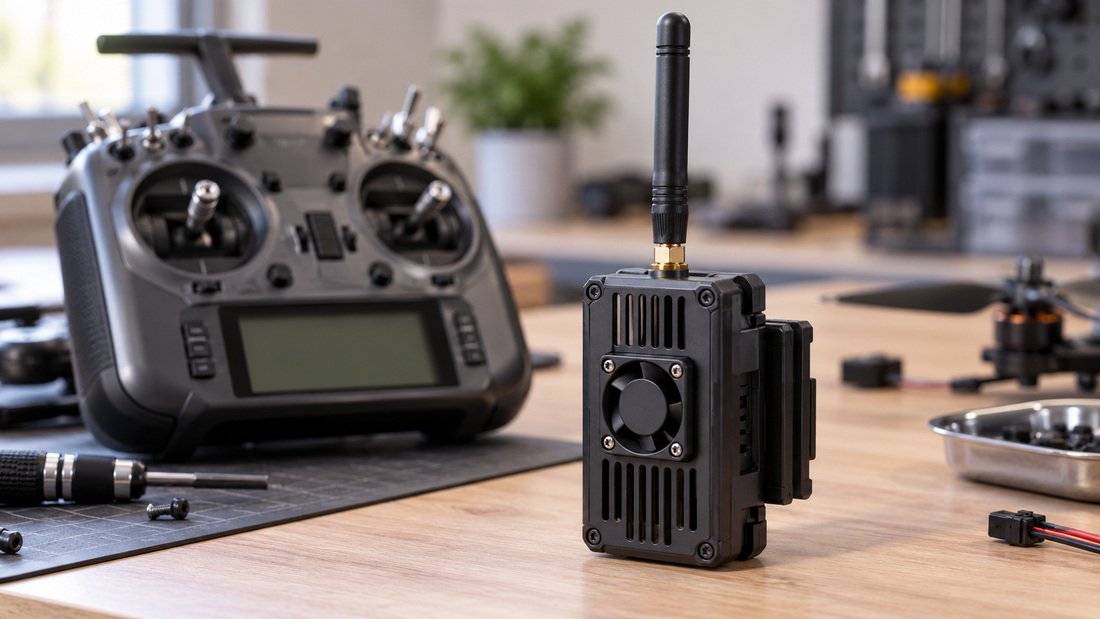
Troubleshooting Steps for Blinking ELRS Receivers
Follow this sequence to isolate the cause. Start with the simplest checks and work toward more complex ones.
- Check power and wiring: Ensure the receiver receives correct voltage and ground. Inspect solder joints and connectors.
- Verify firmware versions: Confirm transmitter and receiver run compatible ELRS firmware. Update if necessary.
- Confirm binding phrase: Ensure both devices use the same binding phrase or are both in binding mode.
- Inspect antenna and RF environment: A missing or damaged antenna can prevent link. Check for interference sources.
- Test with a known-good receiver: If available, swap receivers to isolate the fault.
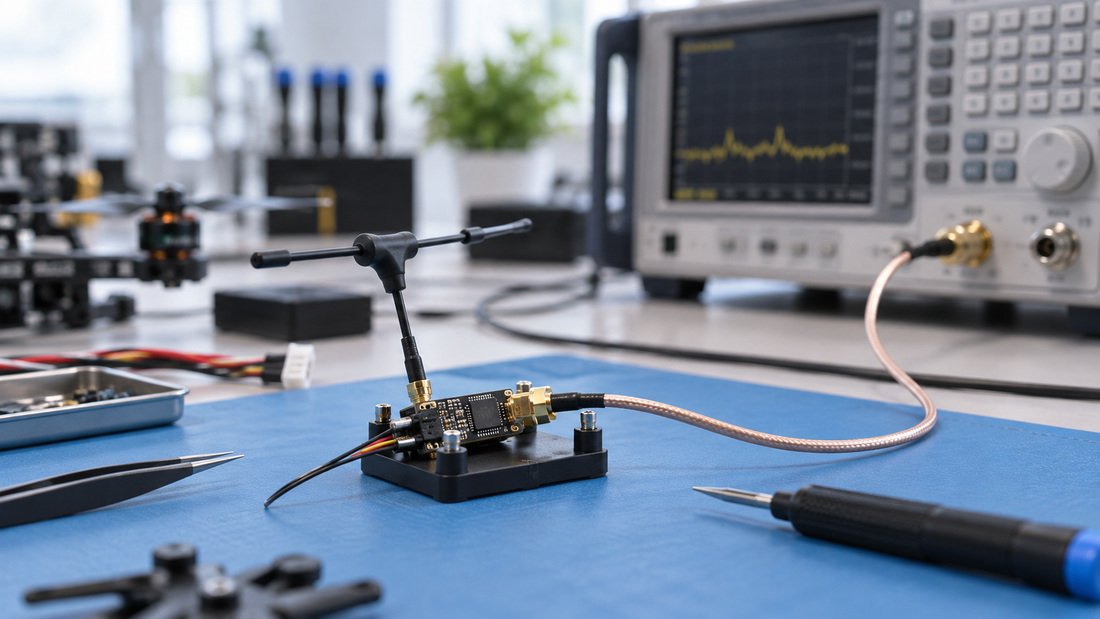
For RF link testing, see our RF antennas selection and consider bench testing with proper equipment.
Common Mistakes to Avoid
- Assuming LED patterns are universal across all ELRS versions.
- Flashing firmware without confirming the correct target.
- Using different binding phrases on transmitter and receiver.
- Ignoring antenna damage or poor RF environment.
- Not documenting firmware versions for team equipment.
Procurement Checklist for Clubs and Schools
When purchasing ELRS receivers for a team, consider these points to reduce support burden.
- Request the exact firmware version pre-installed and the supported update methods.
- Confirm the binding phrase procedure and whether it can be customized.
- Ask for documentation on LED patterns for the specific model.
- Verify compatibility with your existing transmitters. See ELRS and RF systems for an overview.
- Clarify warranty and support terms in writing.
For a tailored quote for your team, request a Team Kit Quote.
Frequently Asked Questions
Why is my ELRS receiver blinking fast?
A fast blink usually indicates binding mode or no transmitter signal. Check that your transmitter is on and in binding mode, and that binding phrases match.
Can I change the LED behavior?
Some ELRS firmware versions allow LED configuration via the web interface or CLI. Consult your firmware documentation.
What if the LED is solid but I have no control?
A solid LED may indicate a link, but control issues could be due to channel mapping or failsafe settings. Verify your transmitter’s channel output and receiver configuration.
Do all ELRS receivers use the same LED patterns?
No. LED patterns are defined by firmware and can vary between versions and hardware. Always refer to the documentation for your specific receiver.
How do I update ELRS firmware?
Typically via Wi-Fi or UART, depending on the receiver. Use the correct firmware target and follow the manufacturer’s instructions.
Where can I find compatible receivers for my team?
Browse our ELRS receivers and contact us for compatibility guidance.
Conclusion
ELRS receiver LED blinking patterns are a useful diagnostic tool, but they must be interpreted alongside firmware version, binding configuration, and hardware checks. For drone soccer teams and educational programs, standardizing firmware and binding procedures across your fleet can minimize field issues. When in doubt, consult your supplier’s documentation and test systematically.
Ready to equip your team? Request a Team Kit Quote to discuss your specific needs.