Quick summary
Setting failsafe on ELRS (ExpressLRS) involves configuring the receiver and flight controller to define what happens when the radio link is lost. First, ensure your ELRS firmware versions are compatible and your transmitter and receiver are bound. Then, in the ELRS Lua script or web interface, set the failsafe mode (e.g., cut motors, hold last position, or return-to-home). Finally, configure the flight controller’s failsafe settings to match. Always test on the bench with props removed. For drone soccer teams, a predictable failsafe protects players and equipment.
Key Takeaways
- ELRS failsafe has two layers: receiver-side (ELRS) and flight controller-side; both must be configured consistently.
- Firmware version compatibility between TX and RX is essential for binding and reliable failsafe behavior.
- Binding must be completed before failsafe settings can be tested; use the binding phrase or button method.
- Always test failsafe on the bench with propellers removed and then in a safe, open area.
- For team use, document failsafe settings and verify each aircraft before events.
Understanding ELRS Failsafe: What It Is and Why It Matters
Failsafe is a safety mechanism that defines receiver and flight controller behavior when the control link is lost. In ELRS, failsafe can be configured at the receiver level (via ELRS settings) and at the flight controller level (via betaflight/inav etc.). For drone soccer, where multiple aircraft operate in a confined space, a well-configured failsafe reduces the risk of flyaways and collisions.
ELRS firmware, flashing and binding are foundational: without proper binding and compatible firmware, failsafe settings may not be applied correctly. See our ELRS and RF systems overview for context.
Receiver-Level vs. Flight Controller-Level Failsafe
Receiver-level failsafe in ELRS determines what signal the receiver sends to the flight controller when the link is lost. Options typically include: no pulses, hold last position, or custom channel values. Flight controller-level failsafe then interprets these signals to trigger actions like motor cut or return-to-home. Both layers must be aligned to avoid unexpected behavior.
ELRS Firmware and Binding: Prerequisites for Failsafe
Before setting failsafe, ensure your ELRS transmitter module and receiver are running compatible firmware versions and are bound. Incompatible firmware can cause binding failures or erratic failsafe behavior.
Checking Firmware Compatibility
Use the ELRS Configurator to flash firmware. Verify that the major version (e.g., 3.x) matches between TX and RX. Some teams standardize on a single firmware version across all equipment to simplify maintenance. For detailed compatibility, refer to our ELRS receiver compatibility page.
Binding Methods: Binding Phrase vs. Button
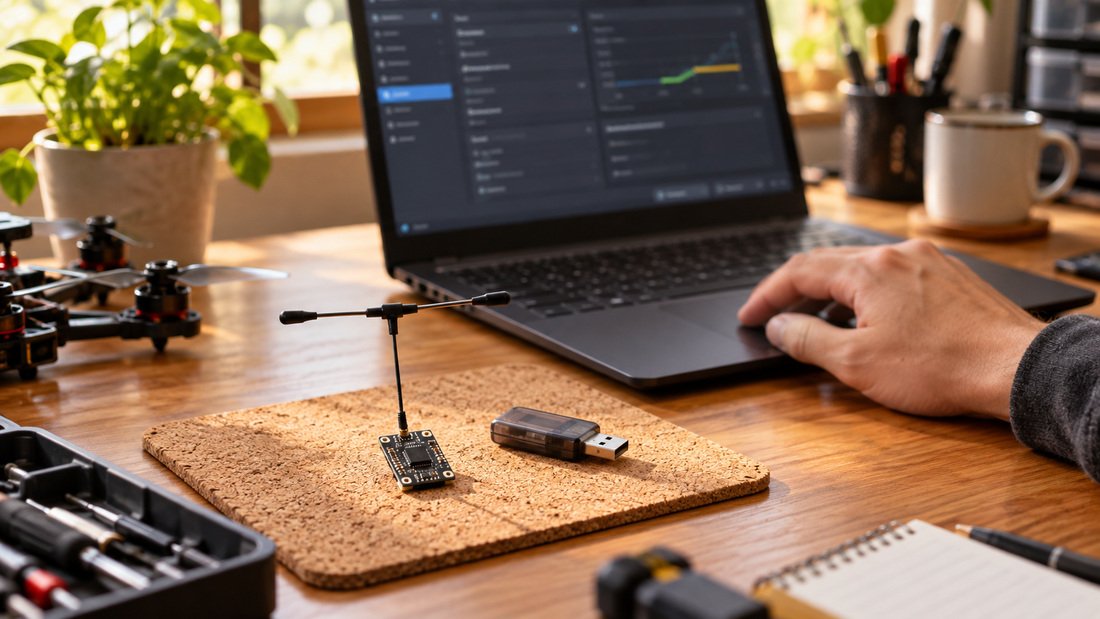
ELRS supports binding via a binding phrase (set in firmware) or via a bind button on the receiver. The binding phrase method is convenient for teams because it allows multiple receivers to be bound to the same transmitter without physical access. Button binding is useful for receivers without a phrase. Ensure binding is successful before proceeding to failsafe configuration.
Step-by-Step: Configuring Failsafe on ELRS
Follow these steps to set failsafe on ELRS. Note that exact menu names may vary by firmware version and hardware.
Step 1: Access ELRS Settings
On your transmitter, open the ELRS Lua script (or web interface if using a compatible module). Navigate to the receiver settings. You should see options for failsafe mode.
Step 2: Choose Failsafe Mode
Select the desired failsafe behavior. Common options:
- No pulses: Receiver stops sending channel pulses; flight controller detects signal loss and triggers its own failsafe.
- Hold: Receiver continues sending last known channel values; flight controller may not detect loss unless configured.
- Custom: Set specific channel values (e.g., throttle low, arm off).
For most drone soccer applications, “no pulses” combined with flight controller failsafe is recommended for predictable motor cut. However, verify with your flight controller documentation.
Step 3: Set Flight Controller Failsafe
In your flight controller software (e.g., Betaflight), configure the failsafe stage. Set “failsafe procedure” to “drop” or “land” as appropriate. Ensure that the receiver’s failsafe mode aligns with the flight controller’s detection method (e.g., if using no pulses, enable “failsafe” in receiver tab).
Step 4: Test on the Bench
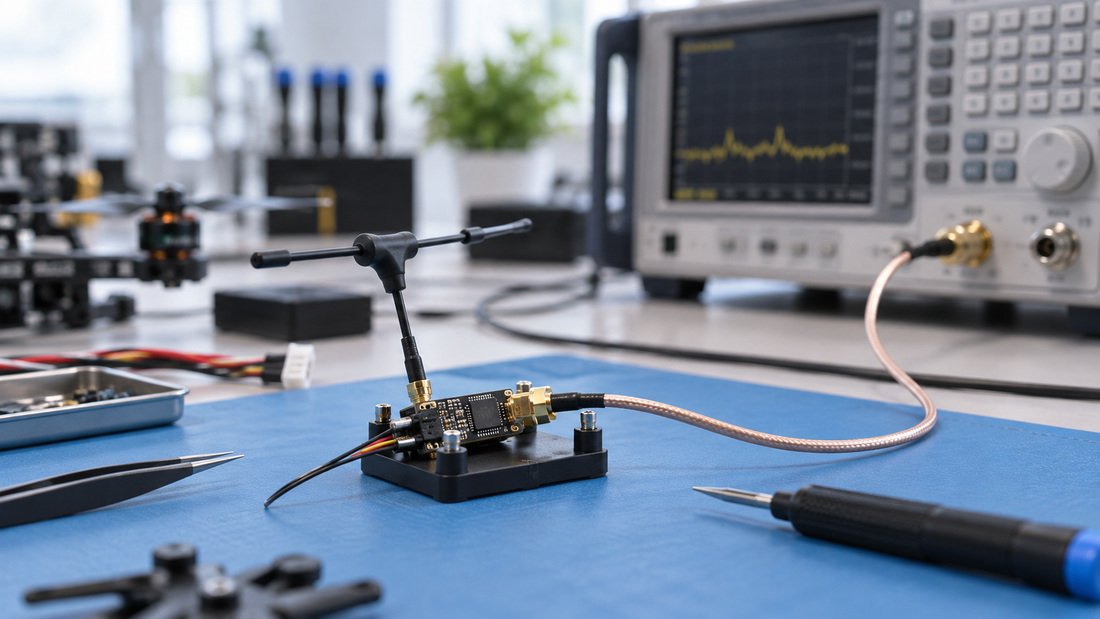
With propellers removed, power the transmitter and receiver. Arm the flight controller (if safe) and then turn off the transmitter. Observe in the flight controller’s receiver tab whether channels move to failsafe values. Adjust settings as needed.
Step 5: Field Test
In a safe, open area with no people nearby, perform a range check and induce a failsafe by turning off the transmitter or moving out of range. Confirm the aircraft behaves as expected (e.g., motors stop). Never skip this step.
Comparison of Failsafe Modes
| Failsafe Mode | Behavior | Pros | Cons | Best For |
|---|---|---|---|---|
| No Pulses | Receiver stops sending pulses; FC detects loss | Reliable detection; common | Requires FC failsafe configured | Most drone soccer setups |
| Hold | Receiver holds last channel values | Prevents sudden changes | FC may not detect loss; risk of flyaway | Not recommended unless FC monitors |
| Custom | Predefined channel values (e.g., throttle low) | Tailored response | Complex to set; needs testing | Advanced users |
Common Mistakes and Troubleshooting
Even experienced teams encounter issues. Here are frequent pitfalls:
- Mismatched firmware: TX and RX on different major versions can cause binding failure or failsafe not applying. Always flash both to the same version.
- Flight controller failsafe disabled: If the FC failsafe is off, receiver failsafe may not trigger motor cut. Enable and configure FC failsafe.
- Testing with props on: Extremely dangerous. Always remove props for bench tests.
- Ignoring range check: Failsafe may trigger prematurely if range is poor. Perform a range check and inspect antennas.
- Inconsistent settings across team: Standardize failsafe settings and document them for all aircraft.
For antenna-related issues, see our RF antennas selection.
Procurement Checklist for Teams and Clubs
When equipping a drone soccer team, consider these points to ensure failsafe reliability:
- Choose ELRS receivers and transmitter modules from a consistent product line (e.g., ELRS receivers and ELRS transmitter modules).
- Confirm firmware version and binding method compatibility with your existing equipment.
- Request documentation on failsafe configuration and default settings.
- Ask about firmware update procedures and toolchain support.
- Verify warranty and support terms in writing.
- Order samples to test failsafe behavior before bulk purchase.
- Plan for spare receivers and antennas to maintain team readiness.
Need help selecting ELRS gear for your team? Request a Team Kit Quote to discuss your requirements.
FAQs
1. What is the difference between ELRS failsafe and flight controller failsafe?
ELRS failsafe is configured on the receiver and defines what signal is sent to the flight controller when the link is lost. Flight controller failsafe defines how the FC reacts to that signal (e.g., motor cut, return-to-home). Both must be configured for consistent behavior.
2. Can I set failsafe without binding?
No. Binding establishes the link between transmitter and receiver. Failsafe settings are applied after binding, and testing requires a bound system.
3. How do I know if my ELRS firmware versions are compatible?
Check the major version number (e.g., 3.x) in the ELRS Lua script or Configurator. TX and RX should match. Refer to the ELRS documentation or our compatibility page for guidance.
4. What failsafe mode is best for drone soccer?
“No pulses” combined with a flight controller failsafe set to drop is common for drone soccer, as it stops motors promptly. However, verify with your flight controller and test thoroughly.
5. Why does my receiver not enter failsafe when I turn off the transmitter?
Possible causes: flight controller failsafe not enabled, receiver failsafe set to “hold,” or firmware mismatch. Check FC settings and receiver failsafe mode, and ensure firmware compatibility.
6. How often should I test failsafe?
Test failsafe before each flying session, after firmware updates, and after any changes to receiver or flight controller settings. Regular testing is essential for safety.
7. Can I use ELRS failsafe with any flight controller?
Most modern flight controllers support failsafe configuration. Check your FC firmware documentation for compatibility and specific settings.
Conclusion
Setting failsafe on ELRS requires attention to firmware compatibility, binding, and coordinated configuration between receiver and flight controller. For drone soccer teams, a reliable failsafe is critical for safety and fair play. By following the steps outlined and testing thoroughly, you can ensure your aircraft behave predictably in the event of signal loss.
Ready to equip your team? Request a Team Kit Quote to get started with ELRS receivers and transmitter modules tailored to your needs.