Quick summary
Standardizing on one ELRS firmware version across a classroom fleet reduces binding confusion, simplifies flashing and keeps troubleshooting predictable. There is no universal “best” version for every school. The practical answer is to choose a stable major release that matches your hardware, your radio ecosystem and your technical support capacity, then lock it in with a written version policy. Verify hardware compatibility and support commitments in writing before purchasing a term’s worth of equipment.
Key Takeaways
- Pick one ELRS firmware baseline for the whole fleet, not per student or per classroom.
- Match the firmware to the receiver and transmitter hardware you actually own.
- Document flashing and binding steps so staff and students repeat the same process.
- Keep a small number of spare receivers pre-flashed to the school baseline.
- Confirm version support, update policy and compatibility with your supplier before bulk orders.
Why a Single ELRS Firmware Baseline Matters in Education
A single firmware baseline removes a major source of classroom failure: mismatched devices that will not bind or behave differently between sessions. In a school or club, instructors rotate, students share equipment and troubleshooting time is limited. Consistency turns firmware from a variable into a controlled setting.
ELRS (ExpressLRS) is an open-source radio link protocol used in FPV (first-person view) drones and drone soccer. Firmware versions affect binding behavior, configuration options and compatibility with transmitter modules and receivers. When every aircraft and radio uses the same release, a binding phrase and packet rate can be taught once and reused.
For programs that run ELRS and RF systems across multiple teams, a written version policy also supports procurement. You can specify the baseline in purchase requests and ask suppliers to confirm compatibility, rather than discovering mismatches after delivery.
How to Choose a Classroom ELRS Firmware Version
Choose a stable major release that is compatible with your hardware and supported by your supplier, then avoid mid-term changes unless a security or safety issue requires it. The decision should be documented and reviewed at the start of each season or school year.
Step 1: Inventory your hardware
List every transmitter module and receiver model in use, including spare and loaner units. Record the chip family and any manufacturer notes. This inventory tells you which firmware targets are technically possible before you compare versions.
Step 2: Check compatibility, not just version numbers
Compatibility depends on the receiver and module design, not only the firmware version. Use the manufacturer’s compatibility documentation and the ELRS receiver compatibility guidance to confirm that your chosen release supports each device.
Step 3: Prefer a stable release over the newest build
New firmware can add features but may also introduce changes that require retraining. For classrooms, stability and repeatable behavior usually matter more than access to the latest options. If you need a feature, test it on a small set before fleet-wide adoption.
Step 4: Confirm supplier support in writing
Ask your supplier which firmware versions they test and support, how they document flashing procedures and whether they can supply units pre-flashed to your baseline. Confirm these points in writing before ordering. DPF can discuss your requirements through the quote request process.
ELRS Firmware Options: A Practical Comparison
The table below compares common approaches to firmware standardization. It is general guidance, not a product recommendation. Confirm specific version support with your hardware and supplier.
| Approach | Advantages | Trade-offs | Best for |
|---|---|---|---|
| Single stable release across all devices | Predictable binding, simpler training, fewer variables | May miss newer features; requires initial flashing effort | Most schools and clubs |
| Latest release on all devices | Access to newest fixes and features | Higher risk of behavior changes; retraining burden | Programs with technical staff and test capacity |
| Mixed versions by device type | Flexibility for legacy hardware | Complex troubleshooting; binding confusion | Transition periods only |
| Supplier pre-flashed baseline | Less setup work; consistent incoming stock | Depends on supplier capability; confirm in writing | Bulk purchases and new program launches |
Flashing ELRS Firmware in a School Setting
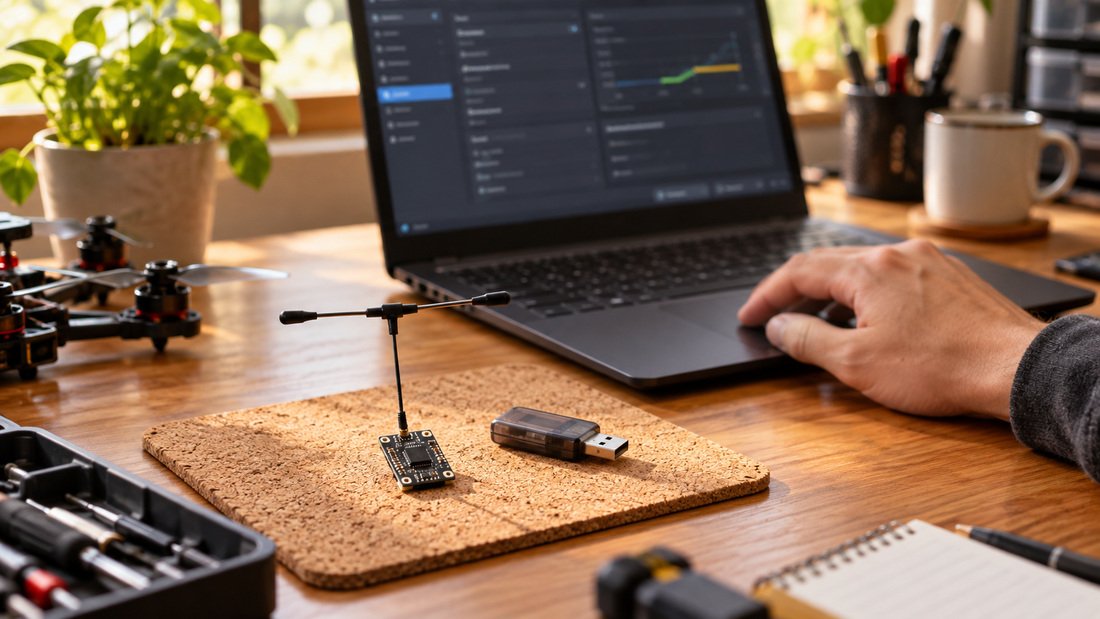
Flashing should be a controlled, documented procedure performed by trained staff or supervised students, not an ad-hoc task during a lesson. Standardize the toolchain, the firmware file source and the verification steps.
Prepare a flashing station
Set up one computer with the required flashing tools and a known-good cable. Keep the firmware files in a shared folder named with the version and date. Label each device after flashing. This reduces the chance of mixing versions.
Verify after every flash
After flashing, confirm the version on the device and perform a bind test with a reference transmitter. Record the result in a simple log. Devices that fail should be set aside rather than returned to the fleet.
Planning a fleet rollout? Talk to DPF about your ELRS receiver and module requirements, and request a team kit quote with your preferred firmware baseline noted.
Binding Management: The Part Schools Underestimate
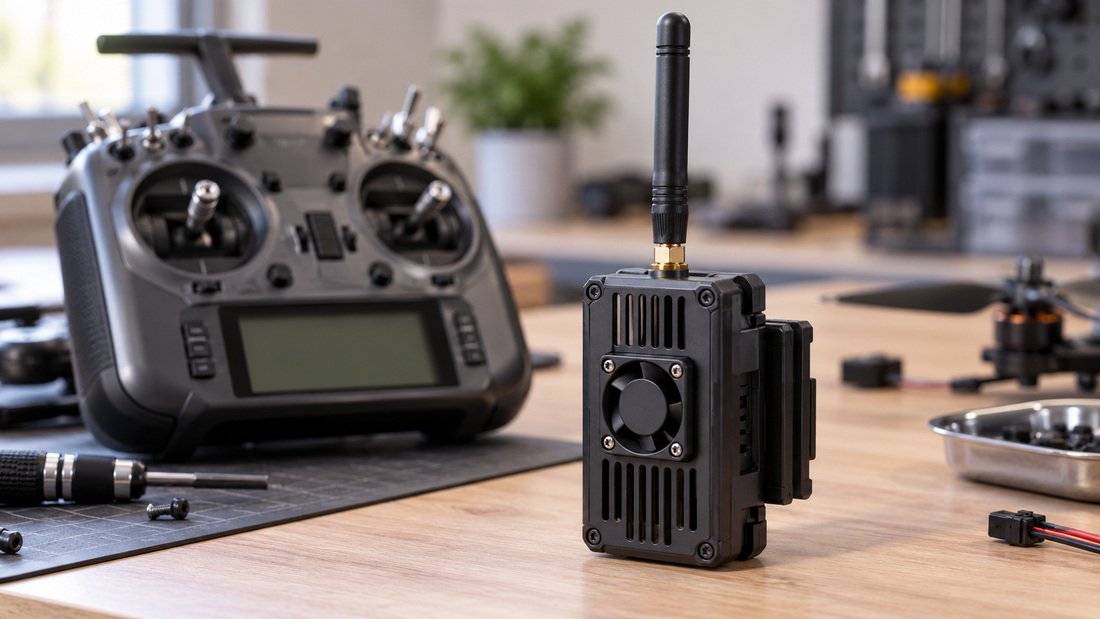
Binding problems are often caused by inconsistent binding phrases, not by faulty hardware. Decide whether your program uses a shared binding phrase for all aircraft or unique phrases per team, then document it.
A shared phrase simplifies student onboarding but means any transmitter can control any aircraft if powered on. Unique phrases improve separation but increase administrative work. Many programs use shared phrases within a team and separate phrases between teams. Choose one policy and record it.
Binding checklist for instructors
- Confirm the transmitter module and receiver are on the same firmware baseline.
- Confirm the binding phrase matches the written policy.
- Power on the transmitter before the receiver during bind.
- Verify control response with props removed.
- Log the bind result and any anomalies.
Common Mistakes to Avoid
- Updating firmware mid-term without retraining staff.
- Assuming a receiver is compatible because it is ELRS-branded.
- Using different binding phrases across a single team.
- Flashing devices without logging the version.
- Buying bulk stock without confirming the supplier’s firmware baseline.
- Testing new firmware on the whole fleet instead of a small sample.
Procurement Checklist for ELRS Standardization
Use this checklist when specifying ELRS equipment for a school, club or event. Items marked as supplier-confirmed should be verified in writing.
- List of receiver models and transmitter modules in use or planned.
- Chosen firmware baseline and the reason for choosing it.
- Supplier confirmation that the baseline is supported on the specified hardware.
- Flashing procedure and toolchain documented.
- Binding phrase policy documented.
- Spare receivers pre-flashed to the baseline (confirm availability).
- Warranty, support and update policy confirmed in writing.
- Lead times and MOQs confirmed for the planned quantity.
- Training plan for staff and students.
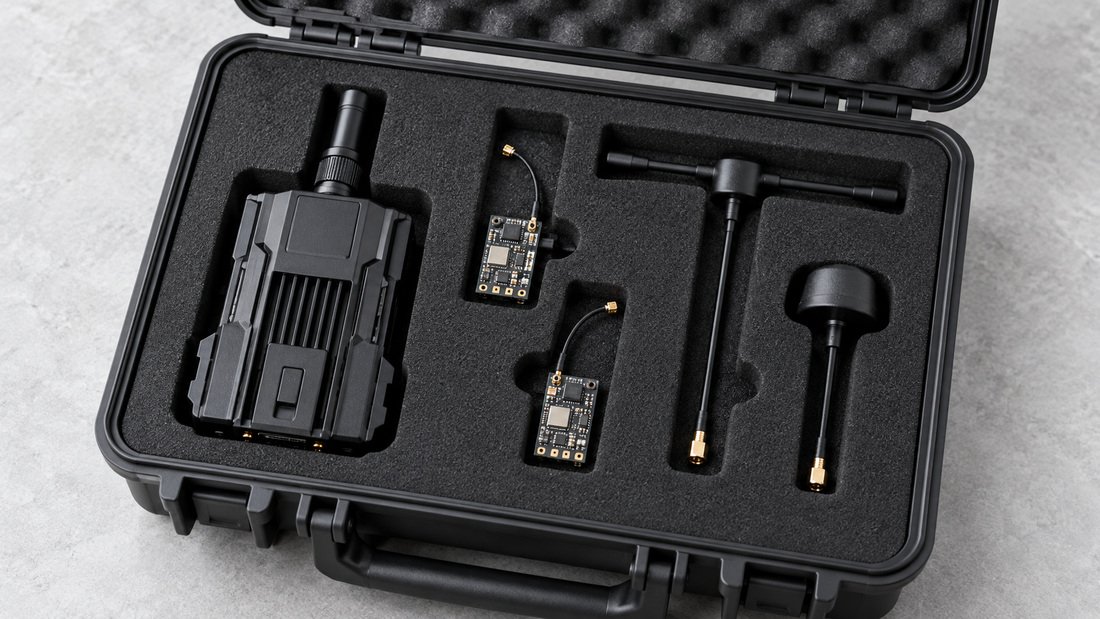
When comparing ELRS receivers and ELRS transmitter modules, ask for model-specific documentation. Antenna choice also affects link behavior; see the RF antennas range for options to discuss with your supplier.
Frequently Asked Questions
Should every classroom use the same ELRS firmware version?
Within a single program, yes. A shared baseline simplifies binding, training and troubleshooting. Between independent programs, the choice can differ based on hardware and support.
Can I mix ELRS firmware versions in one fleet?
Mixing versions is possible but increases troubleshooting complexity. If you must mix during a transition, document which devices use which version and test binding carefully.
How often should we update classroom firmware?
Update at planned intervals, such as the start of a school year, after testing on a small sample. Avoid unplanned mid-term updates unless a specific issue requires them.
Do I need to re-bind after flashing?
Flashing may reset settings depending on the procedure. Always verify binding after flashing and log the result.
Can suppliers deliver receivers pre-flashed to our chosen version?
Some suppliers can, but this must be confirmed in writing for your specific order. Ask before purchasing and include the requirement in your quote request.
What if a new firmware version is required for a feature we need?
Test it on a small number of devices, retrain staff and update your written policy before rolling it out across the fleet.
Does firmware affect range or link reliability?
Firmware can affect configuration and packet rate settings, which may influence link behavior. Antenna choice and installation also matter. Confirm testing responsibilities with your supplier rather than assuming.
Conclusion and Next Step
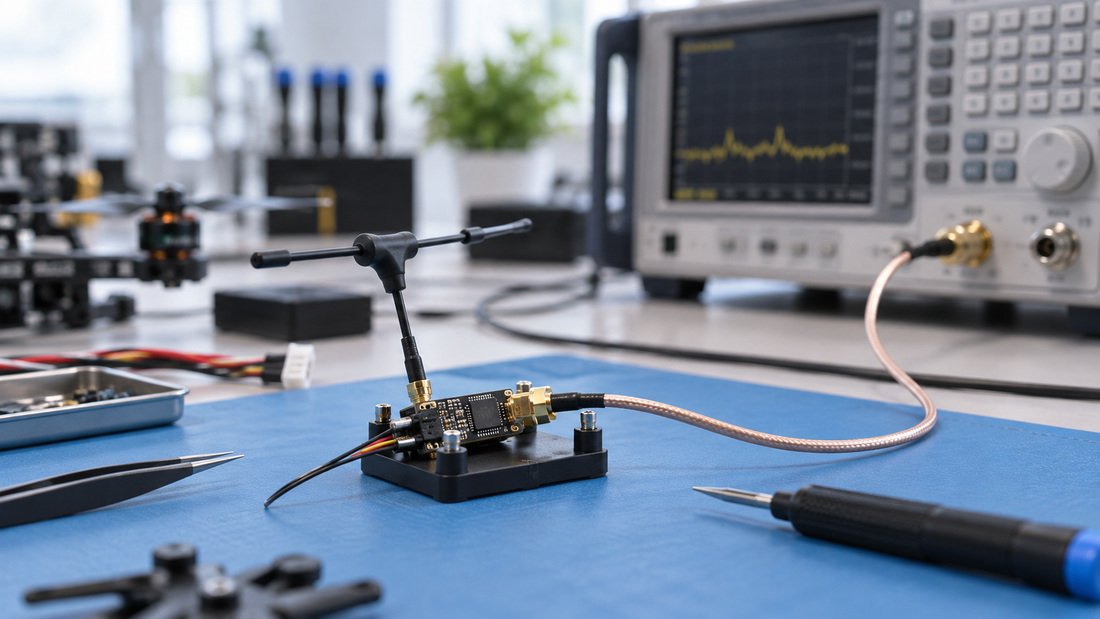
The safest classroom ELRS firmware strategy is a documented, stable baseline chosen for your hardware, supported by your supplier and reinforced with consistent flashing and binding procedures. Review it at planned intervals, test changes on a small sample and keep spare receivers ready.
To specify a team kit with your preferred firmware baseline, contact DPF and include your receiver and module inventory, quantity and support requirements in the request.