Quick summary
Brushless motors overheating is usually caused by an electrical or mechanical mismatch: too much current for the motor’s size, a propeller or load that demands more torque than expected, a damaged bearing or bent shaft, poor airflow, or a failing electronic speed controller (ESC). In drone soccer and FPV club settings, heat often builds up because motors run at high throttle in short bursts with little cooling time between matches. Diagnosing the cause starts with checking the entire power system—motor, propeller, battery, ESC and mounting—rather than replacing the motor alone.
Key Takeaways
- Overheating is a symptom, not a root cause; check current draw, load, cooling and mechanical condition before buying new brushless motors.
- Propeller size and battery voltage must match the motor’s specifications; a mismatch is one of the most common reasons club motors run hot.
- Drone soccer’s stop-start format gives motors little time to cool; schedule inspection and cooldown periods between matches.
- Damaged bearings, bent shafts and loose magnets increase friction and heat, so include a physical check in every pre-event routine.
- Lithium batteries can overheat independently of the motor, and thermal runaway can occur without warning if a battery is damaged or overcharged—so treat heat as a safety issue, not just a performance issue.
What does “overheating” actually mean for a brushless motor?
“Overheating” means the motor’s internal temperature rises beyond what its insulation, magnets and bearings can tolerate over time. Brushless motors are efficient, but they still convert some electrical energy into heat. That heat comes from three main sources: copper losses (current through the windings), iron losses (magnetic cycling in the stator), and mechanical friction (bearings, shaft, debris).
When any of those sources increases—more current, more load, more friction, or less airflow—the motor runs hotter. The practical question for a coach or team manager is not “how hot is too hot?” in the abstract, but “what changed?” A motor that ran cool last month and now runs hot after the same flight is telling you something in the system has changed.
Why exact temperature limits vary
Motor manufacturers publish different temperature guidance, and there is no universal “safe” number that applies to every brushless motor. Insulation class, magnet grade, bearing type and mounting all affect limits. Ask your supplier for the motor’s rated current, maximum continuous current and recommended operating temperature range, and confirm those figures in writing before you set club inspection rules. Do not rely on a single “too hot to touch” threshold as a technical limit—it is only a quick field indicator.
Common causes of brushless motor overheating
Most overheating cases in school and club programs trace back to one of the following causes. Work through them in order, because the cheapest fixes—propeller and mounting checks—are usually the most common.
1. Propeller and load mismatch
A propeller that is too large or has too much pitch for the motor’s KV rating forces the motor to draw more current than it was designed for. The motor tries to maintain speed, current rises, and heat follows. This is especially common when teams mix parts from different kits or swap propellers between airframes. The relationship between motor, propeller and battery is a system, not a single component choice; see DPF’s guidance on motor, propeller and battery matching.
2. Battery voltage and cell count
Running a motor on a higher cell count than intended increases voltage and, with the same propeller, increases current and heat. Teams often upgrade batteries for longer flight times without re-checking the motor’s rated voltage range. Always confirm the motor’s supported cell count and never assume a higher voltage is an upgrade.
3. ESC settings and current limits
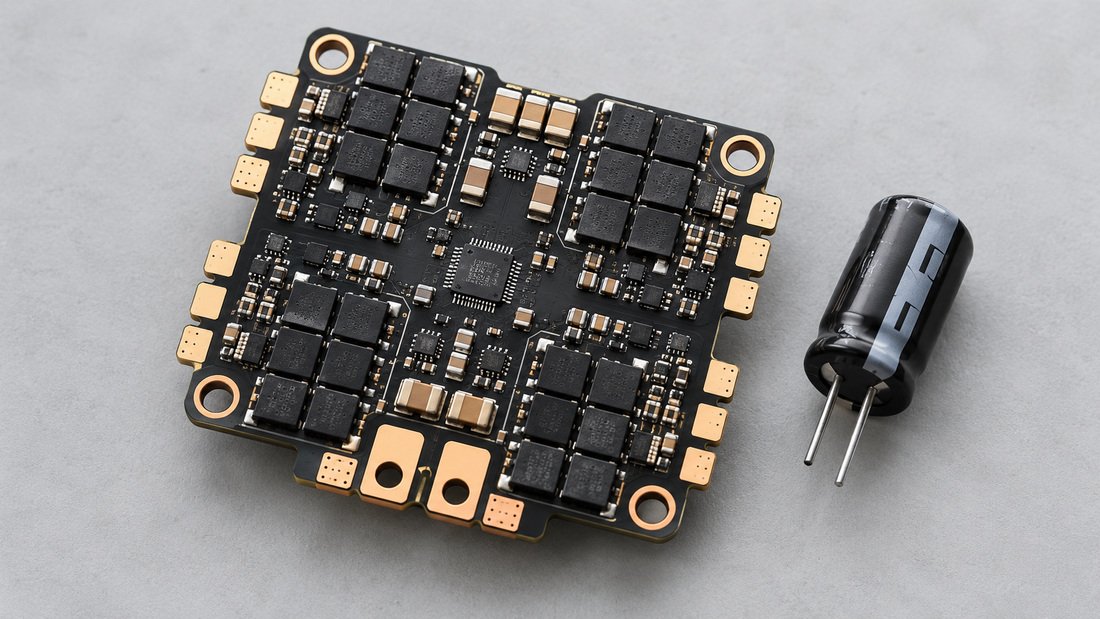
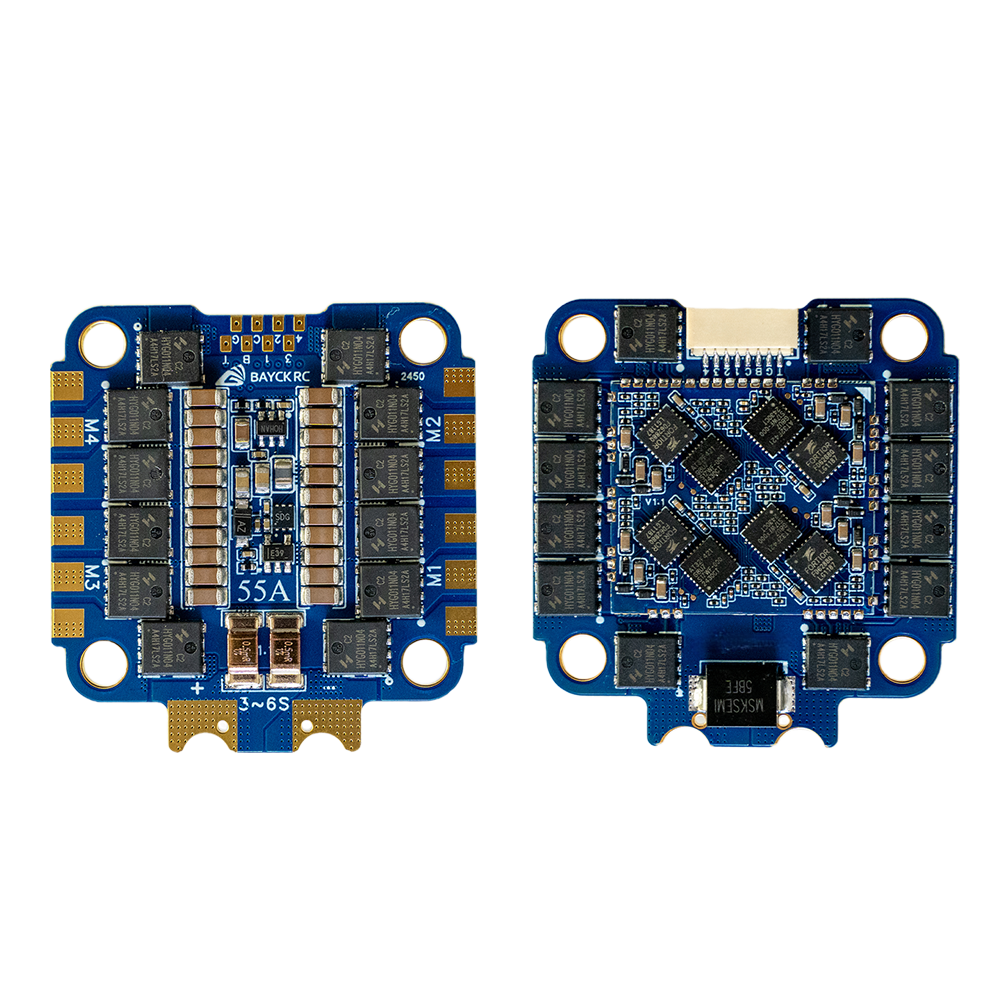
The electronic speed controller controls how much current the motor receives. Incorrect timing, excessive PWM frequency, or a current limit set too high can push the motor beyond its comfort zone. Some ESCs also run hot themselves and transfer heat to the motor mount. Inspect the ESC and its cooling as part of the same diagnosis.
4. Mechanical friction: bearings, shafts and debris
A worn bearing, a bent shaft, a loose magnet or grit inside the motor increases friction. Friction converts mechanical energy into heat, and a motor with a bad bearing can overheat even at moderate throttle. In school programs, motors are handled frequently and dropped occasionally, so physical inspection matters. Spin each motor by hand before a session; it should turn smoothly with no grinding or notchiness.
5. Cooling and airflow
Motors rely on airflow through the stator and around the bell. Tight cowlings, foam covers, or mounting the motor close to a hot ESC can reduce cooling. In drone soccer, protective cages and ball-contact hardware may block airflow. Check that the motor’s vents are not obstructed and that the airframe does not trap heat.
6. Duty cycle and heat soak
Drone soccer matches involve repeated bursts of acceleration and braking. Short flights with little cooldown between them cause heat soak: the motor does not return to ambient temperature before the next run. Over a tournament day, heat accumulates. Build cooldown and inspection periods into the schedule.

How to diagnose an overheating motor step by step
Diagnosis should be systematic and safe. The goal is to identify the cause before replacing parts, because a new motor installed into the same faulty system will overheat too.
- Stop flying immediately if a motor is too hot to touch or smells burnt. Disconnect the battery and let everything cool in a safe, ventilated place away from flammable materials.
- Record the setup: motor model, propeller size and pitch, battery cell count and capacity, ESC model and settings, and all-up weight. Changes to any of these can explain new heat.
- Check the propeller: look for bent blades, cracks or an incorrect size. Replace damaged propellers before the next flight.
- Spin the motor by hand: listen and feel for grinding, roughness or play in the bell. A rough motor needs bearing inspection or replacement.
- Inspect wiring and connectors: loose bullet connectors, damaged insulation or poor solder joints increase resistance and heat.
- Compare motors: if only one motor overheats, swap its propeller and ESC channel with a known-good motor to isolate whether the fault is the motor, propeller or ESC.
- Review throttle behavior: sustained full-throttle hovering or aggressive PID tuning can push current beyond continuous ratings. Check whether the flight profile matches the motor’s intended use.
- Consult the supplier’s specifications: confirm rated current, maximum continuous current and recommended propeller and voltage ranges in writing.
A simple club-level comparison table
| Symptom | Likely cause | Field check | Typical action |
|---|---|---|---|
| All motors hot after every flight | Propeller too large or battery voltage too high | Compare setup to motor specs | Resize propeller or battery; confirm with supplier |
| One motor hotter than others | Damaged motor, ESC channel or connector | Swap propeller and ESC channel | Replace faulty part after isolation |
| Motor hot but spins freely | Electrical mismatch or aggressive tune | Check current draw and ESC settings | Adjust tune or current limit |
| Motor rough or noisy | Bearing wear, debris or bent shaft | Hand-spin test | Clean or replace motor |
| Heat builds over a tournament day | Insufficient cooldown between matches | Time between flights | Schedule rest periods and inspections |
| Battery hot or swelling | Battery fault or over-discharge | Check pack temperature and voltage | Retire damaged battery; follow safety guidance |
This table is general guidance. Confirm specific limits and replacement criteria with your motor and battery suppliers.
Battery heat is a separate safety issue
Motor heat and battery heat are different problems, and conflating them can be dangerous. Lithium batteries can overheat and undergo thermal runaway—a process that can occur without warning if a battery is damaged, overheated, exposed to water, overcharged or improperly packed. The same source notes that thermal runaway can also occur due to manufacturing defects, and that damaged or recalled batteries likely to generate dangerous heat must not be carried aboard aircraft unless made safe. For school and club programs, this means battery inspection and safe charging practices belong in the same routine as motor checks. See the FAA’s lithium battery safety guidance for general handling and transport context. If a battery is swelling, smoking or unusually hot, isolate it and follow local safety procedures.
Preventing overheating in drone soccer and club programs
Prevention is mostly about routines: matching components correctly, inspecting before events, and giving equipment time to cool. These practices reduce both heat damage and downtime during tournaments.
Component matching and purchasing
Buy motors, propellers, ESCs and batteries as a matched system where possible. If you are assembling a fleet for a school or club, work with a supplier who can help confirm the propulsion combination rather than sourcing parts independently. DPF’s motor and propulsion matching service and propulsion combo kits are examples of where to ask about compatibility. For teams flying FPV-style airframes, review the specifications of FPV motors carefully before mixing brands.
Pre-event inspection routine
- Hand-spin each motor and listen for roughness.
- Check propellers for cracks, bends or loose mounting.
- Inspect battery packs for swelling, damaged casing or loose connectors.
- Confirm ESC firmware and settings have not changed since the last event.
- Record motor temperature after the first flight of the day as a baseline.
- Allow cooldown time between matches, especially in warm environments.
Common mistakes to avoid
- Replacing a hot motor without checking the propeller, battery and ESC.
- Upgrading to a higher cell count without confirming the motor’s rated voltage.
- Ignoring a single hot motor because the others seem fine.
- Continuing to fly when a motor smells burnt or a battery is swelling.
- Storing or charging batteries in a way that traps heat.
- Assuming a “too hot to touch” rule applies to every motor; check the supplier’s specification instead.
Buyer checklist for clubs replacing motors
When it is time to replace overheated or damaged brushless motors, use this checklist to avoid repeating the same problem. Ask for confirmation in writing where terms affect your purchase decision.
- Motor specifications: KV rating, rated voltage range, maximum continuous current and recommended propeller sizes.
- Compatibility: confirm the motor fits your airframe, ESC and battery connectors.
- Spare parts: availability of bearings, shafts, bells and propellers for your fleet.
- Documentation: datasheets or specification sheets your coaches can use for training.
- Commercial terms: request pricing, minimum order quantities, lead times, warranty terms and return policy in writing before ordering.
- Safety guidance: ask for the supplier’s recommended operating temperature range and inspection advice.
- Consistency: for a school program, confirm that replacement motors match the existing fleet to keep tuning and spare parts consistent.
For teams that need a complete kit rather than individual components, ask the supplier what is included and how the propulsion system was matched. DPF’s Request a Team Kit Quote is the place to start that conversation.

Frequently asked questions
Why is only one of my brushless motors overheating?
A single hot motor usually points to a local fault: a damaged bearing, a bent shaft, a bad ESC channel, a loose connector or a damaged propeller on that arm. Swap the propeller and ESC channel with a known-good motor to isolate the cause before replacing the motor.
Can a bad battery cause motor overheating?
A battery with the wrong cell count or a failing cell can cause current spikes and heat. A damaged battery can also overheat on its own. Inspect batteries as part of every heat diagnosis and retire any pack that is swelling, damaged or behaving inconsistently.
Is it normal for brushless motors to be hot after a flight?
Some warmth is normal because motors convert energy into heat. The concern is excessive or increasing heat, a burning smell, or a motor that is much hotter than its stable baseline. Confirm safe operating limits with your supplier rather than relying on touch alone.
How do I know if my propeller is too big for my motor?
Compare the propeller size and pitch to the motor’s recommended range in its specification sheet. If the motor draws more current than its rated continuous current or runs noticeably hotter after a propeller change, the propeller is likely too demanding. Recheck the motor, propeller and battery matching guidance.
Can overheating damage a brushless motor permanently?
Yes. Excessive heat can degrade winding insulation, weaken magnets and damage bearings over time. A motor that has been severely overheated may still spin but perform inconsistently. If a motor smells burnt or shows discoloration, treat it as suspect and replace it after confirming the system cause.
What should drone soccer clubs do between matches?
Allow motors to cool, inspect propellers and batteries, and check for roughness. Rotating between airframes can help extend cooldown time. Build these checks into the event schedule rather than treating them as optional.
Should I replace all motors if one overheats?
Not necessarily. Replace the faulty motor after isolating the cause, but check the whole fleet for the same setup error. If the overheating was caused by a system-level mismatch, correcting the setup matters more than replacing parts.

Conclusion
Brushless motor overheating is usually a system problem, not a single failed component. Start with the propeller, battery voltage and mechanical condition, then check the ESC and cooling. For clubs and schools, the most valuable investment is a simple pre-event inspection routine and correctly matched propulsion components. If you are replacing motors or building a fleet for drone soccer, confirm specifications, compatibility and commercial terms in writing with your supplier—then request a team kit quote to start the process.