Quick summary
Antenna length matters because it is tied to the frequency band: a 2.4 GHz signal has a shorter wavelength than a 915 MHz signal, so a well-matched antenna for 2.4 GHz is physically shorter than one for 915 MHz. The practical length also depends on antenna design (for example, quarter-wave, half-wave, dipole or loaded designs), connector, and the receiver or transmitter it pairs with. For drone radio antennas, choose the antenna specified for your band and hardware, then confirm tuning and connector details with the supplier.
Key Takeaways
- Frequency determines wavelength, so 2.4 GHz antennas are generally shorter than 915 MHz antennas for the same antenna type.
- Length alone does not guarantee performance; matching the antenna to the radio band, connector and mounting matters more.
- Mixing bands or forcing a longer/shorter antenna can reduce link quality and may damage some transmitters.
- For teams, standardize on the band your radios use and keep spare antennas of the correct type.
- Ask suppliers for the antenna’s specified frequency range, connector, and tuning data rather than relying on length.
Why does antenna length differ between 2.4 GHz and 915 MHz?
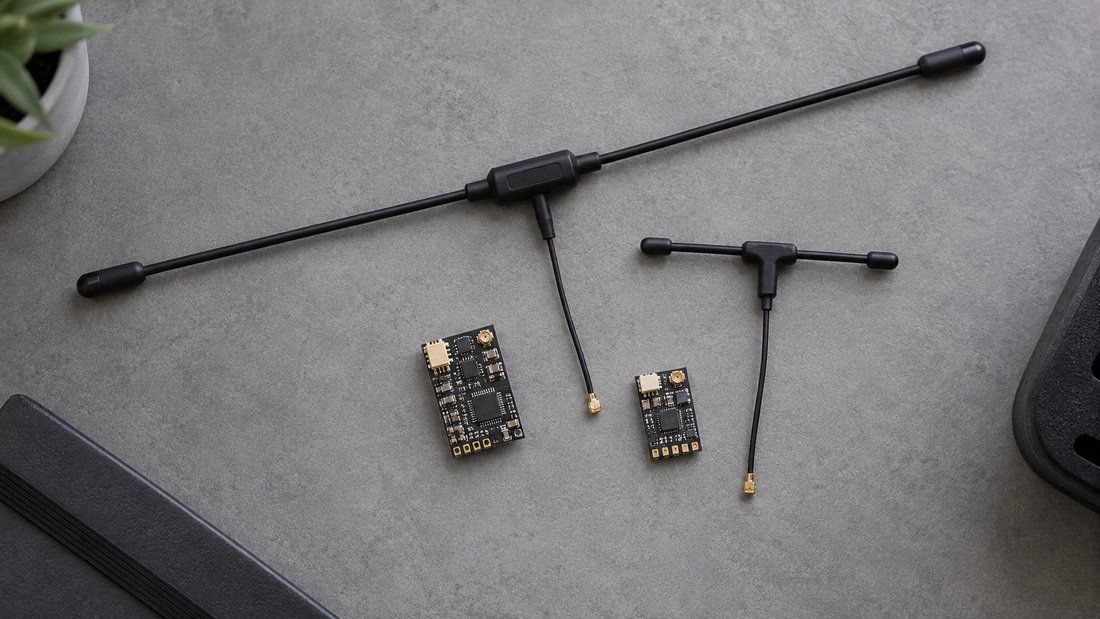
Antenna length differs because wavelength is inversely proportional to frequency. Higher frequency means shorter wavelength, so a 2.4 GHz antenna is typically shorter than a 915 MHz antenna of the same design. Many simple antennas are designed as a fraction of a wavelength, such as a quarter-wave, which is why the physical length changes with band.
In practice, the antenna you buy is not just a bare wire. It includes a matching network, connector, and housing that are tuned for a specific frequency range. That is why two antennas of the same length can behave differently if one is tuned for 2.4 GHz and the other for 915 MHz. For drone radio antennas used in schools and clubs, the safest approach is to use the antenna model specified for your radio hardware.
Does a longer antenna always give more range?
No. A longer antenna does not automatically increase range, and an antenna of the wrong length for the band can reduce performance. Range depends on many factors: transmitter power, receiver sensitivity, antenna gain and orientation, interference, and the environment. Antenna length is only one part of the system.
For example, a 915 MHz antenna used on a 2.4 GHz system may be poorly matched, which can cause reflected power and weaker links. Some transmitters are more tolerant than others, but it is not a risk worth taking in a school or club setting where reliability and safety matter. Always use antennas rated for the band and connector of your equipment.
How do 2.4 GHz and 915 MHz antennas compare for drone soccer and FPV?
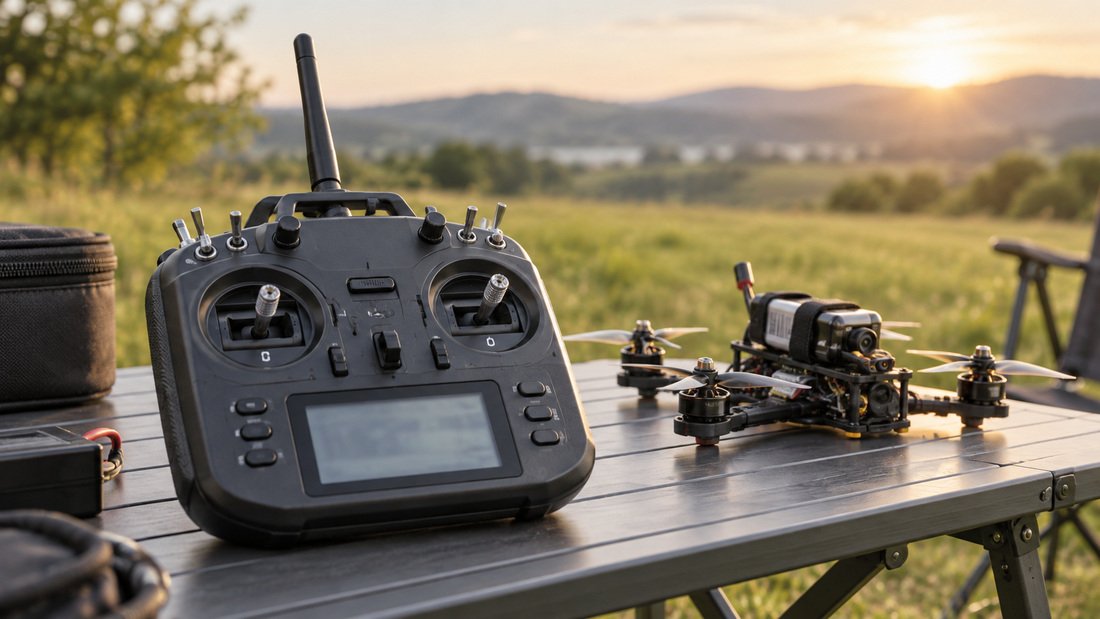
Both bands are used in drone sports and FPV, but they behave differently. 2.4 GHz is common for RC control and offers smaller antennas, while 915 MHz is often used for longer-range or penetration-focused links. The table below summarizes general differences; always confirm specifics with your radio and antenna supplier.
| Consideration | 2.4 GHz antennas | 915 MHz antennas |
|---|---|---|
| Typical physical length | Shorter for a given design | Longer for a given design |
| Common use | RC control, some video, short-range links | Longer-range control, telemetry |
| Mounting space | Easier on small frames | Needs more clearance |
| Interference environment | Often busy (Wi-Fi, etc.) | Can differ by region |
| Antenna tuning | Must be matched to 2.4 GHz | Must be matched to 915 MHz |
| Team spares | Keep correct 2.4 GHz spares | Keep correct 915 MHz spares |
For clubs standardizing on ExpressLRS (ELRS), the antenna must match the receiver or transmitter band. ELRS hardware is available in multiple bands, so check the product page and your hardware manuals. Our ELRS and RF systems category lists options, and you can review ELRS receiver compatibility guidance before ordering.
What should teams check before buying drone radio antennas?
Before buying, confirm the frequency band, connector type, and intended use. Length is a useful quick check, but it is not a specification you should rely on alone. Ask the supplier for the antenna’s rated frequency range and any tuning or test data they can share. For school and club programs, consistency across a fleet reduces confusion and maintenance errors.
Practical procurement checklist
- Band: Confirm whether your radios use 2.4 GHz, 915 MHz, or another band; order antennas for that band only.
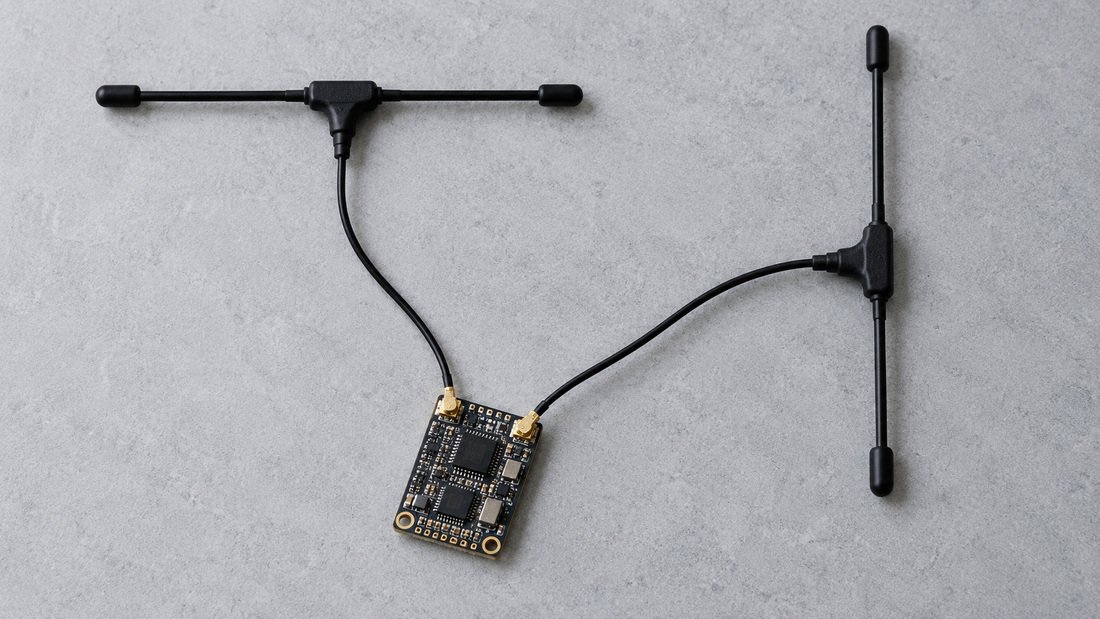
- Connector: Match connector type (e.g., SMA, RP-SMA, U.FL) to your receiver or transmitter; verify gender and polarity.
- Antenna type: Decide between dipole, whip, or other designs based on mounting and durability needs.
- Length and clearance: Check that the antenna fits your frame and does not interfere with props or landing.
- Tuning evidence: Request the specified frequency range and, if available, return loss or VSWR data.
- Spares: Order spare antennas of the same type for team kits to avoid mismatched replacements.
- Documentation: Ask for datasheets or labels that clearly state the band and connector.
If you are sourcing complete radio sets, our ELRS receivers, ELRS transmitter modules, and RF antennas pages can help you compare options. For custom team requirements, request a team kit quote and confirm specifications in writing.
Common mistakes with antenna length and band matching
Many link problems come from simple mismatches. Here are frequent mistakes to avoid in club and educational settings.
- Using a 915 MHz antenna on a 2.4 GHz radio because it “looks sturdier” or is longer.
- Assuming a longer antenna always means more range without checking tuning.
- Ignoring connector polarity (SMA vs RP-SMA) and damaging the connector.
- Replacing a broken antenna with an unknown spare from a mixed parts bin.
- Mounting antennas close to carbon fiber or metal, which can detune them.
- Not labeling antennas by band, leading to mix-ups during events.
These mistakes are avoidable with clear labeling and a small verification step at check-in. For teams, a simple color code or label per band can save time and prevent damage.
How can buyers verify antenna specifications?
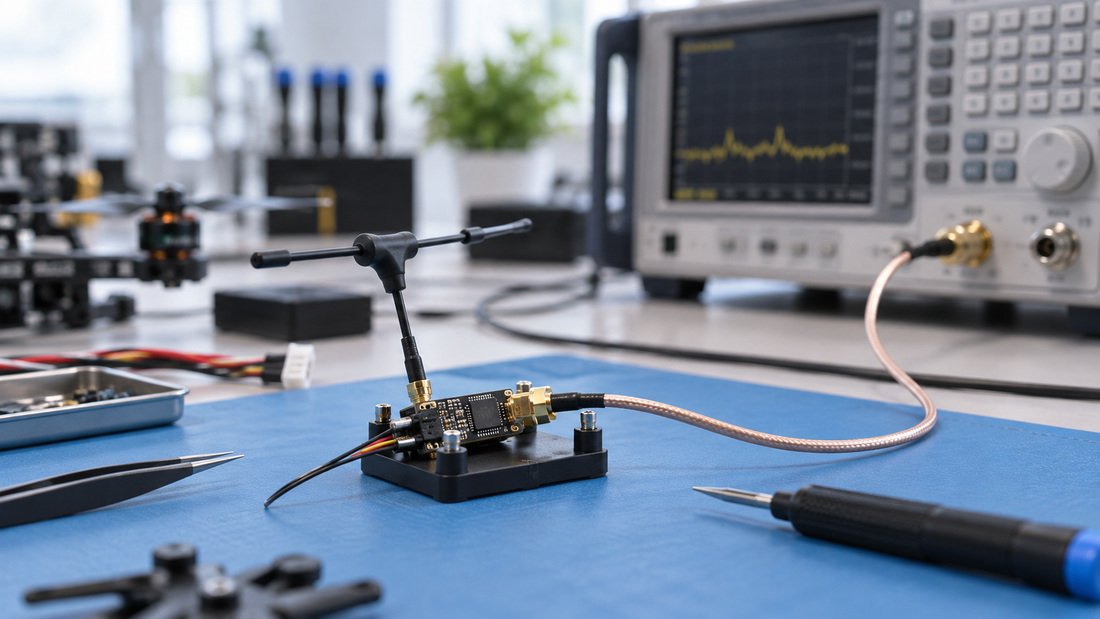
Ask for written confirmation of the antenna’s frequency range, connector type, and intended radio band. If the supplier cannot provide tuning data, ask whether the antenna is designed specifically for your band or is a generic part. For school programs, it is reasonable to request a sample for bench testing before a bulk order. Test in a controlled way and compare link quality with known-good antennas.
Do not rely on marketing claims alone. A short, clear datasheet is more useful than a long description. If you need help matching antennas to your ELRS hardware, our technical support pages and compatibility center can guide you. You can also contact us for a quote and specify your band, connector, and quantity so the team can confirm availability and terms in writing.
Frequently asked questions
Can I use a 915 MHz antenna on a 2.4 GHz receiver?
It is not recommended. The antenna is tuned for a different band, which can reduce performance and may stress some transmitters. Use an antenna specified for 2.4 GHz.
Is a longer antenna always better for range?
No. Range depends on the whole system. A longer antenna of the wrong band can be worse than a correctly tuned shorter antenna.
How do I know which band my drone radio uses?
Check the receiver and transmitter labels or manuals. ELRS hardware is available in multiple bands, so confirm before ordering antennas.
Do antenna connectors matter?
Yes. Connector type and polarity must match. Using the wrong connector can damage the radio or antenna.
Should clubs standardize on one band?
Standardizing on one band can simplify spares and training, but it depends on your event rules and hardware. Confirm with your radio supplier and event organizers.
What should I ask a supplier before buying antennas for a team?
Ask for the frequency range, connector type, tuning data if available, and whether the antenna is designed for your specific radio model. Also confirm spare availability and labeling.
Conclusion
Antenna length is a visible clue to the frequency band, but it is not a performance guarantee. For 2.4 GHz and 915 MHz drone radio antennas, the right choice is the one matched to your radio’s band, connector, and mounting. Teams should standardize, label, and keep correct spares to avoid mix-ups. To equip your program, Request a Team Kit Quote and confirm specifications in writing with our team.