Quick summary
Backing up and restoring ELRS settings means saving your transmitter and receiver configuration—including firmware target, binding phrase, packet rate and power settings—before flashing, then reloading it after a firmware update or hardware swap. For drone soccer teams, a simple three-step routine works: export the transmitter model file and receiver binding phrase, flash firmware with the same target options, then rebind and verify link behaviour. Always confirm exact procedures against your module and receiver documentation, because ExpressLRS tooling changes between versions.
Key Takeaways
- Back up both the transmitter configuration and the receiver binding phrase before any ELRS firmware update.
- Keep a written record of firmware target, packet rate, telemetry ratio and power settings for every aircraft in the fleet.
- Restoring is not only flashing old firmware: you must also restore binding and model-level settings.
- Test restored settings on the bench before flying, especially for competition drone soccer airframes.
- Ask suppliers for written confirmation of firmware version, target compatibility and recovery options when procuring ELRS receivers or TX modules.
Why ELRS backups matter for drone soccer teams
Drone soccer teams often run multiple identical airframes and share transmitters between sessions. A firmware update or a failed flash can wipe binding phrases and model settings, grounding the whole squad. A consistent backup habit keeps practice and competition days predictable, and it makes it easier to onboard new members or replace a damaged receiver.
ELRS is an open-source radio link protocol used for RC control. It relies on a transmitter module, a receiver, and configuration tools such as the ExpressLRS Configurator and the radio’s Lua script or web interface. Because the ecosystem evolves, the exact menu names and file formats can differ between firmware versions and hardware vendors. Treat any guide—including this one—as a framework and verify against your own equipment.
What exactly should you back up?
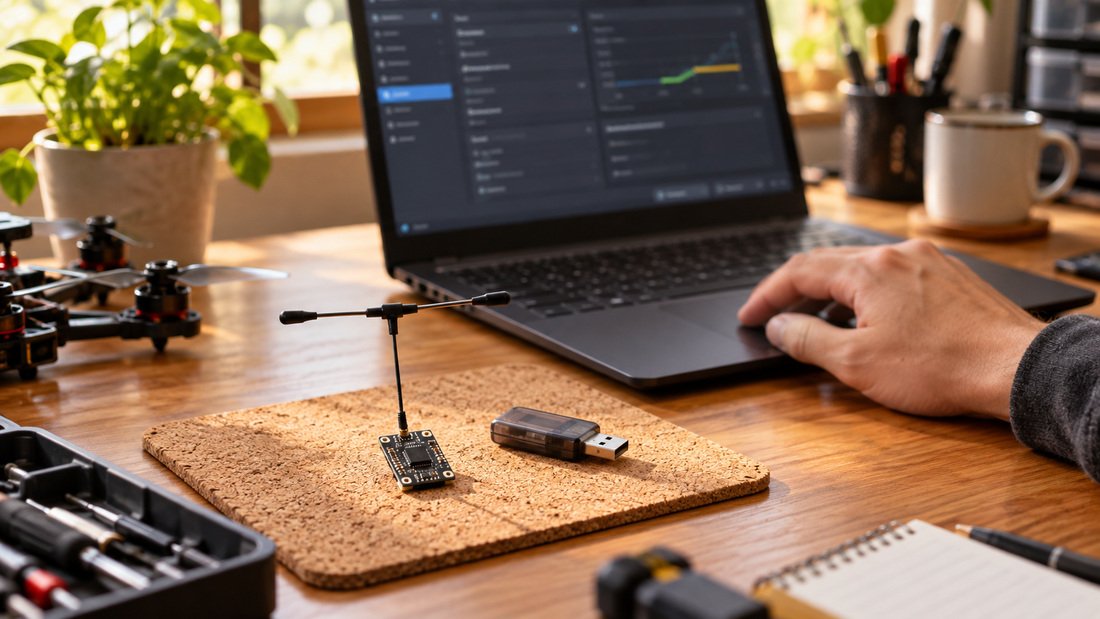
Back up three layers: the transmitter’s model memory, the ELRS module’s firmware and binding settings, and the receiver’s binding phrase and firmware target. Not all of these are stored in one place, so separate records prevent surprises.
Transmitter model memory
Most radios let you export a model file to the SD card or computer. That file typically includes channel mapping, mixes, timer settings and the external module protocol. Export it before changing firmware or module settings. Store it with a date and aircraft name.
ELRS binding phrase and firmware target
The binding phrase is a string you set in the firmware or via the web interface. If you use a binding phrase, you generally do not need to press bind buttons. Record the phrase and the exact firmware target name shown in the configurator. Changing either can prevent the receiver from connecting.
RF and packet settings
Note the packet rate, telemetry ratio, switch mode and power level used for each airframe. These are usually stored in the transmitter module or model, but teams often tune them per venue. A simple spreadsheet with aircraft ID, receiver type, firmware version and settings prevents guesswork.
How to back up ELRS settings: step by step
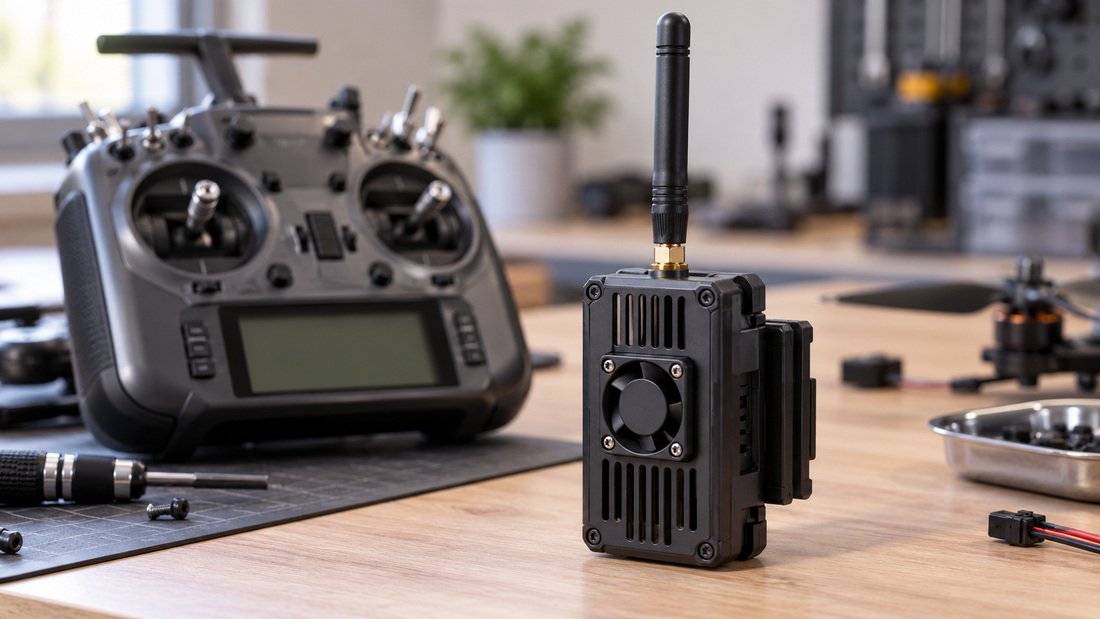
Start with the transmitter off and the receiver disconnected from power. Work on a bench with a stable USB connection. The sequence below is general guidance; adapt it to your radio and module.
- Export the radio model file. Use your radio’s model backup function to save to SD card or computer. Label it with date and airframe.
- Record the ELRS firmware version and target. Open the ExpressLRS Configurator or your module’s web interface and note the exact target and version.
- Save the binding phrase. If you use a binding phrase, write it down and store it securely. If you use traditional binding, note the procedure.
- Document packet rate, telemetry ratio and power. A photo of the Lua script screen or a manual entry in your team log is enough.
- Back up receiver settings if accessible. Some receivers expose a web interface; others do not. If yours does, export or screenshot the configuration.
- Store backups in two places. Keep a local copy and a team cloud folder. Name files consistently.
For fleet management, create a folder per aircraft and a master spreadsheet. This is especially useful for schools and clubs where equipment is shared and staff changes.
How to restore ELRS settings after flashing
Restoring means re-flashing the correct firmware with the same options, reloading the model file, and rebinding. Do not assume that re-flashing alone restores behaviour.
1. Flash the correct firmware and target
Use the same firmware version and target you recorded, unless you intentionally upgraded. In the configurator, select the exact target—wrong target is a common cause of failed flashing. If you changed hardware, verify the target against the supplier’s documentation.
2. Reload the radio model
Import the saved model file into your radio. Check channel mapping and mixes, because firmware updates can change default channel order or module protocol settings.
3. Restore binding
Enter the same binding phrase if your setup uses one. Otherwise follow the traditional bind procedure. Confirm the receiver LED behaviour matches your manual, not an online video that may show a different firmware branch.
4. Verify on the bench
Power the receiver and transmitter, check link status, and move controls to confirm correct channel response. Test failsafe behaviour with the props removed. For drone soccer, verify that the aircraft responds correctly to arm and disarm commands.
Comparison: backup methods and what they cover
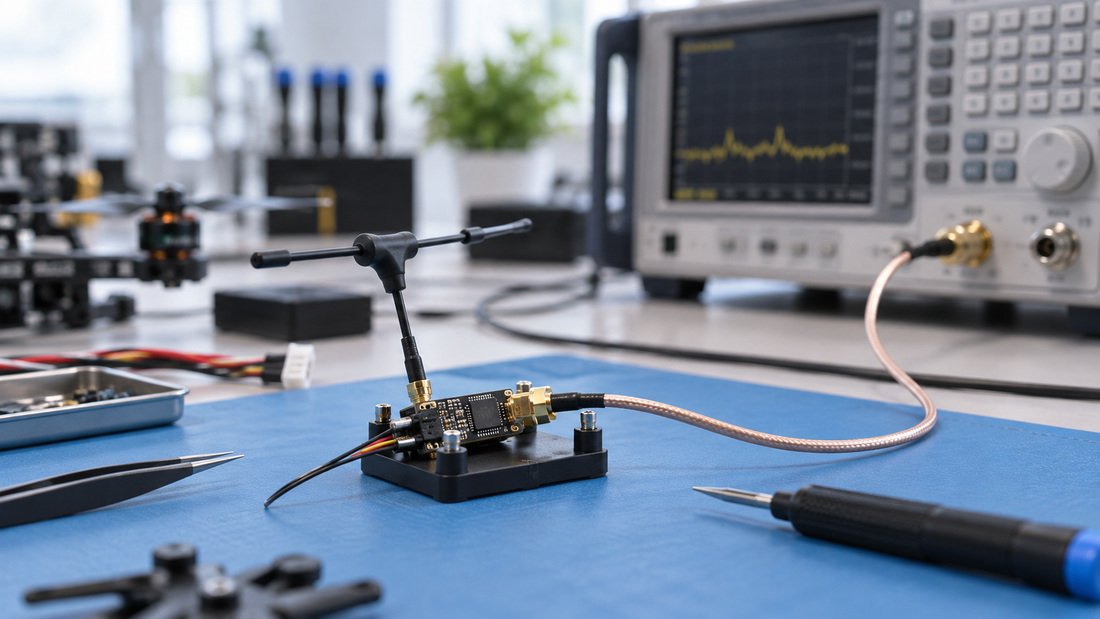
The table below compares common backup approaches. “Coverage” refers to what is typically captured; always confirm for your specific hardware.
| Method | What it backs up | Ease for teams | Limitations to verify |
|---|---|---|---|
| Radio model export | Channel mapping, mixes, timers | High—standard radio menu | Does not include receiver binding |
| Configurator screenshot/log | Firmware target, version, options | Medium—manual record | Not a restorable file; must re-enter |
| Binding phrase record | Receiver-transmitter pairing | High—simple text entry | Security risk if stored carelessly |
| Receiver web interface export | Some receiver-side settings | Depends on hardware | Not all receivers support export; verify |
| Team master spreadsheet | Fleet-wide settings and versions | High—low cost | Requires discipline to keep current |
Common mistakes when backing up and restoring ELRS
Most failures come from mismatched targets, forgotten binding phrases, or assuming a model file includes RF settings. Below are recurring issues and how to avoid them.
- Flashing the wrong target. Always cross-check the target name with the receiver label or supplier documentation.
- Losing the binding phrase. Store it in a team password manager or a sealed envelope, not only in a chat thread.
- Updating firmware mid-season without a backup. Schedule updates outside competition periods and test on one aircraft first.
- Assuming model files transfer between radio brands. They usually do not; keep brand-specific backups.
- Ignoring receiver antenna and power settings. Physical changes such as antenna swaps can affect link behaviour; record them too.
For teams standardising on specific receivers, the ELRS receiver compatibility page can help you check target names and firmware families before flashing.
Procurement checklist for clubs and schools
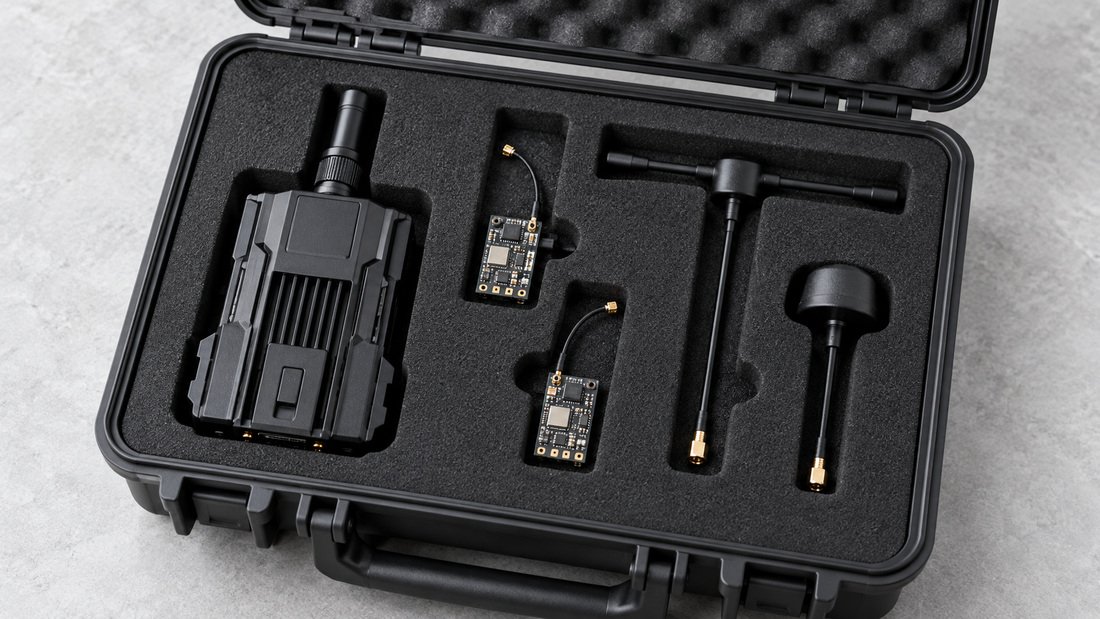
When buying ELRS gear for a team, ask questions that make future backups easier. The checklist below focuses on documentation and support, not price alone.
- Request the exact firmware version and target shipped with each receiver and TX module.
- Ask whether the supplier provides a configuration record or recommends a backup procedure.
- Confirm whether receivers support a web interface or only Lua script configuration.
- Check that replacement receivers can be matched to existing transmitters without hardware changes.
- Ask for written confirmation of compatibility with your radio brand and module.
- Clarify what documentation is included for flashing and binding.
- For bulk orders, request a sample to test your backup and restore routine before committing.
These are questions to confirm in writing; DPF’s specific commercial terms, warranties and lead times should be verified directly with the sales team.
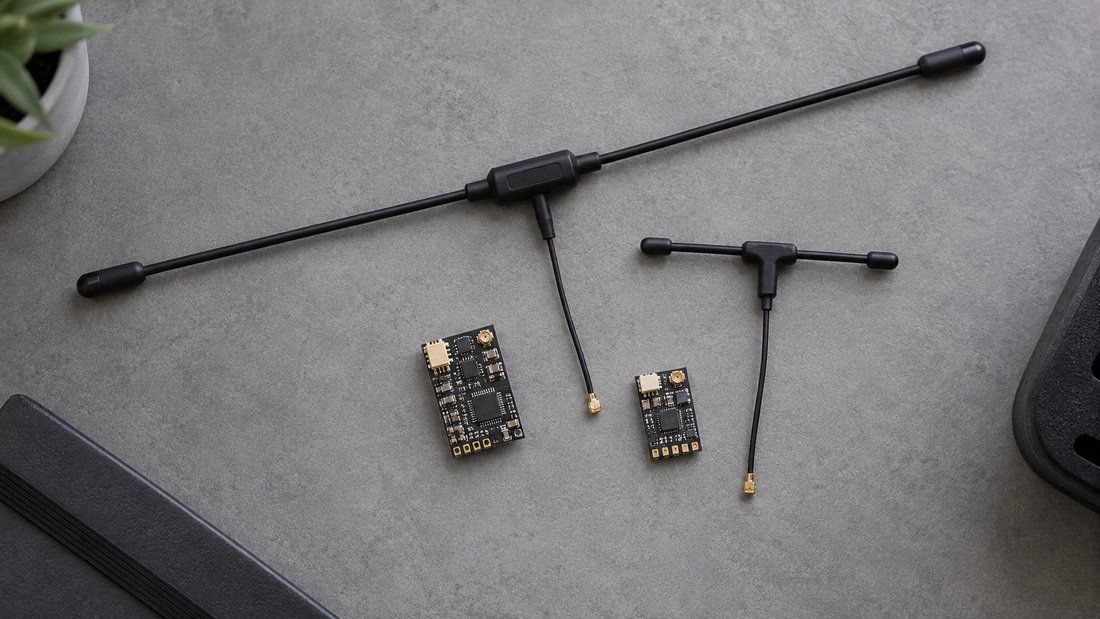
Choosing the right module and receiver family also reduces backup complexity. Browse ELRS receivers and ELRS transmitter modules to compare documentation and support options. Antenna choices can affect link reliability; see RF antennas for related components.
Mid-article CTA
Planning a fleet refresh or need help matching receivers to your existing transmitters? Contact our team to discuss your requirements and confirm compatibility before you buy.
Frequently asked questions
Do I need to rebind after every firmware update?
If you use a binding phrase and keep it unchanged, the receiver and transmitter should reconnect without a manual bind. If you flash firmware without the phrase, or change targets, you will likely need to rebind. Always verify according to your firmware version’s documentation.
Can I restore an ELRS backup from one receiver to another?
You can usually apply the same binding phrase and firmware target to multiple receivers of the same type, which is convenient for teams. However, receiver-specific calibration or settings may not transfer. Confirm with your supplier whether your receivers store unique data.
What happens if I flash the wrong firmware target?
The receiver may stop responding or fail to bind. Recovery usually requires re-flashing with the correct target, often via UART or Wi-Fi recovery mode. The exact recovery method depends on hardware; check the supplier’s documentation before attempting.
Where should teams store binding phrases?
Use a shared password manager or a locked cabinet accessible to responsible staff. Avoid posting phrases in public chats. For schools, follow your organisation’s data handling policy.
Does backing up the radio model file save ELRS settings?
Usually not. Model files typically store channel mapping and mixes, while ELRS firmware options and binding phrases live in the module or receiver. Treat them as separate backups.
How often should we back up ELRS settings?
Back up before any firmware change, after adding a new aircraft to the fleet, and at the start of each season. A quarterly review helps catch undocumented changes.
Can we manage backups across a large school fleet?
Yes, with a simple system: a master spreadsheet, per-aircraft folders, and a named responsible person. Standardising on one receiver family reduces variation. Ask suppliers for documentation that supports fleet management.
Conclusion and next step
Backing up and restoring ELRS settings is a routine that protects your team’s flying time. Record the transmitter model, firmware target, binding phrase and RF settings; restore them deliberately; and test on the bench before flight. For procurement, ask for written confirmation of firmware versions and compatibility so your backups stay valid.
Ready to equip your team? Request a Team Kit Quote and tell us your radio and receiver setup so we can help you plan a consistent, supportable fleet.