Quick summary
There is no single best FPV goggle for every school or club. The right choice depends on how many pilots share the headset, whether you need on-screen display (OSD) to teach and troubleshoot, whether you must record flights as evidence, and which video system your fleet runs. For most school and team fleets, analog 5.8 GHz goggles with a built-in DVR and reliable diversity reception still deliver the lowest cost per pilot. Digital systems offer cleaner video but raise cost per station. Decide by budget per pilot, DVR workflow, OSD compatibility, and shared-use durability rather than by brand fashion.
Key Takeaways
- Buy for the fleet, not for one pilot: goggles are shared, stored and repaired by volunteers and staff.
- Match the goggle’s video system to your existing video transmitters (VTX) before comparing features.
- For teaching and fault-finding, OSD support matters more than a small difference in field of view.
- A recording path (built-in DVR or external recorder) turns flights into coursework, coaching and incident evidence.
- Confirm channel coverage, receiver sensitivity, DVR format and accessory replacement in writing before ordering at scale.
Why schools and teams have different goggle requirements
A private pilot buys for personal comfort and one flying style. A club buys for twenty members, a coach, and a box that travels in a van. A school buys for a class of thirty where the pilot-to-goggle ratio may be four to one. These are procurement problems, not hobby problems.
Shared-use goggles face repeated plugging, sanitising, lens cleaning, and battery cycles by people who did not buy them. That shifts priorities towards robust connectors, replaceable foam and straps, standard batteries, and a design that does not depend on one fragile part. If your program runs drone soccer, goggles also travel to fixtures, so a hard case and consistent channel plan matter.
Analog or digital FPV video: what changes for a team
The goggle must match the video system your aircraft already transmit. Analog 5.8 GHz video remains common in low-cost training fleets and in many drone soccer setups because transmitters, receivers and antennas are inexpensive and interchangeable. Digital systems reduce breakup and can look far better, but typically cost more per station and can lock you into one ecosystem’s goggles, air units and firmware.
If you are still specifying the video link for a new fleet, our overview of FPV electronics is a useful starting point. If you already own analog aircraft, buying analog goggles keeps your whole fleet compatible and your spares common.
FPV video: reception quality and antennas
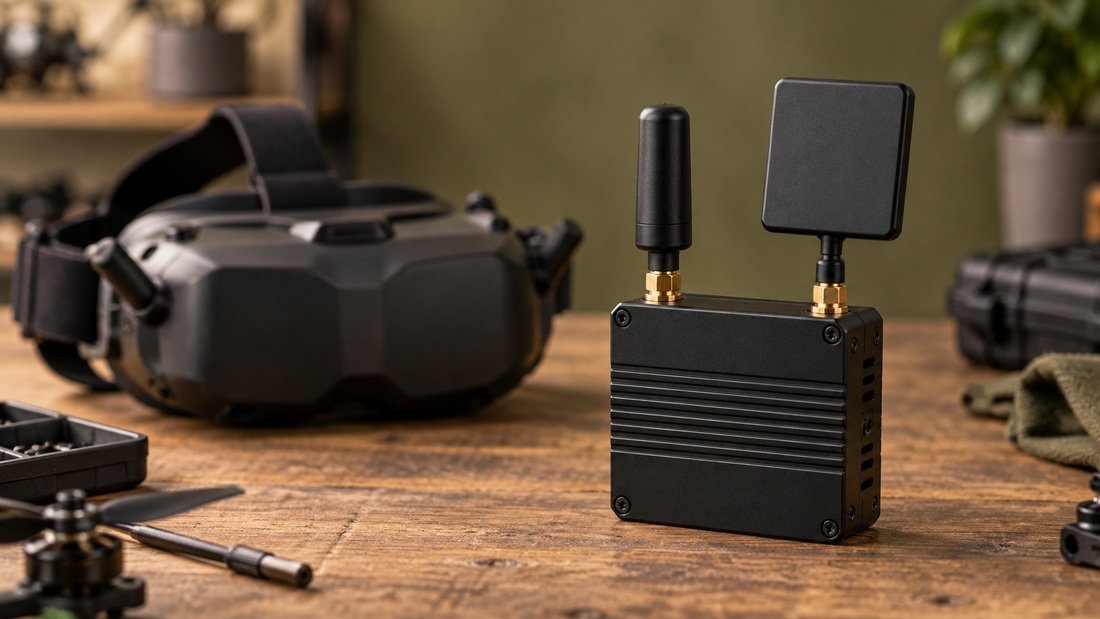
Reception quality decides whether a lesson is teachable. On 5.8 GHz analog, diversity receivers that combine two antennas can help when a pilot flies behind a net or turns through a gate. Antenna choice, mounting angle and channel discipline often matter more than a modest receiver specification difference.
Plan channels before you buy. A class of twelve flying the same channel will not work. Goggles with clear channel selection and a scan or search function make it practical for a coach to assign and re-assign channels quickly. Our FPV video receivers page shows the receiver types used in this part of the system.
OSD: the teaching and troubleshooting layer
On-screen display (OSD) overlays flight data onto the video feed. It lets a student see battery voltage before it sags, a coach see which flight mode is active, and a technician see whether the aircraft is armed. Betaflight’s documentation confirms OSD support for analog and digital video systems, and notes that the OSD can display information such as battery voltage, current draw, GPS coordinates, speed, flight timers and artificial horizons, and can also be used to configure some settings and check post-flight statistics (source: betaflight.com/docs/wiki/getting-started).
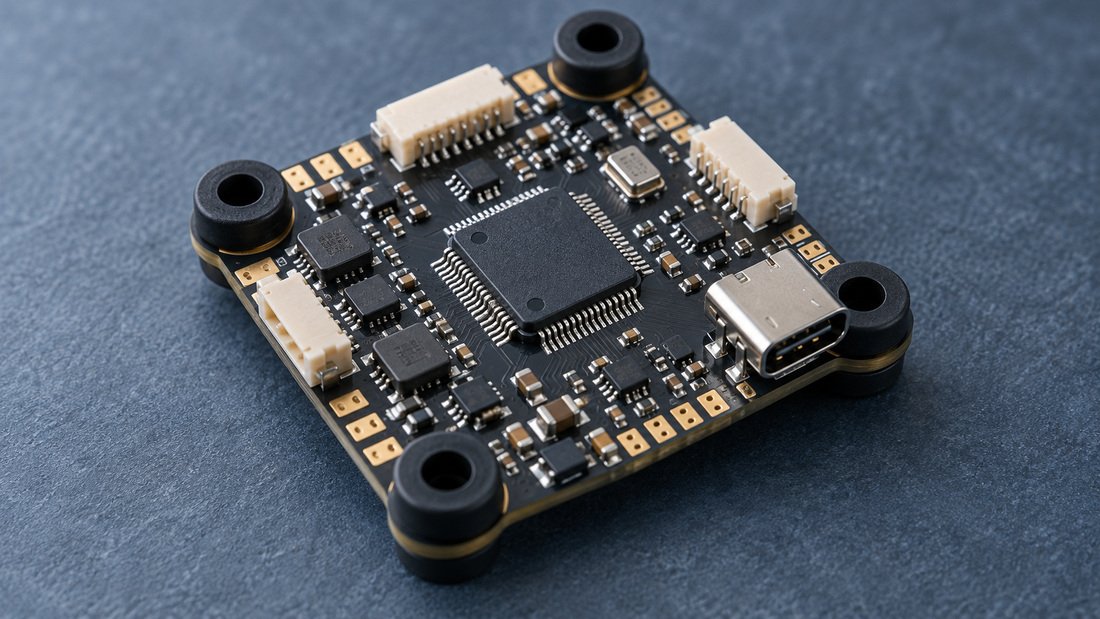
The practical point for a buyer: OSD data is generated by the flight controller and video transmitter, not by the goggles. The goggles simply need to display the video feed cleanly. So when comparing flight controllers, check that the OSD chipset and wiring are supported on the boards you standardise, and that your goggles render text legibly at the resolution you fly.
Why OSD legibility is a procurement criterion
Small, low-resolution displays can make OSD text hard to read, especially for younger pilots or in bright gyms. Ask suppliers for the display resolution and, where possible, view a sample with OSD enabled. If students cannot read voltage and timer at a glance, they will not use them.
DVR: recording flights for coaching, coursework and evidence
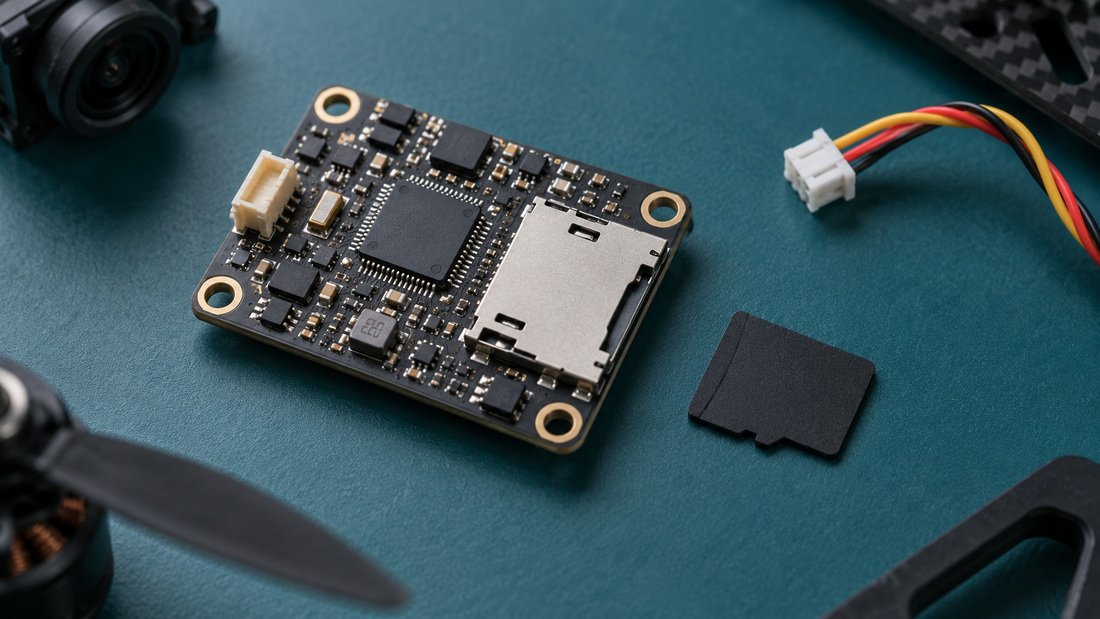
A digital video recorder (DVR) captures the video feed, including OSD, to a memory card. For teams this is more than a nice feature. Coaches review gate lines and crash causes. Teachers attach clips to assessments. Programs keep records for incident review.
Built-in DVR in the goggle is the simplest option for shared use because there is nothing extra to charge, mount or lose. External recorders can offer better quality or separate power, but add a device per station and another thing to break. Our FPV DVR category shows the board-level recorders used when you build recording into the aircraft or ground station instead.
DVR workflow questions to settle before purchase
- What file format and resolution does the DVR produce, and will your editing software and school devices accept it?
- How are files named and organised, so a coach can find one flight among forty?
- What happens when the memory card fills during an event?
- Does the DVR record OSD text, which is often the reason you wanted it?
These are supplier-specific answers. Request them in writing rather than assuming.
Comparison table: what schools and teams should weigh
| Factor | Analog 5.8 GHz goggles | Digital goggles | Why it matters for a team |
|---|---|---|---|
| Cost per station | Generally lower | Generally higher | Budget per pilot limits fleet size |
| Ecosystem lock-in | High interchangeability of VTX, antennas, receivers | Often tied to one manufacturer | Spares and mid-season changes |
| Video quality | More breakup and noise | Cleaner, more consistent image | Teaching clarity vs cost |
| DVR | Commonly built in, records OSD | Varies by model | Coaching and evidence |
| Shared-use durability | Simple parts, easy to replace | More complex modules | Volunteer repair capacity |
| Fit for beginners | Adjustable foam and IPD help | Depends on model | Comfort affects session length |
The table describes general trade-offs, not specific products. Confirm the actual configuration of any model you shortlist.
Sharing goggles across a class or squad
Shared use changes what “best” means. Consider these practical measures:
- Fit: look for adjustable interpupillary distance (IPD) and replaceable face foam so one headset can suit different students.
- Hygiene: plan for wipeable foam or spare foam sets, and a cleaning routine between sessions.
- Power: standard, swappable batteries reduce downtime; proprietary packs create single points of failure.
- Storage: a labelled case per goggle, with a channel card, prevents mix-ups at events.
- Spares: buy a small stock of straps, foam, antennas and power leads at the same time as the goggles.
If you are kitting out several stations, it is worth discussing the whole electronics package rather than goggles alone. DronePartsFactory supplies FPV electronics including 5.8G VRx (BKVR), DVR (BKD) and flight controller (BKF) lines for team and program builds. Exact configurations and commercial terms should be confirmed directly.
Contextual next step: if you are comparing goggle options against the rest of your ground and air equipment, talk to our team and we can review the full list with you.
Future-proofing: firmware, channels and repairability
Goggles are part of a firmware ecosystem. Some models receive updates; others are fixed at purchase. Ask how firmware is updated, whether updates can change channel behaviour, and whether older units remain compatible with newer transmitters.
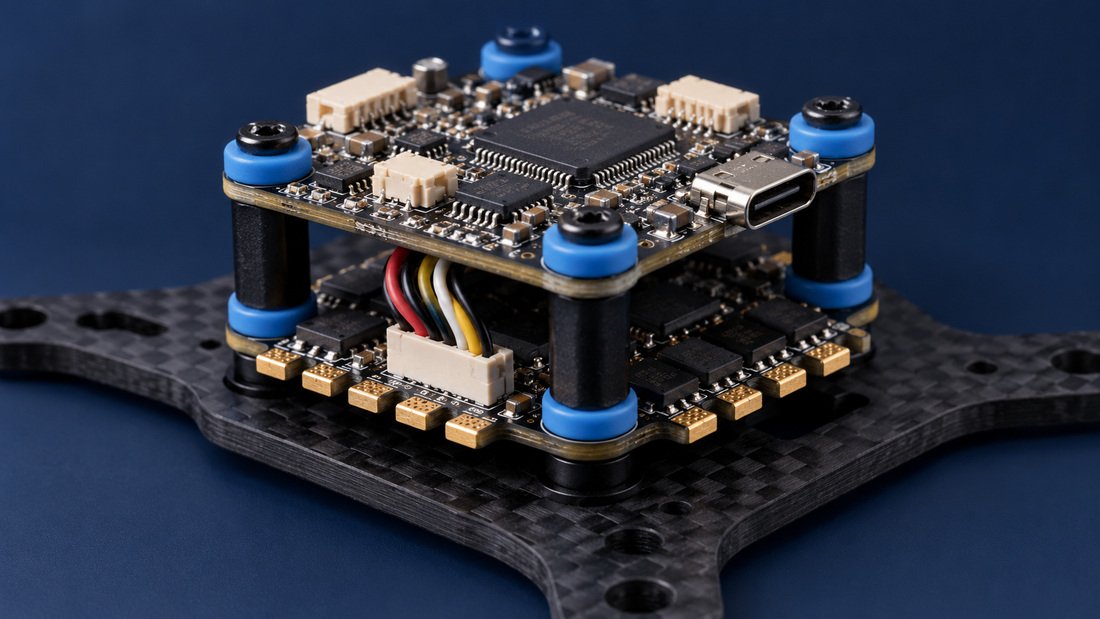
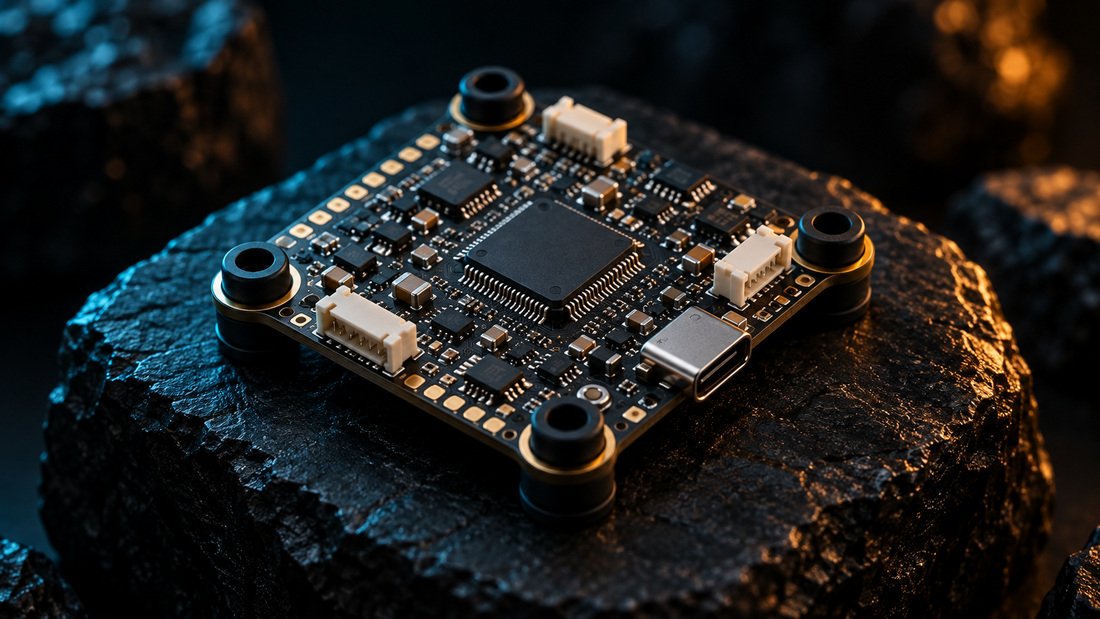
On the aircraft side, Betaflight runs on a wide range of flight controller hardware from many manufacturers, and support for each board comes from its manufacturer (source: betaflight.com/docs/wiki/getting-started). That is a reminder to check the support path for every electronic component you standardise, not only the goggles. Pairing goggles with well-supported flight controllers and compatible electronic speed controllers keeps a fleet serviceable over multiple seasons.
Common mistakes when buying goggles for a program
- Buying one premium headset instead of several workable ones. One great goggle for thirty students is a bottleneck.
- Ignoring the existing video system. Goggles that do not match your VTX are unusable, however good the specifications look.
- Forgetting the DVR card and reader. A recorder without storage or a way to offload files is not a workflow.
- Overlooking channel planning. Simultaneous flights need distinct channels and a posted plan.
- Assuming warranty and repair terms. Institutional buyers should confirm what is covered, for how long, and who pays return shipping, in writing.
- Skipping spares. Foam, straps and antennas fail first; order them with the goggles.
Buyer checklist for schools, clubs and associations
- List the video system and frequency of every aircraft in the fleet.
- Count simultaneous pilots, not total members, to size the goggle order.
- Confirm the goggle’s supported channels and whether a scan function is included.
- Verify the DVR format, resolution, storage type and whether OSD is recorded.
- Check display resolution and OSD legibility on a sample if possible.
- Ask about IPD adjustment, foam replacement and battery type.
- Request the spare parts list and typical replacement intervals.
- Confirm warranty scope, duration and return process in writing.
- Confirm minimum order quantity, lead time and shipping terms in writing before committing budget.
- Ask for the firmware update process and whether it affects channel behaviour.
- Agree a channel plan and a case and labelling scheme for events.
- Request samples or a demonstration unit before large orders where the supplier offers it.
Items you cannot verify from a web page should be requested directly from the supplier and recorded in the purchase file.
Frequently asked questions
Are analog or digital goggles better for a school?
It depends on your existing fleet. If your training aircraft use analog 5.8 GHz video, analog goggles keep everything compatible and reduce cost per pilot. If you are building a new fleet and budget allows, digital can improve clarity. Match the goggle to the video system you will actually fly.
Do I need DVR in the goggles if the drone records video?
They capture different things. An onboard camera records the flight from the aircraft; goggle DVR records what the pilot saw, including OSD data. For coaching and incident review, the pilot’s view is often the more useful record.
Can one pair of goggles be shared by several students?
Yes, with planning. Adjustable IPD, replaceable foam and a cleaning routine make sharing practical. Budget for spare foam and straps, and expect some wear at the connectors.
Does OSD come from the goggles or the flight controller?
The flight controller generates the OSD data and the video transmitter sends it. The goggles display the resulting video feed. Betaflight documentation confirms OSD support for analog and digital video systems and lists items such as battery voltage, current draw and GPS coordinates as displayable information (source: betaflight.com/docs/wiki/getting-started).
How many channels do we need for a drone soccer match?
Enough distinct channels for every aircraft flying at once, plus spares for testing. Assign channels on a posted plan and check that every goggle and transmitter can reach the same set.
What should we ask for in writing before ordering?
Warranty scope and duration, return shipping responsibility, minimum order quantity, lead time, spare parts availability, firmware update policy, and the DVR file format. Do not rely on website summaries or verbal assurances.
Where can we source goggles alongside other team electronics?
DronePartsFactory supplies FPV electronics including 5.8G VRx (BKVR), DVR (BKD) and flight controller (BKF) lines. Review the FPV electronics range and confirm the specific configuration you need directly with our team.
Conclusion
The best FPV goggles for a school or team are the ones that match your fleet’s video system, survive shared use, make OSD readable, and give you a recording workflow you will actually use. Start from pilot count and channel plan, not from a specification sheet. Then confirm the commercial details in writing before you commit a program budget.
Next step: send us your fleet list, pilot count and DVR requirements, and Request a Team Kit Quote so we can help you build a consistent, serviceable goggle and electronics package.