Quick summary
Connecting a camera and VTX (video transmitter) to an FPV flight controller means wiring the camera’s video output to the flight controller’s video-in pad, wiring the VTX video-in to the flight controller’s video-out pad, and powering both from correct voltage pads. You also connect a ground return for each device. If you want on-screen display (OSD) or VTX control, connect the camera and VTX to the same ground reference as the flight controller. Power the camera and VTX from pads rated for their voltage. Then confirm the flight controller firmware has the correct video system and VTX settings before powering up.
Key Takeaways
- Route video through the flight controller when you want Betaflight or similar firmware OSD and VTX control; direct camera-to-VTX wiring is simpler but skips OSD.
- Power the camera and VTX from pads whose voltage matches the device’s rated input; never assume every 5V pad is suitable for every VTX.
- Keep grounds common between camera, VTX and flight controller to reduce noise and avoid unstable video.
- Verify the flight controller’s video format (analog or digital) and VTX protocol before final assembly; mismatches can waste parts and time.
- For school and club programs, standardize wiring conventions per airframe and document them, so multiple students can build and repair consistently.
What the flight controller does with the video signal
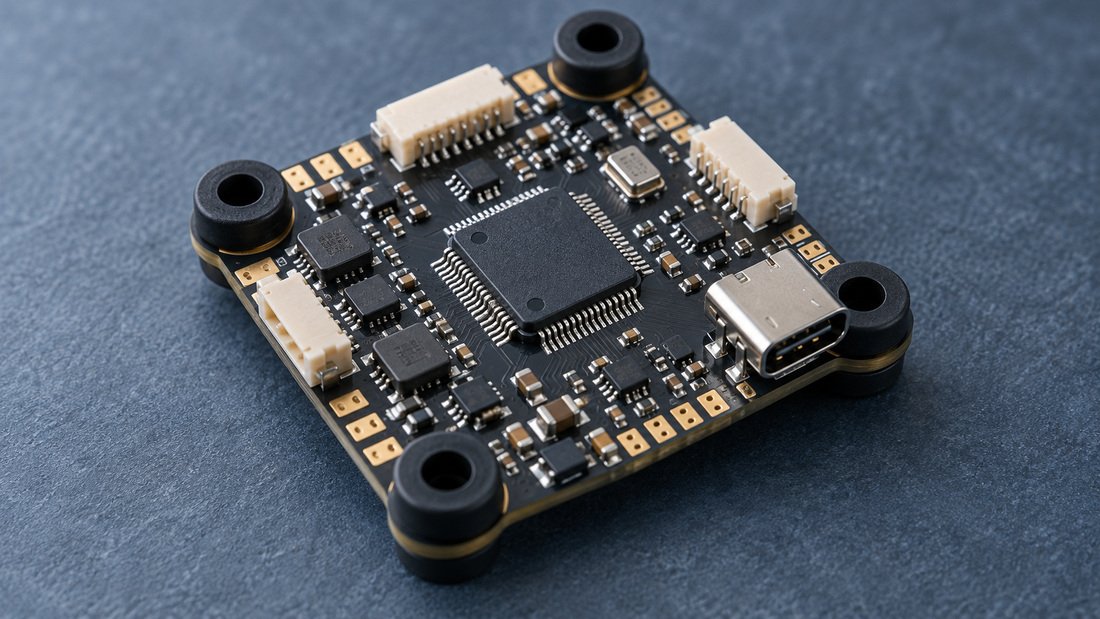
In a typical FPV quadcopter, the flight controller is the computer that reads sensors, computes motor commands and can also control peripherals such as VTX and radio telemetry (Betaflight documentation). That is why the video signal often passes through the flight controller rather than going straight from camera to VTX: the controller can overlay OSD information and send VTX control commands.
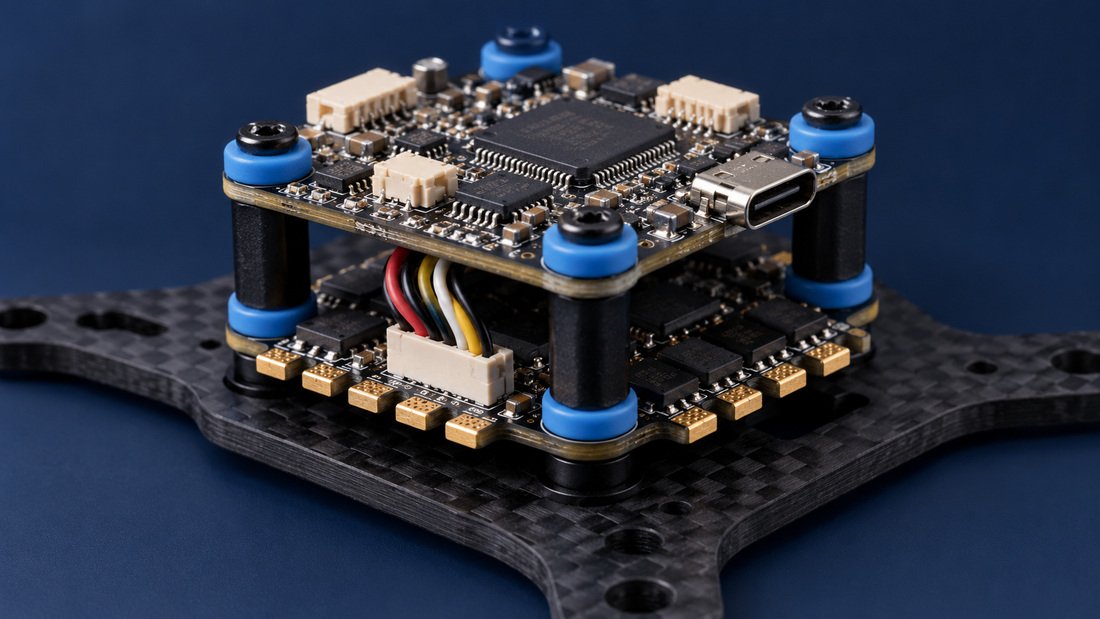
If you do not need OSD or VTX control, you can wire the camera video output directly to the VTX video input. This is a common simple setup, but it removes the flight controller from the video path. For team builds, the through-controller route is usually easier to troubleshoot because one board owns the signal path.
Analog vs digital video systems
The wiring principle is similar for analog and digital FPV systems, but the flight controller’s firmware setting must match the installed video system. Betaflight, a widely used open-source flight control software, supports OSD for analog and digital video systems (Betaflight documentation). Check the flight controller’s documentation or product page for the supported video format before buying cameras and VTXs for a fleet.
The basic connection map
A minimal through-flight-controller wiring map has four signal or power relationships: camera video out to flight controller video in, flight controller video out to VTX video in, camera power and ground, and VTX power and ground. If VTX control is used, add the VTX control wire to the correct flight controller pad.
| Connection | From | To | Purpose |
|---|---|---|---|
| Video in | Camera video output | Flight controller video-in pad | Carries the camera image into the flight controller |
| Video out | Flight controller video-out pad | VTX video input | Sends the image (with OSD if enabled) to the VTX |
| Camera power | Flight controller voltage pad rated for camera | Camera power input | Powers the camera |
| Camera ground | Flight controller ground pad | Camera ground | Provides return path |
| VTX power | Flight controller or power distribution pad rated for VTX | VTX power input | Powers the VTX |
| VTX ground | Flight controller or power distribution ground | VTX ground | Provides return path |
| VTX control | Flight controller control pad (per firmware target) | VTX control wire | Allows firmware to change VTX settings |
Step-by-step connection for a typical analog build
The sequence below is general guidance for an analog FPV build. Always follow the specific pinout and voltage ratings printed on your flight controller, camera and VTX. Pin locations vary by board.
1. Identify pads and voltage ratings
Find the flight controller’s video-in, video-out, VTX control, 5V, and ground pads. Check whether camera and VTX accept 5V, battery voltage, or another input. If a device’s rated input is lower than the pad voltage, use an appropriate regulator or a different pad. Do not assume a pad labelled 5V can supply enough current for a high-power VTX; check the board documentation.
2. Wire camera video and power
Solder the camera video output to the flight controller video-in pad. Solder camera power and ground to pads with the correct voltage and a common ground. Keep the video wire short and route it away from high-current motor or battery leads where practical.
3. Wire VTX video, power and control
Solder the flight controller video-out pad to the VTX video input. Solder VTX power and ground to correctly rated pads. If the VTX supports a control protocol and the flight controller has a matching pad and firmware support, solder the control wire to the designated pad and configure the port later in firmware.
4. Configure firmware before transmitting
Betaflight supports common VTX control protocols and OSD, but the exact options depend on the flight controller target and firmware version. Set the video system and VTX settings in the configurator according to the flight controller and VTX documentation. For first power-up, consider using a low VTX power setting and a dummy load or antenna connected, following local radio regulations.
5. Test and document
Check video with goggles before closing the frame. Record the wiring colors, pads and firmware settings for your team’s build sheet. The Betaflight documentation notes that the knowledge behind the software stays open to everyone; team documentation is the equivalent for your own fleet (Betaflight documentation).
Planning a fleet for a school or club? Talk to our team about compatible electronics options. Request a Team Kit Quote.
Direct wiring vs through-flight-controller wiring: trade-offs
Direct camera-to-VTX wiring is quicker and avoids dependence on the flight controller’s video path. Through-controller wiring enables OSD and VTX control but adds two solder joints and firmware configuration. Neither approach is inherently better; the right choice depends on whether your program needs OSD data and centralized VTX management.
| Factor | Direct camera-to-VTX | Through flight controller |
|---|---|---|
| OSD | No flight controller OSD | Yes, OSD supported by firmware |
| VTX control | Typically manual or VTX button only | Possible via firmware control protocol |
| Wiring complexity | Lower | Moderate |
| Firmware setup | Minimal | Video format, ports and VTX settings required |
| Troubleshooting | Fewer points of failure | More points of failure but more diagnostics in OSD |
| Best for | Very simple builds, quick repairs | Teams wanting OSD, regulated VTX power and standardized settings |
Common mistakes teams should avoid
Most wiring faults come from voltage mismatch, missing grounds, incorrect firmware settings and soldering damage. A short checklist before power-up catches many of them.
- Powering a camera or VTX from a pad that exceeds its rated input. Confirm voltage at the pad, not just the label.
- Forgetting a ground return between camera, VTX and flight controller. Use a common ground reference.
- Connecting video to the wrong pad, for example video-in to video-in. Follow the silkscreen and board diagram.
- Selecting the wrong video format or VTX protocol in firmware. Match the firmware setting to the installed hardware.
- Routing video wires next to power leads, which can pick up noise. Keep signal wires tidy and short.
- Testing without an antenna or appropriate load on the VTX. Follow the VTX instructions for safe testing.
- Changing multiple variables at once. Change one connection or setting, then test.
Procurement checklist for schools, clubs and distributors
Buying compatible FPV electronics for a group is easier when you confirm a short list of technical and commercial points in writing before ordering. Use this checklist as a starting point for conversations with any supplier, including DPF.
- Flight controller documentation covers the video-in and video-out pads, VTX control pad (if any), and voltage/current limits for accessory pads.
- Camera and VTX input voltage ranges are stated and fall within the flight controller’s available pads.
- The flight controller’s supported video formats (analog or digital) match the cameras and VTXs in the kit.
- The flight controller’s firmware target and configurator version are confirmed, along with VTX protocol support.
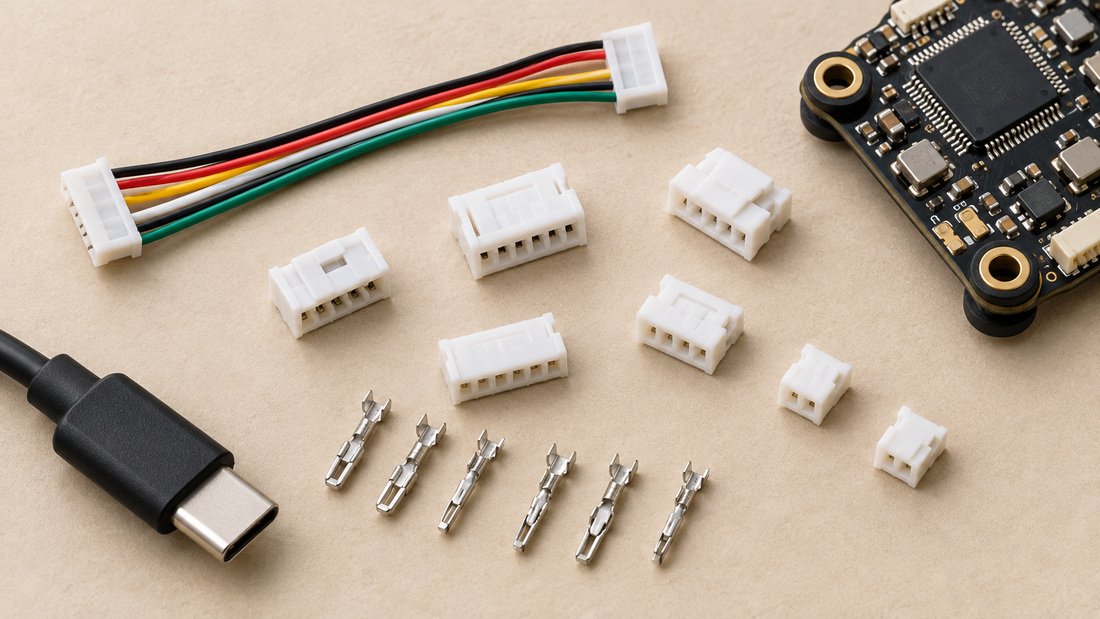
- Connector types, wire harnesses and pinouts are documented, so students can build consistently across kits.
- Replacement parts (cameras, VTXs, harnesses, flight controllers) are available for repairs.
- Commercial terms such as minimum order quantity, lead time, pricing and warranty are confirmed in writing; do not assume them.
- For OEM/ODM projects, request a written specification and sample evaluation before committing to production.
For a broader overview of available categories, browse FPV electronics. For board-level selection, see flight controllers. Teams that also manage motor drive wiring may want to review electronic speed controllers. Ground-station and viewing equipment can be found under FPV video receivers and FPV DVR options.
FAQs
Can I connect a camera directly to a VTX without a flight controller?
Yes. Connecting camera video output to VTX video input, with appropriate power and ground, is a common simple setup. You will not get the flight controller’s OSD or VTX control features. If your program relies on on-screen voltage or timers, use the through-controller wiring instead.
Do I need to connect the camera and VTX to the same ground as the flight controller?
Yes, a common ground reference is standard practice for stable video and control signals. Wire each device’s ground to the flight controller or distribution board ground. Confirm the board’s grounding scheme in its documentation.
How do I know which voltage pad to use for my camera and VTX?
Check the input voltage range printed on the camera and VTX and compare it with the flight controller’s pad voltages. If the device accepts 5V, use a 5V pad rated for its current. If it accepts battery voltage, use an appropriate battery-voltage pad. When in doubt, consult the manufacturer’s documentation.
What firmware setup is needed after wiring?
You typically need to set the video system (analog or digital), configure any VTX control port, and adjust OSD settings. Betaflight supports OSD for analog and digital systems and multiple VTX control protocols, but exact options depend on your flight controller target and firmware version (Betaflight documentation). Follow the flight controller manufacturer’s setup guide.
Why is my video noisy after wiring?
Noise can come from a missing ground, a long video wire routed near power leads, or a power supply issue. Check grounds first, then wire routing, then power pads and regulators. Change one factor at a time and retest.
Can I use the same wiring approach for digital FPV systems?
The concept is similar, but the camera and VTX connections, power requirements and firmware settings can differ. Confirm the flight controller supports your chosen digital system before purchasing or wiring. Refer to the flight controller and video system documentation.
How should a school or club standardize VTX and camera wiring?
Choose one flight controller, camera and VTX combination per class or team, document pad assignments and firmware settings, and keep a shared build sheet. Standardization reduces wiring errors and speeds repairs. Confirm replacement part availability with your supplier before committing to a fleet.
Conclusion
Connecting a VTX and camera to FPV flight controllers is a repeatable wiring task when you match voltage, keep a common ground, and configure firmware before transmitting. For teams, the bigger win is standardization: the same pads, wire colors and settings across every airframe make repairs faster and training safer. Verify hardware compatibility and commercial terms in writing before ordering, especially for group purchases. When you are ready to plan a fleet, Request a Team Kit Quote and share your airframe, video system and quantity requirements.