Quick summary
In ExpressLRS (ELRS), the binding phrase is a shared text string you flash into both the transmitter module and the receiver. When two devices hold the same phrase, they derive matching binding parameters and connect without a button-press bind procedure. To set one: choose a unique phrase (letters, numbers), enter it in the ExpressLRS configurator or web UI before flashing firmware, flash both the TX module and each receiver with the same phrase, then power them and confirm the link. Keep phrases consistent across a squad where practical.
Key Takeaways
- An ELRS binding phrase is pre-set at flash time, not stored as a traditional bind plug action.
- TX module and receiver must share the identical phrase, including letter case and spacing.
- A mismatch is one of the most common reasons a new receiver will not connect.
- Fleet consistency simplifies support for drone soccer clubs and school programmes.
- Regional RF band, firmware target and packet rate are separate settings that also need to match.
What Is an ELRS Binding Phrase?
An ELRS binding phrase is a user-chosen text value compiled into the firmware of an ExpressLRS transmitter module and receiver. Instead of pressing a bind button and waiting for a handshake, the two radios calculate matching binding values from that phrase at boot. If the phrase matches, they connect. If it does not, the receiver stays unbound even when every other setting looks correct.
This is one of the core ExpressLRS basics worth understanding before you buy or configure a fleet: the bind is a firmware-level agreement, not a temporary pairing. That is why the phrase must be set before or during flashing, and why changing it later usually means reflashing.
The wider radio ecosystem around this is covered in our overview of ELRS and RF systems.
Why Clubs and Schools Care About Binding Phrases
A typical drone soccer club or school programme may run ten, twenty or more aircraft. If every receiver uses a different phrase, each model effectively needs its own transmitter configuration. A shared phrase lets one transmitter or module talk to many receivers, which is far easier to manage in a training session.
There is a trade-off. A shared phrase means anyone with a matching module can potentially control those models. For organised club sessions this is often acceptable and convenient; for competition or shared public venues, teams should agree on how they manage phrase sharing and who holds the transmitter.
A practical club model
Many teams treat the phrase as fleet infrastructure: one agreed phrase for training aircraft, and a separate phrase for any model that needs restricted access. Document the phrase and the firmware target in a team setup sheet so new coaches or volunteers can repeat the setup.
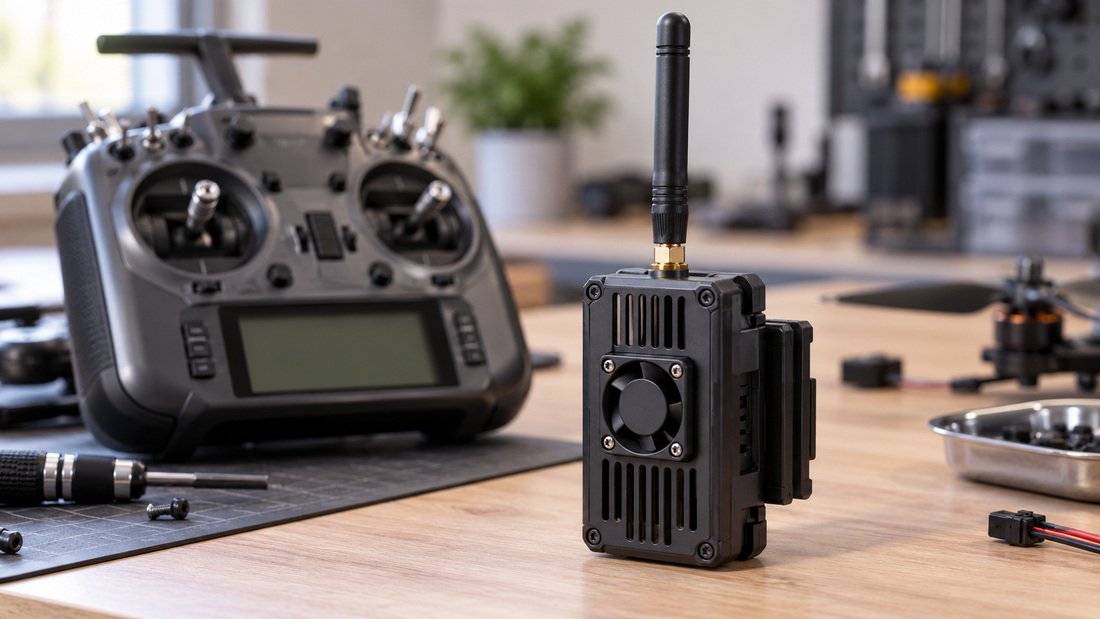
How to Set an ELRS Binding Phrase (Step by Step)
The exact menu labels move between ExpressLRS releases and configurator versions, so treat the steps below as the general workflow. Confirm the current field names in the documentation for the firmware version you are flashing.
Before you start
- Identify the exact hardware: transmitter module model and receiver model.
- Confirm the receiver’s supported RF band for your region.
- Confirm the correct firmware target for each device.
- Have the flashing method ready (configurator, web UI or supported handset method).
Steps
- Choose a phrase. Letters and numbers are safest; avoid spaces and symbols that can be mistyped. Decide whether case matters for your workflow and stay consistent.
- Enter the phrase in the binding phrase field before building or flashing firmware. Setting it after flashing generally has no effect on the radio.
- Flash the transmitter module first, then each receiver, using the same phrase.
- Power the transmitter and a receiver. Watch for link confirmation in your radio’s telemetry or status display.
- Repeat for each receiver, verifying the link one at a time before installing them in airframes.
- Record the phrase, firmware version, target and band in your team setup sheet.
If the receiver does not connect, check the phrase first, then the firmware target, then the band.
Binding Phrase vs Other ELRS Settings
A correct phrase alone is not enough. ELRS devices also need compatible firmware targets, matching RF band hardware, and compatible packet rate and telemetry settings. The table below separates the settings so you can troubleshoot in the right order.
| Setting | What it controls | Must match between TX and RX? | Typical symptom if wrong |
|---|---|---|---|
| Binding phrase | Whether devices are permitted to bind | Yes, exactly | Receiver never connects |
| Firmware target | Hardware-specific build | Must suit each device | Flashing fails or device misbehaves |
| RF band | Frequency range of the hardware | Must be compatible | No usable link even when bound |
| Packet rate | Update rate and latency behaviour | Must be supported by both | Link unstable or fails to establish |
| Telemetry ratio | How often telemetry is sent | Configurable, not necessarily identical | Reduced telemetry range or detail |
This order matters in practice: phrase, then target, then band, then rate. Changing several things at once makes diagnosis harder.
Common Mistakes with ELRS Binding Phrases
Most binding phrase problems are simple input errors rather than hardware faults. Error messages can surface on a small OLED or handset display, so a magnifier or a second pair of eyes helps.
- Case and character mismatches. “TeamA” and “teama” are different phrases.
- Hidden spaces. A trailing space copied from a document is easy to miss.
- Setting the phrase after flashing. The field must be applied when firmware is built or written.
- Copying a phrase from an unrelated build. Old project files cause confusing failures.
- Assuming a bind button solves everything. On ELRS, some bind methods exist, but the phrase is the standard route.
Quick diagnostic checklist
- Re-read the phrase character by character on both devices.
- Confirm both devices were flashed with the intended build.
- Confirm the receiver band suits your module and region.
- Test one receiver at a time before installing.
- If it still fails, reflash both with a fresh, simple phrase to isolate the fault.
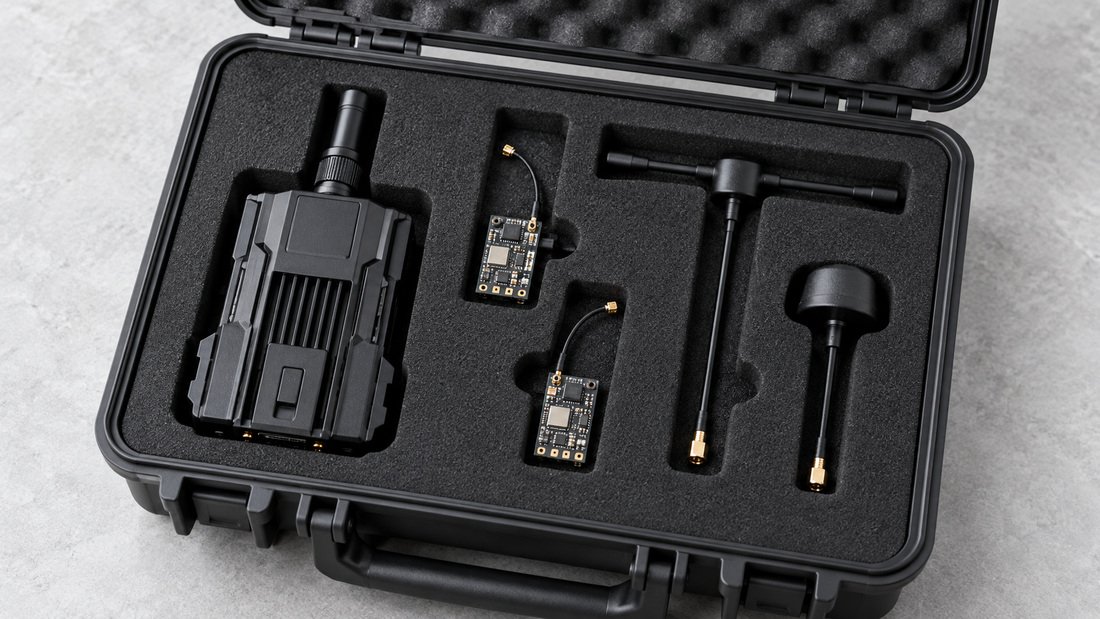
Buying ELRS Gear for a Team: What to Check
Procurement for a club or school is different from a single-pilot purchase. You are buying a repeatable system, so compatibility and documentation matter as much as headline specifications. If you need help matching modules to receivers, the ELRS receiver compatibility centre is a sensible starting point.
Specification and procurement checklist
- Module and receiver models identified by exact name, not just “ELRS”.
- RF band confirmed for your region and use.
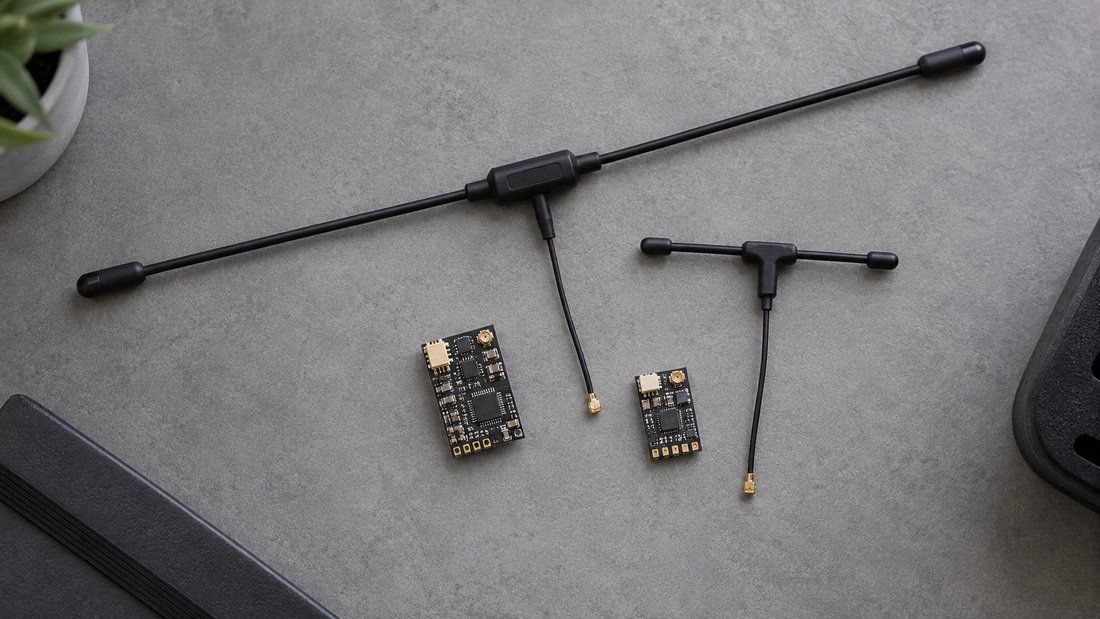
- Antenna type and connector confirmed as compatible with your builds.
- Firmware target and version noted for both TX and RX.
- Number of receivers per transmitter understood (your phrase strategy).
- Spare receivers and antennas included in the initial order for training continuity.
- Written confirmation of commercial terms: price validity, payment terms, shipping method and returns policy.
- Request any warranty, MOQ, lead time or customisation details in writing before ordering.
If you are ordering for a squad, it is worth asking your supplier to confirm receiver-to-module compatibility for the specific models you plan to run, and to state it in writing on the quote. That single step prevents a large part of fleet setup frustration.
Where our products fit
Our range includes ELRS receivers, ELRS transmitter modules and RF antennas intended for FPV and drone soccer builds. Exact specifications, variants and commercial terms should be confirmed with our team against your requirements rather than assumed from a category page.
Planning a fleet order or a team kit? Request a Team Kit Quote and tell us your receiver count, band and firmware preferences so we can confirm compatibility in writing.
Testing and Verifying a Bound Link
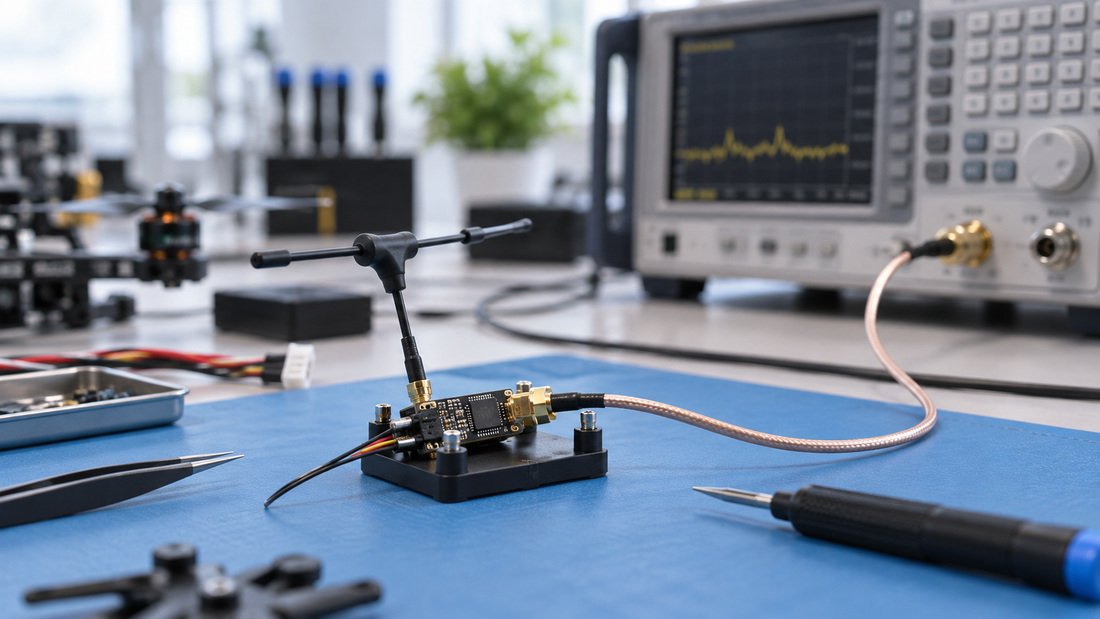
Binding is only the first milestone. Before a session, confirm the link behaves as expected on the bench and then in the flying area you actually use. Club gyms, school halls and outdoor fields have very different RF conditions.
- Power up and confirm the link indicator or telemetry connection.
- Check control response direction and failsafe behaviour on the bench with propellers removed or motors disabled as appropriate.
- Walk-test at increasing distance in the venue to check for dropouts.
- Note any interference sources and antenna orientation that affect results.
- Repeat the check after any firmware change.
Keep a simple log per airframe. When a receiver misbehaves mid-season, the log tells you whether something changed since it last worked.
Frequently Asked Questions
Is an ELRS binding phrase the same as a password?
Functionally it acts as a shared secret that lets devices bind, but it is not a strong security credential. Treat it as an operational setting and manage who has access to your transmitter accordingly.
Can I change the binding phrase without reflashing?
In general the phrase is applied when firmware is built or written, so changing it usually means reflashing the affected devices. Confirm the current behaviour for your firmware version in its documentation.
Do transmitter and receiver phrases need to match exactly?
Yes. Case, characters and spacing all count. A single difference prevents binding even when other settings are correct.
Should every drone in a club use the same phrase?
Often yes for training aircraft, because it lets one transmitter control many receivers. Consider a separate phrase for models that need restricted access, and document your policy.
Why does my receiver bind but still fail to control?
Check packet rate, RF band compatibility and failsafe configuration. Binding only confirms the phrase matched; other settings still affect whether the link works correctly.
Does the binding phrase affect range?
No. Range depends on hardware, output power, antennas and the RF environment, not on the phrase text itself.
What should I confirm in writing when ordering ELRS gear for a team?
Model names, RF band, firmware target, receiver count, price validity, payment terms, shipping and returns policy, plus any warranty, MOQ or lead time details your supplier applies. Ask for these on the quote.
Conclusion
Understanding the ELRS binding phrase is one of the most useful ExpressLRS basics for any club, school or team: it is a text value shared between transmitter module and receiver, set before flashing, and it must match exactly for the link to establish. Once you standardise phrases, firmware targets and bands across your fleet, setup becomes repeatable and troubleshooting becomes far quicker.
For your next order, confirm the exact module and receiver models, band and firmware target in writing, and order enough spare receivers to keep training sessions running. Request a Team Kit Quote to start that conversation.