Quick summary
The ELRS Configurator is the desktop tool used to build and flash ExpressLRS (ELRS) firmware onto receivers and transmitter modules without compiling code manually. You pick your hardware target and firmware version, choose options such as binding phrase, regulatory domain settings and telemetry, then flash over USB or through a flight controller. For schools and drone soccer clubs, its real value is repeatable fleet setup: the same firmware, flashing and binding process applied to every airframe, documented so volunteers can repeat it.
Key Takeaways
- The Configurator is a firmware build-and-flash utility, not a pairing app; binding is controlled by settings you choose before flashing or by a bind command afterward.
- Getting the target right matters more than any other setting. A wrong target can leave a receiver unresponsive, so confirm the exact hardware variant before the first flash.
- Standardise on one firmware version and one binding phrase per club fleet, and record both in a shared log.
- Firmware version must match between the transmitter module and receivers for reliable linking; treat mismatches as the first thing to check.
- Ask your supplier in writing which firmware targets and Configurator version their hardware is tested with, especially for OEM/ODM batches.
What the ELRS Configurator actually does
It prepares firmware files and sends them to your hardware. It does not manage model memory, channel mapping or rates the way a flight controller configurator does.
In practical terms the tool lets you:
- Select hardware target, firmware version and release channel.
- Set the binding phrase, regulatory domain (region) option, telemetry ratio and other build flags before flashing.
- Flash a receiver over USB, or via a flight controller using passthrough.
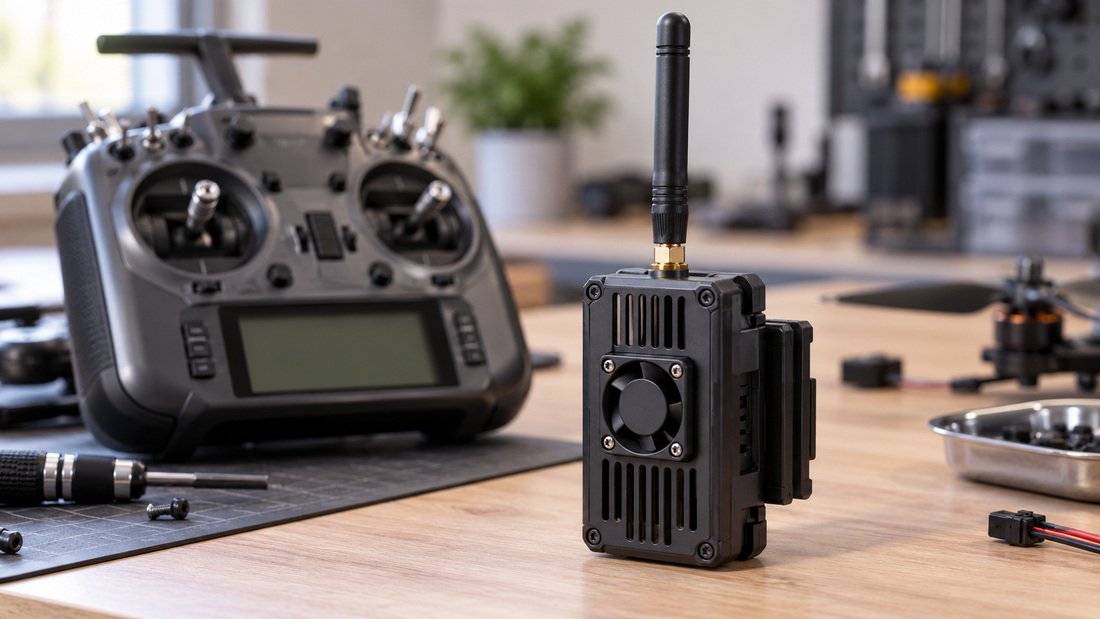
- Flash a transmitter module, typically over USB or Wi-Fi depending on the module.
- Download firmware files for offline use at an event with no reliable internet.
Because it builds firmware rather than merely downloading it, two people can produce different binaries from the same version number. That is why the settings you choose must be written down, not remembered.
ELRS firmware, flashing and binding: how the three connect
Firmware is the software on the radio link hardware. Flashing is the act of writing it. Binding is the handshake that lets a transmitter and receiver talk. The Configurator touches all three but controls binding indirectly.
Firmware version pairing
Transmitter module and receiver should run matching ELRS major versions. Mixing versions is a common cause of a receiver that powers up but never connects. Before a club session, check the version on both ends rather than assuming they match.
Flashing methods
Three routes dominate:
- USB flashing — direct cable to the receiver or module. Most predictable for bench work.
- Passthrough flashing — firmware sent through a flight controller over its USB port. Convenient when a receiver is buried in a frame.
- Wi-Fi flashing — connecting to the device’s own access point. Useful in the field, but slower and easy to interrupt.
Binding methods
Two approaches exist:
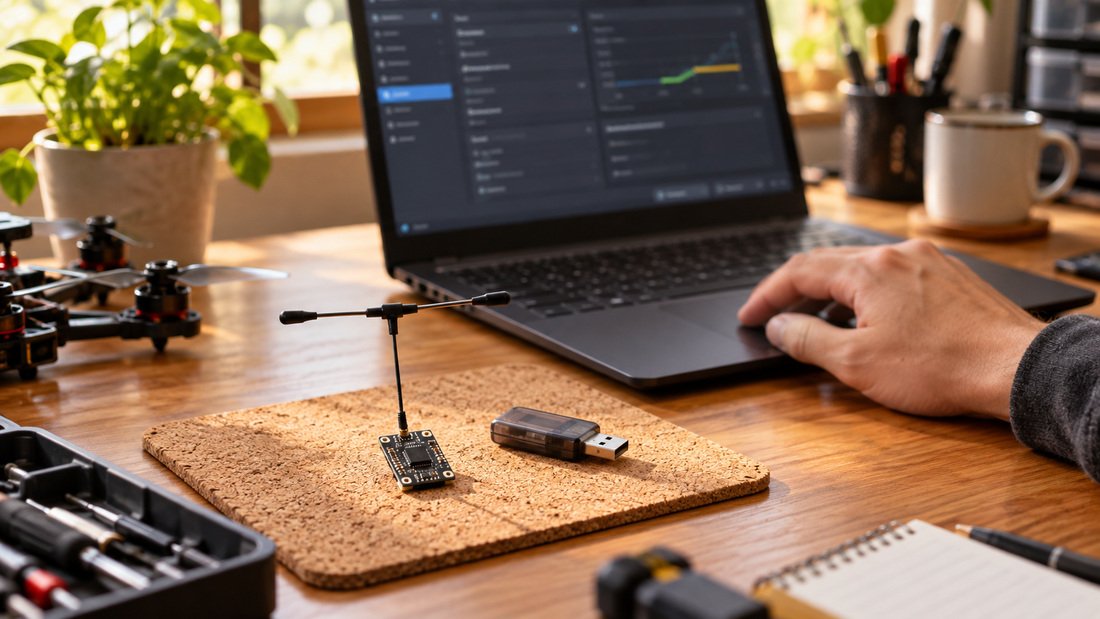
- Binding phrase — a shared text string set in firmware on both ends. Devices with the same phrase link automatically. Best for clubs because no button press is required at the field.
- Traditional bind — pressing a button or issuing a bind command. Useful for one-off pairing, but harder to scale across dozens of receivers.
After flashing, verify the receiver actually entered bind mode and that the transmitter reports a link. Do not treat a successful flash as proof of a working link.
How to use the Configurator step by step
A repeatable order of operations matters more than any single click. This sequence works for a bench session and can be documented for volunteers.
- Identify the exact hardware. Note the receiver or module model and variant. Consult your supplier’s documentation and our ELRS receiver compatibility information if unsure.
- Install or update the Configurator. Record which version the club standardises on.
- Select the target and firmware version. Match the target to the hardware, not to a similar-looking model.
- Set build options. Binding phrase, region, telemetry settings. Keep the phrase consistent across the fleet and store it securely.
- Put the device in flash state. USB, passthrough or Wi-Fi, following the hardware documentation for that device.
- Flash and wait for confirmation. Do not disconnect mid-write.
- Verify. Power cycle, confirm the firmware version reported, then check the link.
- Record. Log target, version, phrase and date against the airframe serial or label.
For a club, step eight is the step that saves the most time later. A shared spreadsheet is enough.
Target and device comparison
The table below compares the practical trade-offs rather than model specifications. Your supplier’s documentation defines the actual supported targets.
| Approach | Best for | Trade-off | Verify with supplier |
|---|---|---|---|
| USB flashing | Bench setup, new receivers | Requires physical access | Connector type and any adapter needed |
| Passthrough via flight controller | Receivers already installed in frames | Depends on flight controller firmware support | Supported targets and required FC firmware range |
| Wi-Fi flashing | Field updates | Slower, sensitive to interruption | Whether the module or receiver exposes a Wi-Fi update mode |
| Binding phrase | Fleet-wide deployment | Phrase must be managed and kept consistent | Whether phrase is set at build time for your batch |
| Button/command bind | One-off pairing, troubleshooting | Manual step per airframe | Physical bind button location and behaviour |
Club fleet practices that reduce setup time
Clubs that set up many airframes benefit from treating firmware like equipment inventory. Standardise deliberately and document everything.
- One firmware version per season. Freeze it unless a fix is needed, then update the whole fleet together.
- One binding phrase, stored securely. Every receiver and module in the club uses it.
- One person owns firmware changes. Volunteers can flash prepared files but do not change build options.
- Label every receiver. A physical label with target and date turns later troubleshooting into a lookup.
- Pre-download firmware files. Event venues often have poor connectivity.
- Keep a spare flashed receiver. Swapping a known-good unit is faster than debugging on the field.
Complement this with an ELRS and RF systems overview so volunteers understand the hardware chain from transmitter module to antenna.
Common mistakes and how to avoid them
Most failures trace back to a small number of avoidable errors.
- Wrong firmware target. The most damaging error. Confirm the exact variant before the first flash.
- Mismatched firmware versions. A module and receiver on different ELRS versions may power up but never link.
- Forgetting the binding phrase. The receiver flashes cleanly and simply does not connect.
- Inconsistent regional settings. Different build options between units can produce confusing behaviour; agree on one configuration.
- Disconnecting mid-flash. Interrupted writes can leave a device needing a recovery procedure.
- Skipping the post-flash link check. A successful write is not a successful bind.
- Undocumented changes. A firmware change nobody recorded costs the next volunteer time.
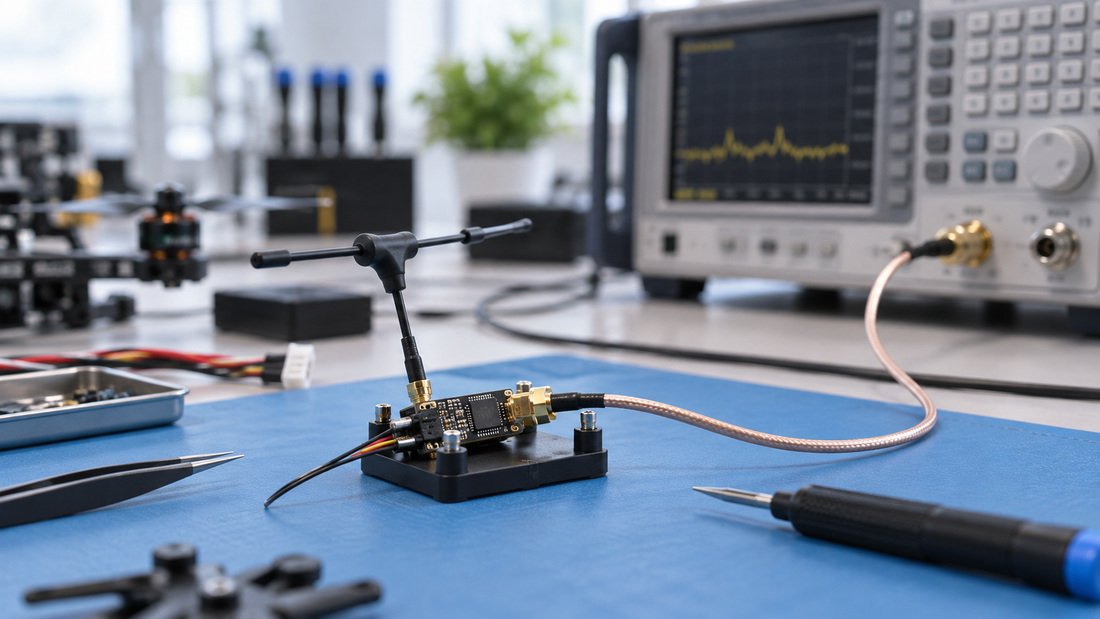
For a systematic troubleshooting path, pair this guide with a bench test plan, using RF antennas in known-good configurations so you are testing firmware, not antennas.
Procurement checklist for schools, clubs and distributors
Technical questions often decide whether a purchase works. Ask these before committing to a batch.
- Which ELRS firmware major version and Configurator version are recommended for this hardware?
- What is the exact firmware target name for each receiver and module variant?
- Can the supplier confirm pre-flashed firmware and binding settings, and how is that specified on the order?
- Which flashing methods are verified: USB, passthrough, Wi-Fi?
- What recovery method exists if a flash is interrupted?
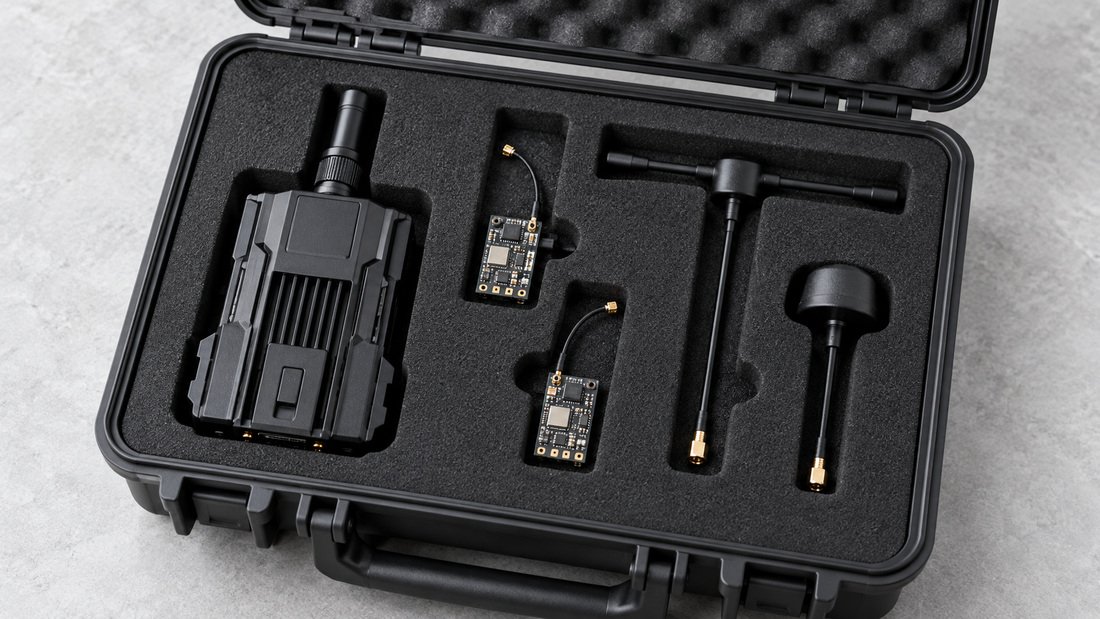
- Which antenna connector types ship with receivers and modules?
- What documentation is provided for teachers or volunteer coaches?
- For distributors: can documentation and firmware guidance be localised or bundled?
- For OEM/ODM: how are firmware defaults agreed and verified before mass production?
Get any commercial term — packaging, labelling, pre-flash configuration, delivery schedule — confirmed in writing on the purchase order. Do not assume defaults.
Frequently asked questions
Is the ELRS Configurator the same as a binding tool?
No. It builds and flashes firmware. Binding happens because of the binding phrase embedded in that firmware or because you trigger a bind action on the device.
Why does my receiver flash successfully but never connect?
Check three things in order: firmware version match with the transmitter module, binding phrase consistency, and correct target. These account for most link failures.
Can I flash many receivers at once?
The standard workflow is one device at a time. Bulk handling is a supplier-side question — ask whether your order can arrive pre-flashed with agreed settings.
Which firmware version should a club standardise on?
The one your supplier confirms for your hardware and your Configurator version. Freeze it per season and update the whole fleet together rather than unit by unit.
Do I need Wi-Fi flashing in the field?
It helps when hardware is hard to reach, but it is slower and easier to interrupt. Pre-flashed spares and USB bench work are usually more reliable for events.
Can teachers manage this without an RF background?
Yes, with preparation. Prepare and test firmware files in advance, train one responsible person, and give volunteers a one-page procedure covering flashing, verification and logging.
What should an OEM buyer provide to a factory?
A clear specification of desired firmware version, target, binding behaviour and documentation. Request written confirmation of how these are applied and checked.
Conclusion and next step
The ELRS Configurator is a small tool with a large operational role: it turns open radio link hardware into a repeatable club system. The sequence is simple — correct target, matching firmware, agreed binding phrase, verified link, written record. Failures usually come from one wrong setting, not from a faulty radio link.
For schools and drone soccer teams, the practical buying question is not only which receiver to order, but how it arrives configured and documented. Review our ELRS receivers and ELRS transmitter modules, then confirm firmware targets, flashing support and documentation in writing before you commit.