Quick summary
Choosing the right regulatory domain firmware for ELRS (ExpressLRS) means matching the transmitter module and receiver firmware to the RF rules of the country where the drone soccer team, club or event will operate. In practice, you confirm the legal band and power limits in your jurisdiction, select the FCC, EU or AU firmware target that matches those limits, then flash both ends and bind. Never flash a region “because a tutorial used it”; confirm the rules and lock a documented configuration for your fleet.
Key Takeaways
- Regulatory domain firmware is a compliance control, not a performance upgrade. Flash the domain that matches where the equipment will be used.
- Transmitter and receiver must run compatible firmware targets and versions; mismatches cause binding or link failures that look like hardware faults.
- Write your chosen domain, firmware version and binding procedure into a team configuration sheet so replacements and new kits stay consistent.
- For clubs and events, the safe procurement step is to request written confirmation of the firmware region and configuration from the supplier before bulk ordering.
- Test each build on the bench and at the venue before match day; RF conditions in sports halls differ from a workshop.
Why ELRS regulatory domain firmware matters for drone soccer
Drone soccer teams often fly indoors, in shared sports halls, with many transmitters powered at once. The RF band and transmit power you are allowed to use depend on national rules, so the firmware region on your ELRS transmitter module and receivers should reflect the location of use, not the location of purchase. Getting this wrong creates legal and operational risk for clubs, schools and event organisers.
Regulatory domain firmware sets the allowed frequency ranges and output power levels in the ELRS firmware. Because ELRS is open-source and community-developed, the same hardware can be flashed with different regional targets. That flexibility is useful for distributors and OEM teams, but it means the responsibility for choosing the correct target sits with the operator or the organisation specifying the kit.
If you are new to the ecosystem, start with the overview of ELRS and RF systems to understand how transmitter modules, receivers and antennas work together before you choose firmware.
What are FCC, EU and AU firmware targets?
FCC, EU and AU are commonly used labels for ELRS firmware targets intended for different regulatory environments: the United States (FCC rules), the European Union (EU harmonised spectrum rules) and Australia (local ACMA arrangements). The exact band edges and power limits are defined by the regulator and by the firmware project; treat the label as a starting point and verify the current official limits for your country.
Do not assume that a target labelled for one country is automatically legal in another with similar rules. Spectrum rules change, and local interpretations can differ for indoor versus outdoor use. For a school or club, the practical rule is simple: confirm the rules with a qualified local adviser, then flash and document the corresponding target.
FCC (United States) in brief
FCC firmware targets are built around United States spectrum rules. If your team flies in the US, ask the supplier or your radio adviser to confirm that the shipped configuration matches FCC limits. Schools should keep a copy of the confirmed configuration with their equipment records.
EU (European Union) in brief
EU targets are intended for European regulatory conditions, which may include different power and duty-cycle limits from US rules. For events with visiting teams, agree in advance which firmware domain each team will use and how you will check it at equipment control.
AU (Australia) in brief
AU targets exist for Australian conditions. Australian clubs ordering from international suppliers should ask for the region to be set before dispatch and confirm it again on receipt, because reflashing at scale takes time and needs a controlled procedure.
How do you actually choose the right domain?
Choose the domain by location of use and local rules, then by fleet consistency. Work through the following sequence before you flash anything:
- Identify where the equipment will legally operate (country, and whether indoor-only use changes the applicable limits).
- Confirm the current allowed frequency bands and power limits with your national regulator or a qualified radio adviser.
- Select the ELRS firmware target that matches those limits, and record the exact target name and version.
- Flash the transmitter module and all receivers with compatible firmware, using the same target family across the fleet.
- Bind and range-check on the bench, then repeat a short check at the venue.
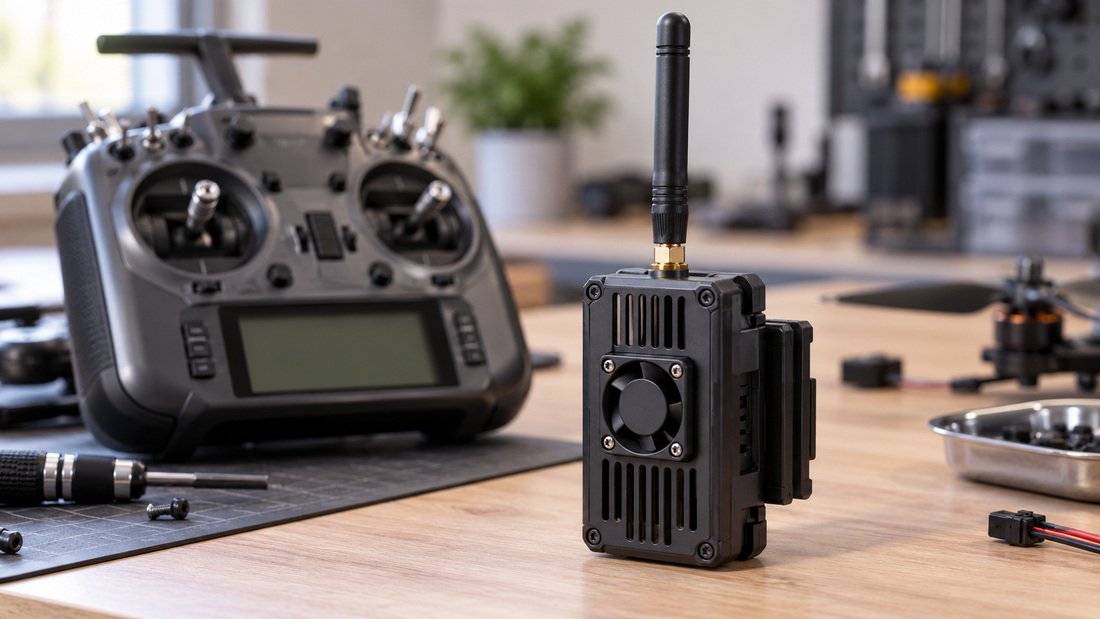
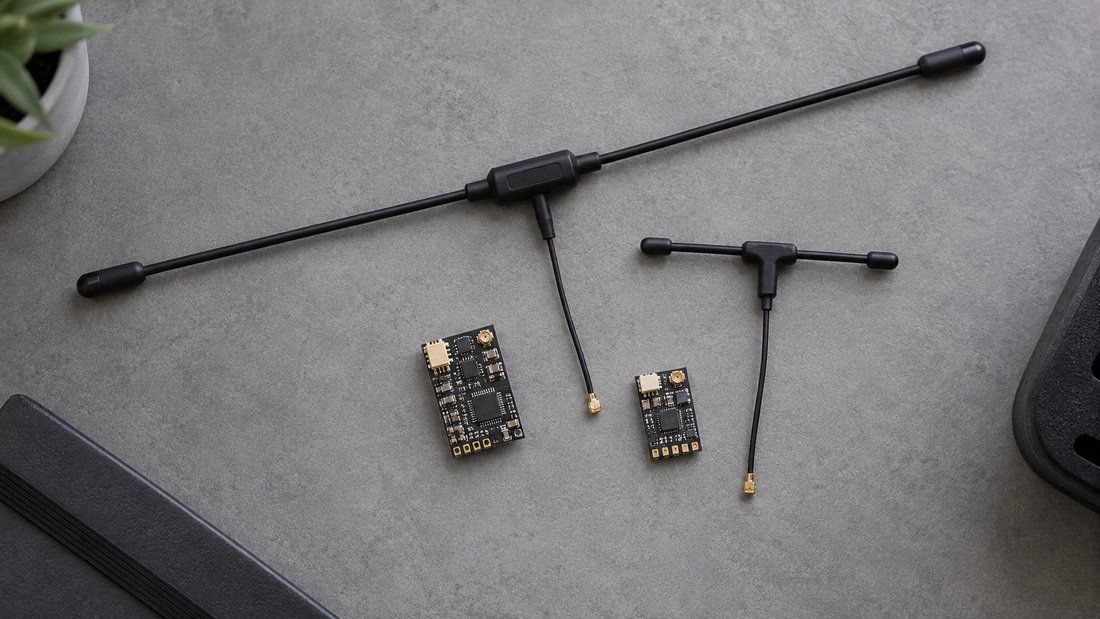
Figure 1 shows a typical external transmitter module used with ELRS builds. Hardware alone does not determine the domain; the firmware flashed onto it does.
Comparison: choosing between FCC, EU and AU targets
Use this table as a decision aid, not as legal advice. Verify the current limits with the regulator or a qualified adviser for your specific venue and use case.
| Consideration | FCC target | EU target | AU target |
|---|---|---|---|
| Primary intended region | United States | European Union | Australia |
| What to verify | Current FCC band and power limits for your use | Current EU harmonised limits and any national variations | Current ACMA arrangements and local conditions |
| Typical club scenario | US school league or club fleet | EU club or multi-country event | Australian club or regional competition |
| Main risk if mismatched | Operating outside permitted limits | Operating outside permitted limits | Operating outside permitted limits |
| Procurement action | Request written confirmation of FCC configuration | Request written confirmation of EU configuration | Request written confirmation of AU configuration |
In every column, the decisive question is the same: where will this equipment be switched on, and what do the local rules allow there?
Flashing ELRS firmware without breaking the fleet
Flashing is the process of writing firmware to the transmitter module or receiver. The main risk for clubs is inconsistency: one volunteer flashes a new version with a different target, and half the fleet stops binding. Treat flashing as a controlled procedure with a named owner and a written record.
Prepare before you flash
- Record the current firmware target and version on every device before changing anything.
- Download firmware only from the official ELRS project sources and follow the current official flashing method for your hardware.
- Confirm the correct target for your region and hardware, and keep a backup of the previous known-good firmware.
- Use a stable USB connection and a known-good cable; most “bricked” receivers are connection or target-selection errors.
Flash transmitter and receivers as a set
Update the transmitter module and receivers so they run compatible firmware. If you must keep older receivers on an older version, label them clearly and keep them in a separate case. Avoid mixing regional targets within one fleet used at the same venue.
Binding ELRS: a repeatable club procedure
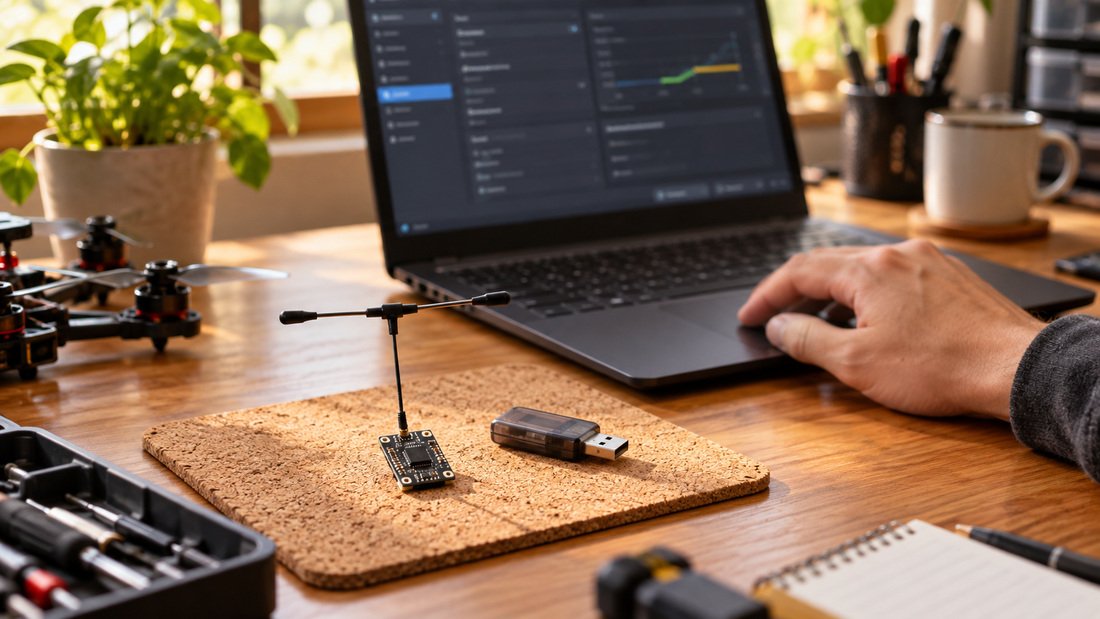
Binding is the process of pairing a transmitter module with a receiver so they communicate. ELRS binding methods vary by firmware version and hardware, so the club procedure should reference the official instructions for the exact version you standardise on. A simple, repeatable routine reduces setup time at events.
- Power the transmitter module and confirm it is in the expected binding mode.
- Power the receiver and follow the official binding sequence for that hardware.
- Confirm a solid link and check control response before installing props or arming.
- Record the binding method and any binding phrase or settings in the team configuration sheet.
- Label the receiver with its firmware target and version.
If binding fails, check firmware target and version compatibility first, then wiring and power, before assuming a hardware fault. The ELRS receiver compatibility page is a useful starting point for checking combinations.
Bench and venue checks that catch domain mistakes
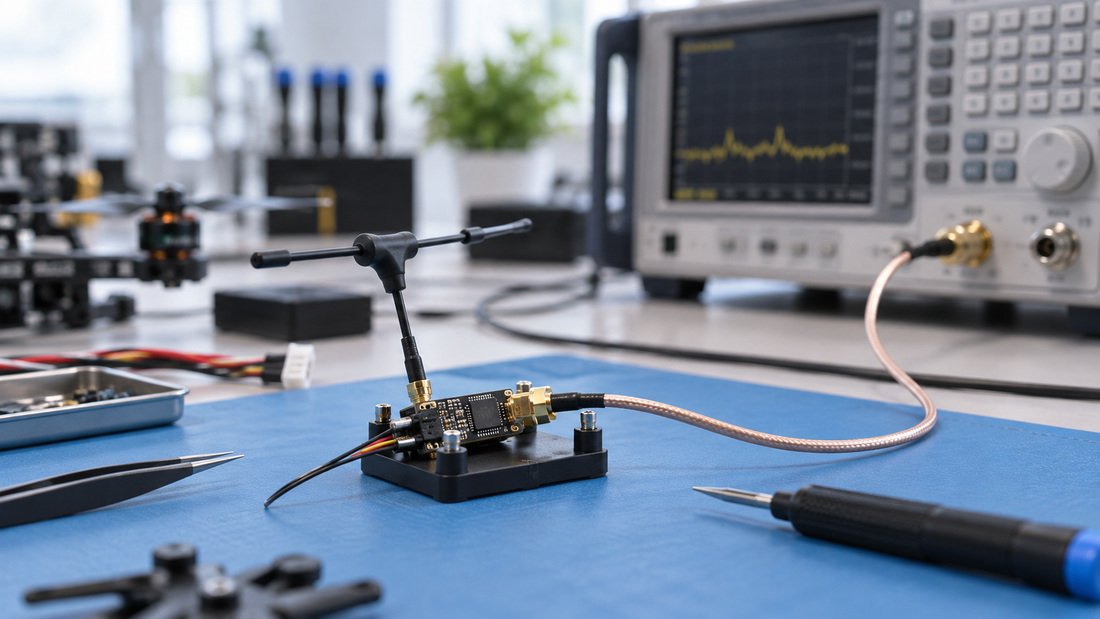
A short, documented check catches most configuration problems before they reach a match. On the bench, confirm binding, control response and basic link behaviour with the aircraft restrained. At the venue, repeat a brief check in the actual hall, because reflections and interference differ from your workshop.
Assign one person to inspect each team’s transmitter and receiver configuration at equipment control, comparing the recorded target and version against your event standard. This is also the moment to confirm that visiting teams are using firmware appropriate to the host country.
Procurement checklist for clubs, schools and events
Before you order a team kit, confirm the following in writing with the supplier. Where a supplier cannot confirm a point, ask for the question to be answered before you approve the purchase.
- Which regulatory domain firmware will be pre-loaded, and can it be set to the domain required at the venue?
- Which exact firmware version and target will be supplied, and how will that be documented on the packing list or configuration sheet?
- What flashing and binding instructions or support materials are provided for that version?
- How are receivers and transmitter modules matched as a set for compatibility?
- What is the process if a unit arrives with the wrong domain or firmware version?
- Are antennas supplied matched to the intended band, and are spares available?
- For OEM/ODM orders, how is the configuration locked and verified before shipment?
Request samples and verify the configuration on the bench before committing to a full team order. For distributor and OEM teams, ask for the written configuration control process, not just a product sheet.
Common mistakes to avoid
- Flashing by tutorial, not by rule: copying a regional target from a video without checking local limits.
- Mixing targets in one fleet: some receivers on FCC and others on EU, causing confusing link behaviour.
- Updating only one end: flashing receivers but leaving transmitter modules on an incompatible version.
- No record: nobody knows which firmware version passed inspection last season.
- Assuming hardware equals region: the same module can be flashed for different regions, so check the firmware, not just the label.
Where the hardware fits
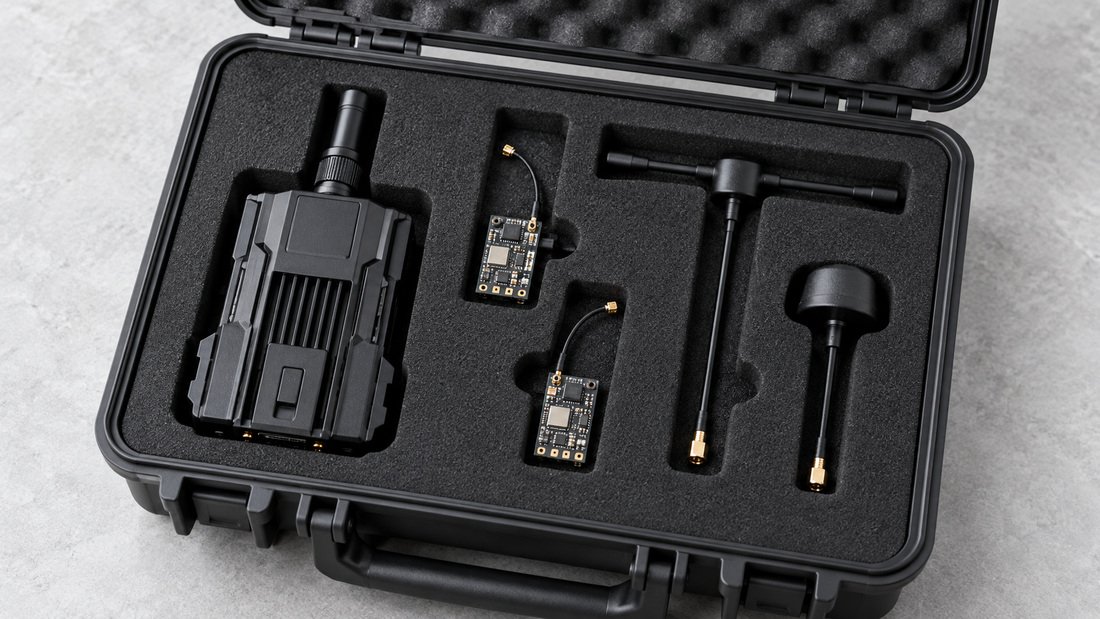
Once the firmware domain and version are agreed, hardware choice becomes simpler. Clubs typically standardise on a transmitter module for coaches and a receiver type for student builds, with spare antennas for event repairs. Browse ELRS receivers and ELRS transmitter modules to compare options, and include RF antennas in your spares plan.
FAQ
Can I change the regulatory domain on ELRS hardware myself?
In many cases the firmware target can be changed by flashing, but whether you should depends on local rules and hardware. Confirm the allowed limits and follow the official flashing procedure; if unsure, ask the supplier or a qualified adviser.
Do transmitter and receiver need the same firmware version?
They need compatible firmware. Exact version-matching expectations depend on the firmware project’s current guidance, so check the official documentation for the version you use and keep a record.
What happens if I use the wrong regional firmware?
You may be operating outside permitted frequency or power limits, which is a compliance issue for the club or event. It can also cause unexpected link behaviour. Correct the configuration and document the change.
Can a school buy pre-configured kits?
Ask the supplier to confirm in writing which domain and firmware version will be pre-loaded. Pre-configuration reduces setup time, but you should still verify on receipt and keep the configuration record.
How do we handle visiting teams at an international event?
Publish the host-country configuration requirement in advance and check each team’s firmware target at equipment control. Provide a reflash or inspection point if a team arrives with a different domain.
Is a higher power setting always better for indoor drone soccer?
No. Higher power is not a substitute for correct configuration, and indoor venues have their own RF conditions. Use settings permitted by local rules and test in the actual hall.
How do we keep a fleet consistent over seasons?
Maintain a shared configuration sheet listing firmware target, version and binding method, with a named owner for updates. Label receivers and review the sheet before each season.
Conclusion
The right regulatory domain firmware is the one that matches the rules where your team flies, applied consistently across transmitter modules and receivers, documented, and verified on the bench and at the venue. For clubs, schools and event organisers, the work is as much procedural as technical: confirm the rules, choose one configuration, record it and check it.
Before you order for a team, confirm the domain, firmware version and configuration support in writing with your supplier. When you are ready to equip a club or event, Request a Team Kit Quote and include your country, expected number of kits and the firmware domain you need confirmed.