Quick summary
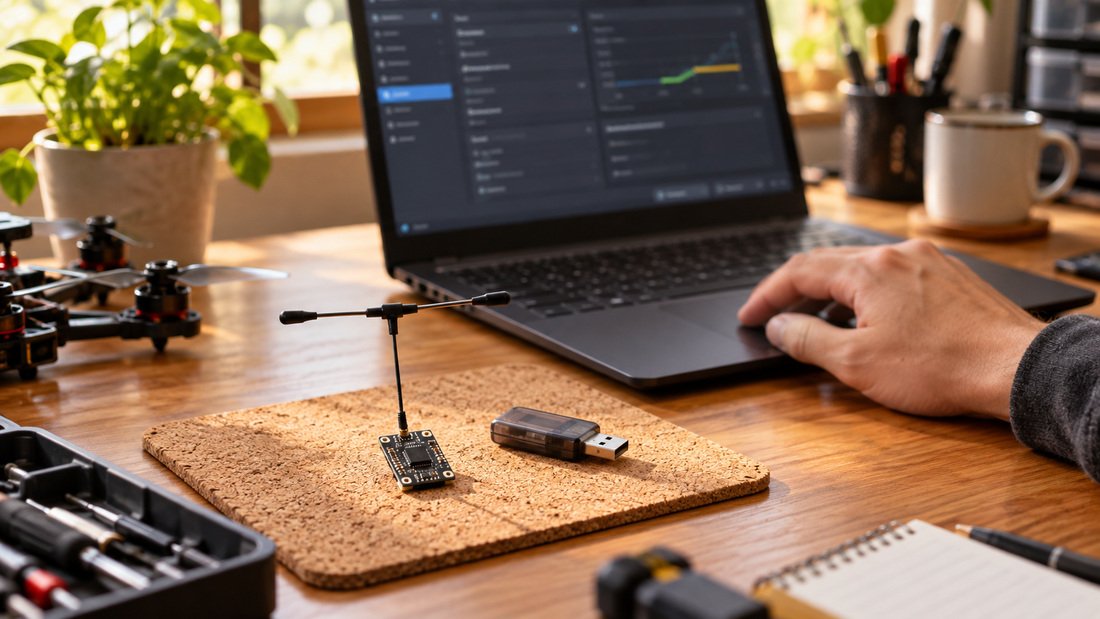
The ELRS Lua script is a configuration tool that runs on your radio transmitter (EdgeTX/OpenTX) to manage ExpressLRS (ELRS) firmware settings, flashing, and binding without a computer. For drone soccer teams, it simplifies field setup: you can adjust packet rates, telemetry ratio, and bind receivers directly from the radio. This guide explains how to use the script safely, what to check before flashing, and how to avoid common pitfalls that disrupt practice sessions.
Key Takeaways
- The ELRS Lua script lets you configure and bind ELRS receivers and TX modules from your radio, reducing downtime at events.
- Always verify firmware target and version compatibility before flashing; mismatches can brick devices.
- Binding via Lua script requires the receiver to be in bind mode and the TX module to be set to the same binding phrase or mode.
- For team procurement, standardize on a known firmware version and document your binding process to ensure consistency.
- Test link reliability and range after any firmware change, especially before competitions.
What Is the ELRS Lua Script and Why Use It?
The ELRS Lua script is a set of scripts installed on your radio that provides a graphical interface to configure ExpressLRS devices. It communicates with the TX module over the radio’s serial protocol, allowing you to change settings, update firmware, and initiate binding. For drone soccer clubs, this means you can manage multiple receivers and transmitters quickly, without carrying a laptop to the field. It also helps maintain consistency across team equipment.
Using the script requires a compatible radio running EdgeTX or OpenTX, and an ELRS TX module that supports Lua configuration. Most modern ELRS modules do, but always check compatibility. The script is typically included in the ELRS firmware package or available via the radio’s SD card structure. Once installed, it appears in the radio’s tools menu.
Preparing Your Radio and ELRS Hardware
Before using the Lua script, ensure your radio and ELRS hardware are ready. This involves checking firmware versions, installing the script, and verifying connections.
Check Radio Firmware and Script Compatibility
Your radio should run a recent version of EdgeTX or OpenTX. The ELRS Lua script version must match the firmware version on your TX module and receivers. Mismatched versions can cause communication errors. Always download the script from the official ExpressLRS repository or your hardware vendor’s support page. Install the script files into the SCRIPTS folder on your radio’s SD card, following the folder structure required by your radio.
Verify TX Module Connection
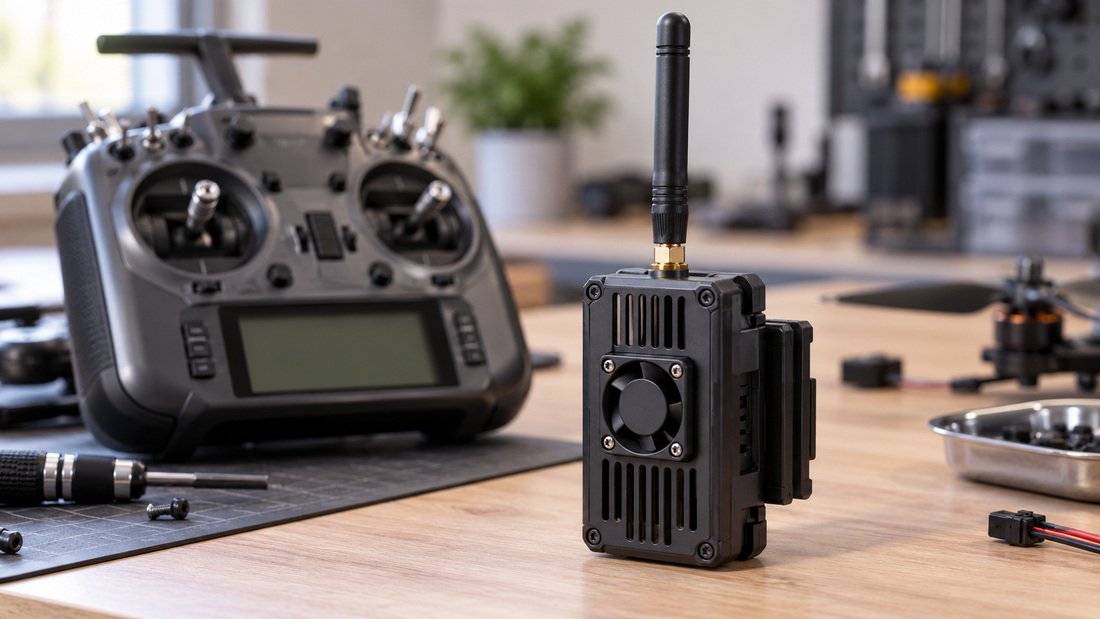
The TX module must be properly connected to the radio’s module bay and powered. Ensure the radio’s internal RF is set to external or the correct protocol. Some modules require a specific baud rate setting. Consult your module’s documentation for the correct serial configuration. A quick check: when you open the Lua script, it should detect the module and display its firmware version and settings.
Step-by-Step: Using the ELRS Lua Script for Firmware and Binding
The script’s main functions are firmware flashing, binding, and settings adjustment. Here’s how to use each safely.
Navigating the Script Interface
Open the Lua script from your radio’s tools menu. The main screen shows the connected module’s status. Use the radio’s physical buttons or touchscreen (if available) to navigate. The interface typically includes options like ‘WiFi’, ‘Bind’, ‘Firmware’, and ‘Settings’. Take a moment to explore the menus without changing values.
Flashing Firmware via Lua Script
Firmware flashing through the Lua script is convenient but risky if done incorrectly. The script can flash the TX module and, in some cases, receivers via the air. Before flashing, confirm the target device and firmware version. Use the ‘Firmware’ menu to select the correct binary file. Ensure the file is stored in the expected folder on the SD card. The script will guide you through the process, but always double-check the target name (e.g., ‘BKR’ for receivers, ‘BKT’ for TX modules) and version. Never interrupt the flashing process; power loss can brick the device.
For receivers, flashing usually requires them to be in bootloader mode or connected via WiFi. The Lua script may support ‘Betaflight Passthrough’ or ‘WiFi’ flashing if your receiver is connected to a flight controller. Follow the on-screen prompts carefully.
Binding Receivers with the Lua Script
Binding is the process of linking a receiver to a transmitter. The Lua script offers a ‘Bind’ function that puts the TX module into bind mode. The receiver must also be in bind mode. Common methods: press the receiver’s bind button while powering on, or use a binding phrase. The script may allow you to set a binding phrase that matches the receiver’s phrase. Once both are in bind mode, they should connect automatically. Verify binding by checking the receiver’s LED (solid indicates bound) and the radio’s link status.
ELRS Firmware, Flashing and Binding: Key Considerations
ELRS firmware, flashing and binding are core skills for drone soccer teams. Understanding the trade-offs helps you maintain reliable links.
Firmware Version Management
Keep a record of firmware versions on all team equipment. Mixing versions can cause binding failures or reduced range. For clubs with multiple pilots, standardizing on one stable version simplifies troubleshooting. Always test new firmware on a single unit before rolling out to the team.
Binding Methods Comparison
There are two primary binding methods: button binding and phrase binding. The table below compares them for team use.
| Method | How It Works | Pros | Cons | Best For |
|---|---|---|---|---|
| Button Binding | Press bind button on receiver while powering on; TX in bind mode via Lua. | No PC needed; quick for single units. | Requires physical access to receiver; not scalable for many units. | Field repairs, small teams. |
| Binding Phrase | Set identical phrase in TX and RX firmware; they bind automatically. | Scalable; no button press; secure. | Requires firmware flashing to set phrase; initial setup time. | Clubs with many receivers; standardized fleets. |
For team procurement, binding phrase is often preferred because it ensures all receivers are pre-configured and reduces setup time at events. However, it requires flashing each receiver with the phrase, which can be done via WiFi or cable before deployment.
Range and Reliability After Flashing
After any firmware change, perform a range check. ELRS offers telemetry-based range indicators; use them to verify link quality. For drone soccer, where multiple radios operate simultaneously, interference can be higher. Ensure your packet rate and telemetry ratio settings are appropriate for the environment. Lower packet rates generally offer better range but higher latency; find a balance that suits your team’s flying style.
Common Mistakes and How to Avoid Them
- Flashing the wrong target: Always double-check the firmware target (e.g., BKR for receivers, BKT for TX modules) and version. A mismatch can brick the device.
- Interrupting a flash: Ensure stable power during flashing. Use a fully charged battery or reliable USB power.
- Ignoring binding phrase mismatch: If using phrase binding, verify the phrase is identical (case-sensitive) on all devices.
- Skipping range checks: After firmware updates, test range and link quality before flying.
- Mixing script and firmware versions: Keep the Lua script updated to match the firmware on your devices.
Procurement Checklist for Drone Soccer Clubs
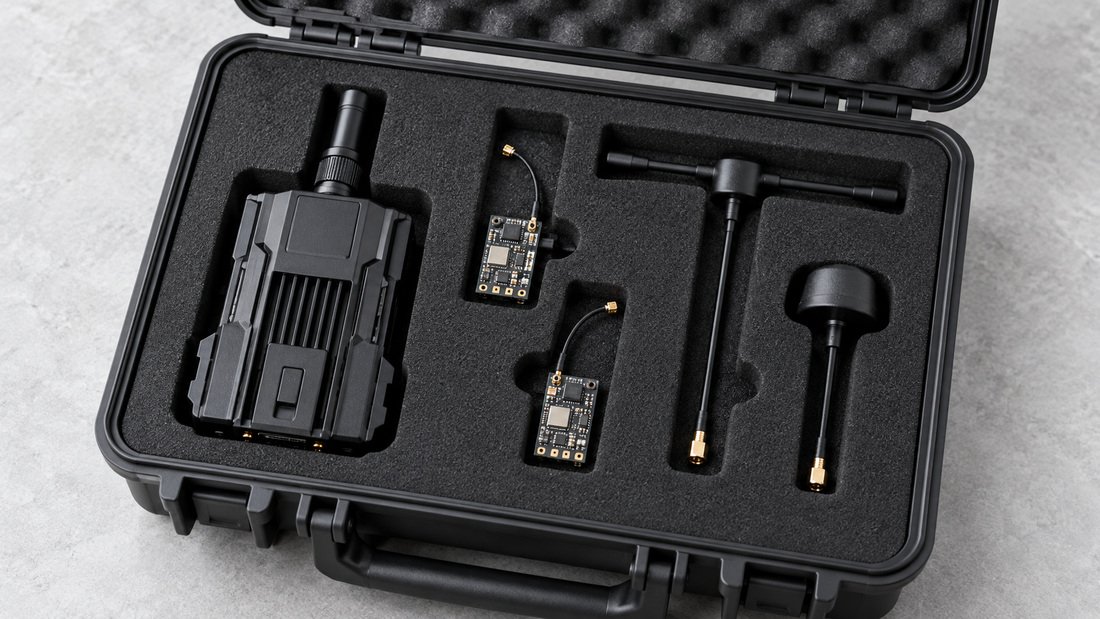
When sourcing ELRS equipment for your team, use this checklist to ensure compatibility and reliability. For a full range of options, explore our ELRS and RF systems.
- Confirm the radio model and firmware version used by your pilots; ensure ELRS TX modules are compatible.
- Decide on a binding method (button vs. phrase) and standardize across the team.
- Request firmware version and target information from your supplier; verify it matches your fleet.
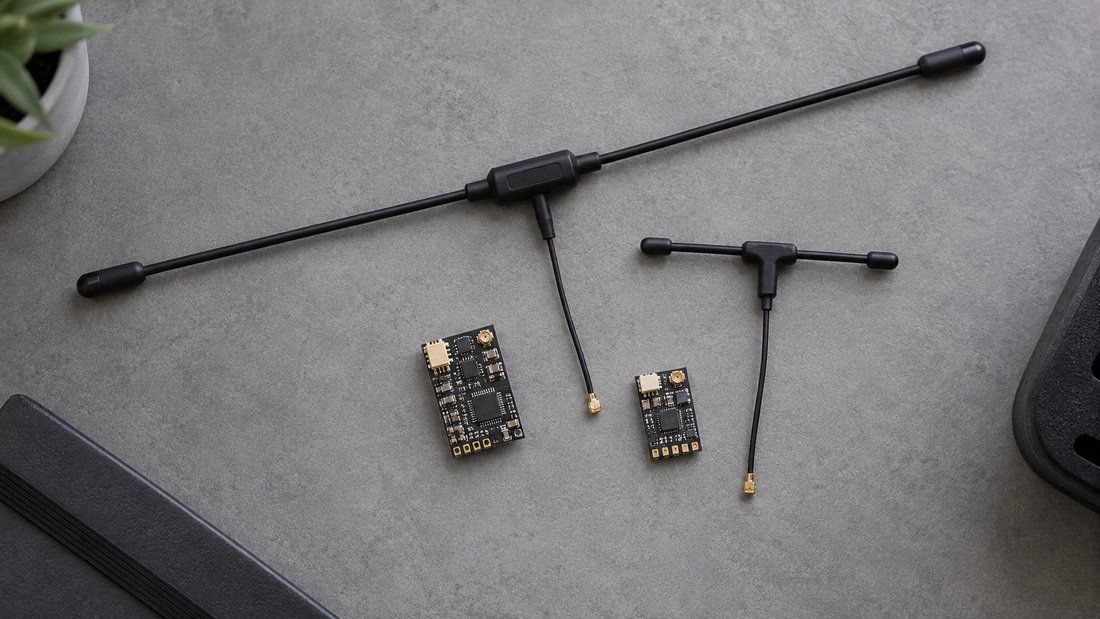
- Check receiver specifications for size, weight, and antenna type suitable for drone soccer airframes.
- Ask for documentation on firmware flashing and binding procedures to train coaches.
- Confirm warranty and support terms in writing; request test reports if available.
- Consider spare receivers and antennas to minimize downtime at events.
For specific receiver options, see our ELRS receivers and ELRS transmitter modules. Also, verify ELRS receiver compatibility with your radios.
Need to equip your team with reliable ELRS gear? Our team can help you choose the right components.
Testing and Validation
After configuring firmware and binding, validate the setup. Perform a bench test with props off: check that the receiver responds to stick movements and that telemetry is working. Then, do a range test in an open area. For clubs, create a simple log to track firmware versions and binding methods for each device. This helps when troubleshooting or adding new equipment.
Frequently Asked Questions
Can I use the ELRS Lua script with any radio?
The script requires a radio running EdgeTX or OpenTX with Lua support. Most modern radios do, but check your radio’s documentation. Also, the TX module must be ELRS-compatible and support Lua configuration.
What is the difference between flashing via Lua script and via WiFi?
Flashing via Lua script is done through the radio and is convenient for TX modules. WiFi flashing connects to the device’s WiFi hotspot and is often used for receivers. Both methods achieve the same result; choose based on your hardware and workflow.
How do I bind multiple receivers to one transmitter?
If using button binding, you can bind each receiver individually. If using a binding phrase, all receivers with the same phrase will bind automatically. For teams, phrase binding is more efficient.
What should I do if binding fails?
Check that both TX and RX are in bind mode, that firmware versions are compatible, and that the binding phrase (if used) matches. Also, ensure the receiver is powered and within range. Consult the ELRS documentation for troubleshooting.
Can I revert firmware if something goes wrong?
Yes, most ELRS devices can be reflashed via WiFi or cable. However, if a device is bricked, recovery may require specific procedures. Always keep backup firmware files.
How do I choose the right packet rate for drone soccer?
Drone soccer requires low latency for precise control. Higher packet rates (e.g., 500Hz) offer lower latency but reduced range. Test different rates in your typical flying environment to find the best trade-off.
Where can I find reliable ELRS equipment for my club?
Look for suppliers that provide clear documentation, firmware support, and compatibility information. Drone Parts Factory offers a range of ELRS components; you can request a quote for team kits.
Conclusion
Mastering the ELRS Lua script empowers drone soccer teams to manage firmware, flashing, and binding efficiently. By standardizing processes and testing thoroughly, you reduce downtime and ensure reliable performance. For procurement, verify compatibility and support terms with your supplier. Ready to equip your team? Request a Team Kit Quote to discuss your needs.