Quick summary
An ELRS receiver usually fails to bind because the transmitter module and receiver are not running compatible ExpressLRS firmware versions, are using different binding phrases or binding modes, are mismatched on regulatory domain or packet rate, or the receiver is not powered and wired correctly. Flash both ends from the same firmware target, set one shared binding phrase, confirm the receiver is in the expected bind mode, then check power, wiring and antennas before assuming the hardware is faulty.
Key Takeaways
- Version mismatch between the transmitter module and receiver is the most common cause of a failed bind — flash both from the same release.
- A binding phrase set on only one side, or a receiver left in traditional bind mode, will not connect.
- Power, wiring and antenna problems produce symptoms that look like binding failures; verify the receiver is actually booting first.
- For teams, standardise firmware targets and binding phrases per fleet and record them, so one receiver swap does not stop a session.
- Ask suppliers in writing for firmware version, target names, regulatory domain and binding defaults before ordering in volume.
What ExpressLRS firmware, flashing and binding actually means
ExpressLRS (commonly ELRS) is an open-source radio link used for RC control. Two firmware components matter: the firmware running on the transmitter (TX) module and the firmware running on the receiver (RX). They must work as a pair.
Flashing is the process of writing firmware to either device. Binding is the handshake that pairs a specific TX with a specific RX. Most binding problems are really configuration problems: the two devices are running different firmware, expecting different pairing rules, or not communicating at all because of power or wiring.
If you are new to the ecosystem, start with an overview of ELRS and RF systems before working through the checks below.
Step 1: Confirm both devices are on compatible firmware
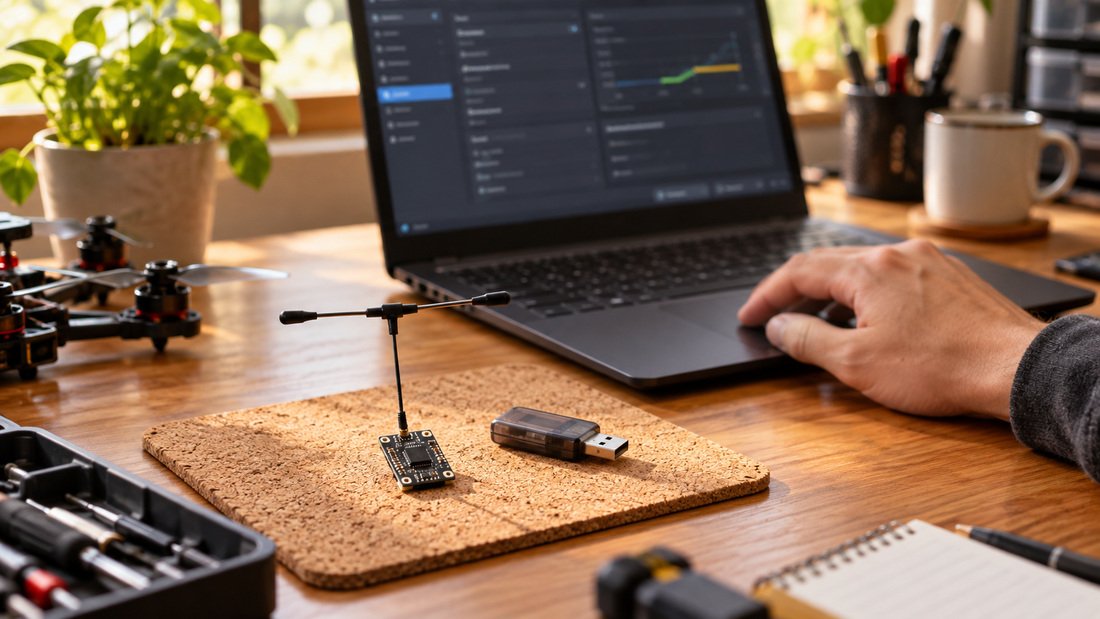
Start by reading the firmware version and target reported by both the TX module and the receiver. If they were flashed from different ExpressLRS releases, or from different target builds, a bind attempt can fail silently.
What to check
- Major version on TX and RX: they should match each other.
- Target names: a receiver’s firmware target must match its actual hardware, not a similar-looking board.
- Regulatory domain: TX and RX should be configured for the domain that applies in your country.
- Whether the receiver firmware is a plain RX build or a build intended for a different role.
Version compatibility rules change between ExpressLRS releases, so read the release notes for the exact version you plan to run rather than relying on forum memory. If a club upgrades one transmitter, plan to reflash the whole fleet in the same maintenance window.
Step 2: Sort out the binding phrase and binding mode
ExpressLRS supports phrase-based binding, where both ends share the same text string, and traditional bind modes on some configurations. A mismatch on either is a direct cause of “no bind”.
Phrase-based binding
Set an identical binding phrase on the TX module and the receiver, flash or save it on both, then power-cycle. Watch for hidden differences: trailing spaces, capitalisation, or a phrase typed into the wrong field in the configurator.
Traditional bind mode
If your setup uses a bind action or button rather than a phrase, confirm the receiver is actually in bind mode when the transmitter sends the bind command, and that the bind window has not expired before you power the receiver.
For teams, one documented phrase per fleet — stored with the transmitter — prevents the classic mid-session failure where a replacement receiver was prepared with a different phrase.
Step 3: Verify power, wiring and antennas
Many “won’t bind” reports are really “receiver isn’t running”. Before changing firmware again, confirm the basics.
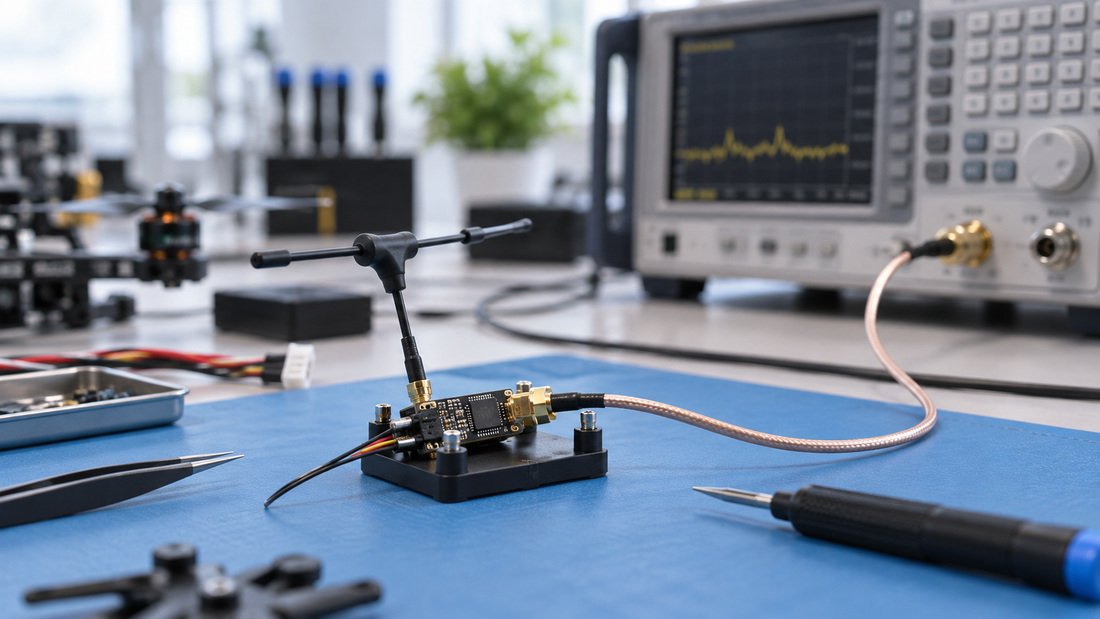
Power checks
- Confirm the receiver’s supply voltage is within the range its manufacturer states for that board.
- Check for a lit LED or other boot indication; no indication means no firmware, no power, or a damaged board.
- Inspect solder joints and connector polarity. Reversed power can destroy a receiver instantly.
RF checks
- Confirm an antenna is fitted to both TX and RX before transmitting; running a transmitter without an antenna can damage the RF section.
- Check that the antenna connector type and band match the module — mismatched or damaged RF antennas degrade the link before binding is attempted.
- Move away from metal benches, USB hubs and power supplies during bench tests.
Step 4: Match packet rate and link settings
Binding can appear to succeed while the link never becomes usable, or fail outright, when TX and RX expectations differ. Confirm that packet rate and any telemetry or link-mode settings your firmware exposes are consistent with what the receiver supports.
This is especially relevant for drone soccer and school programs, where teams often reuse receivers across different transmitters. Keep a one-page configuration sheet per aircraft covering firmware version, target, binding phrase, packet rate and regulatory domain.
Comparison: symptom to likely cause
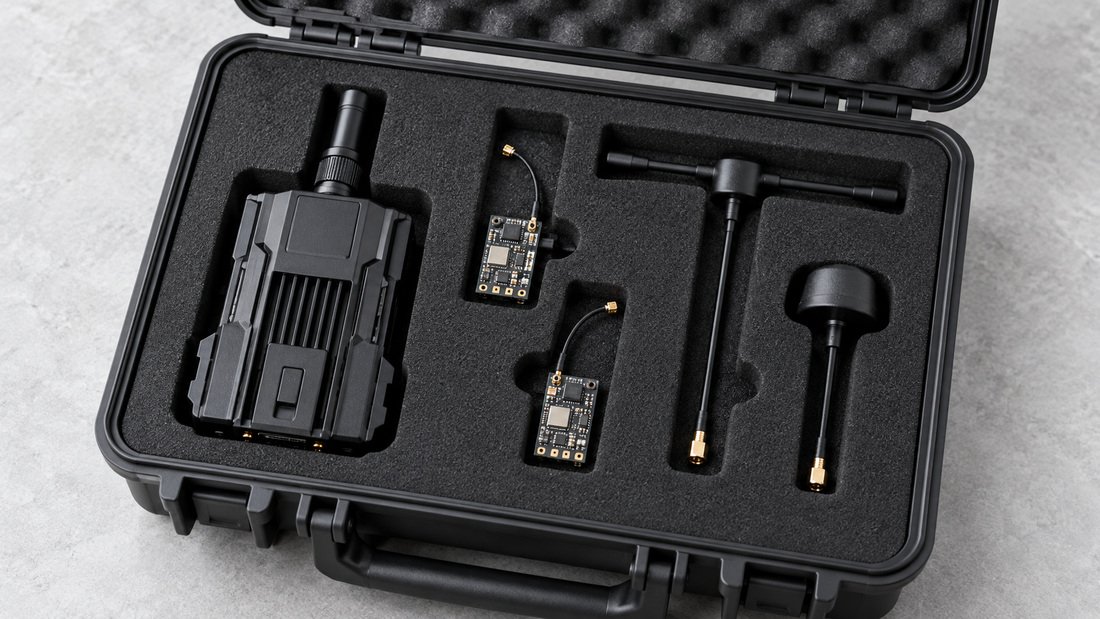
Use this table to narrow the fault before reflashing. It covers typical symptoms reported by clubs; treat it as a diagnostic aid, not a definitive fault chart.
| Symptom | Likely cause | First check |
|---|---|---|
| Receiver LED never lights | No power, reversed polarity, wrong voltage | Supply voltage and wiring |
| LED lit, no bind | Firmware version or target mismatch | Version and target on both ends |
| Bound before, fails after swap | Different binding phrase on replacement | Phrase on TX and RX |
| Binds but link drops immediately | Packet rate or regulatory domain mismatch | Link settings and domain |
| Intermittent bind at range | Antenna damage, connector mismatch, RF noise | Antenna fit and bench environment |
| Several receivers fail together | Transmitter module firmware or config changed | Recent changes to the TX module |
Common mistakes we see in team settings
Most recurring binding failures in clubs come from process, not from defective parts. These are the ones worth designing out.
- Flashing one side only. Upgrading a transmitter and leaving spare receivers on older firmware.
- Untracked binding phrases. Phrases set by one coach and not passed to the next.
- No spare receivers pre-bound. Replacements arrive with default settings and fail poolside.
- Mixing antenna bands or connectors. Spares pulled from a general parts box without checking the band.
- Testing in a crowded 2.4 GHz environment. Interference mistaken for a binding fault.
- Assuming failure means faulty hardware. Firmware and wiring fix most cases before replacement is needed.
Mid-article CTA: get help specifying a team-ready RF setup
If you are standardising radio gear across multiple aircraft, or need help matching receivers and modules for a program, our team can work through the configuration questions with you. Tell us about your fleet and we will help you specify it.
Buyer checklist for schools, clubs and procurement teams
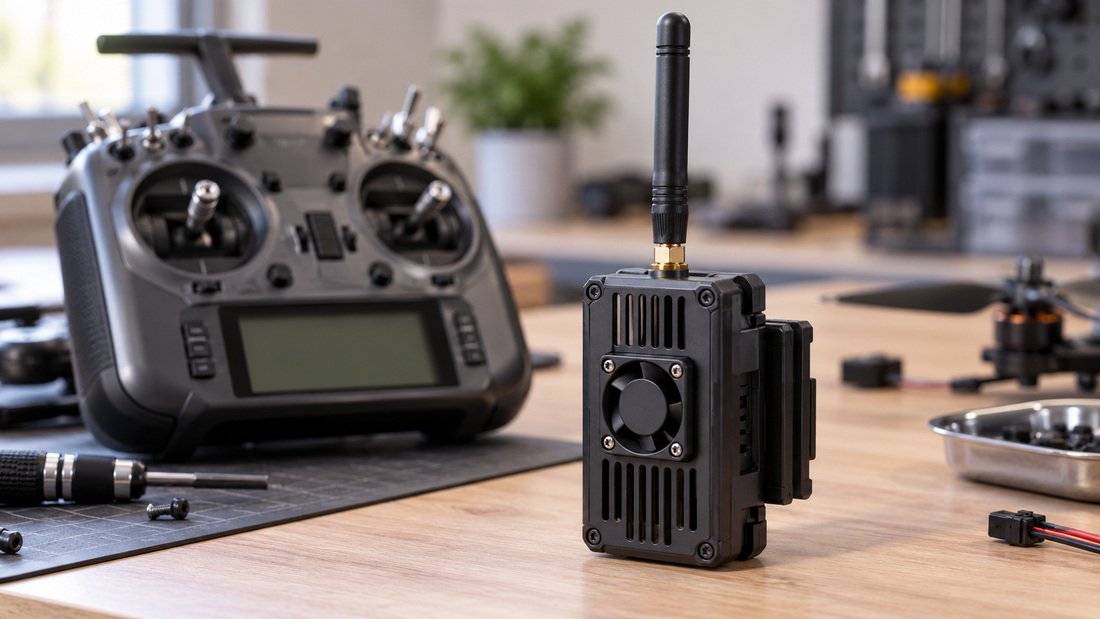
Before ordering ELRS receivers and transmitter modules in volume, confirm these points with your supplier in writing. It saves hours of troubleshooting later and keeps a fleet consistent.
- Exact firmware version and target names preloaded, if preloading is offered.
- Default binding phrase, or confirmation that no phrase is preset.
- Regulatory domain configured for your country.
- Antenna band, connector type and whether antennas are included.
- Supply voltage range and connector type for each receiver variant.
- Documentation for flashing and binding, ideally in the language your coaches use.
- Replacement and spare-parts path, including whether firmware can be updated in the field.
- Compatibility confirmation against the transmitters and flight controllers you already own — see the ELRS receiver compatibility reference before committing.
- Commercial terms such as price, quantity breaks, lead time and warranty stated in the quotation, not assumed.
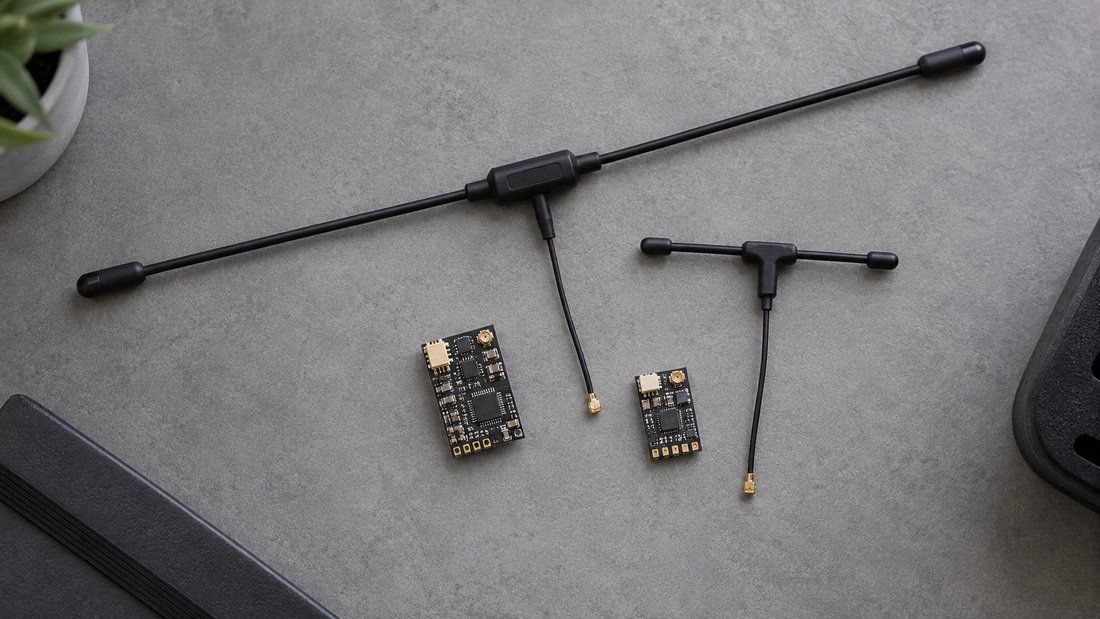
DPF supplies ELRS receivers and ELRS transmitter modules within its RF range. Specific configuration options, quantities and terms should always be confirmed in your quotation.
Frequently asked questions
Why won’t my ELRS receiver bind after I updated the transmitter?
Updating only the transmitter can leave the receiver on an older or different firmware version or target. Reflash the receiver from the same release and re-apply the shared binding phrase, then power-cycle both.
Do both devices need the same binding phrase?
Yes, when phrase-based binding is used. A phrase on one side only, or a subtly different phrase such as one with a trailing space, prevents the handshake.
Can a receiver bind but still not fly?
Yes. A connection can exist while packet rate, regulatory domain or channel configuration differs, leaving the aircraft uncontrollable. Treat usable control-link confirmation as the real success test, not just a lit LED.
How do I know whether the receiver is even powered?
Look for the boot indication described in the receiver’s own documentation, and measure the supply voltage at the receiver. No indication plus correct voltage usually points to wiring or a damaged board.
Is it safe to test binding without antennas?
No. Fit antennas to both transmitter and receiver before transmitting. Running a transmitter without a suitable antenna can damage its RF section.
Why do several receivers fail at once?
A common transmitter-side cause — a firmware change, a reset module or a changed binding phrase — is more likely than several receivers failing simultaneously.
What should I ask a supplier before buying for a school program?
Ask for the firmware version and target, default binding settings, regulatory domain, antenna and connector specification, voltage range, documentation, and written confirmation of commercial terms including lead time and warranty.
Conclusion and next step
Binding failures are usually configuration issues: mismatched firmware, mismatched binding phrases, or a receiver that never powered correctly. Work through firmware, phrase, power and link settings in that order, and record what you changed. For clubs and schools, the durable fix is a documented fleet standard — one firmware release, one binding phrase policy, and labelled spare receivers ready to go.
Ready to equip a team or standardise a fleet? Request a Team Kit Quote and include your aircraft count, transmitter models and firmware preference so we can confirm compatible options in writing.