Quick summary
ELRS transmitter modules are widely used with radios running EdgeTX or OpenTX, but compatibility is not universal. In most cases the radio needs an external module bay, or a factory‑installed internal ELRS module, plus firmware that supports the Crossfire (CRSF) protocol and the module’s serial speed. A radio without a module bay cannot accept a plug‑in ELRS module. Older or locked firmware may also limit which ELRS features work. Always confirm the exact radio model, bay type, module form factor and firmware version before purchase.
Key Takeaways
- Module bay matters more than the operating system. EdgeTX and OpenTX both support ELRS modules when the radio physically provides a compatible bay and serial protocol.
- Internal ELRS is different from external ELRS. A radio with internal ELRS does not need an external module, but it may still have a bay for other modules.
- Firmware version and CRSF support decide feature limits. Telemetry, baud rate and configuration menus depend on radio firmware and the module’s firmware.
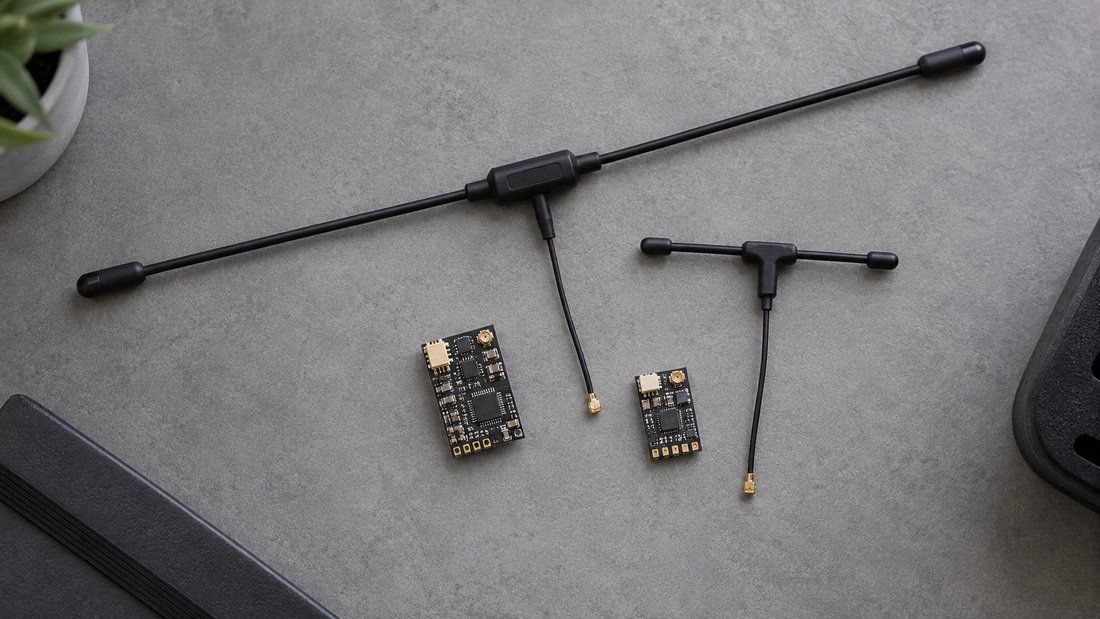
- Antennas and power are the next compatibility layer. The module, antenna and receiver must match the frequency band and connector type.
- For clubs, standardise on a known radio and module combination. Mixed hardware increases setup time and support load.
Why ELRS Transmitter Modules Are Not Plug‑and‑Play on Every Radio
ELRS (ExpressLRS) is an open‑source radio control link. The transmitter side can be built into a radio as an internal module, or added as an external module that plugs into a module bay. EdgeTX and OpenTX are open‑source radio operating systems. They are not the same as ELRS firmware. A radio can run EdgeTX and still lack the hardware needed for an ELRS module.
Compatibility therefore has three layers: physical bay, electrical serial protocol, and firmware support. Each layer can block or limit the setup.
The physical module bay
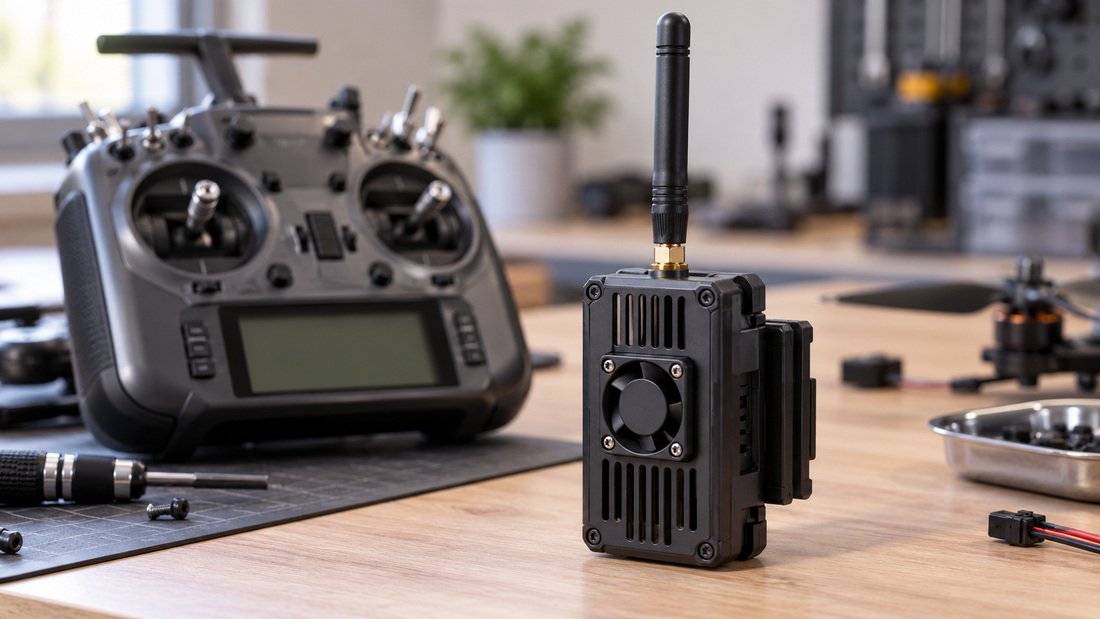
External ELRS modules come in several form factors. The most common is the JR‑style bay used by many full‑size radios. Smaller radios may use a Lite bay, a Nano bay or a proprietary connector. If the radio has no bay, an external module cannot be attached without modification. Modifications are not recommended for school or club radios because they affect safety and warranty.
The serial protocol and baud rate
External modules communicate with the radio over a serial protocol. ELRS modules typically use CRSF, also called Crossfire. EdgeTX and OpenTX must be configured to send CRSF on the correct external module pins. Some radios need the external module set to a specific baud rate. If the radio firmware does not offer CRSF or the required baud rate, the module may not respond correctly.
Firmware and feature support
Even when the link works, not all features may be available. Telemetry display, model matching, dynamic power and configuration scripts depend on the radio firmware version and the ELRS firmware version. Older OpenTX versions may lack some tools that newer EdgeTX versions include. This does not necessarily stop basic control, but it affects what teams can configure from the radio.
Internal ELRS vs External ELRS Transmitter Modules
If a radio already has an internal ELRS module, you do not need an external ELRS module for that radio. You only need an external module if the radio has no internal ELRS, or if you want to add ELRS to a radio that uses a different internal protocol. The table below summarises the trade‑offs.
| Type | What it means | Typical use | Checks before buying |
|---|---|---|---|
| Internal ELRS module | ELRS transmitter is built into the radio. | New radios sold as ELRS‑ready. | Confirm the internal module is ELRS, not a different protocol. |
| External ELRS module | ELRS transmitter plugs into a module bay. | Upgrading an existing radio. | Confirm bay type, pinout, CRSF support and baud rate. |
| Radio with both | Internal ELRS plus a bay for another module. | Flexible club radios. | Confirm which module is active in the model settings. |
| No bay, no internal ELRS | No practical ELRS transmitter option. | Not suitable without hardware changes. | Confirm before purchase; modifications are not recommended. |
How to Check Radio and Module Compatibility Before You Buy
Use this sequence for each radio model in your club or programme. It reduces returns and avoids mid‑season surprises.
- Identify the radio model and firmware. Write down the exact model, the operating system (EdgeTX or OpenTX) and the version number.
- Check for a module bay. Confirm the bay type and pin count. A photo of the bay is useful when asking a supplier.
- Confirm CRSF support. Look in the radio’s external module settings for CRSF or Crossfire. If it is missing, check whether a firmware update adds it.
- Confirm baud rate options. Note the available external module baud rates and compare them with the module’s requirements.
- Match the frequency band. The module, antenna and receiver must all use the same band. Do not mix bands.
- Check antenna connector type. Confirm the connector on the module and the antenna. Adapters can add loss and mechanical stress.
- Plan power limits. Higher transmit power increases heat and battery draw. For school and indoor use, lower power settings are usually sufficient.
- Test one unit before bulk purchase. Buy a single module and receiver pair, then test with your actual radio and aircraft.
For a broader view of the components involved, see ELRS and RF systems. If you are matching transmitters to aircraft, the ELRS receiver compatibility page is a useful next step.
Common Mistakes When Pairing ELRS Transmitter Modules with EdgeTX or OpenTX
- Assuming EdgeTX means ELRS. EdgeTX is an operating system; ELRS is a radio link. They are separate.
- Buying a module before checking the bay. A module that does not fit the bay cannot be used.
- Ignoring the baud rate. A mismatched baud rate can prevent the module from communicating with the radio.
- Mixing frequency bands. A 2.4 GHz module will not work with a sub‑GHz receiver, and vice versa.
- Using the wrong antenna connector. Forcing a connector can damage the module or antenna.
- Updating only one side. Radio firmware and module firmware should be checked together.
- Buying in bulk without a pilot test. One working sample prevents a whole club from receiving unusable hardware.
Need to equip a team with matched radios, modules and receivers? Request a Team Kit Quote and include your radio models and firmware versions.
Practical Procurement Checklist for Clubs and Schools
This checklist is written for the person who orders equipment for a team, club or classroom. It separates what you can verify yourself from what you should confirm in writing with a supplier.
Verify yourself
- Exact radio model and firmware version for every radio in the programme.
- Whether each radio has a module bay, and its type.
- Whether each radio supports CRSF and the required baud rate.
- The frequency band used by your existing receivers.
- The antenna connector type on your radios and modules.
- Your local rules for radio power and frequency use.
Confirm in writing with the supplier
- Which ELRS module form factors are available and which radio models they are intended for.
- Whether the module ships with an antenna, and which connector type.
- What firmware the module ships with, and whether it can be updated by the user.
- Whether a sample or single unit can be ordered before a bulk order.
- Return, replacement and support terms, including who covers shipping.
- Availability and lead time for the quantity you need.
- Any documentation or setup notes provided with the module.
For antenna and connector details, see RF antennas. For the transmitter side of the system, see ELRS transmitter modules.
Trade‑offs: What You Gain and What You Give Up
Adding ELRS to an existing radio is usually cheaper than replacing the whole radio fleet. It also lets a club keep radios that students already know. The trade‑offs are practical rather than theoretical.
- Cost vs consistency. External modules can reduce cost per radio, but mixed radios increase setup and support time.
- Flexibility vs simplicity. A module bay allows different protocols, but it also adds a component that can be forgotten, lost or damaged.
- Power vs heat and battery. Higher transmit power can improve link margin but increases heat and shortens battery life.
- New firmware vs stability. Newer firmware may add features, but should be tested on one radio before fleet‑wide updates.
- Internal vs external. Internal modules are neater and harder to lose; external modules are easier to move between radios.
Frequently Asked Questions
Can I use an ELRS transmitter module with any radio running EdgeTX?
No. The radio must also have a compatible module bay, support the CRSF serial protocol and offer the required baud rate. EdgeTX is necessary in many cases but not sufficient on its own.
Does OpenTX support ELRS transmitter modules?
Some OpenTX versions support external CRSF modules, but feature support varies by version and radio hardware. Check your specific radio and firmware before buying a module. If in doubt, test one unit first.
Do I need an external module if my radio already has internal ELRS?
No. If the radio already has a working internal ELRS transmitter, you do not need an external ELRS module for that radio. You may still use the bay for a different protocol if the radio supports it.
What is CRSF, and why does it matter?
CRSF (Crossfire) is a serial protocol used between a radio and an external transmitter module. ELRS modules commonly use it. If the radio cannot send CRSF to the module, the module will not work correctly.
Can I use a 2.4 GHz ELRS module with a sub‑GHz receiver?
No. The module, antenna and receiver must all use the same frequency band. Mixing bands will not create a working link.
Should schools and clubs buy external modules or radios with internal ELRS?
It depends on the existing fleet. If radios are already suitable, external modules can be cost‑effective. For new purchases, radios with internal ELRS reduce the number of separate parts to manage. Both approaches need a pilot test before bulk ordering.
How do I confirm compatibility with a supplier?
Provide the exact radio model, firmware version, bay type and required frequency band. Ask the supplier to confirm in writing which module form factors are intended for your radio, what is included, and what support terms apply. Order a sample before committing to a team kit.
Conclusion
ELRS transmitter modules work with many EdgeTX and OpenTX radios, but the deciding factors are the module bay, CRSF support, baud rate and firmware version. EdgeTX or OpenTX alone does not guarantee compatibility. For clubs, schools and drone soccer teams, the safest path is to document each radio, confirm the bay and firmware, test one module and receiver pair, then scale. For distributor, event or OEM/ODM enquiries, ask for written confirmation of form factors, firmware, included accessories and support terms before ordering.
To equip a team or programme with matched ELRS hardware, Request a Team Kit Quote and include your radio models, firmware versions and quantity.