Quick summary
ExpressLRS (often shortened to ELRS) is an open-source radio control link that uses LoRa-style spread-spectrum modulation to send your stick commands to a drone and telemetry back. In practice, a transmitter module or radio running ExpressLRS firmware talks to a matched ELRS receiver over the 2.4 GHz or sub-GHz bands. Its appeal for drone sports is a combination of low latency, long range at modest power, and low-cost hardware. This article covers ExpressLRS basics for clubs, schools and teams rather than advanced firmware tuning.
Key Takeaways
- ExpressLRS is a firmware-and-protocol ecosystem, not a single brand of radio; it runs on many open-source and commercial transmitters and receivers.
- The link uses spread-spectrum modulation with configurable packet rates, which creates a trade-off between latency, range and interference resistance.
- Antenna choice, mounting and orientation usually matter more to real-world link quality than headline output power.
- For drone soccer and youth FPV programs, standardising on one band and a small set of receiver types simplifies spares, charging and coaching.
- Commercial terms such as MOQ, warranty, lead time and custom firmware support must be confirmed in writing with each supplier.
What ExpressLRS Actually Is
The short answer: ExpressLRS is an open-source radio link protocol and firmware suite for RC transmitters and receivers. It is not a manufacturer, and it is not tied to one radio brand. Multiple hardware makers build compatible devices, and the community maintains the firmware.
In an FPV or drone soccer setup, the chain looks like this: your radio or transmitter module sends a control signal to the receiver on the aircraft. The receiver passes channel data to the flight controller. Telemetry travels back the other way when configured. Because the protocol is open, you generally pair an ELRS transmitter module with an ELRS receiver, rather than mixing it with a proprietary link.
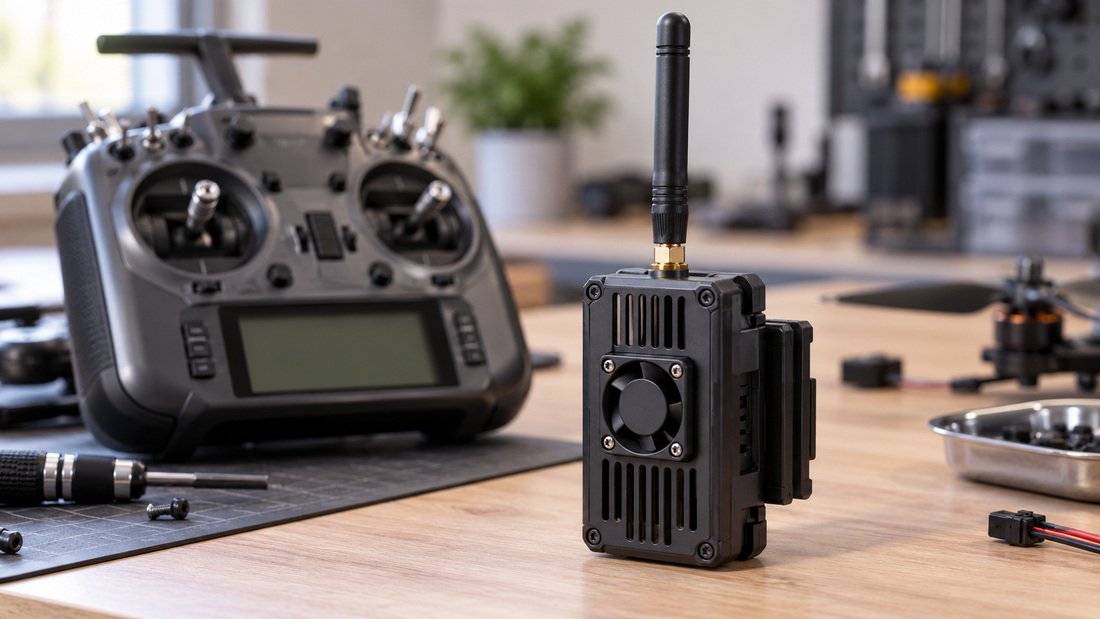
Where ExpressLRS Sits in the Radio Landscape
Most hobby RC links use some form of frequency hopping or spread spectrum. ExpressLRS is notable for its open development, its broad hardware support and its emphasis on low-latency packet rates at relatively low transmit power. That combination made it popular in FPV communities and, increasingly, in school and club drone programs.
If you are new to the category, our overview of ELRS and RF systems is a useful starting point before you choose specific hardware.
How the ExpressLRS Link Works
Direct answer: ExpressLRS encodes your control inputs into small data packets, transmits them using spread-spectrum modulation, and the receiver decodes them for the flight controller. The packet rate you select determines how often those packets are sent, which changes latency and range behaviour.
Packets, Packet Rates and Latency
ExpressLRS firmware lets you choose a packet rate, for example a high rate for low latency or a lower rate for longer range or better sensitivity. Higher rates send updates more often, so stick response feels quicker. Lower rates send less often but each packet can be more robust, which can help at distance or in noisy RF environments.
For most school and club flying, a middle-of-the-road rate is a reasonable default. Race and drone soccer pilots may prefer a faster rate for crisp control. The right answer depends on your field size, interference and how much range margin you need.
Telemetry and Configuration
ExpressLRS supports telemetry back from the aircraft, and many setups allow you to configure the receiver from the transmitter. Exact menus and options vary by firmware version and hardware, so treat any screenshot or tutorial as version-specific. Confirm the supported firmware branch with your supplier before standardising a fleet.
2.4 GHz Versus Sub-GHz
ELRS hardware exists on 2.4 GHz and on sub-GHz bands. Broadly, 2.4 GHz offers compact antennas and is the common choice for indoor and short-range outdoor flying. Sub-GHz can offer different propagation characteristics, but antennas are physically larger and regulations vary by country.
Which band is right for your program depends on where you fly, local rules and the size of your airframes. Ask your supplier or a local club what they use in your region, and verify legal transmit power limits yourself.
Comparison Table: Choosing an ELRS Setup by Use Case
| Use case | Typical band | Packet rate direction | Antenna priority | What to verify |
|---|---|---|---|---|
| Indoor drone soccer | 2.4 GHz | Faster rate for crisp control | Compact, well-mounted | Receiver size and weight fit the airframe |
| School yard / small field FPV | 2.4 GHz | Balanced rate | Durable, easy to replace | Spare antennas and receivers available |
| Longer-range outdoor club flying | 2.4 GHz or sub-GHz | Lower rate for range margin | Correct band and polarisation | Local band legality and power limits |
| Multi-pilot event | 2.4 GHz | Consistent across pilots | Standardised across fleet | Frequency coordination plan and spares kit |
| OEM/ODM integration | Depends on target market | Depends on product goals | Matched to enclosure | Firmware branch, certification and documentation |
This table is general guidance, not a specification. Confirm exact capabilities with the hardware supplier.
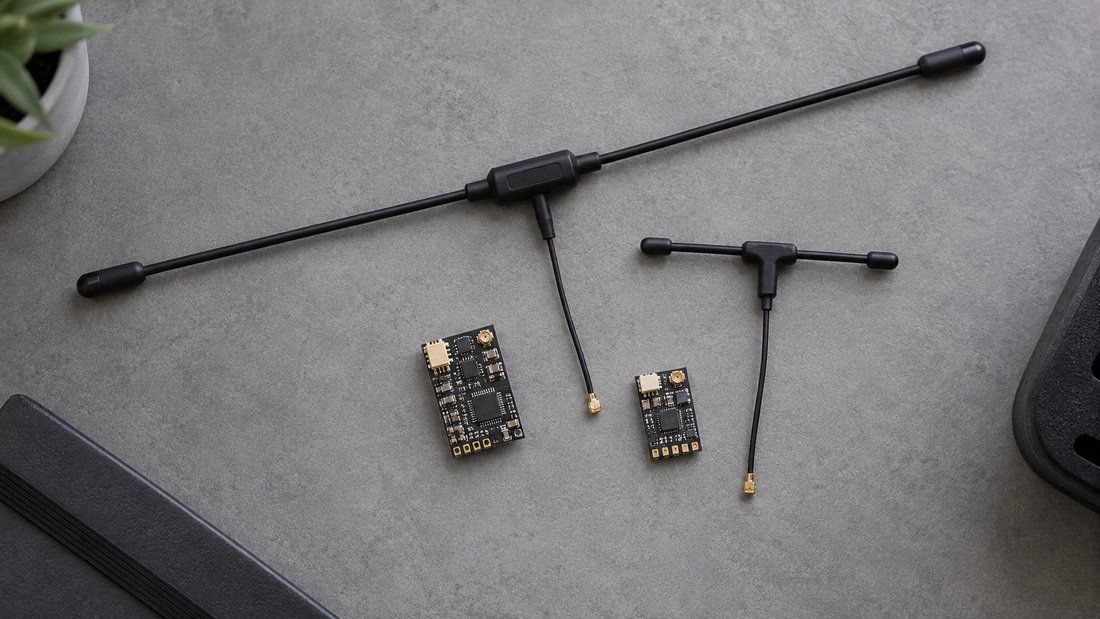
Why Drone Sports and Youth Programs Adopt ExpressLRS
Direct answer: clubs and schools tend to choose ExpressLRS because the hardware is widely available at accessible price points, the firmware is community-supported, and a standardised link simplifies coaching, repairs and event logistics.
For a drone soccer team, consistency matters. If every pilot uses a different proprietary link, your spares box becomes a puzzle. Standardising on one open link family means one set of receivers, one set of antennas and one configuration workflow. That is a coaching and operations benefit as much as a technical one.
Programme-Level Benefits
- Common spares across airframes reduce downtime between matches.
- Open firmware means multiple hardware sources, which can ease procurement.
- Community documentation supports student learning and self-repair.
- Small, light receivers suit compact drone soccer airframes.
That said, open ecosystems also mean variation. Two receivers that both say “ELRS” may differ in size, connector, antenna type and supported firmware. Your purchasing decision should be based on the specific receiver and module, not just the protocol name.
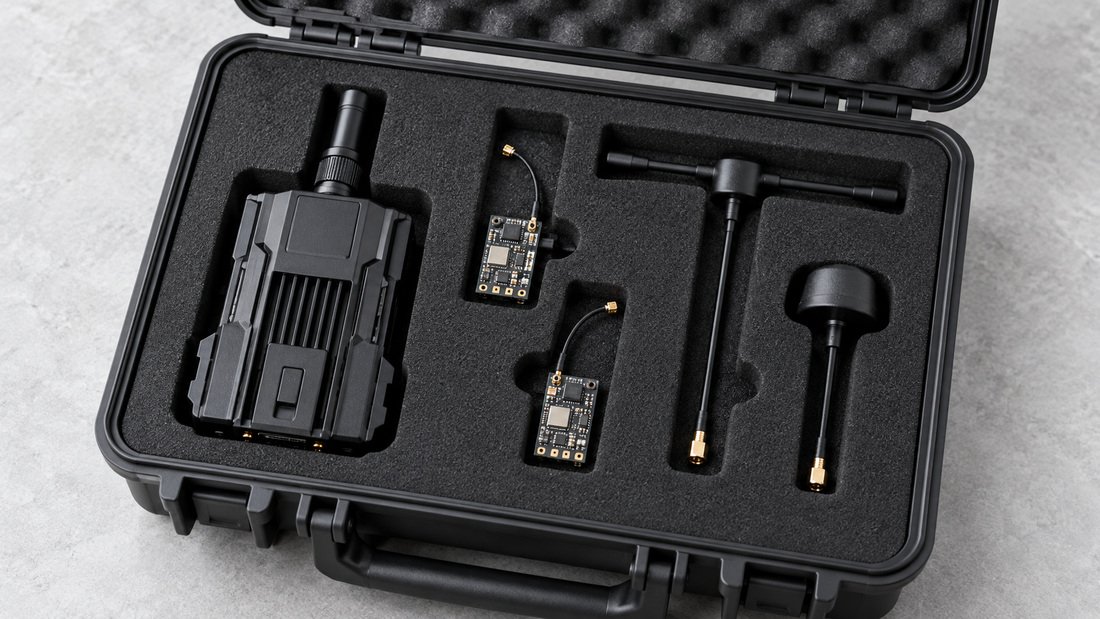
Antennas and Real-World Link Quality
Direct answer: antennas convert electrical signal into radio waves, and their band, polarisation, mounting and orientation strongly influence link reliability. A perfect radio with a poor antenna installation will underperform.
For teams, the practical priorities are: use antennas rated for the correct band, keep them clear of carbon fibre and metal, and standardise orientation across the fleet so behaviour is predictable. Polarisation mismatch between transmitter and receiver antennas can cost range, so align them rather than mixing orientations randomly.
Browse RF antennas if you are building a spares kit. For a deeper look at how the complete signal chain fits together, see our ELRS and RF systems category.
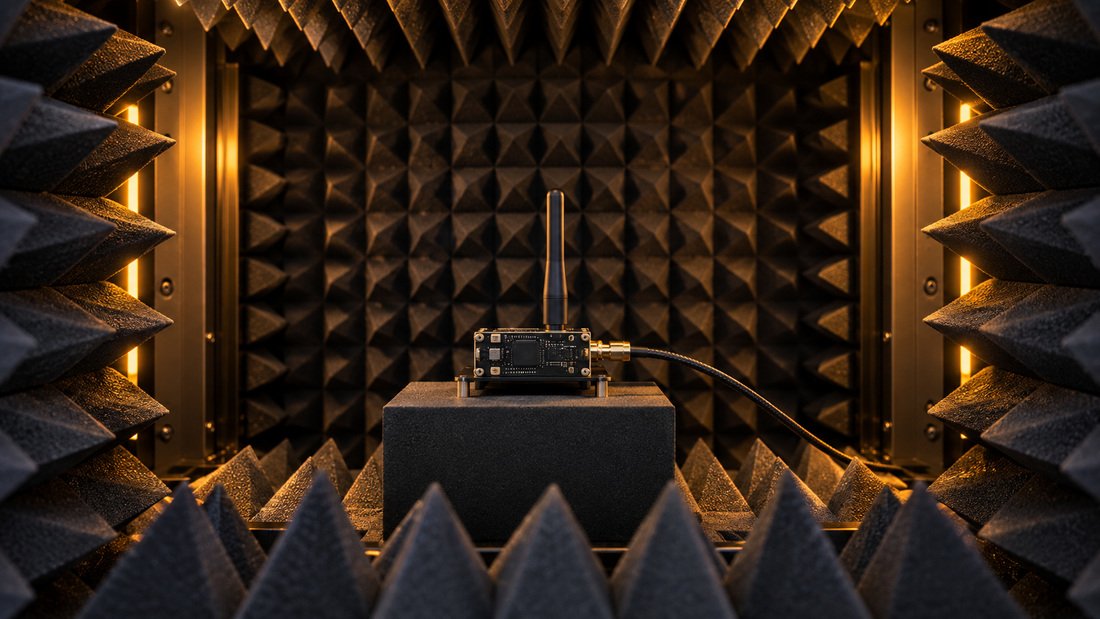
Bench Testing and Field Testing
Before you commit a whole team to a configuration, test a sample. Bench testing can confirm that a receiver binds consistently and reports telemetry. Field testing at your actual venue reveals interference that a bench cannot. A simple range walk with logging, repeated at each venue you use, is more useful than any marketing range claim.

Internal Linking and Procurement Context
If you are specifying hardware, the two starting points are ELRS receivers for the aircraft and ELRS transmitter modules for the ground side. Use the ELRS receiver compatibility guidance to check that a receiver suits your flight controller and firmware before you order in quantity.
Common Mistakes When Starting with ExpressLRS
- Buying by protocol name only. “ELRS” does not guarantee the same size, connector or firmware branch. Check the specific model.
- Ignoring firmware versions. Transmitter and receiver firmware need to be compatible. Confirm the supported version before a fleet rollout.
- Wrong-band antennas. A 2.4 GHz antenna on a sub-GHz system (or vice versa) will hurt performance badly.
- Assuming more power solves everything. Power helps, but antenna placement and interference often dominate in practice.
- Skipping local rules. Transmit power and band use are regulated differently by country. Verify before you fly.
- No spares strategy. Events fail when a single receiver type goes out of stock. Standardise and hold spares.
- No written commercial terms. MOQ, lead time, warranty and support are commercial commitments; get them in writing.
Buyer Checklist for Clubs and Procurement Teams
- Define your primary venue and whether indoor, outdoor or mixed flying dominates.
- Choose one band and one or two receiver models for fleet consistency.
- Confirm receiver size, weight and connector match your airframes.
- Check the supported firmware branch for both transmitter and receiver.
- Verify local rules on band use and transmit power yourself.
- Order a small sample batch and run bench and field tests before committing.
- Request written confirmation of MOQ, lead time, warranty, spare parts availability and technical support.
- Build a spares kit: receivers, antennas, cables and mounting hardware.
- Document a standard configuration record for every aircraft in the fleet.
Frequently Asked Questions
Is ExpressLRS the same as a brand of radio?
No. ExpressLRS is an open-source protocol and firmware ecosystem. Many hardware makers produce compatible transmitters and receivers, so two ELRS devices may come from different manufacturers.
Do I need a special radio to use ExpressLRS?
You need either a radio that supports ExpressLRS firmware or a compatible transmitter module that does. Many radios support external modules. Check your specific radio’s support before buying a module.
Is ExpressLRS only for long range?
No. It is used across short-range indoor flying and longer-range outdoor flying. Packet rate and power settings let you tune the link for the situation. Range claims from any supplier should be treated as indicative and tested.
Which band should a drone soccer team choose?
Many indoor programmes use 2.4 GHz because antennas are compact and the hardware is widely available. Your choice should also consider local regulations and your venue. Test at your actual gym or field.
Can I mix ELRS receivers from different suppliers?
Often yes, because they share the protocol, but firmware branches and hardware details vary. The safest approach is to verify compatibility per model, for example through our ELRS receiver compatibility guidance, and to test samples before a fleet purchase.
Does higher transmit power guarantee a better link?
Not necessarily. Antenna choice, mounting, polarisation and local interference frequently matter more. Increasing power can also raise regulatory questions. Improve the installation before chasing power figures.
What should we confirm in writing before ordering for a team?
Confirm the exact model and firmware branch, MOQ, lead time, warranty terms, spare parts availability, and technical support arrangements. Also confirm which items are stocked versus made to order. These are commercial terms that should come from the supplier in writing, not from a general guide.
Conclusion and Next Step
ExpressLRS basics come down to a simple idea: an open radio link with configurable packet rates, broad hardware support and a strong fit for club and school flying. The technical details matter, but for most programmes the decisive factors are fleet consistency, antenna discipline and a clear spares strategy.
If you are equipping a drone soccer team, a school programme or a multi-pilot event, the practical next step is to specify one band, one or two receiver models and a spares kit, then validate them at your venue. To move from reading to planning, Request a Team Kit Quote and ask for written confirmation of the commercial details relevant to your programme.