Quick summary
In ExpressLRS (ELRS) firmware, a regulatory domain is a region or frequency setting that tells the transmitter and receiver which radio band and channel rules to obey. Choosing the wrong domain can cause a link failure or non-compliant operation. For schools and drone soccer teams, the practical rule is: the transmitter and all receivers must run the same ELRS domain, and that domain must match the legal band for where you fly.
Key Takeaways
- A regulatory domain is a firmware region setting inside ExpressLRS, not a legal certification by itself.
- Transmitter and receiver domains must match; many link problems blamed on range are really mismatched domains or firmware versions.
- The two bands you will meet most often are 2.4 GHz and 900 MHz / 915 MHz, and local rules decide which you may use.
- Buy domain-specific hardware deliberately, and confirm the exact configuration in writing before a club or school order.
What a Regulatory Domain Actually Controls
A regulatory domain is one of the first choices you make when flashing ExpressLRS firmware. It sets the frequency band behaviour and the channel plan the radio uses. It is separate from the flashing method and from the packet rate you later select for your flying style.
Because ELRS is open firmware used by many brands, the same receiver model may ship with different firmware builds. Two receivers that look identical on the bench can behave differently if one is flashed for a different region. That is why domain should be recorded alongside receiver serial numbers in any club inventory.
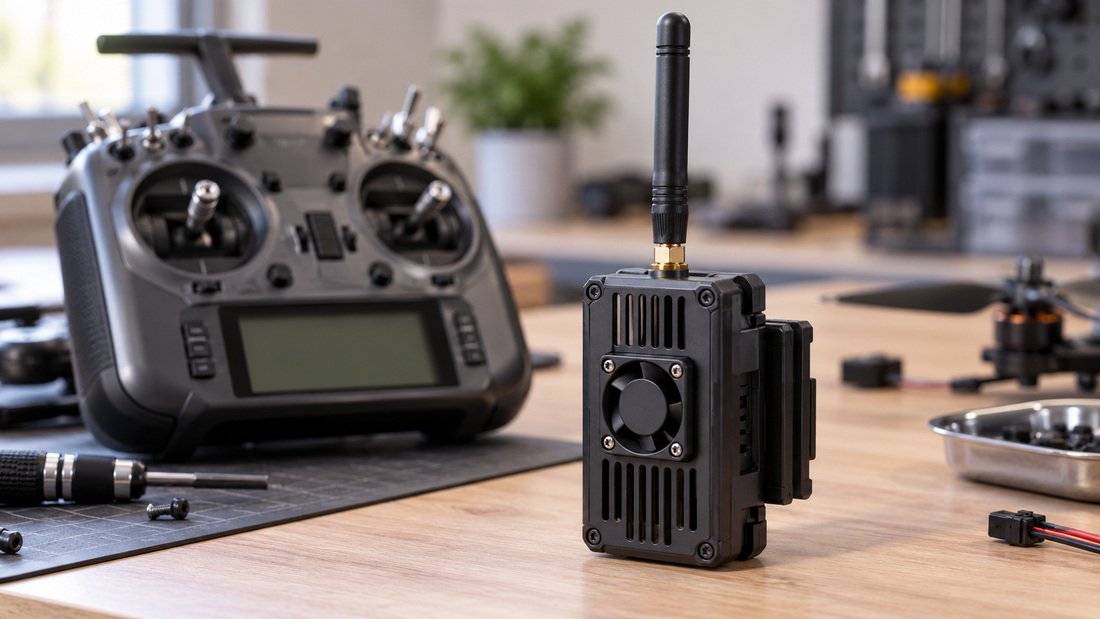
How to Find the Domain on Your Gear
On many transmitters the domain appears in the ELRS Lua script or the module menu. On receivers it appears in the firmware version string shown by the configurator or the Wi-Fi update page. Ask your supplier to state the flashed firmware domain in the packing documentation, because the label on the outside does not always match what the factory flashed.
If your firmware configurator shows a different domain than expected, do not assume the hardware is faulty. Reflash with the intended domain first, then retest. Keep a written log of domain, firmware version and target model for each unit.
Why Domain Choice Matters for Drone Soccer Clubs
Drone soccer is flown indoors, at close range, often with several pilots transmitting at once. In that environment the band and channel plan matter as much as raw output power. A domain that is legal outdoors in one country may be restricted indoors elsewhere, and a busy indoor venue can expose interference that a field test never shows.
For a school program, the bigger risk is administrative: an entire fleet ordered with the wrong domain cannot simply be reflashed mid-season without time, tools and adult supervision. It is worth settling the question before purchase rather than after.
If you are still mapping out your radio system, our overview of ELRS and RF systems is a useful starting point for the vocabulary used here.
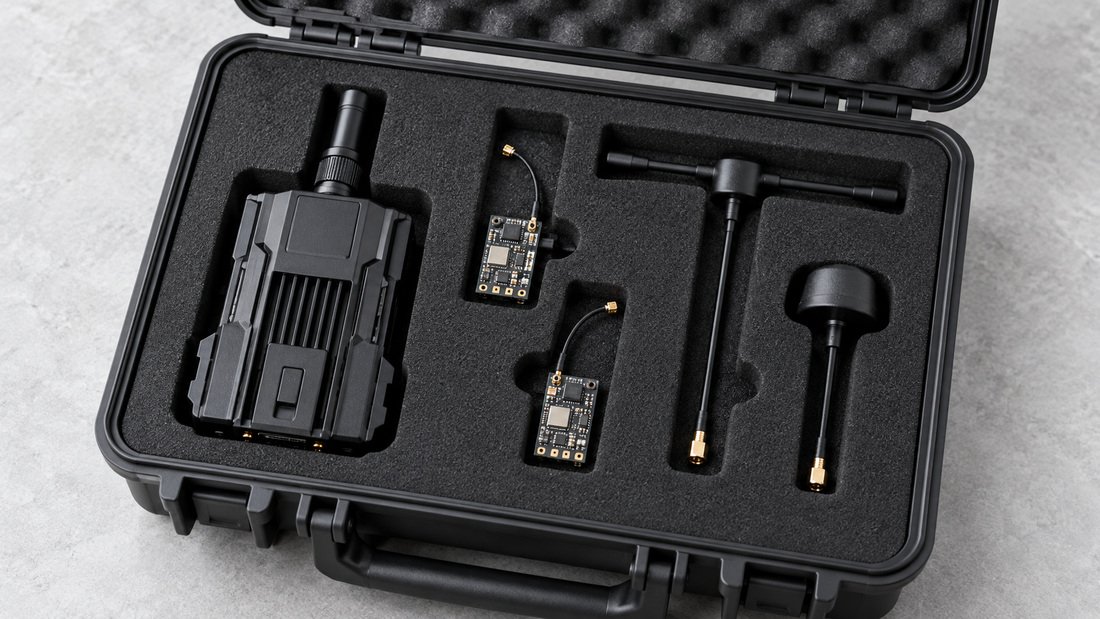
Domain, Band and Packet Rate Are Different Things
New coaches often mix up three settings. Domain is the region/frequency rule set. Band is the physical frequency range your hardware supports, such as 2.4 GHz or 900 MHz. Packet rate is how often the radio sends control data, chosen for latency versus robustness. Changing packet rate will not fix a domain mismatch, and changing domain will not turn a 2.4 GHz receiver into a 900 MHz one.
Comparing the Common ELRS Bands
The table below is general guidance for club planning, not legal advice. Rules vary by country and can change, so always confirm the current requirement with your national regulator or a qualified local adviser before ordering.
| Consideration | 2.4 GHz hardware | 900 MHz / 915 MHz hardware |
|---|---|---|
| Typical indoor drone soccer use | Common choice for small indoor arenas | Less commonly used where space is tight |
| Antenna size | Compact, easy to protect on small airframes | Larger antennas, more mounting care |
| Domain sensitivity | Region rules still apply; check locally | Region rules differ significantly between countries |
| Fleet standardisation | Widely stocked across many brands | Fewer options, plan spares earlier |
| Main buyer question | Is 2.4 GHz permitted and practical in our venue? | Is this band legal here, and do we have the antennas to match? |
Do not read this as a recommendation for either band. The right answer depends on your venue, your regulator and your existing fleet. Where you see a gap, ask the supplier to confirm the supported band and factory firmware domain in writing.
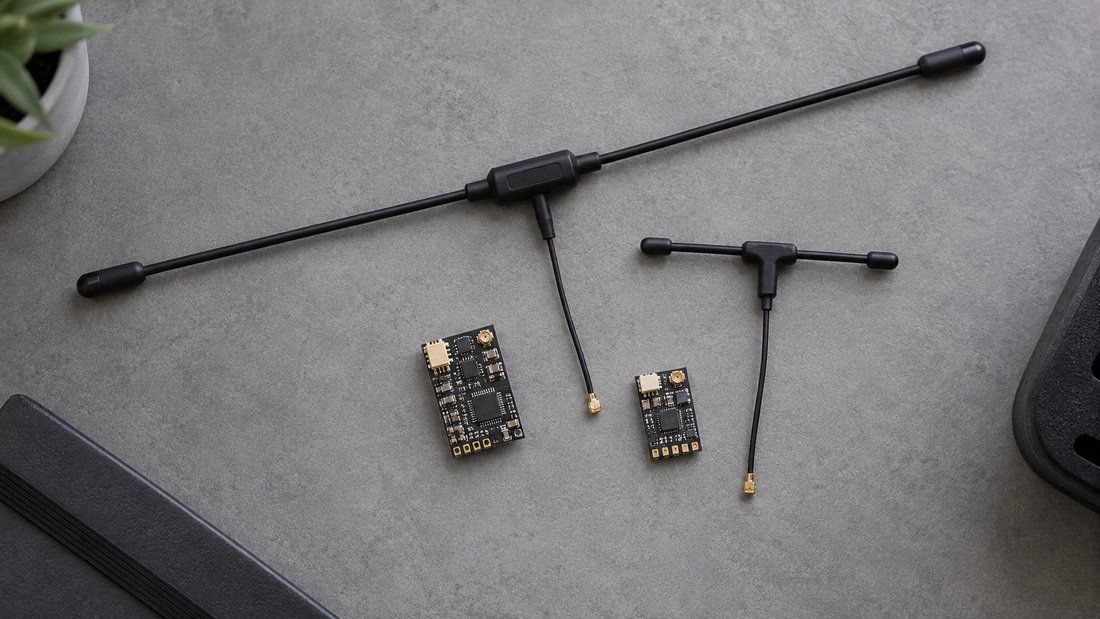
Matching Transmitters, Receivers and Antennas
An ELRS link only works when the transmitter module and the receiver agree on domain and firmware family. Antennas add a second variable: connector type and tuning must suit the band you chose. A 2.4 GHz antenna on 900 MHz hardware, or the reverse, will not behave as intended even if it physically fits.
Before mixing brands, check ELRS receiver compatibility guidance, then verify the exact firmware target against the manufacturer’s own documentation. Compatibility pages are a starting point, not a substitute for your own bench test.
When you buy ELRS receivers in bulk for a club, ask for a consistent firmware domain across the batch. Mixed batches are the most common cause of one drone “not binding” while its identical twin flies normally.
Common Mistakes with ELRS Domains
- Assuming all 900 MHz is the same. Regional band plans differ, so hardware sold for one market may not suit another.
- Ignoring firmware version drift. Domain plus firmware version must both match; updating one unit and not the rest creates silent incompatibility.
- Buying on price alone. A cheaper receiver with the wrong pre-flashed domain costs more in rework than the saving.
- Skipping documentation. If the packed units do not state domain and firmware, your inventory records are guesswork.
- Testing only at the field. Indoor venues with many active radios reveal problems that a quiet outdoor test does not.
A short bench test before every event is cheap insurance. Power up one transmitter and one receiver, confirm bind and telemetry, then repeat across the fleet in sequence rather than all at once.
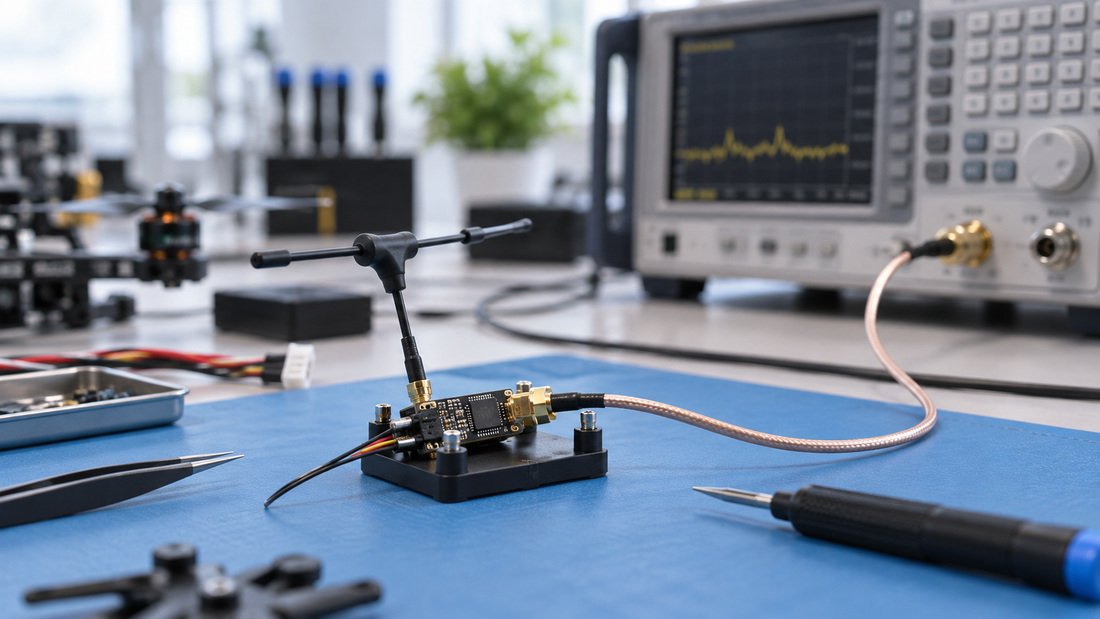
Practical Procurement Checklist
Use this list before confirming any club, school or event order. It separates what you can decide internally from what only the supplier or regulator can confirm.
- Confirm the legal band and any power limits for your country and venue type.
- Decide one domain standard for the whole fleet and write it into the purchase request.
- Ask the supplier to state the factory-flashed domain and firmware version for the exact units quoted.
- Confirm band, connector type and tuning for every RF antennas item on the order.
- Request written confirmation of what is included, what is excluded, and how firmware updates are documented.
- Request a sample unit if you are standardising a large fleet, and bench test it before the main order.
- Record domain, firmware version and serial number for each unit received and keep the log accessible to coaches.
- Confirm support and replacement terms in writing; do not rely on verbal assurances at an event.
If your program also runs ELRS transmitter modules across multiple coaches, standardise those too. Mixed module firmware is a frequent source of confusing bench results.
Questions to Put in Writing to Any Supplier
Ask: which regulatory domain is flashed on these units; which firmware version; which band and antenna connector; and what documentation ships with the batch. If the answer is vague, treat it as unconfirmed and test before committing a full club order. Terms such as warranty, lead time, minimum order quantity and customisation options vary by supplier and order, so confirm each one in writing rather than assuming.
Ready to plan a fleet order? Request a Team Kit Quote and include your target domain, band and quantity so the team can respond accurately.
Frequently Asked Questions
What is a regulatory domain in ELRS firmware in one sentence?
It is the firmware setting that tells your ExpressLRS transmitter and receiver which region and frequency rules to follow, so the radio link stays legal and compatible in your location.
Can I change the regulatory domain later?
In many cases yes, by reflashing the firmware on both the transmitter module and the receivers. Whether you can do this easily depends on your hardware and tooling, so confirm the process with your supplier before buying a large batch.
Does a domain mismatch stop the link working entirely?
Often the units will fail to bind or behave unreliably rather than fail cleanly. That is why mismatched domain is frequently misdiagnosed as a range or antenna problem.
Is a regulatory domain a certification?
No. It is a firmware configuration. Legal permission to operate comes from your national regulator’s rules for the band and power you use, not from the ELRS setting alone.
Which domain should a school drone soccer program choose?
There is no universal answer. Confirm what is permitted where you fly, then standardise one domain across your fleet and document it. For indoor club use, discuss band suitability with your supplier and test in the actual venue.
Do antennas need to match the domain?
Antennas must match the band your hardware runs on. A domain setting does not change the physical band, so a mismatched antenna will underperform even when domain settings are correct.
How do I avoid domain problems across a large order?
Specify the required domain in the purchase request, ask for written confirmation of the flashed firmware per unit, request a sample when possible, and keep a fleet log of domain, firmware version and serial number.
Conclusion
A regulatory domain is a small firmware setting with an outsized effect on a drone soccer program. Get it right and your fleet binds predictably, travels internationally without surprises, and avoids the invisible mismatches that waste practice time. Get it wrong and you will spend sessions chasing range problems that were never about range at all.
The practical next step is to decide your required domain and band, write them into your specification, and ask for written confirmation before ordering. Start by Request a Team Kit Quote with your domain, band and fleet size so your club, school or program gets an accurate response.