Quick summary
FPV goggles that work with a Fatshark-style receiver module are those with a standard module bay, often called a “Fatshark bay” or “JR bay,” that accepts the same 5.8GHz analog video receiver modules originally popularized by Fatshark. Compatibility depends on the bay type, the module’s form factor and pinout, and the goggle’s firmware or channel mapping. Teams should confirm bay type, module pin compatibility, and DVR functionality before purchasing.
Key Takeaways
- Fatshark-style modules use a standardized bay and pinout, but not all goggle bays are identical; some use different connectors or firmware.
- Most modern analog FPV goggles with a module bay accept Fatshark-style receivers, but digital goggles rarely support analog modules without adapters.
- Always verify the goggle’s module bay type and the module’s pinout; mismatches can damage hardware.
- OSD and DVR features are often integrated in the goggle, not the receiver module; check that your goggle records video and displays telemetry.
- For teams, standardizing on one goggle and module type simplifies training, spares, and firmware management.
What Is a Fatshark-Style Receiver Module?
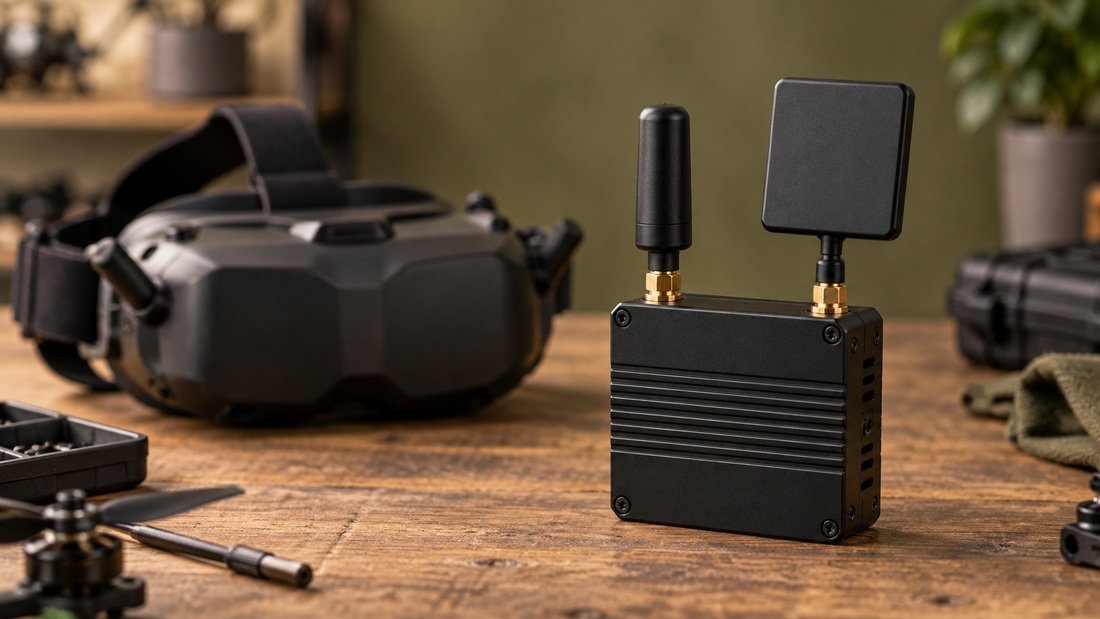
A Fatshark-style receiver module is a plug-in 5.8GHz analog video receiver that fits into a module bay on FPV goggles. The bay provides power, ground, and video signal connections, and often serial data for channel control. The form factor and pinout were popularized by Fatshark goggles, and many third-party manufacturers now produce compatible modules. These modules receive analog video from a drone’s video transmitter (VTX) and output it to the goggles for display.
The module itself does not usually handle on-screen display (OSD) or digital video recording (DVR); those functions are typically built into the goggles or a separate DVR board. However, some modules include a DVR or OSD overlay, so it is important to check specifications. For teams, understanding this split helps when troubleshooting video issues.
Which Goggles Have a Fatshark-Style Module Bay?
Goggles with a Fatshark-style module bay include many models from Fatshark, Skyzone, Eachine, and other brands. The key is the physical bay and the electrical interface. Some goggles use a different bay, such as the “Owl” bay or a proprietary connector, which may require an adapter. Digital goggles like the DJI FPV Goggles series do not have an analog module bay; they require a separate analog adapter or a different goggle for analog reception.
When evaluating goggles, look for terms like “Fatshark module bay,” “standard module bay,” or “JR bay.” Check the goggle’s manual or product page for the bay type and supported module pinouts. If you are buying for a team, confirm that the goggles you choose accept the modules you already own, or plan to standardize on a single module type.
Common Goggle Families and Bay Types
Fatshark HDO, HDO2, Attitude, and Dominator series typically feature a Fatshark-style bay. Skyzone SKY02, SKY03, and SKY04 series often use a similar bay. Eachine EV100 and EV200D may use a different bay or require adapters. Always verify before purchase. For a broader look at FPV video receivers, see our FPV video receivers.
Module Bay Compatibility Table
| Goggle Brand/Series | Bay Type | Accepts Fatshark-Style Modules? | Notes |
|---|---|---|---|
| Fatshark HDO/HDO2/Dominator | Fatshark bay | Yes | Native compatibility; check module pinout |
| Skyzone SKY02/03/04 | Fatshark-style bay | Usually yes | Some models may need firmware update |
| Eachine EV100/EV200D | Proprietary or Fatshark-style | Varies | Check specific model; adapters may exist |
| DJI FPV Goggles (digital) | No analog bay | No | Requires analog adapter or different goggle |
| Orqa FPV.One | Fatshark-style bay | Yes | Confirm pinout; some modules need adapter |
This table is illustrative; always verify with the manufacturer’s documentation. For a wide selection of FPV electronics, browse our FPV electronics.
How to Check Compatibility Before You Buy
To check compatibility, start by identifying your goggle’s module bay type. Look for the number of pins and the connector shape. Fatshark-style modules typically have an 8-pin connector, but some have fewer. Then check the module’s pinout diagram; incorrect alignment can damage the module or goggle. Also confirm voltage requirements; most modules accept 5V or 7-12V, but not all goggles supply the same voltage.
Next, verify channel and band support. Fatshark-style modules usually support 5.8GHz bands and standard 40-channel plans. Some modules add raceband or lowband. Ensure your goggle’s firmware supports the module’s channel mapping. Finally, check if the goggle passes OSD data to the module; some modules can overlay OSD, but most rely on the goggle’s OSD system.
Pinout and Voltage Warnings
Pinout mismatches are the most common cause of module failure. Never force a module into a bay; if it does not fit smoothly, stop and check. Voltage differences can also cause damage. If you are unsure, consult the goggle and module manuals or contact the manufacturer. For teams, create a simple checklist for module swaps to avoid mistakes.
OSD and DVR in Fatshark-Compatible Goggles
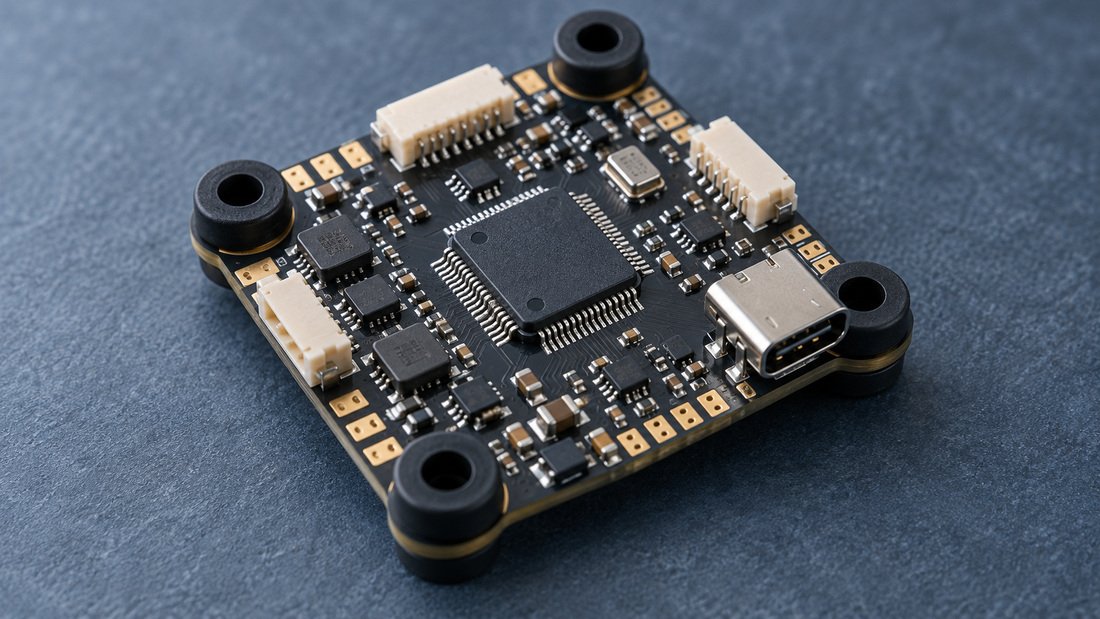
OSD (on-screen display) overlays flight data like battery voltage, GPS coordinates, and flight timers onto the video feed. DVR (digital video recording) records the video feed to an SD card. Both are critical for team training and event review. In Fatshark-style systems, OSD is often generated by the flight controller and displayed by the goggle, while DVR is typically built into the goggle or a separate board.
According to Betaflight documentation, the flight controller software supports OSD for nearly any video system, analog or digital, and can display a wide range of information from battery voltage to GPS coordinates and artificial horizons. It also supports configuring settings via OSD. This means your OSD experience depends on the flight controller and goggle combination, not just the receiver module. Betaflight is a popular open-source flight controller firmware that supports OSD and various receiver protocols.
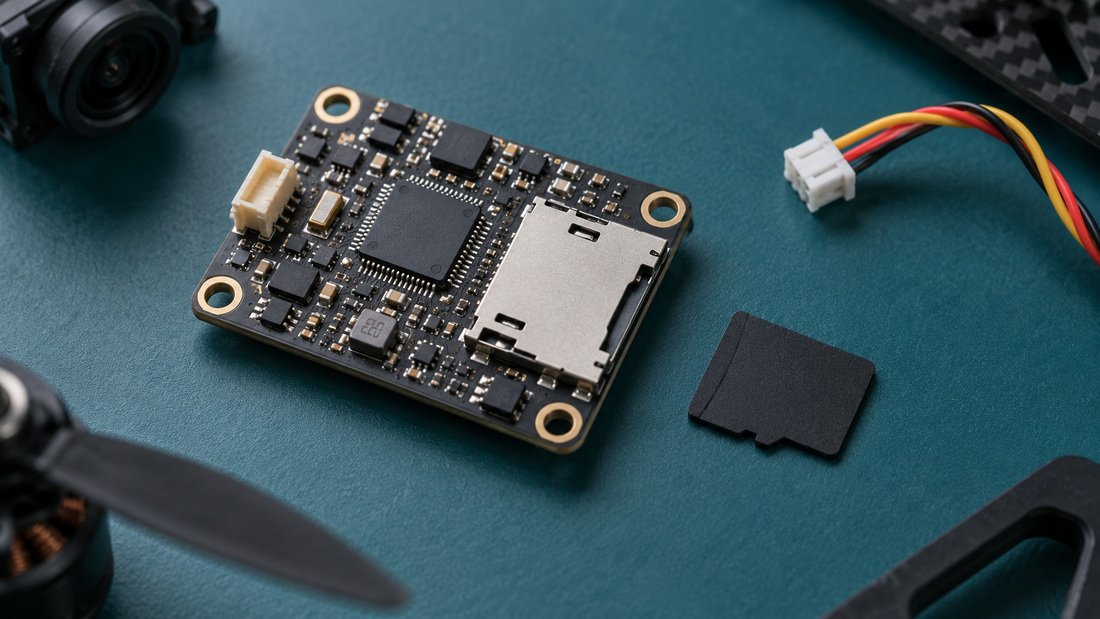
For teams, ensure your goggles have DVR if you need to record flights for debriefs. Some goggles record only the received video, while others can record with OSD overlay. If your goggle lacks DVR, you can add a standalone DVR board. For more on DVR options, see our FPV DVR.
DVR and OSD Features to Look For
- DVR resolution and frame rate: typically VGA or higher; check if it records OSD overlay.
- Storage: microSD card slot, supported capacities, and file format.
- OSD integration: does the goggle display telemetry from the flight controller? Does it support Betaflight OSD?
- Playback: can you review footage on the goggle or via a computer?
- Power management: DVR recording can consume power; consider battery life.
Practical Procurement Checklist for Teams and Programs
Use this checklist to ensure you purchase compatible and reliable equipment for your team or program. It covers goggles, modules, and related electronics.
- Identify the goggle model and its module bay type (Fatshark-style, proprietary, etc.).
- Confirm the receiver module’s pinout and voltage requirements match the goggle.
- Verify channel/band support matches your video transmitters (e.g., raceband, 40-channel).
- Check if the goggle includes DVR; if not, plan for a standalone DVR or a different goggle.
- Ensure OSD compatibility: does the goggle support Betaflight OSD or other telemetry?
- Consider antenna connectors (SMA vs. RP-SMA) and diversity support.
- Plan for spares: extra modules, antennas, cables, and SD cards.
- Request written confirmation of compatibility from the supplier before bulk purchase.
- For OEM/ODM: discuss custom firmware, channel plans, and branding with the manufacturer.
For flight controllers that support OSD and various receiver protocols, see our flight controllers. For motor control, consider electronic speed controllers.
Common Mistakes and Trade-offs
Common mistakes include assuming all module bays are identical, ignoring voltage differences, and overlooking DVR needs. Another mistake is buying digital goggles expecting analog compatibility; digital goggles require analog adapters or separate analog goggles. Trade-offs include cost versus features: modules with diversity and DVR cost more but offer better signal and recording. Goggles with built-in DVR are convenient but may be more expensive.
For teams, standardization reduces complexity but may limit individual preferences. Consider whether you need low-latency for racing or higher resolution for cinematic work. Also, analog systems are generally more affordable and easier to repair, while digital systems offer better image quality but higher cost and less interoperability.
Illustrative Example
A school drone soccer program might choose Fatshark HDO2 goggles with a Fatshark-style diversity module and a standalone DVR for recording matches. They would verify that the module’s pinout matches the goggle and that the DVR can record the analog signal. This setup allows coaches to review footage and students to learn from mistakes. However, they should confirm current specifications with suppliers as models change.
Frequently Asked Questions
Can I use a Fatshark-style module with any FPV goggles?
No, only goggles with a compatible module bay can accept these modules. Some goggles have proprietary bays or no bay at all. Always check the goggle’s specifications.
Do digital FPV goggles work with Fatshark-style modules?
Generally no, because digital goggles use different video transmission technology (e.g., DJI, HDZero, Walksnail). Some digital goggles can accept analog modules via adapters, but this is not universal.
Will a Fatshark-style module provide OSD and DVR?
Usually not; OSD is generated by the flight controller and displayed by the goggle, and DVR is typically in the goggle or a separate device. Some modules may include these features, so check specifications.
What is the difference between a Fatshark-style module and a standard 5.8GHz receiver?
A Fatshark-style module is a plug-in receiver for goggles, while a standard 5.8GHz receiver may be a standalone unit or integrated into goggles. The module format allows swapping and upgrading.
How do I know if my goggles have a Fatshark-style bay?
Check the goggle’s manual or product page for terms like “Fatshark module bay” or “standard module bay.” If unsure, contact the manufacturer or supplier.
Can I use multiple modules with one goggle?
Some goggles allow only one module at a time, while others may support dual modules for diversity. Check the goggle’s design.
What should I confirm in writing when buying for a team?
Confirm compatibility, pinout, voltage, channel plan, DVR/OSD features, warranty, and support terms. Request a sample unit for testing before bulk purchase.
Conclusion and Next Steps
Choosing FPV goggles that work with a Fatshark-style receiver module requires checking bay type, pinout, voltage, and OSD/DVR features. For teams, standardizing on a proven combination simplifies training and maintenance. Before purchasing, verify all specifications with the supplier and consider requesting samples for testing.
To equip your team or program with compatible FPV electronics, Request a Team Kit Quote. We can help you select goggles, modules, DVRs, and flight controllers that meet your needs. Contact us to discuss your requirements and receive a tailored quote.