Quick summary
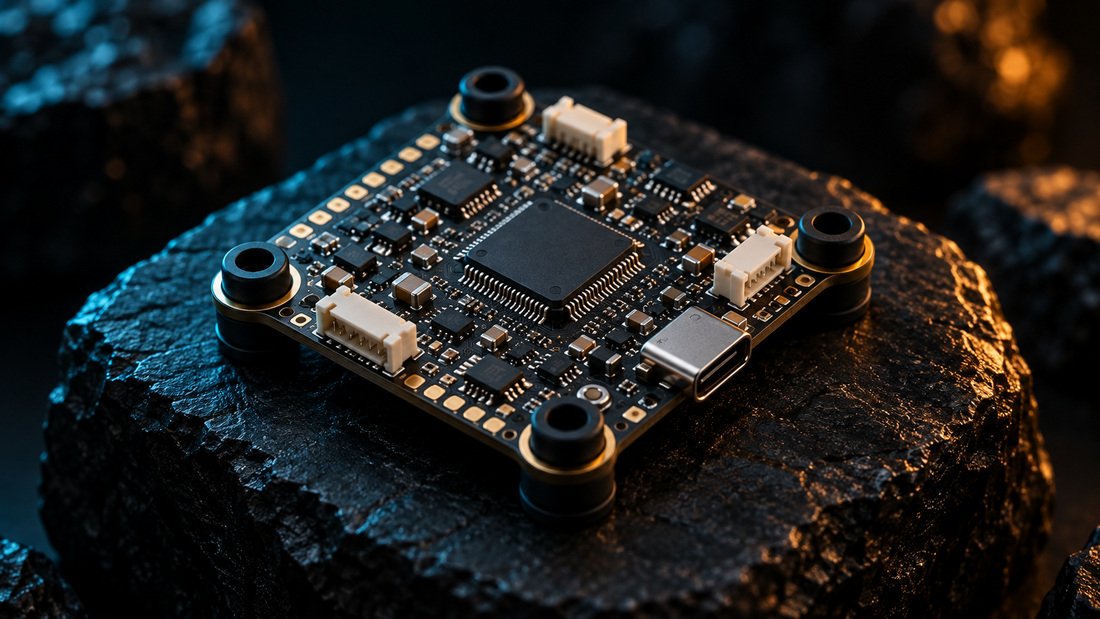
Betaflight Configurator is the free desktop app used to flash, configure and verify Betaflight firmware on an FPV flight controller. You install it, connect the board by USB, confirm the correct target and firmware, then work through the tabs in order: Setup, Ports, Configuration, Receiver, Modes, OSD and Failsafe. Betaflight is free, open-source flight control software that runs on the flight controller, the onboard computer that reads sensors, computes flight actions and sends commands to the electronic speed controllers (ESCs).
Key Takeaways
- Betaflight Configurator is a configuration tool, not firmware; it flashes and edits the Betaflight software that runs on your board.
- Connect by USB first, take a backup, then change one tab at a time so you can isolate mistakes.
- The order matters: Ports, Configuration, Receiver, Modes, OSD and Failsafe depend on each other.
- For school and club fleets, keep a written configuration profile per aircraft so repairs and replacements stay consistent.
- Confirm board-specific instructions with your supplier, because hardware support comes from the manufacturer of the board.
What Betaflight Configurator Actually Does
Betaflight Configurator is the graphical interface that talks to your flight controller over USB or a serial link. It lets you flash firmware, read sensor data, map ports, assign switches and set failsafe behaviour. The flight controller itself is the computer that reads the gyroscope, accelerometer, GPS and other sensors, then sends motor commands to the ESC to generate thrust and keep the quadcopter in the air.
Betaflight also controls peripherals such as video transmitters, radio link telemetry and LEDs, and supports on-screen display (OSD) for analog and digital video systems. For a team flying drone soccer or training quads, the configurator is where you standardise those settings across the fleet.
Before You Install: What You Need
You need a computer, a USB data cable (not a charge-only cable), the correct Betaflight Configurator version for your operating system, and a known-good flight controller. Have your radio transmitter, receiver and battery ready for later steps, but do the first connection with the battery disconnected.
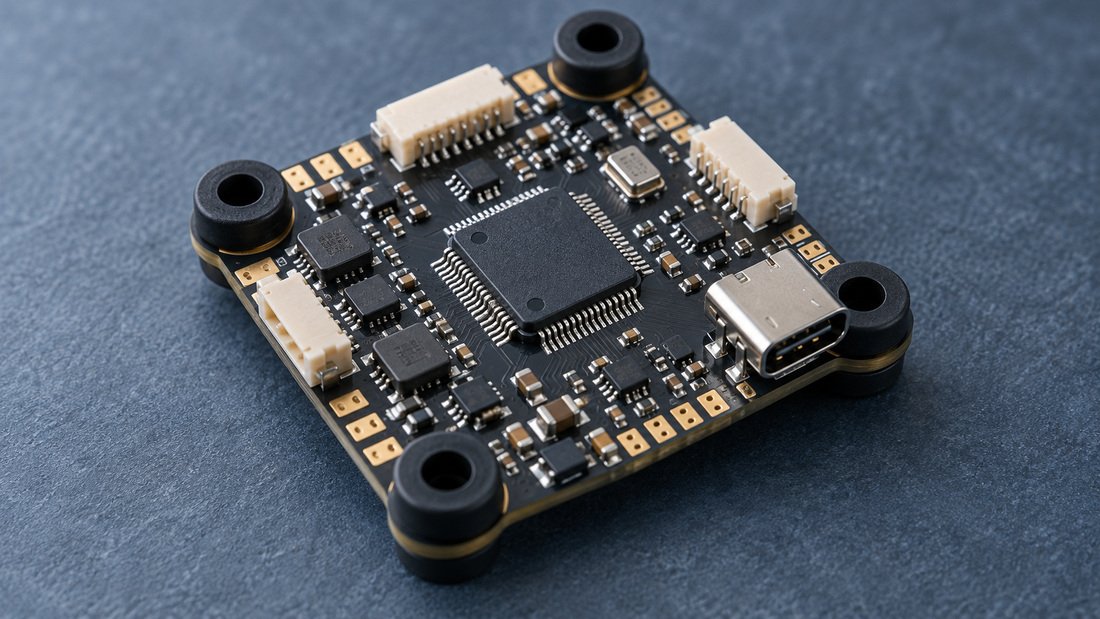
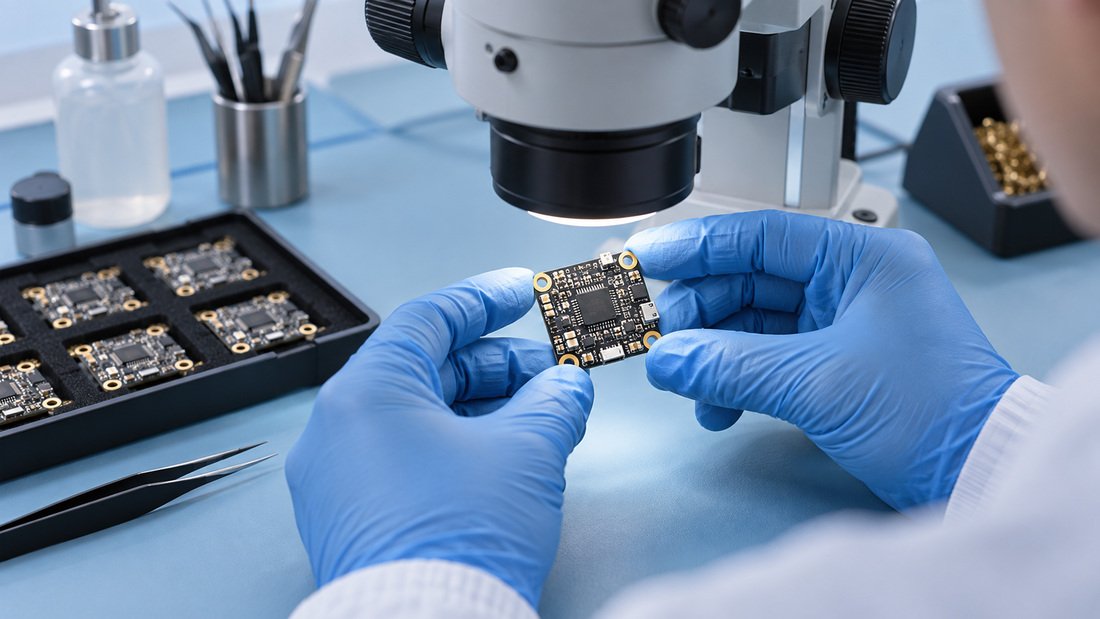
If you are sourcing boards for a club build session, check that each unit in the batch uses the same target and firmware expectations. Our flight controllers category lists the boards we stock; ask your supplier to confirm the exact target name and firmware version before you flash a full team order.
Step-by-Step: Using Betaflight Configurator
1. Install and connect
Download the configurator from the official Betaflight project, install it, and open it. Connect the flight controller by USB. The app should detect a port and show the firmware version in the top bar. If nothing appears, try another cable or a different USB port before assuming the board is faulty.
2. Back up before you change anything
Use the CLI (command line interface) tab and run a diff or dump command to save your current configuration as a text file. Store it with the aircraft’s asset record. This single habit saves hours when a board is replaced mid-season.
3. Flash firmware only when you intend to
Flashing erases settings. If a board already flies correctly, you usually do not need to flash. When you do, select the correct target, choose the firmware version, and enable full chip erase only when you want a clean slate. Always confirm the target name with the board manufacturer or your supplier.
4. Work through the tabs in order
After flashing or on a new board, move through the tabs systematically rather than jumping around.
| Tab | What you set there | Why order matters |
|---|---|---|
| Setup | Board orientation, sensor check, accelerometer calibration | A wrong orientation makes every later test look broken |
| Ports | UART assignments for receiver, GPS, VTX control | Receiver and peripherals depend on correct port mapping |
| Configuration | ESC protocol, motor protocol, features such as LED strip and telemetry | Affects how the board talks to the ESC and video system |
| Receiver | Protocol selection and channel mapping | Modes cannot be assigned until channels are read correctly |
| Modes | Arm switch, flight modes, beeper, turtle mode | Requires working receiver channels |
| OSD | On-screen elements such as voltage, timer, warnings | Supports pilot awareness and post-flight checks |
| Failsafe | Behaviour when the radio link drops | Final safety layer; depends on all previous settings |
5. Verify sensors and orientation
In the Setup tab, tilt the aircraft by hand and confirm the on-screen model moves in the same direction. Correct any mismatch with board alignment settings rather than physically remounting the board.
6. Check the receiver and assign modes
Betaflight supports a wide variety of receiver protocols, including CRSF, Ghost, FPort, SBUS, Spektrum and more. Select the protocol that matches your hardware, confirm stick inputs move the correct bars, then assign an arm switch and any flight modes. Never arm with the battery connected until the model responds correctly and props are removed.
7. Set up the OSD and failsafe
Betaflight supports OSD for analog and digital video systems, and you can display battery voltage, current draw, GPS coordinates, speed, timers and artificial horizons. Use it. Then configure failsafe so a dropped link produces a predictable, safe outcome. Test failsafe on the bench with props off.
Recommended Middle-of-Article CTA
If you are equipping a school team, club or league and want boards, ESCs and video gear that arrive with consistent documentation, our team can help you define the specification. Request a Team Kit Quote and we will respond to your build list and volume.
Which Firmware and Hardware Combinations Work
Betaflight runs on flight controllers from many manufacturers, and support for each board comes from its manufacturer. That means two boards with similar names can need different targets. Betaflight supports DShot as the main ESC protocol on nearly everything, with Oneshot, Multishot and PWM available where needed, so match the protocol to your ESC rather than guessing.
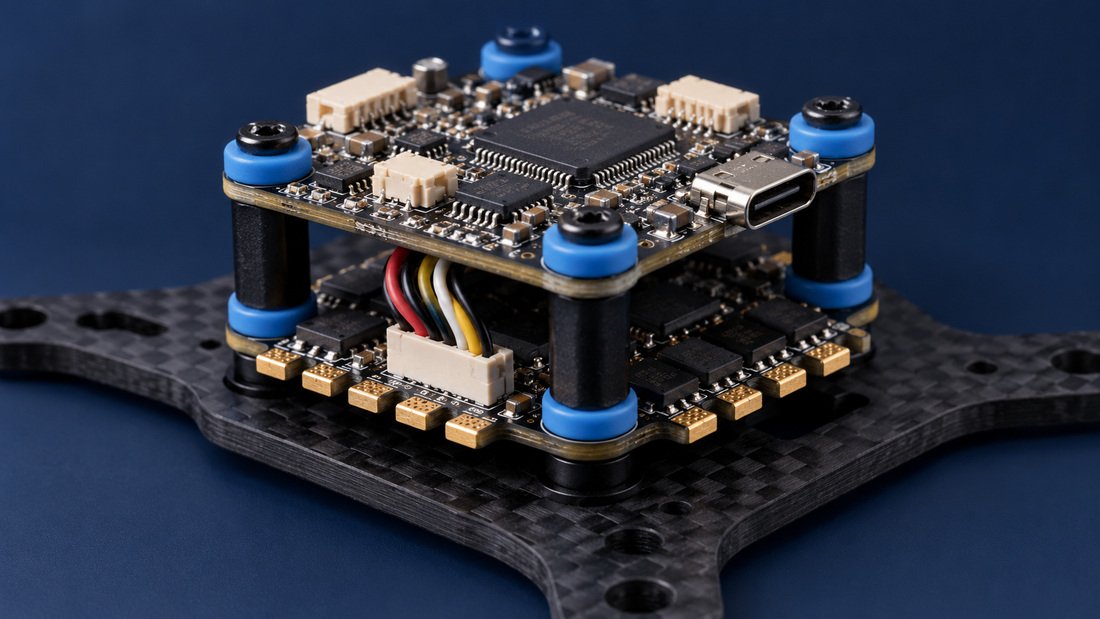
For team purchasing, the practical risk is mixing board revisions in one fleet. Record the target, firmware version and diff file for each airframe. Pair the flight controller with compatible electronic speed controllers and FPV video receivers, and confirm pinout and connector standards with your supplier in writing.
Common Mistakes
- Flashing before backing up. A diff file is your rollback plan; without it, a reflash can wipe a tuned, working setup.
- Wrong target. Flashing a target that does not match the board can leave it unresponsive. Confirm the target with the manufacturer or supplier.
- Changing many settings at once. Then you cannot tell which change broke the behaviour.
- Testing with props on. Always remove propellers during configuration and bench tests.
- Ignoring failsafe. A default or untested failsafe is not a plan, especially around students and spectators.
- No fleet record. Without per-airframe documentation, repairs drift and two identical-looking quads fly differently.
Buyer Checklist for Clubs, Schools and Distributors
- Confirm the exact Betaflight target and compatible firmware range for each board model.
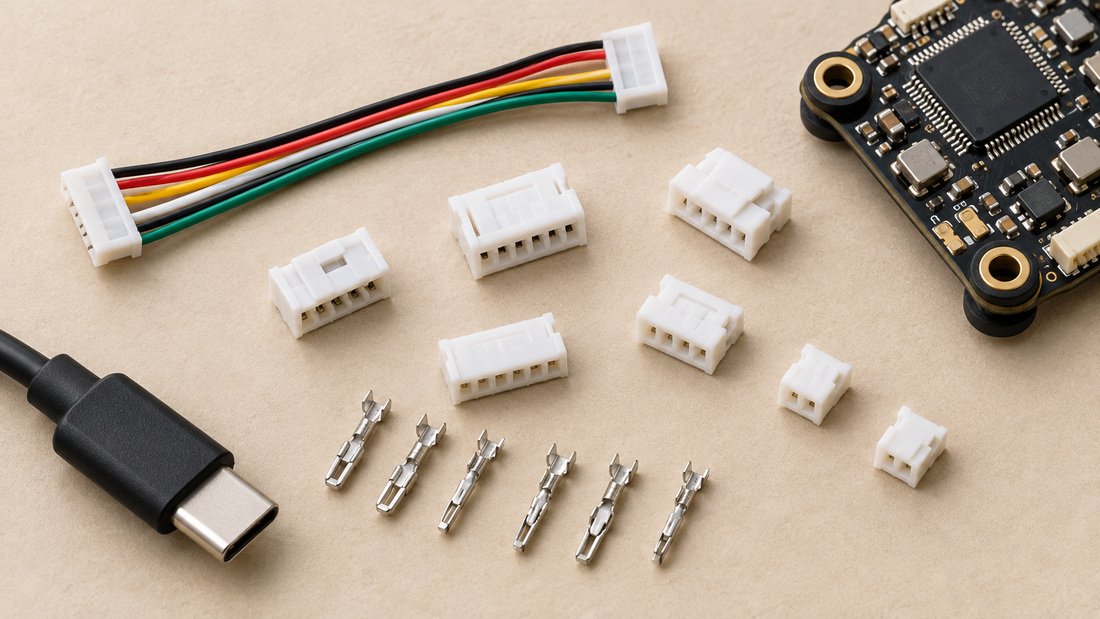
- Request the pinout diagram, UART map and connector type in writing.
- Ask whether the board ships with firmware pre-loaded and which version.
- Confirm compatibility with your chosen receiver protocol and ESC protocol.
- Ask for the recommended OSD and failsafe setup notes for your use case.
- Request sample units before a large fleet order, and test the full configuration workflow on a sample.
- Agree on documentation format so every airframe gets a diff file and asset record.
- Confirm commercial terms such as pricing, lead time, MOQ, warranty and returns in writing before ordering.
Where you plan to capture video for coaching or event review, coordinate your flight controller choice with an FPV DVR so recordings and telemetry line up across the team.
Frequently Asked Questions
Is Betaflight Configurator the same as Betaflight firmware?
No. Betaflight is the flight control software that runs on the flight controller. Betaflight Configurator is the desktop application you use to flash that firmware and change its settings.
Do I need to flash firmware on a new flight controller?
Often it already ships with firmware. Flash only if you need a different version or a clean configuration, and always back up first. Confirm the correct target with your supplier.
Why does my board not appear in the configurator?
The usual causes are a charge-only USB cable, a missing driver, or a port conflict. Try a known-good data cable and another USB port before concluding the board is faulty.
Which receiver and ESC protocols does Betaflight support?
Receiver support includes CRSF, Ghost, FPort, SBUS, Spektrum and more. DShot is the main ESC protocol on nearly everything, with Oneshot, Multishot and PWM also available.
Can I use Betaflight Configurator for a whole school fleet?
Yes, and the main discipline is documentation. Store a diff file and asset record per aircraft so replacements and repairs keep the same configuration.
How should I set failsafe?
Configure it so a dropped radio link produces a predictable outcome, then test it on the bench with propellers removed. Your club or venue may have its own safety rules to follow.
Where should I buy compatible boards for a team?
Start with a supplier who will confirm target names, pinouts and connector standards in writing. Browse our FPV electronics range and ask for sample units before a fleet order.
Conclusion and Next Step
Using Betaflight Configurator is mostly a process problem, not a technical mystery: connect, back up, verify the target, then work through the tabs in a fixed order and document the result. Do that and a club can keep a fleet flying consistently, even when students build and repair their own airframes.
If you are specifying flight controllers for a school program, drone soccer team or distribution order, send us your requirements and we will help you confirm the configuration details before you commit. Request a Team Kit Quote to get started.