Quick summary
For most FPV flight controllers used in drone soccer and school programs, you need at least 3 free UARTs after accounting for USB and any onboard peripherals: one for the radio receiver, one for GPS if used, and one for VTX control or telemetry. A practical minimum is 4 UARTs for flexibility; 5 or more is safer for teams that add GPS, telemetry, or extra sensors. The exact number depends on your receiver protocol, whether you use a GPS module, and how many peripherals you want to control from the flight controller.
Key Takeaways
- UARTs (Universal Asynchronous Receiver-Transmitters) are serial ports on the FPV flight controller used for receivers, GPS, VTX control, telemetry, and some sensors.
- Betaflight, the most common FPV firmware, supports many receiver protocols and peripherals, but each usually needs its own UART (or a shared bus in specific cases).
- For drone soccer and youth programs, plan for at least 3–4 free UARTs; 5+ gives room for GPS and future add-ons.
- Not all UARTs are equal: some are shared with USB, inverted, or limited to specific functions—check the board diagram.
- When buying flight controllers in bulk, confirm UART count and pinout in writing with your supplier.
What Is a UART on an FPV Flight Controller?
A UART is a serial communication interface that lets the flight controller talk to other devices using two data lines: TX (transmit) and RX (receive). On FPV flight controllers, UARTs are typically exposed as pads or connectors labeled UART1, UART2, and so on, each with a TX and RX pad. They are used for connecting radio receivers, GPS modules, telemetry radios, VTX control, and some sensors. Unlike I2C or SPI, UARTs are point-to-point, so each device usually needs its own UART pair. For a broader overview of flight controller architecture, see our guide to flight controllers.
Betaflight, the dominant open-source firmware for FPV quads, supports a wide variety of receiver protocols (CRSF, Ghost, FPort, SBUS, Spektrum, etc.) and ESC protocols, and it can control peripherals such as VTX, telemetry, and LEDs. Each of these connections typically consumes a UART or a dedicated peripheral bus. The Betaflight documentation notes that the flight controller is essentially a computer that reads sensors, computes actions, and sends commands to the ESC; UARTs are the ports for external communication. (Source: Betaflight Getting Started.)
How Many UARTs Do You Actually Need?
The short answer: count your required serial devices, add one spare, and ensure the flight controller has at least that many usable UARTs after subtracting any that are dedicated to USB or onboard functions. For most drone soccer teams and school programs, 4 usable UARTs is a comfortable baseline; 3 is the bare minimum for a receiver, VTX control, and one peripheral.
Typical UART Consumption by Use Case
| Use Case | Receiver UART | GPS UART | VTX Control / Telemetry UART | Other (LED, sensors, etc.) | Minimum Usable UARTs |
|---|---|---|---|---|---|
| Basic drone soccer quad (receiver + VTX control) | 1 | 0 | 1 | 0 | 2 |
| Drone soccer with GPS rescue | 1 | 1 | 1 | 0 | 3 |
| School trainer with telemetry radio | 1 | 1 | 1 (VTX) | 1 (telemetry) | 4 |
| Advanced team with sensors and LED strip | 1 | 1 | 1 | 2 (telemetry + LED) | 5 |
Note: Some receivers use inverted UARTs (e.g., SBUS) or dedicated pads; check board documentation. LED strips often use a dedicated LED pad, not a UART, but some sensors may require UART or I2C. Always verify with your specific hardware.
Factor In USB and Onboard Peripherals
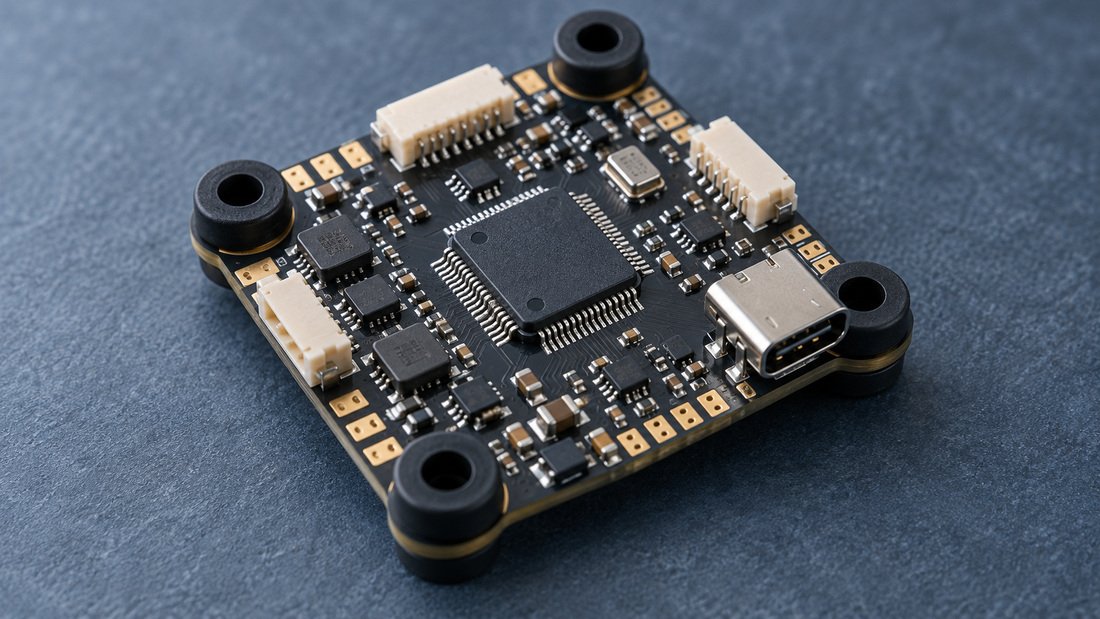
Many flight controllers reserve one UART for USB (often UART1 or a dedicated USB interface) and may have another tied to an onboard receiver or Bluetooth module. These are not available for external devices. The board diagram or manual will indicate which UARTs are free. When selecting FPV electronics for a team, always download the board’s pinout diagram and count usable UARTs before committing.
Common UART Assignments in Betaflight
In Betaflight, you assign functions to UARTs in the Ports tab. Typical assignments: UART for receiver (serial RX), UART for GPS, UART for VTX (often SmartAudio or Tramp), and UART for telemetry. Some functions, like ESC telemetry, may use a dedicated pin or share a UART. The Betaflight documentation emphasizes wide receiver and ESC protocol support, but the number of UARTs is a hardware limitation, not a firmware one. (Source: Betaflight Getting Started.)
For team fleets, standardize on a flight controller with enough UARTs to accommodate your most complex build, so spare parts and training remain consistent. This reduces configuration errors and simplifies troubleshooting.
Receiver Protocols and UART Requirements
Most modern receivers (CRSF, Ghost, FPort) use a single UART for both control and telemetry. SBUS and Spektrum also use one UART (often inverted). Some older PWM receivers require multiple channels, but these are rare in FPV. Betaflight supports a wide variety of protocols, but the physical connection is still a UART. If you use a receiver with telemetry, that same UART handles both.
GPS, VTX, and Telemetry
A GPS module typically needs one UART (TX and RX) for data. VTX control (SmartAudio, Tramp) uses one UART (often only TX from flight controller to VTX). Telemetry radios (e.g., for ground station) need one UART. If you use a GPS with built-in compass, that may use I2C instead of UART, but the GPS data itself uses UART. Plan accordingly.
Trade-offs: More UARTs vs. Board Size and Cost
Flight controllers with more UARTs may be larger, more expensive, or have a higher pin count. For small drone soccer quads, space and weight matter. A 4-UART board is often a good balance: enough for receiver, GPS, VTX, and one spare. However, if your program plans to add telemetry or sensors later, a 5-UART board may be more future-proof. Always balance against other features like ESC current rating, mounting pattern, and processor speed.
Also consider whether UARTs are 5V or 3.3V tolerant, and whether they are inverted. Some receivers require inversion; some flight controllers have dedicated inverted UARTs. Verify before purchase.
Procurement Checklist for Teams and Schools
Before ordering flight controllers for a team or school program, use this checklist to ensure you get the right UART count and avoid compatibility issues.
- List all serial devices you plan to connect: receiver, GPS, VTX control, telemetry, sensors.
- Count usable UARTs on the candidate board after excluding USB and onboard peripherals.
- Check voltage and inversion requirements for each device and whether the UART supports them.
- Confirm pinout and pad layout from the manufacturer’s documentation; look for clear labeling.
- Verify firmware support (e.g., Betaflight target) and that UARTs are configurable in the Ports tab.
- Request samples and test with your actual receivers and peripherals before bulk order.
- Ask for written confirmation of UART count and any shared functions if buying OEM/ODM.
For related components, see our electronic speed controllers and FPV video receivers.
Common Mistakes with UART Planning
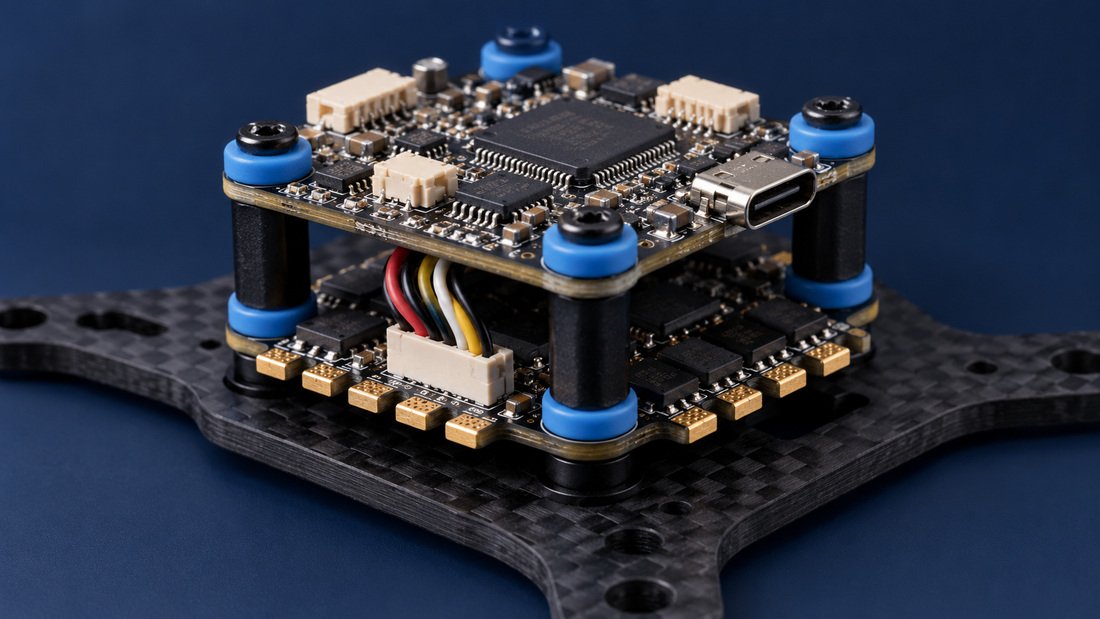
- Assuming all UARTs are free: USB and onboard receivers often consume UARTs; check the diagram.
- Forgetting telemetry: If you want telemetry to your radio or ground station, that’s another UART.
- Ignoring inversion: SBUS receivers often need an inverted UART; not all boards support this on every UART.
- Overlooking voltage: Some peripherals need 5V, others 3.3V; ensure the UART provides the correct level or use a level shifter.
- Not standardizing: Mixing boards with different UART counts across a fleet complicates training and spares.
For a deeper look at FPV electronics integration, visit our FPV electronics category.
Frequently Asked Questions
Can I share a UART between two devices?
Generally no, because UART is point-to-point. However, some devices can share a bus if they use different protocols or if one is transmit-only and the other receive-only, but this is uncommon and risky. Always use separate UARTs for reliability.
Do I need a UART for the ESC?
Most modern ESCs use DShot, which is a digital protocol that does not require a UART; it uses a dedicated signal wire per motor. Some ESCs support telemetry over a UART, but that is optional. Check your ESC and flight controller documentation.
How many UARTs does a typical drone soccer flight controller have?
Typical drone soccer flight controllers have 4 to 6 UARTs, but usable count after USB and onboard peripherals may be 3 to 5. Always verify with the specific board’s pinout.
Can I use a UART for an LED strip?
LED strips (WS2811) usually connect to a dedicated LED pad, not a UART. Some flight controllers may allow remapping, but it’s not standard. Betaflight supports LED strips via a dedicated output. (Source: Betaflight Getting Started.)
What if I run out of UARTs?
Options include using a receiver with integrated telemetry (saves a UART), using a GPS with I2C compass (saves a UART), or choosing a flight controller with more UARTs. Avoid using a UART expander unless you understand the trade-offs in latency and complexity.
Are UARTs labeled differently on different boards?
Yes, labeling varies: UART1, UART2, TX1/RX1, etc. Always refer to the board’s pinout diagram and Betaflight Ports tab to map physical pads to UART numbers.
Should I buy flight controllers with more UARTs than I need now?
If budget and space allow, yes—having one or two spare UARTs provides flexibility for future add-ons like GPS or telemetry. For school programs, standardization on a board with 4–5 usable UARTs is often practical.
Conclusion
Choosing the right number of UARTs on an FPV flight controller is a matter of counting your serial devices and adding a margin for future needs. For drone soccer teams and school programs, aim for at least 4 usable UARTs to cover receiver, GPS, VTX control, and one spare. Always verify the actual usable UART count from the board diagram, and confirm details with your supplier before bulk purchasing. If you’re equipping a team, Request a Team Kit Quote to discuss your specific requirements and get written confirmation of UART specifications.