Quick summary
Choosing an ELRS TX module starts with three checks: the module must physically fit or connect to your radio’s module bay or external interface, it must run firmware compatible with your ELRS RX setup, and its RF band and antenna must suit your flying site. For teams, add logistics: how many radios you must equip, whether you need one protocol across a fleet, and what spares and support you can actually get in writing. This guide walks through those decisions with school, club and procurement constraints in mind.
Key Takeaways
- Match the module to your radio’s bay and electrical interface first; RF performance is irrelevant if it will not connect.
- Confirm ELRS firmware major version and packet-rate support across every TX and RX in your fleet before ordering.
- Choose the RF band and antenna based on your venue, local rules and whether you fly indoors or outdoors.
- For team kits, prioritise common spares, consistent configuration and documented compatibility over single-unit peak specs.
- Get commercial terms — warranty, MOQ, lead time and support — confirmed in writing by the supplier.
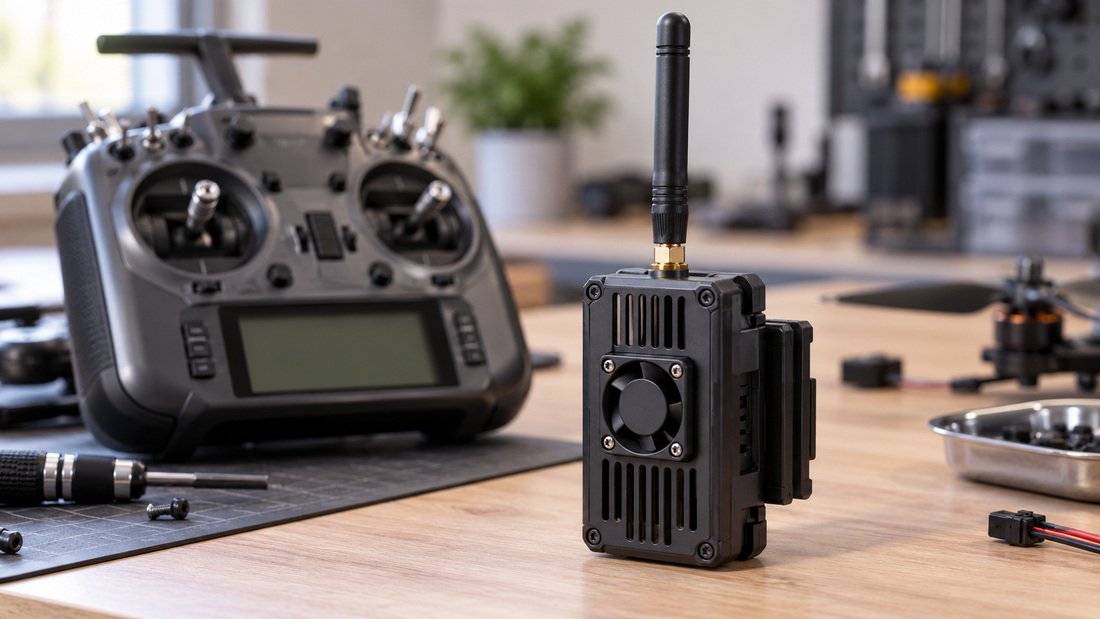
What does an ELRS TX module actually do?
An ELRS TX module is the radio-frequency transmitter that plugs into or connects to your handset and sends control signals to the aircraft’s receiver. ELRS stands for ExpressLRS, an open-source radio control link. In practical terms, the TX module determines the RF band, output power, antenna connector and firmware family your radio uses.
It does not fly the aircraft or process flight-controller logic. It handles the control link. That distinction matters when you are buying for a program: a radio may be excellent for a pilot’s feel, but the module determines whether the link works with your chosen receivers, your venue and your legal power limits.
Start with your radio, not the module spec sheet
The most common procurement mistake is buying a module before confirming the radio interface. External module bays vary by brand and generation. Some radios use a standard bay format, some use a different pin layout, and some support external modules only through a specific protocol or cable.
Physical and electrical fit
Check the bay type, pin count, voltage expectations and whether the radio powers the module internally or needs external power. Ask the module supplier for a pinout diagram and a written statement of which radio models it has been used with. Do not rely on a photo alone.
Firmware and configuration path
ELRS modules are typically configured through the radio’s operating system or a companion tool. Ask how firmware updates are performed, whether a computer is required, and whether the process is simple enough for student volunteers or club members to repeat across many radios.
ELRS transmitter modules: what to compare
Once fit is confirmed, compare modules on the factors that affect team operations: RF band, output power, antenna options, firmware support, form factor and spare availability. The table below is a general comparison framework, not a product recommendation.
| Factor | Why it matters for teams | What to verify |
|---|---|---|
| Module bay / interface | A wrong bay means the module cannot be used at all | Bay type, pinout, voltage, cable or adapter needs |
| RF band | Affects antenna size, range behaviour and local rules | Intended band and whether your venue and regulations allow it |
| Output power | Higher power can help outdoors but may be restricted | Adjustable power levels and local legal limits |
| Antenna connector | Determines which RF antennas you can swap | Connector type, included antenna, spare antenna availability |
| Firmware family | Must match receivers across your fleet | Major version, update method, receiver compatibility |
| Form factor and weight | Affects handling and whether young pilots can manage the radio | Physical size, weight, ergonomics with your handset |
| Spares and support | Downtime during events is costly | Antennas, cables, documentation and support terms in writing |
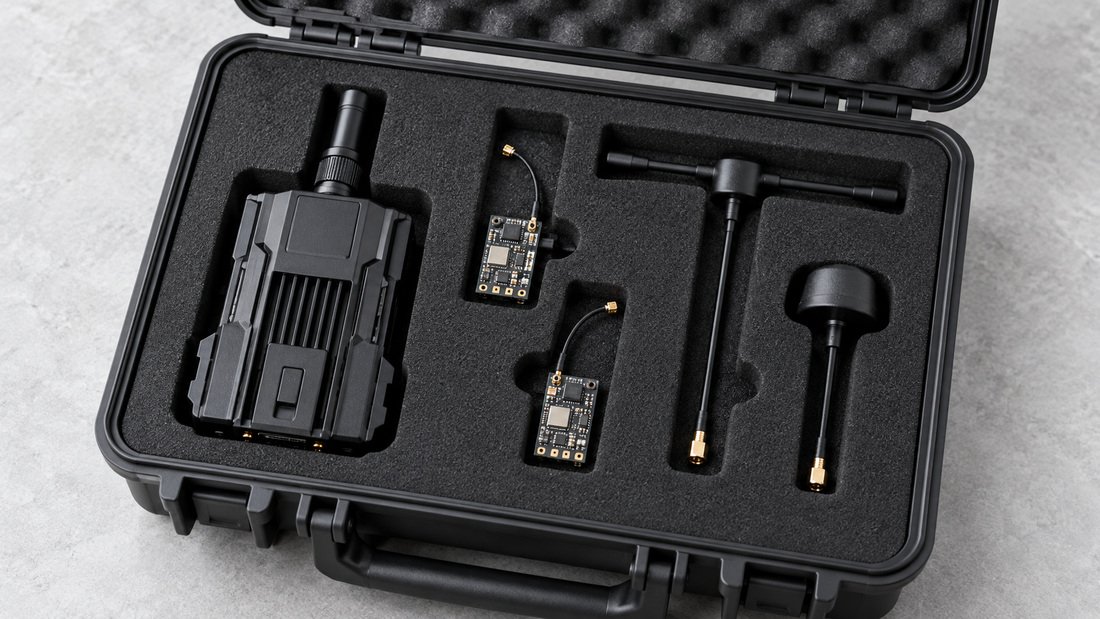
RF band and antenna: match the module to your venue
ELRS systems operate on different RF bands, and the band affects antenna size, propagation and how the link behaves in a given space. Indoors, such as a school gym, signal reflections and interference from other equipment can matter more than raw range. Outdoors, line of sight and distance become more important.
Antenna choice is part of the module decision, not an afterthought. The connector on the module limits which antennas you can use. If your team flies in different venues, consider whether you need swappable antennas and how you will store and protect them.
For a broader view of how transmitters, receivers and antennas fit together, see our overview of ELRS and RF systems. If you are standardising a fleet, review ELRS receivers alongside the module so the link is planned as a pair.
Indoor vs outdoor priorities
- Indoor / gym: interference management, compact antennas, consistent behaviour across many radios.
- Outdoor / field: antenna placement, adjustable power, range expectations and local power limits.
- Mixed use: modules that support adjustable power and swappable antennas give more flexibility.
How many modules do you need?
Drone soccer teams and youth programs usually buy in multiples. That changes the decision. A single pilot might accept a niche module; a program needs repeatability. Count your radios, add spares, and decide whether every pilot uses the same module or whether a small number of shared radios is enough.
Standardising on one module family simplifies training, configuration and troubleshooting. It also makes spare parts easier to manage, because antennas, cables and documentation are common across the fleet.
Common mistakes when buying ELRS transmitter modules
- Buying before checking the bay. Confirm the physical and electrical interface first.
- Mixing firmware versions. A TX and RX on incompatible ELRS firmware versions will not bind reliably.
- Ignoring local RF rules. Output power and band use may be regulated in your country or venue.
- Forgetting antennas as spares. A damaged antenna can ground a radio on event day.
- Assuming a spec sheet equals field performance. Venue, interference and antenna setup matter.
- Not documenting the configuration. If only one volunteer knows the setup, the program is fragile.
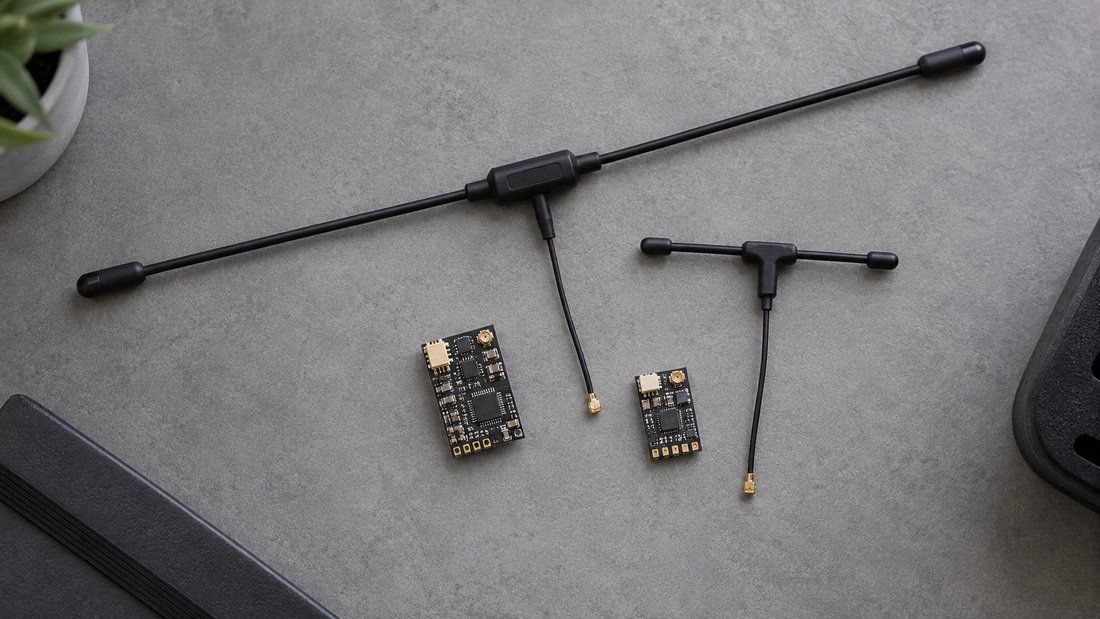
Compatibility: the part teams underestimate
ELRS is a family of firmware and hardware, not a single universal standard. Compatibility depends on firmware major version, target hardware and configuration. Before you order a batch, confirm that the TX modules and receivers you plan to use work together, and that your chosen packet rates and features are supported across the fleet.
Our ELRS receiver compatibility centre is a practical starting point. Bring your radio models, receiver models and intended firmware versions to the conversation.
Planning a team kit? Tell us your radio models, receiver models, venue type and fleet size. We can help you shortlist ELRS transmitter modules that fit your program.
Bench testing and pilot validation
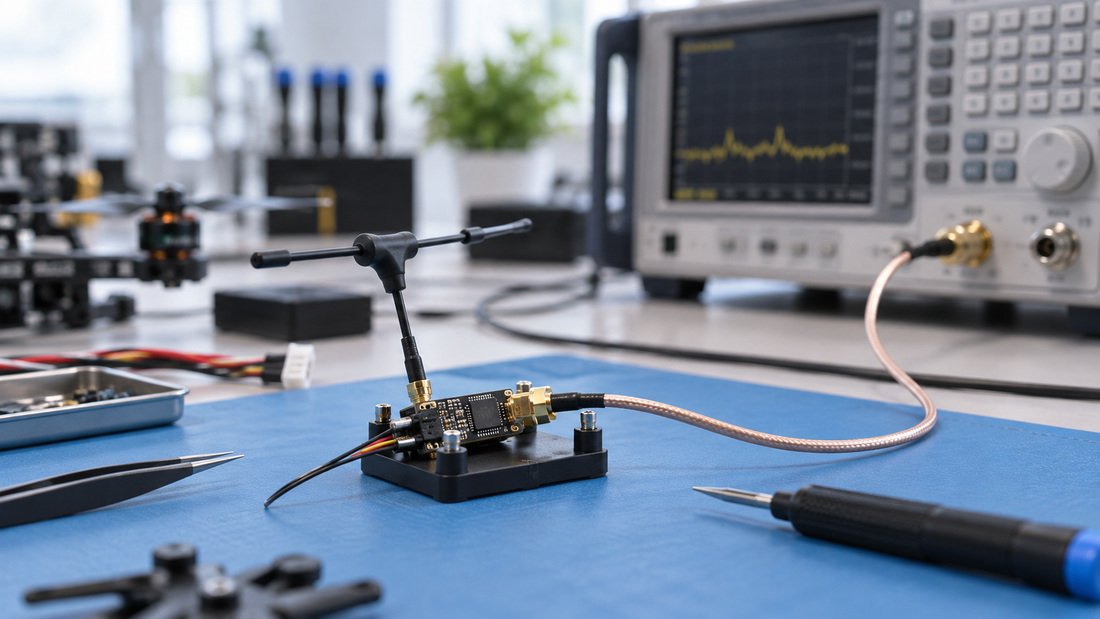
Before committing a full fleet, bench test a sample. Check bind, telemetry behaviour if applicable, range in your actual venue and how the module feels in the handset. Document the configuration and record which firmware versions were used. A small pilot batch reduces the risk of ordering dozens of units that do not suit your pilots.
For antenna-related checks, see our range of RF antennas and confirm connector compatibility with your module.
Procurement checklist for schools, clubs and teams
- List every radio model and its module bay or external interface.
- List every receiver model and its ELRS firmware family.
- Confirm the RF band and output power you are allowed to use at your venues.
- Decide how many modules you need, including spares.
- Confirm antenna connector type and include spare antennas.
- Ask for documentation, pinout diagrams and configuration guides.
- Request a sample or pilot batch before a full order.
- Get warranty, lead time, MOQ and support terms in writing.
- Plan how firmware updates and configuration will be managed long term.
Frequently asked questions
Can I use any ELRS TX module with any radio?
No. The module must match your radio’s module bay or external interface, and it must be electrically compatible. Confirm the bay type, pinout and voltage before buying.
Do ELRS TX modules work with all ELRS receivers?
Not automatically. Compatibility depends on firmware major version and target hardware. Check the compatibility documentation and confirm the exact TX and RX combination you plan to use.
Which RF band should a school or club choose?
It depends on your venue and local rules. Indoor and outdoor use have different priorities. Confirm what is permitted in your country and at your flying site, and ask the supplier to explain the band options in writing.
How much output power do we need?
Enough to maintain a reliable link at your venue without exceeding local limits. Adjustable power is useful for teams that fly both indoors and outdoors. Verify the legal limits that apply to you.
Should we buy one module per pilot or shared radios?
Count your pilots, radios and event schedule. One module per radio is typical, but shared radios with spares can work for smaller programs. Standardising on one module family simplifies training and spare parts.
What should we ask for before ordering a team kit?
Ask for a written compatibility statement, pinout and configuration documentation, sample or pilot-batch options, spare antenna availability, and confirmed warranty, lead time and MOQ terms.
How do we handle firmware updates across a fleet?
Choose a consistent process and document it. Ask the supplier what update method the module supports and whether it is practical to repeat across many radios. Test the process on one unit before rolling it out.
Conclusion
Choosing an ELRS TX module for a school, club or drone soccer team is a compatibility and logistics decision as much as an RF decision. Confirm the radio interface, match firmware across your fleet, pick the band and antenna for your venues, and plan spares and documentation before you scale. A pilot batch and written supplier confirmations reduce the risk of a costly mismatch.
Next step: gather your radio and receiver list, then Request a Team Kit Quote so the module, antenna and receiver choices are checked together.