Quick summary
For a drone sports club, school program, or team fleet, choose an FPV flight controller (FC) by matching the firmware ecosystem the whole fleet will use, the physical mounting and connector standard on your airframes, and enough UART (universal asynchronous receiver/transmitter) ports for every device you actually fly with. Prioritize a widely supported target such as Betaflight, consistent voltage input, protected USB access, and simple fleet-level sourcing. Then confirm the exact board revision, firmware target, and spare-parts availability in writing before you buy more than a handful. Betaflight, for example, is flight controller software for multi-rotor and fixed wing craft, and it supports many receiver and ESC (electronic speed controller) protocols, which makes it a common default for team fleets.
Key Takeaways
- Pick one firmware ecosystem for the entire fleet whenever possible; mixed firmware multiplies training and troubleshooting load.
- Count the UARTs you need for receiver, GPS, VTX control, and any spare, then add headroom.
- Confirm mounting hole spacing, board size, input voltage, and connector types against your existing airframes.
- Ask suppliers for the exact firmware target name and board revision; a generic model photo is not enough.
- Buy a small sample batch, bench-test it, then place fleet orders with documented spare support.
What does an FPV flight controller actually do?
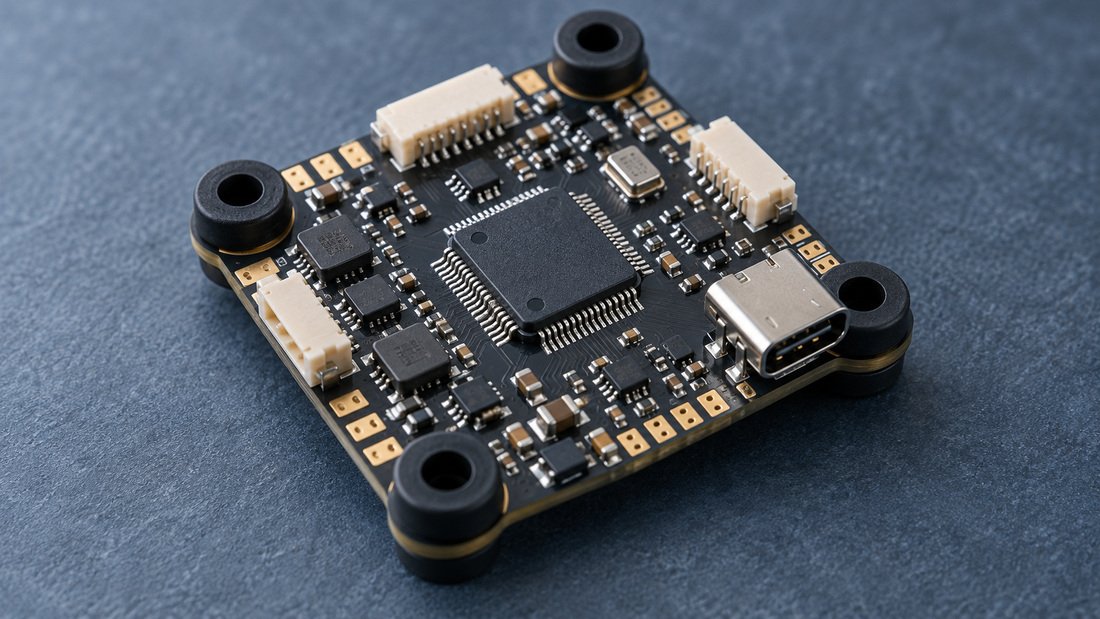
A flight controller is essentially a small computer that reads sensor data, calculates what the aircraft should do, and sends commands to the ESC to control the motors. It can also manage peripherals such as video transmitter (VTX) control, radio link telemetry, and LEDs. The manufacturer states this role plainly: “A flight controller is basically a computer that reads the sensors … computes the desired actions to take, sends the commands to the ESC to control the motors … It can also control other peripherals (VTX control, radio link telemetry, LEDs)” (Betaflight documentation).
In a club or school fleet, that makes the FC the component that determines how much setup work each airframe needs, how easily you swap parts after a hard landing, and how consistently your coaches can diagnose problems.
Why firmware ecosystem matters more than raw specs
For a team, the firmware is the shared language. If every board runs the same firmware family, one coach can prepare configurations, share tuning notes, and teach a single setup workflow. If the fleet is mixed, every new problem becomes a research project.
Betaflight is widely used in FPV multirotors, and its documentation notes that “Betaflight has become the de-facto standard for flight controllers, nearly every flight controller out there has a Betaflight target” (Betaflight documentation). It also supports many receiver protocols such as CRSF, Ghost, FPort, SBUS, and Spektrum, plus ESC protocols including DShot, Oneshot, Multishot, and PWM.
That breadth is useful for schools buying from different regional suppliers because the receiver you can actually purchase locally is more likely to be compatible.
Firmware you are likely to encounter
- Betaflight — common in FPV quadcopters, with broad target and protocol support.
- INAV — often chosen for navigation, GPS, and fixed-wing or mapping builds.
- ArduPilot / PX4 — common in larger autonomous or research platforms.
- Manufacturer-specific firmware — sometimes used on low-cost trainer drones; verify support before scaling.
The right answer for a drone soccer program is usually the one your coaches already know, or the one your local support network can help troubleshoot.
How many UARTs and ports does a team need?
UARTs are the serial ports devices use to talk to the FC. Running out of them forces awkward workarounds, so plan the device list before selecting a board.
| Device | Typical port need | Why it matters for teams |
|---|---|---|
| Radio receiver | 1 UART | Required on every aircraft; protocol must match Betaflight support or your chosen firmware. |
| GPS module | 1 UART | Common for rescue, recovery, and outdoor training; verify support in your firmware. |
| VTX control | 1 UART (often shared) | Lets pilots change channels without touching the VTX; useful at events. |
| Camera control / DVR | 1 UART or pin | Onboard recording helps coaches review flights. |
| LED strip | LED output pin | Team colors, status indication, and visibility for spectators. |
| Spare / expansion | 1 UART | Protects you from obsolescence as your program adds sensors. |
As a rule, count the devices you use today, add one, and treat that as your minimum. Then verify the board’s port map in its published documentation — not a marketplace listing image.
Voltage, current, and power design
Confirm the input voltage range matches your battery packs. Confirm how the board handles BEC (battery eliminator circuit) outputs for your receiver and any accessories. For a fleet, a simpler power design reduces the number of failure points a volunteer coach must diagnose.
Stack, connector, and mounting compatibility
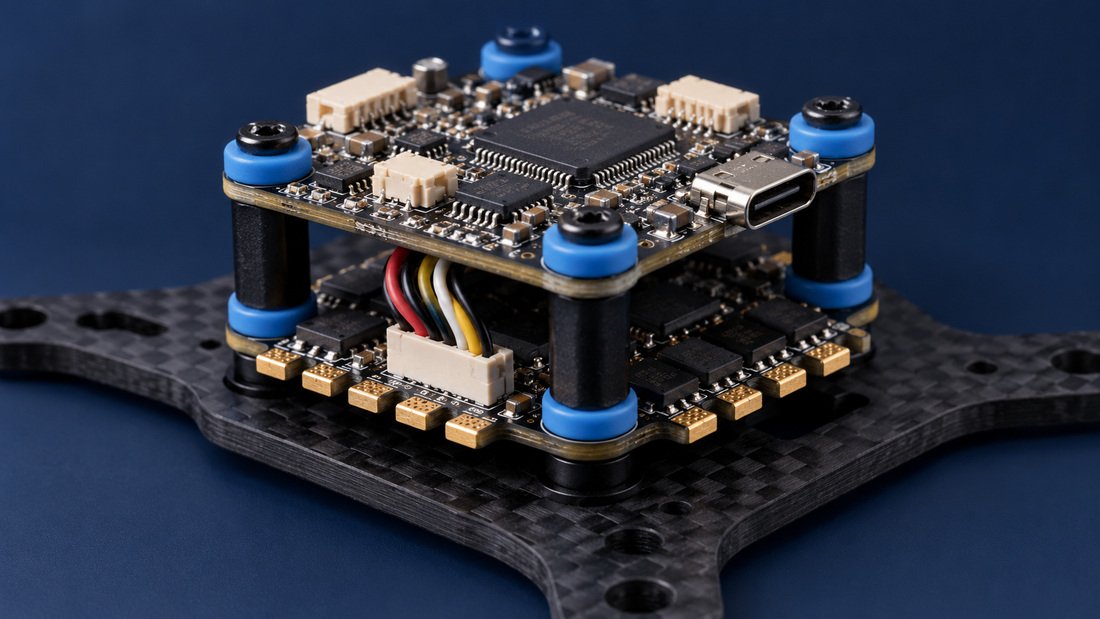
Most club airframes are built around a 20×20 mm or 30.5×30.5 mm mounting pattern. If you standardize on one pattern, you can move spare stacks between airframes without drilling or adapters.
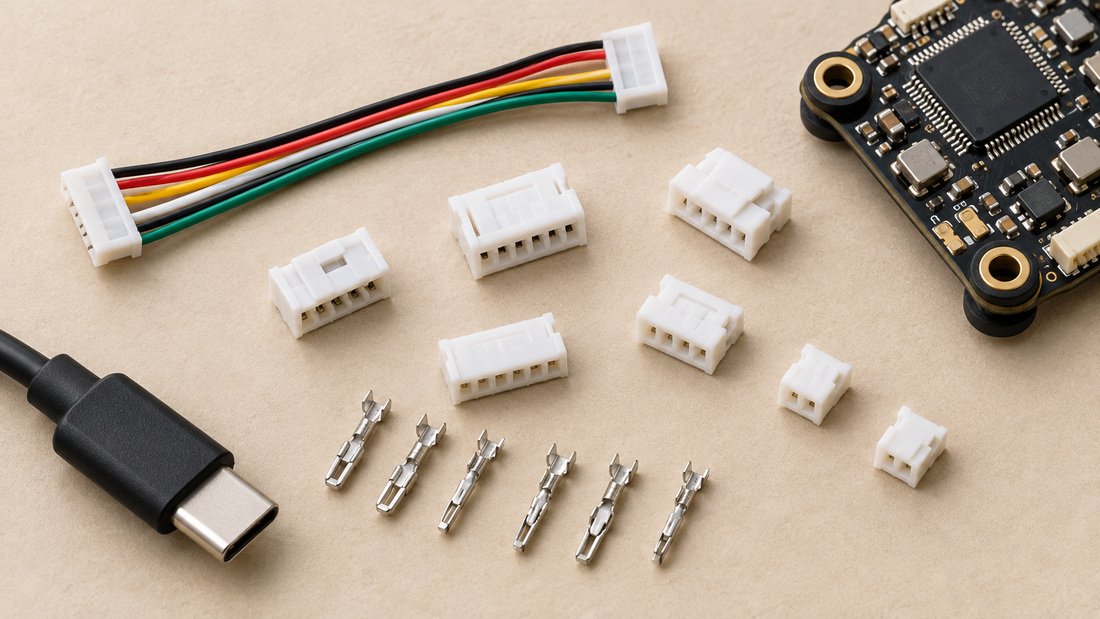
Connector choice matters just as much. Board-to-ESC plugs, USB port location, and antenna pigtails all affect how quickly a student can repair an aircraft between rounds. Look at the electronic speed controllers and flight controllers your supplier stocks as a system, not as isolated parts.
USB access and durability
USB ports that are easy to reach and mechanically supported survive repeated firmware updates and configuration sessions. On a school bench, USB access is a daily-use feature, not a detail.
Analog and digital video considerations
The flight controller’s on-screen display (OSD) support should match your video system. Betaflight documents that “Betaflight supports on-screen display for pretty much any video system, be it analog or digital” and that the OSD can show battery voltage, current draw, GPS coordinates, speed, flight timers, and more (Betaflight documentation).
For youth programs, this is a coaching tool. A readable OSD teaches battery discipline and makes post-flight briefings concrete. Pair the FC with compatible FPV video receivers and, if you record flights for review, an FPV DVR.
Planning a fleet refresh or a new team kit? Tell us about your program and we will help you match FPV flight controllers to your airframes and training goals.
Comparing common FC options for team programs
The table below describes typical categories, not specific models. Always confirm the exact board revision and firmware target with your supplier.
| Category | Typical strengths | Trade-offs | Best fit |
|---|---|---|---|
| Entry trainer FC | Low cost, simple wiring, easy replacement | Fewer ports, limited expansion | First-year school programs |
| Mid-range FPV FC | Balanced ports, wide firmware support | Requires consistent build standards | Club racing and drone soccer squads |
| High-port FC | More UARTs, sensors, expansion | Higher cost, more setup complexity | Advanced teams, event organizers |
| Integrated stack | Fewer connectors, compact builds | Replace whole stack instead of one board | Programs that value fast swaps |
Common mistakes in FC selection for teams
- Buying on price per unit alone. A cheap board that needs extra adapters or lacks spares can cost more over a season.
- Mixing firmware across the fleet. It splits your training material and troubleshooting knowledge.
- Ignoring the port map. Clubs often discover missing UARTs only after adding GPS or VTX control.
- Assuming all boards of a model are identical. Revisions and clones can differ in layout and firmware target.
- Ordering a full fleet before testing. Sample first, then scale.
- Not planning spares. Race days and school sessions fail when one board type is out of stock.
Buyer checklist before you place a fleet order
- Confirm the exact firmware target name and version compatibility for every board.
- List every peripheral per aircraft and verify UART and pin availability.
- Match mounting hole pattern, board dimensions, and connector style to your airframes.
- Check input voltage range against your battery packs.
- Verify receiver protocol support for your radios.
- Confirm OSD compatibility with your analog or digital video system.
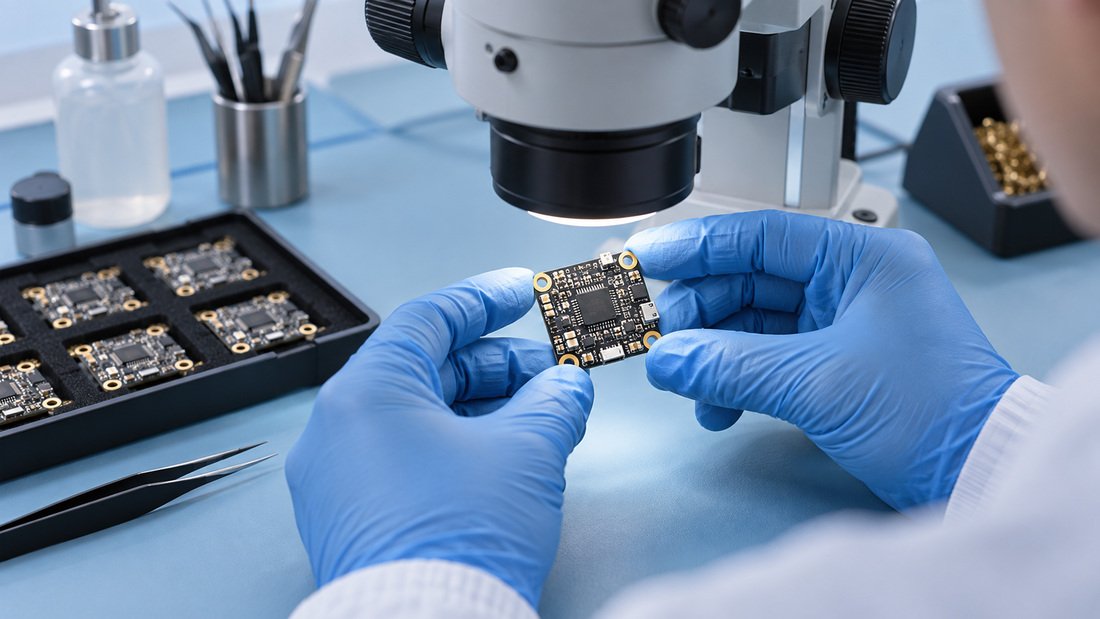
- Request written confirmation of board revision, spare-part availability, and replacement policy.
- Order a sample batch and bench-test before committing to fleet quantities.
- Standardize one or two FC types across the fleet to simplify training and inventory.
For sourcing, review the supplier’s FPV electronics range and ask for board-level documentation rather than relying on marketing photos.
Frequently asked questions
What is the most important spec when choosing an FPV flight controller?
For team programs, firmware support and port availability matter most. A board that runs a widely supported firmware with enough UARTs for your devices will be easier to train on and maintain than a board with impressive but unused features.
Should every drone in a school fleet use the same flight controller?
Ideally, yes. Standardizing on one or two FC types reduces the number of firmware workflows, spare parts, and troubleshooting procedures your coaches must maintain.
How many UARTs do I need?
Count the devices you fly with — typically receiver, GPS, and VTX control — then add at least one spare. Verify the actual port map in the board’s documentation before ordering.
Does Betaflight support my receiver and ESC?
Betaflight supports a wide variety of receiver protocols including CRSF, Ghost, FPort, SBUS, and Spektrum, and ESC protocols such as DShot, Oneshot, Multishot, and PWM (Betaflight documentation). Confirm the specific combination for your build.
Can I use one FC for both analog and digital video?
Betaflight’s OSD support covers analog and digital video systems, but wiring and configuration differ. Confirm compatibility with your chosen VTX and goggles before purchase.
How long does it take to set up a new FC for a team?
Setup time depends on firmware familiarity, wiring, and your radio system. Programs that standardize hardware and firmware typically reduce per-aircraft setup time significantly. Ask your supplier for documentation and support before assuming a timeline.
What should I confirm in writing before a bulk order?
Ask for the exact board revision, firmware target, connector and mounting specifications, spare-part availability, and the supplier’s replacement or return terms. Commercial terms such as warranty periods, lead times, and minimum order quantities vary by supplier and should be confirmed directly.
Conclusion
Choosing FPV flight controllers for a drone sports club, school, or team fleet comes down to three things: one firmware ecosystem your coaches can master, enough ports and correct voltage for every device you fly with, and mechanical compatibility with the airframes you already own. Test a small batch, document your configuration, and standardize before scaling.
When you are ready to equip a squad or refresh a program, Request a Team Kit Quote and confirm your exact specifications in writing.