Quick summary
Keeping an ELRS TX module cool comes down to three things: how much output power you actually need, how freely air can move around the module, and how long you run at that power. Start by setting power to the lowest level that gives a solid link, mounting the module so heat can leave the case, and pausing long high-power bench sessions. Because ELRS transmitter modules (ExpressLRS modules — an open-source RF link system) often run at 1 W or more, they can get noticeably warm, but “warm” is not automatically “faulty.” The goal is to keep the module inside the operating range its maker states, and that range should be confirmed in writing before you buy a fleet.
Key Takeaways
- Heat is a by-product of output power, not a defect by itself; judge it against the maker’s stated operating temperature.
- Airflow around the module, the antenna match, and duty cycle (how continuously you transmit) matter more than any single accessory.
- Drone soccer and school programs should schedule bench testing in shorter blocks rather than continuous full-power runs.
- Ask suppliers for a written operating-temperature range, airflow guidance and thermal test method before committing to a team kit.
- Never open or modify a module in a way that voids its terms; ask the supplier what is permitted first.
Why an ELRS TX module gets warm in the first place
An ELRS TX module converts electrical power into radio frequency energy plus heat. The higher the output setting, the more heat is produced and the harder the internal components work. In club and school use, heat usually builds up in three situations: long outdoor sessions, repeated high-power testing on a bench, and enclosures or bags that trap air.
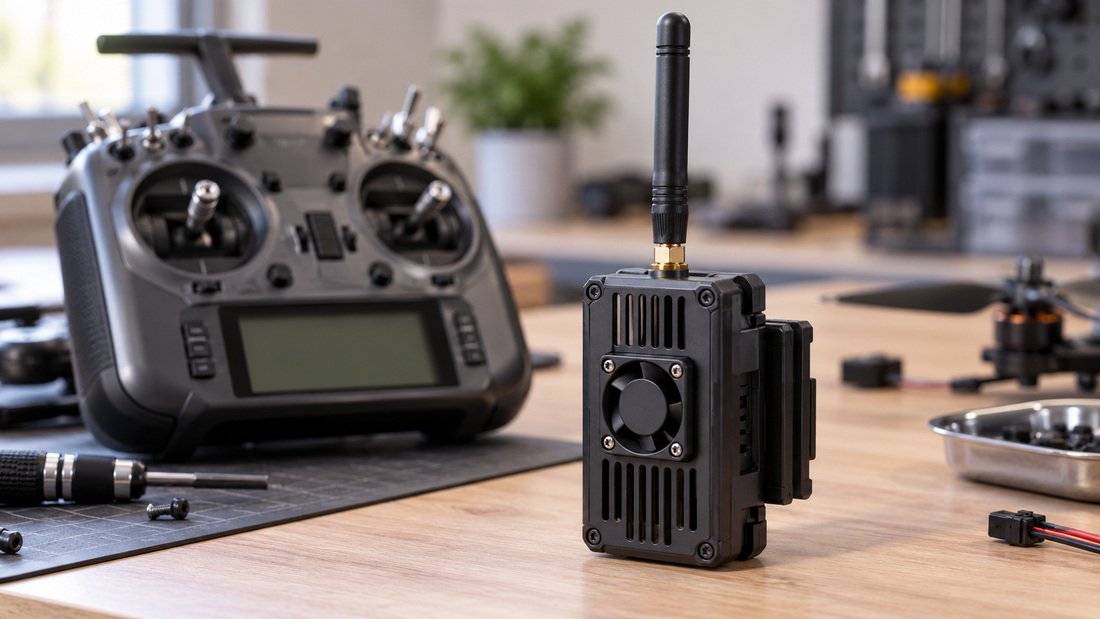
Name-brand modules generally include some heat management — a heatsink, a metal case, or a small fan. Lower-cost modules may rely mostly on the case itself. Neither approach is automatically wrong; what matters is whether the module stays within the temperature range the manufacturer publishes.
If you are comparing designs, our overview of ELRS and RF systems explains how transmitters, receivers and antennas fit together.
What “hot” means depends on the module
There is no universal safe temperature for every ELRS module. Some run comfortably warm; others are specified for a narrower range. Without the maker’s own figure, any number you read online is a guess. Treat “it feels hot” as a prompt to check the datasheet or ask the supplier, not as proof of a fault.
Practical ways to keep an ELRS TX module cool
The fixes below are ordered from easiest and cheapest to more involved. For most drone soccer clubs, the first two or three solve most of the problem.
1. Match power to the job, not to the maximum
Many teams leave power at the highest setting “just in case.” For close-range indoor drone soccer, that is usually unnecessary and it directly increases heat. Set the lowest power that still gives a reliable link at your field size.
2. Give the module air
Heat leaves a module through its surface. If the module sits tight against the radio body, inside a padded case, or under a cover, it cannot shed heat well. Leave a gap, avoid enclosing it while in use, and consider a small external fan if the module’s own design supports one.
3. Use the right antenna and connector
A mismatched or damaged antenna can increase the energy the module has to work with, which shows up as extra heat. Check that the antenna is rated for your band and that the connector is correct and undamaged. Our notes on RF antennas cover the basics of matching.
4. Shorten high-power bench sessions
Running at full power on a bench for long periods is one of the most common causes of overheating in school programs. Break testing into shorter blocks and let the module rest between them.
5. Keep the receiver side healthy too
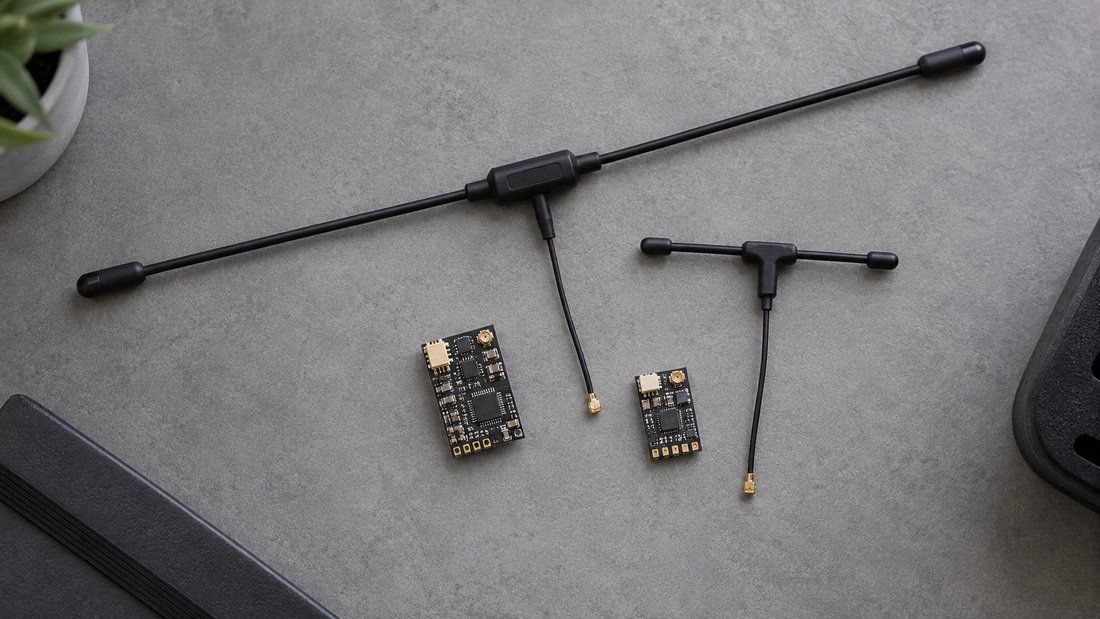
A weak or poorly installed receiver can make the transmitter work harder than it needs to. If your link quality is poor, check the receiver and antenna before raising power. See our guidance on ELRS receivers and ELRS receiver compatibility.
6. Choose modules with stated thermal guidance
When you specify modules for a team kit, favour suppliers who publish an operating temperature range and airflow recommendations. That turns cooling from guesswork into a checklist item. Our ELRS transmitter modules page lists the options we stock.
Comparison: cooling approaches and their trade-offs
The table below compares common approaches. None is universally best; the right mix depends on your field, budget and how long you run at power.
| Approach | Effect on heat | Cost / effort | Trade-off to consider |
|---|---|---|---|
| Lower output power | Directly reduces heat | Free | May shorten usable range; must be tested at your field |
| Open mounting / airflow gap | Helps heat escape | Low | Module is more exposed to knocks and dust |
| External cooling fan | Improves airflow | Low to moderate | Noise, power draw, extra part to maintain |
| Correct antenna / connector | Avoids avoidable extra load | Low | Requires knowing your band and connector type |
| Shorter duty cycles | Lowers average heat | Free | Needs scheduling discipline in club sessions |
| Metal-cased module | Spreads heat across body | Higher purchase cost | Still needs airflow to help, and is heavier |
Reading the table for a drone soccer program
For indoor drone soccer, a lower power setting plus a short duty cycle usually solves most heat complaints and costs nothing. For outdoor events with long sessions, correct antennas and a module with a metal case or fan are worth the investment.
Common mistakes that make ELRS TX modules hotter
These are the errors we hear about most often from clubs and schools.
- Leaving power at maximum for every session, including indoor play.
- Running the module inside a closed case or padded bag.
- Using an antenna that is the wrong band or has a damaged connector.
- Doing long full-power bench tests instead of short blocks.
- Assuming a hot module is broken before checking the maker’s stated temperature range.
- Modifying a module or case without checking whether that affects support or warranty.
None of these require new hardware to fix — they are habits and setup choices.
A note on warranty and modifications
Whether a cooling fan mod, a new case or a heatsink change affects your warranty or support is set by each supplier. Ask before you cut or drill anything, and get the answer in writing.
Buyer checklist: what to confirm before you order
Use this list when specifying ELRS transmitter modules for a team kit, school program or distribution order.
- Operating temperature range stated for the module, and the conditions it assumes.
- Airflow guidance: does the maker recommend a fan, a gap, or specific mounting?
- Antenna and connector type the module expects, and whether antennas are included.
- Power settings available and their typical heat behaviour.
- Receiver compatibility across the modules and receivers you plan to buy in bulk.
- Thermal test method the supplier uses, so you can compare like with like.
- Support and warranty terms, especially whether modifications are allowed.
- Sample units for your own field testing before a large order.
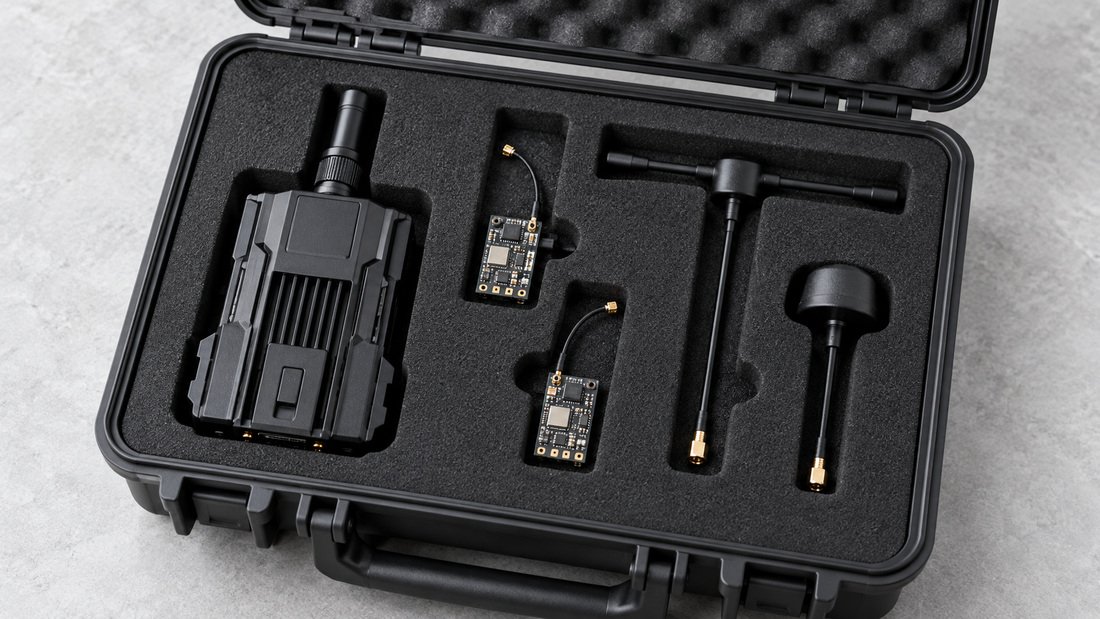
If you are buying for a club, association or school program and want to compare options and sample units, you can request a team kit quote and ask your thermal questions at the same time.
Testing and verifying cooling in the field
You do not need a lab to learn how your modules behave. A simple, repeatable field test is more useful than any single temperature number someone posts online.
A simple, repeatable field test
- Pick a typical session length and power setting for your venue.
- Record how the module feels and performs at the start, middle and end.
- Change one variable at a time: power, airflow, antenna.
- Repeat in the same weather and field conditions.
- Keep a short log so the next coach or teacher can repeat it.
This gives you evidence for your own site. It does not replace the maker’s stated limits, which remain the reference point.
What to ask the supplier if heat is a concern
Ask for the documented operating temperature range, the air temperature it assumes, the recommended mounting and airflow, and whether any cooling accessory is approved. If a supplier cannot provide these in writing, that is useful information before a bulk purchase.
Antenna choice and heat
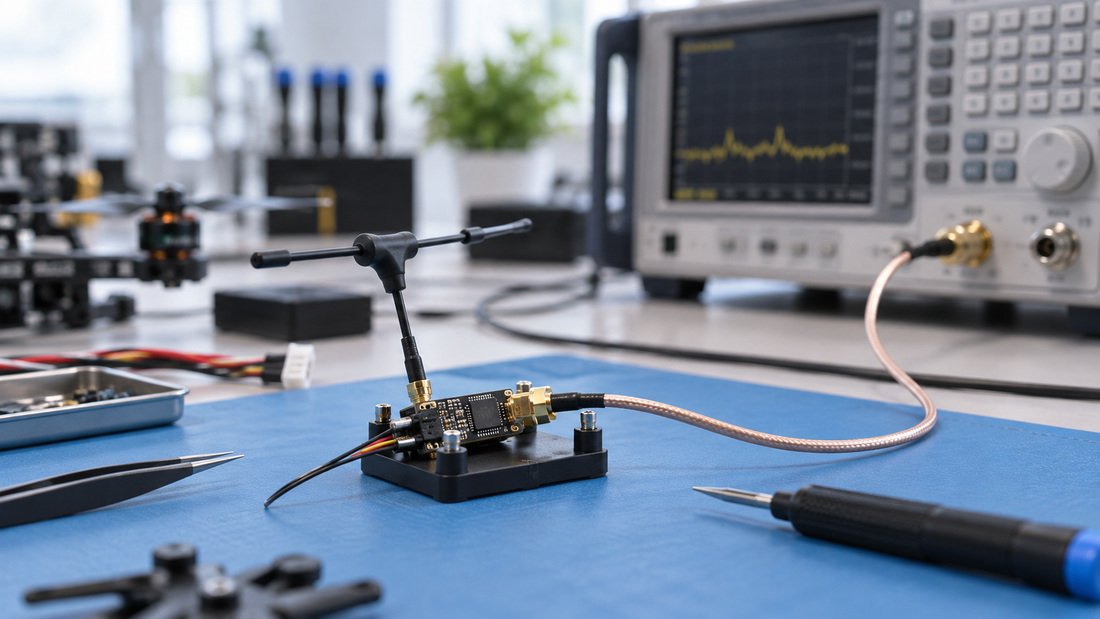
Antenna selection is a cooling topic as well as a range topic. A correctly matched antenna helps the module work efficiently. Our overview of RF antennas is a starting point, and your supplier can confirm which bands and connectors suit your modules.
FAQ: keeping ELRS TX modules cool
Is it normal for an ELRS TX module to feel hot?
Warm is normal for modules running at higher output power. Whether a given temperature is acceptable depends on the maker’s stated operating range. Check that figure rather than guessing from touch.
Does lowering power really reduce heat?
Yes — output power is a major source of heat. Setting the lowest power that gives a reliable link at your field is the simplest cooling measure available.
Will a cooling fan fix overheating?
A fan can improve airflow, but it does not fix a wrong antenna, a trapped-air installation or an unnecessarily high power setting. Treat it as one part of the solution.
Can I modify my module’s case for better airflow?
Possibly, but modifications may affect warranty and support. Ask your supplier what is permitted and get it in writing before you cut or drill.
Do I need a different module for long outdoor events?
Not always. Correct antennas, sensible power settings and rest breaks may be enough. For very long sessions, a module with a metal case or an approved fan may suit you better.
How do I compare modules for a school or club kit?
Compare stated operating temperature, airflow guidance, antenna type, power options, receiver compatibility and support terms. Then test samples at your own venue before a large order.
Where can I get help choosing modules for a team?
You can contact us through our quote page and ask for the thermal and compatibility details you need in writing. We can also discuss sample units for field testing.
Conclusion: cool modules come from setup, not luck
Keeping an ELRS TX module cool is mostly about discipline and matching. Run the lowest power that works, let air reach the module, use matched antennas, and avoid marathon high-power bench sessions. Then verify the maker’s stated operating range rather than relying on how the case feels.
For clubs, associations, schools and distributors, the next step is to confirm those details before you buy. Request the operating temperature range, airflow guidance, antenna specification and receiver compatibility in writing, and ask for samples to test at your own field. When you are ready to specify a fleet, request a team kit quote and include your thermal and compatibility questions so the answer comes back with the quote.