Quick summary
A bricked ELRS (ExpressLRS) receiver is usually not dead hardware — it is a receiver with corrupted or mismatched firmware that no longer boots or binds. Recovery means getting the receiver back into a flashable state: through a UART or USB-serial adapter, DFU (Device Firmware Update) mode, or Betaflight pass-through from a flight controller. Then you reflash the correct ELRS firmware target, set the binding phrase or bind button, and verify the link. Most club-level recoveries succeed when the right target and flashing method are used the first time.
Key Takeaways
- A bricked ELRS receiver usually needs a reflash, not a replacement; identify the exact chip family (ESP-based or STM-based) before choosing a method.
- Confirm the firmware target in the ExpressLRS Configurator before flashing — a wrong target is the most common cause of a receiver that appears bricked.
- Betaflight pass-through and DFU recovery are the two most reliable field methods; UART flashing requires correct TX/RX wiring.
- After flashing, bind with either a binding phrase or a physical bind button, and verify link status in the transmitter and Betaflight receiver tab.
- For team fleets, document firmware versions, targets and binding phrases per receiver so future recovery and support are faster.
What “bricked” actually means for an ELRS receiver
The word bricked is used loosely. For ELRS receivers, it usually describes one of a few states: the receiver boots but does not bind, it no longer responds to the transmitter, or it fails to enter normal operation after an interrupted flash. In many cases the receiver is still electrically alive and can be recovered by reflashing.
Genuine hardware failure — a damaged RF front end, a failed regulator or a broken antenna pad — can produce similar symptoms. Before assuming firmware, check whether the receiver shows any sign of power (LED activity) and whether the antenna and connector are intact. If the board shows no power at all, firmware recovery will not help; the unit needs hardware inspection.
Common causes of a receiver that appears bricked
- Firmware target mismatch: a receiver flashed for the wrong board or chip family.
- Interrupted flashing: USB disconnect, power loss or a cable fault during the write.
- Wrong firmware family: flashing a different major version than the transmitter expects, or mixing ESP and STM targets.
- Binding phrase or bind-button confusion rather than a firmware fault.
- Wiring errors during UART flashing, including TX/RX swapped lines.
First: identify the receiver and its chip family
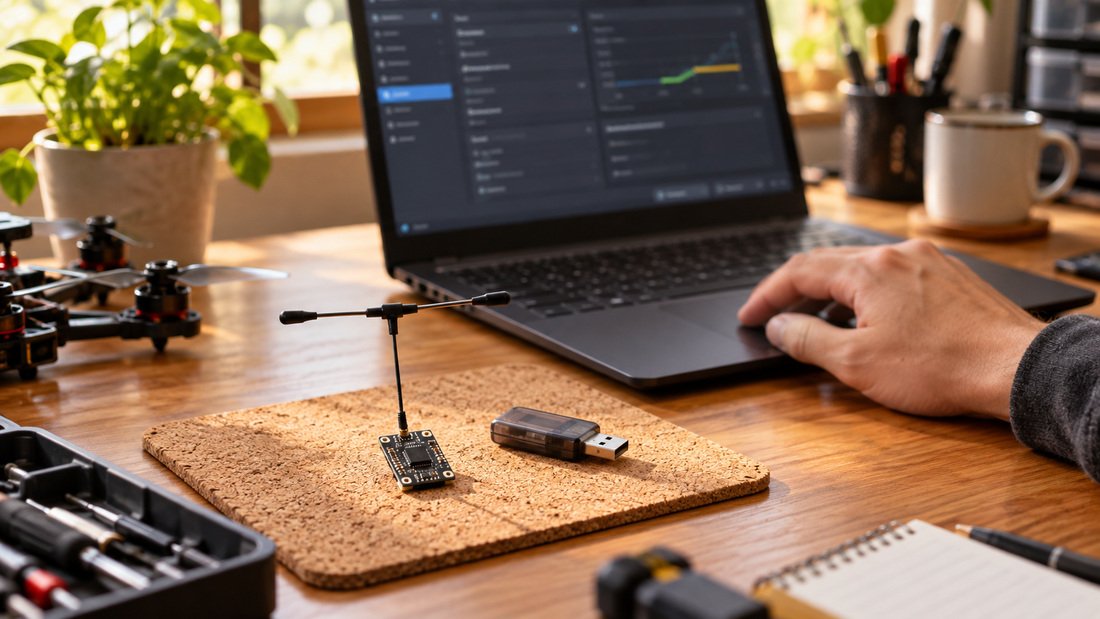
Recovery starts with knowing exactly what you have. ELRS receivers generally fall into two groups: ESP-based receivers, which are typically flashed over Wi-Fi or UART, and STM-based receivers, which are usually flashed over UART or DFU. The method, the target name and the recovery steps differ between them.
Read the markings on the receiver board, check the product label and compare with the manufacturer’s documentation. If the label is missing, the physical chip package and the board layout are the next best clues. For fleet managers, this is the point to record the exact model and target in your equipment register. DPF’s ELRS receiver compatibility page is a useful starting reference for matching receivers to firmware families and transmitter modules.
Information to collect before you flash
- Receiver model name and board target as printed or documented.
- Chip family: ESP-based or STM-based.
- Current firmware version, if the receiver still reports it.
- Transmitter module model and its firmware version.
- Flashing method available: Wi-Fi, UART adapter, DFU, or Betaflight pass-through.
Choose a recovery method
There is no single recovery path. The right method depends on the chip family, what tools you have on the bench and how the receiver is mounted. The table below compares the common methods at a practical level; it is general guidance, not a statement of what any specific DPF product supports.
| Method | Typical use case | What you need | Main trade-off |
|---|---|---|---|
| Wi-Fi flashing | ESP-based receivers that still boot and broadcast a Wi-Fi access point | Receiver powered, Wi-Fi-capable device, browser | Only works if the receiver’s bootloader is intact; not available on STM-based boards |
| UART flashing | Bench recovery of ESP or STM receivers | USB-to-serial adapter, correct TX/RX/GND wiring, 3.3 V logic awareness | Wiring errors are common; wrong voltage can damage the receiver |
| DFU mode | STM-based receivers that no longer boot normally | USB connection to the receiver’s DFU-capable interface, driver setup | Requires the board to support DFU and the correct driver; not universal |
| Betaflight pass-through | Receivers wired to a flight controller | Flight controller, USB cable, Betaflight Configurator, ExpressLRS Configurator | Depends on a healthy flight controller and correct serial port settings |
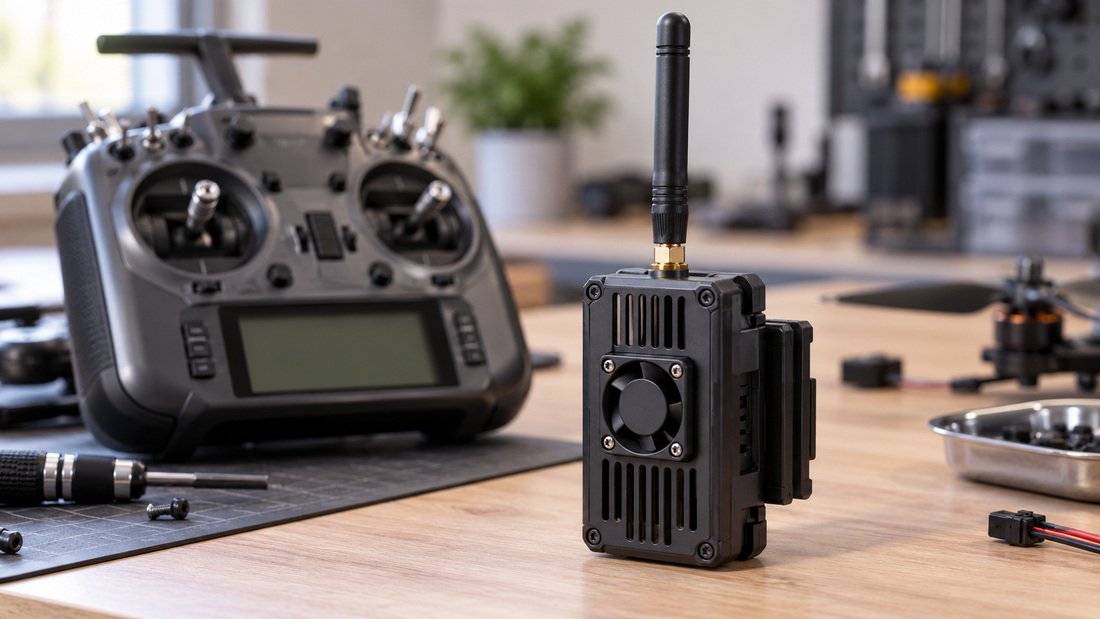
For most school and club benches, Betaflight pass-through is the least intrusive method when the receiver is already installed on a drone. UART flashing is the fallback when the receiver is removed or the flight controller is unavailable. DFU is the last resort for STM boards that refuse to boot.
Step-by-step: reflash an ELRS receiver
The exact menu names and options vary by ExpressLRS Configurator version. The sequence below is the general workflow; always follow the Configurator’s on-screen instructions for your version.
Step 1 — Prepare the Configurator
Install or update the ExpressLRS Configurator on a computer you trust, and connect the receiver or flight controller with a known-good data cable. Use a cable that carries data, not a charge-only cable; this is a frequent cause of failed flashing attempts.
Step 2 — Set the firmware target
In the Configurator, select the receiver category and the exact target that matches your board. The target is not the same as the product marketing name; it is the board definition used by the firmware. If the target list does not include your receiver, stop and confirm the target with the supplier before flashing anything.
Step 3 — Choose the flashing method
Select Wi-Fi, UART, DFU or Betaflight pass-through according to the method you prepared. For Betaflight pass-through, confirm the receiver is wired to a UART port and that the port is configured correctly in Betaflight. For UART flashing, double-check TX-to-RX and RX-to-TX wiring and common ground.
Step 4 — Flash and wait
Start the flash and do not disconnect power or USB until the Configurator reports completion. An interrupted write is one of the most common ways a receiver ends up needing recovery in the first place. If the flash fails, note the error message; it usually points to a target, port or wiring problem rather than a dead receiver.
Step 5 — Verify the receiver boots
After flashing, power-cycle the receiver and check for normal LED behaviour. If the receiver still does not respond, try a different method rather than repeating the same failed one. For example, if Wi-Fi flashing fails because the receiver never broadcasts an access point, move to UART or Betaflight pass-through.
Binding after recovery
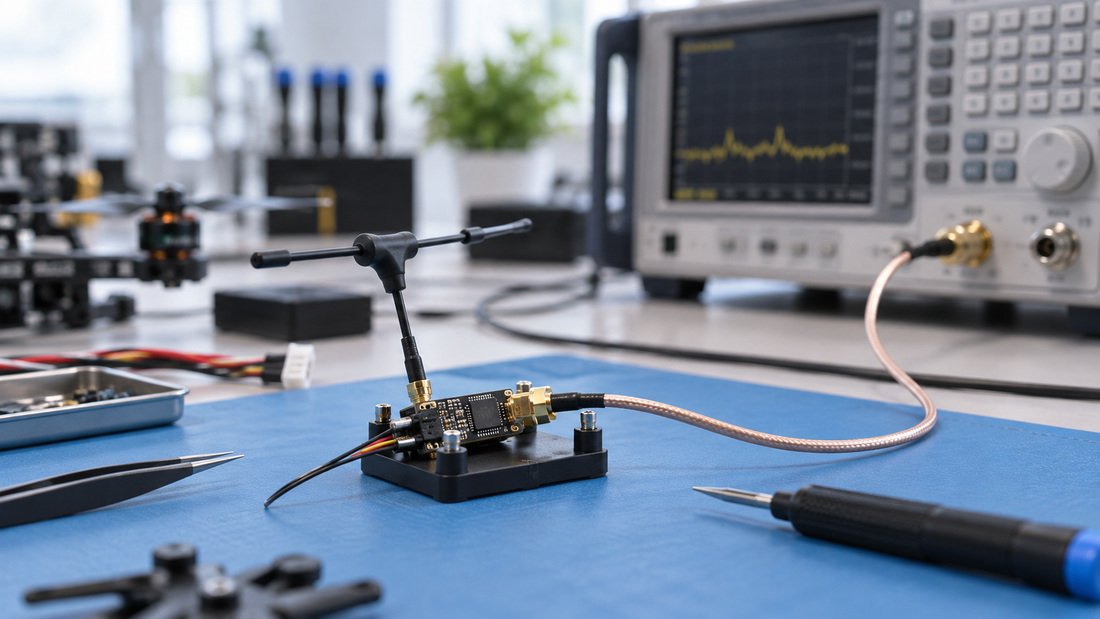
Once the receiver boots again, it still needs to bind with the transmitter. ELRS binding is usually done in one of two ways: a binding phrase compiled into the firmware, or a physical bind button or bind procedure. The binding phrase approach is common in clubs because it lets a fleet share a phrase without pressing buttons on every receiver.
If the receiver flashes successfully but will not bind, check the following before assuming another firmware fault: the transmitter module is on a compatible firmware version, the binding phrase matches exactly, the receiver is in binding mode, and the transmitter is within a short distance during binding. The ELRS transmitter modules page is a useful reference for module types and how they are typically paired with receivers.
Binding checklist
- Confirm the transmitter module firmware version and the receiver firmware version are compatible.
- If using a binding phrase, re-enter it exactly and reflash both sides if needed.
- If using a bind button, follow the receiver’s documented bind sequence.
- Verify link status in the transmitter’s display or telemetry, and in the Betaflight receiver tab if the receiver is connected to a flight controller.
- Record the working firmware version and binding method for each receiver in the fleet.
When recovery fails: hardware checks
If the receiver cannot be flashed by any method and shows no normal boot behaviour, move to hardware checks. Inspect the antenna connector and pad, look for signs of damage around the RF section, and confirm the receiver is receiving correct power. A receiver that has lost its antenna or suffered a regulator failure may behave exactly like a firmware-bricked unit.
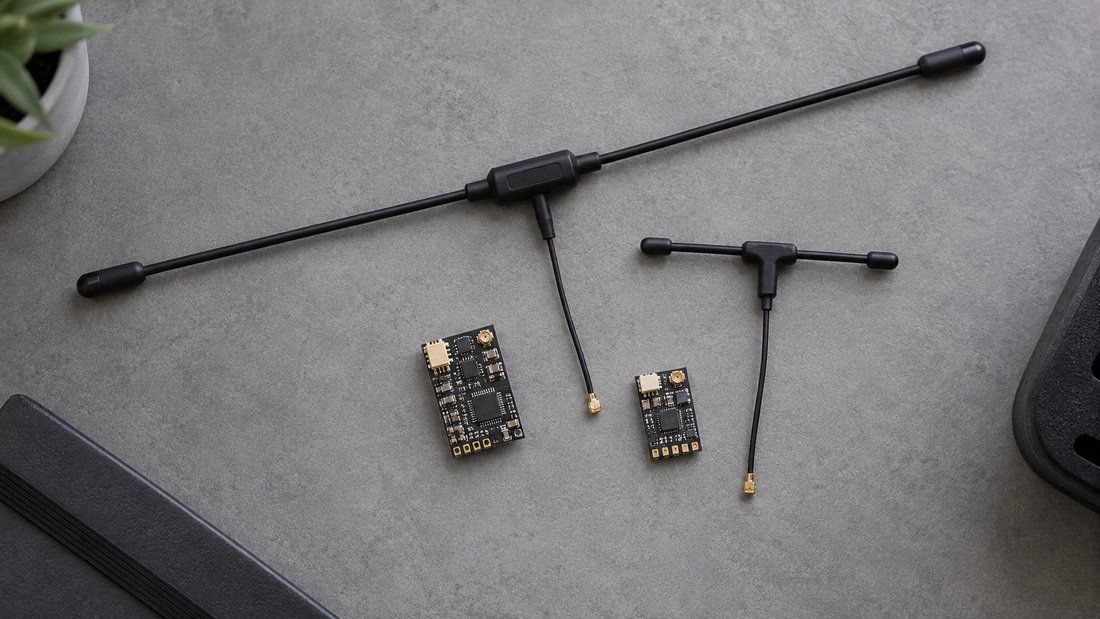
For clubs, the practical rule is to keep one known-good receiver and transmitter module as a reference pair. If the reference pair binds and the suspect receiver does not, the problem is more likely on the suspect receiver. DPF’s ELRS receivers and RF antennas pages describe the component categories; specific electrical and firmware support details should be confirmed with the supplier in writing for your exact model.
Common mistakes that make recovery harder
- Flashing the wrong target. Always confirm the board target, not just the product name.
- Using a charge-only USB cable. A data-capable cable is required for flashing.
- Interrupting the flash. Do not unplug or power down until the Configurator confirms completion.
- Assuming a bind failure is a firmware failure. Check the binding phrase, bind mode and transmitter firmware first.
- Repeating the same failed method. If Wi-Fi fails, switch to UART or pass-through instead of retrying identically.
- No fleet records. Without a record of firmware versions and targets, every recovery starts from zero.
If you are standardising receivers and transmitter modules across a school program or club fleet, the ELRS and RF systems category is the place to compare component types. For procurement questions specific to your program, you can discuss your fleet requirements with DPF before placing an order.
Procurement checklist for clubs and schools
Recovery is easier when the fleet is specified and documented from the start. The checklist below is general guidance for buyers; it is not a statement of DPF commercial terms. For any commercial term, request a written quotation and confirm the details in writing.
- Confirm the receiver model, chip family and firmware target for every unit in the fleet.
- Ask the supplier which flashing methods and firmware versions are supported for the exact model.
- Confirm whether receiver and transmitter module firmware versions must match, and how updates are handled.
- Request documentation for binding methods, including binding phrase support where applicable.
- Ask what recovery support or documentation is provided for clubs and schools.
- Confirm warranty, replacement and repair terms in writing before purchase.
- Record firmware versions, binding phrases and targets in a shared fleet register.
- Keep at least one reference receiver and transmitter module pair for troubleshooting.
Frequently asked questions
Can a bricked ELRS receiver always be recovered?
No. Many receivers that appear bricked are recovered by reflashing the correct firmware target, but a receiver with hardware damage — for example a failed regulator or damaged RF front end — may not recover through firmware alone. Start with the least invasive flashing method and move to hardware checks only if flashing repeatedly fails.
How do I know whether my receiver is ESP-based or STM-based?
Check the board markings, product label and manufacturer documentation. The chip package and board layout can also help. The distinction matters because ESP-based and STM-based receivers use different flashing and recovery methods. If the label is missing and the documentation is unclear, ask the supplier to confirm the chip family and firmware target for your exact model.
What is the difference between DFU and Betaflight pass-through?
DFU is a low-level update mode used to recover STM-based boards that no longer boot normally. Betaflight pass-through uses a healthy flight controller as the flashing bridge to a receiver that is still wired to it. Pass-through is often easier on an installed receiver; DFU is a recovery path when normal boot and pass-through are not available.
Why does my receiver flash successfully but still not bind?
Check the binding phrase or bind procedure, the transmitter module firmware version, and the distance between transmitter and receiver during binding. A successful flash only confirms the firmware was written; it does not confirm the binding settings match. Compare against a known-good receiver and transmitter pair to isolate the problem.
Is it safe to flash ELRS firmware over Wi-Fi?
Wi-Fi flashing is a standard method for ESP-based receivers that still boot and broadcast an access point. The main risks are interrupting the flash and selecting the wrong target. Follow the ExpressLRS Configurator instructions for your version and do not disconnect power until the process completes.
Should clubs update firmware across the whole fleet at once?
Updating the whole fleet at once increases the risk of a widespread mismatch if something goes wrong. A staged approach — update one receiver and one transmitter module, verify binding and link, then roll out — is generally safer for school and club programs. Record the working versions before and after each update.
What should I ask a supplier before buying ELRS receivers for a team?
Ask for the exact model, chip family, supported firmware versions and flashing methods, and how binding is intended to work. Request written confirmation of warranty and support terms. These are general procurement questions; confirm the answers for your specific order rather than relying on general guidance.
Conclusion
Recovering a bricked ELRS receiver is mostly a process problem: identify the receiver and its chip family, choose the right flashing method, set the correct firmware target, reflash without interruption, and then verify binding separately. For clubs and schools, the bigger win is preventing repeat incidents through fleet records, a reference receiver pair and clear firmware documentation.
If you are equipping a drone soccer team, school program or club fleet and need to confirm receiver and transmitter module options, firmware support and procurement details for your setup, Request a Team Kit Quote and confirm the specifications for your exact models in writing.