Quick summary
Teach radio links by treating the transmitter and receiver as a pair that must agree on frequency, protocol and a shared identity before the drone will respond. Start with an unpowered explanation of how a control link carries stick commands and how a receiver sends them to the flight controller. Then demonstrate ELRS binding with props removed, one aircraft at a time, and let students repeat it until they can do it unsupervised. Keep the emphasis on youth drone training and safety: link checks, failsafe behaviour and powered-down propellers matter more than binding speed.
Key Takeaways
- A radio link is a two-way conversation: the transmitter sends commands, the receiver passes them to the flight controller, and telemetry may travel back.
- ELRS (ExpressLRS) binding means matching a transmitter module and receiver on a shared binding phrase or bind mode so they recognise each other.
- Bind with propellers removed, motors disarmed and one drone powered at a time to avoid binding the wrong aircraft.
- Students should learn failsafe behaviour, link-quality indicators and range checks, not just the bind button sequence.
- For school programs, confirm equipment specs, firmware procedures and support terms in writing with your supplier before purchase.
What is a radio link, and why does it matter for youth drone training?
A radio link is the wireless connection that carries pilot inputs from a transmitter to a receiver on the aircraft. The receiver forwards those inputs to the flight controller, which mixes them with sensor data to drive the motors. Without a working link, the aircraft either stays disarmed or, depending on configuration, enters a failsafe state.
For students, the radio link is the clearest physical example of a protocol: two devices must use the same language, the same channel plan and a matching identifier. That makes it a strong STEM teaching topic because it connects physics (radio waves), computing (packets and firmware) and safety practice (failsafe, arming discipline).
Schools running STEM drone education and training usually introduce the link before students touch flight modes, because every later lesson depends on a reliable connection.
Analogy that works in a classroom
Describe the link as a private conversation. Frequency is the room, the protocol is the language, and the binding phrase is a shared password. Two radios in the same room speaking the same language still ignore each other unless the password matches. This framing helps students understand why binding exists and why multiple drones in one gym need planning.
What is ELRS, and what should students understand about it?
ELRS (ExpressLRS) is an open-source radio control link protocol used with compatible transmitter modules and receivers. It is popular in FPV (first-person view) and drone soccer communities because it supports low latency and configurable packet rates. For a classroom, the important points are conceptual rather than brand-specific.
- Open-source firmware: transmitter and receiver firmware versions should be compatible; mismatches are a common source of failed binds.
- Binding phrase vs bind mode: some setups use a shared phrase compiled into firmware; others use a physical or menu-triggered bind procedure.
- Telemetry: many ELRS links return signal information to the radio, which is useful for teaching link-quality monitoring.
- Frequency bands: hardware may operate on 2.4 GHz or 900 MHz variants; the right choice depends on local rules and site conditions.
Do not assume every receiver in a school cupboard uses ELRS. Label hardware clearly, because a mixed fleet is the fastest way to confuse a lesson.
How do you structure an ELRS binding lesson for students?
Use a four-stage sequence: explain, demonstrate, practise and verify. Each stage should take roughly equal time, and no student should bind an aircraft with propellers fitted. The goal is repeatable procedure, not speed.
Stage 1: Explain the system (10–15 minutes)
Show the transmitter, the receiver and the flight controller as three separate boxes. Draw the signal path on a whiteboard: sticks → transmitter module → radio link → receiver → flight controller → motors. Ask students to predict what happens if each link in the chain fails.
Stage 2: Demonstrate binding (10 minutes)
With propellers removed, power the transmitter first, then the aircraft, and walk through the bind procedure your hardware uses. Narrate each step aloud. Show the confirmation indicator, whether that is an LED colour change or a telemetry readout on the radio.
Stage 3: Student practice (20–30 minutes)
Assign one transmitter and one aircraft per station. Students bind, unbind and rebind in sequence, recording what they observed. Pair students so one reads the checklist while the other handles hardware — this mirrors real pre-flight discipline.
Stage 4: Verification and failsafe test (10–15 minutes)
Have students confirm control response at low throttle with props off, then review what the aircraft is configured to do if the link drops. Failsafe behaviour is set in the flight controller, so the lesson should include reading that setting rather than assuming it.
How do you keep a class of drones from interfering with each other?
Interference in a school setting is usually self-inflicted: too many transmitters powered at once, similar binding identities, or hardware on overlapping bands. Plan the room before the lesson, not during it.
- Power on only the transmitters and aircraft needed for the current station.
- Give each aircraft a unique, recorded identity and keep a log.
- Stagger binding so two students are not binding simultaneously on adjacent benches.
- Keep transmitters away from Wi-Fi access points and metal storage racks where practical.
- Check local radio regulations before choosing frequency bands for a new fleet.
In drone soccer competitions, multiple teams operate in a confined space, so frequency coordination is a match-day requirement as well as a classroom habit.
Comparison: which radio-link teaching approach fits your program?
There is no single correct classroom method. The table below compares common approaches so coordinators can choose based on age group, budget and how many aircraft share a room.
| Approach | Best for | Strengths | Trade-offs |
|---|---|---|---|
| Bind-mode button demonstration | Beginners, ages 10–14 | Visual, fast, no computer needed | Teaches a sequence more than the underlying concept |
| Binding phrase in firmware | Secondary and college groups | Explains shared identity; scales to many aircraft | Requires firmware tooling and version control |
| Transmitter-to-many-receivers workshop | Clubs and after-school programs | High engagement; suits team environments | Needs strict power-on discipline to avoid cross-binding |
| Simulator-based link introduction | Large classes, limited hardware | Low risk; no radio licence concerns | Does not cover physical binding or failsafe hardware behaviour |
Many schools combine the first and second rows: a button demonstration for the whole class, then a firmware discussion for an advanced group. This keeps the entry point low while giving older students depth.
What safety and regulatory points belong in the lesson?
Radio-link teaching sits inside a wider safety and compliance picture. In the United States, the FAA states that drones flown for educational purposes are regulated either under the Exception for Limited Recreational Operations (49 U.S.C. § 44809) or under the Small Unmanned Aircraft Systems Rule (Part 107), and that qualifying educational organizations can operate under § 44809. The FAA also notes that organizations not qualifying as institutions of higher education or JROTC programs must be chartered by an FAA-recognised Community Based Organization, otherwise they must operate under Part 107. See the FAA’s educational users guidance for the current detail.
The FAA adds that educational institutions, including primary and secondary schools, are eligible to request a FAA-Recognised Identification Area (FRIA), a location where drones can be flown without Remote ID. Whether your site qualifies and how to request it is a question for your administration and the FAA, not for a parts supplier.
Outside the United States, rules differ. Teachers should confirm local requirements for radio equipment, frequency use and flight operations before the first practical lesson.
Non-negotiable safety rules for any binding lesson
- Propellers removed or guarded whenever an aircraft is powered indoors for setup.
- Transmitter powered on before the aircraft, and aircraft disarmed after the check.
- One person owns the transmitter at any moment; handover is verbal and explicit.
- Failsafe behaviour verified once per model, documented, and reviewed each term.
- A designated storage and charging area away from student workbenches.
Common mistakes teachers make when teaching binding
Most binding failures in classrooms are procedural, not technical. Watch for these patterns.
- Binding with multiple aircraft powered. Students bind the nearest receiver, not the intended one.
- Mismatched firmware. Transmitter and receiver versions drift apart after a partial update.
- Skipping the failsafe check. The link works on the bench but behaviour after signal loss is untested.
- Unlabelled hardware. Receivers get swapped between airframes without a record.
- Teaching the button sequence first. Students memorise steps without understanding identity or frequency.
- Ignoring the site. Dense Wi-Fi or metal structures reduce link quality and confuse learners.
Practical procurement checklist for schools and clubs
Before ordering equipment for a radio-link unit, confirm the following with your supplier in writing. Items marked as questions are things to verify rather than assumptions to make.
- Which radio protocol and frequency band does each aircraft and transmitter use?
- Are receivers supplied with firmware documentation, and is the procedure for updating them described?
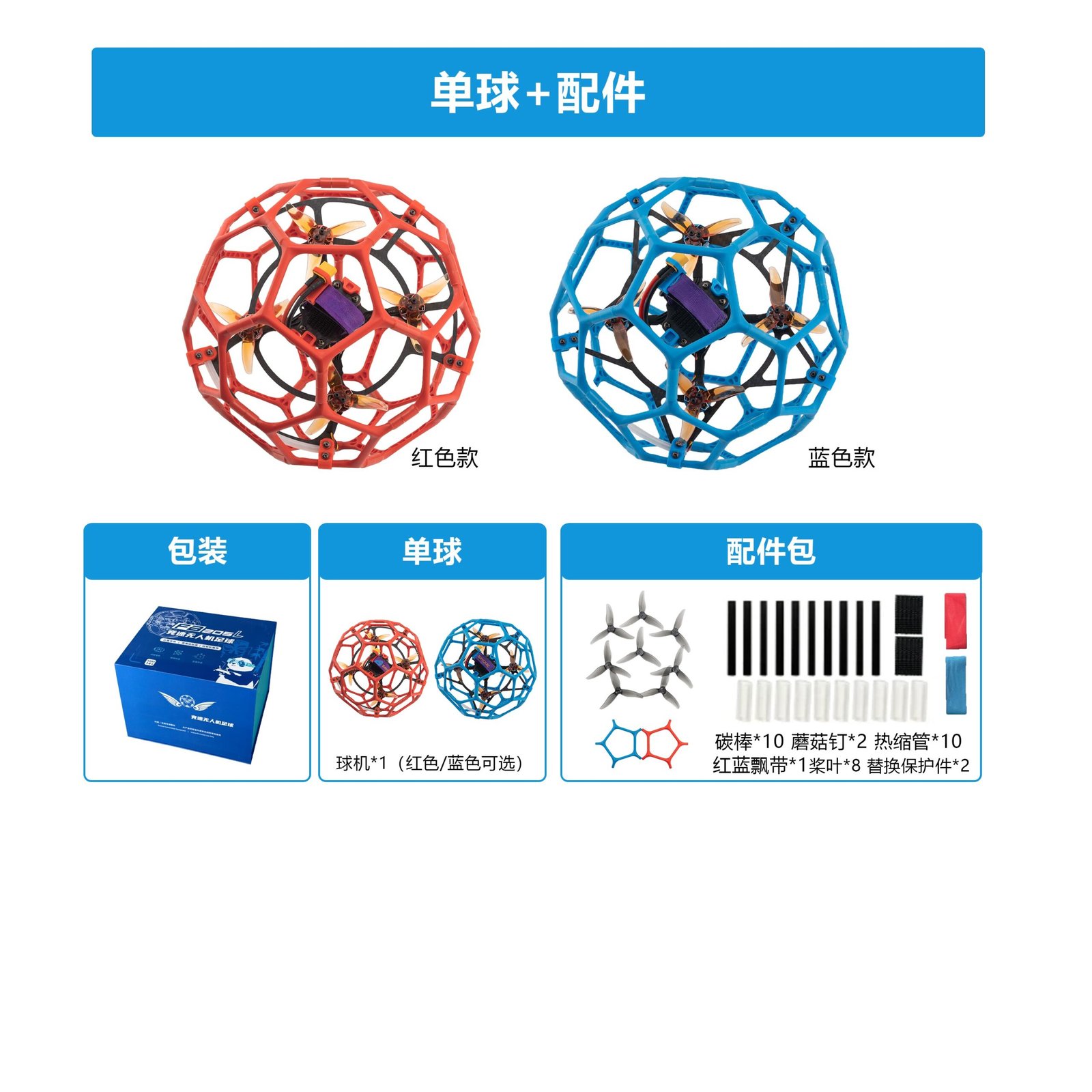
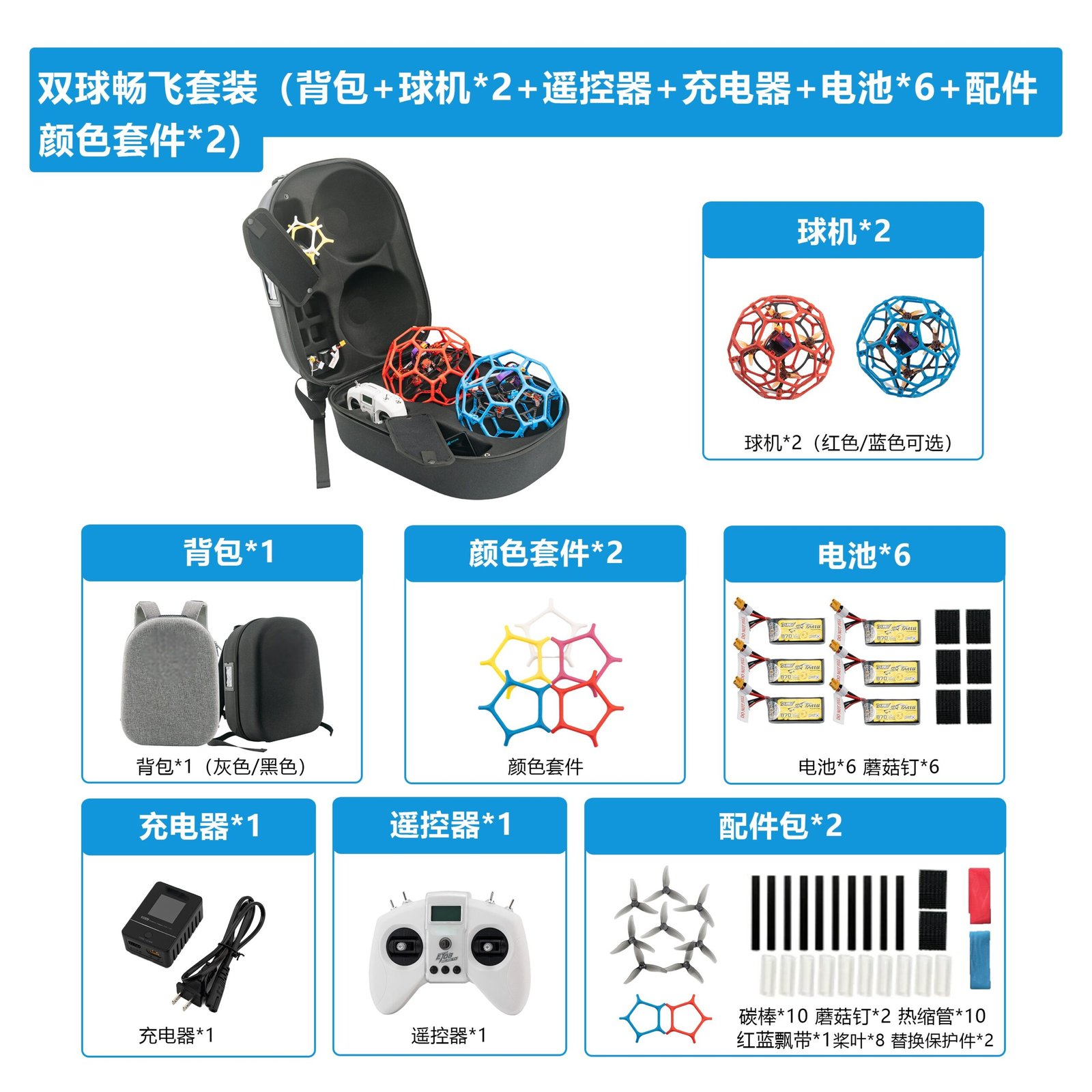
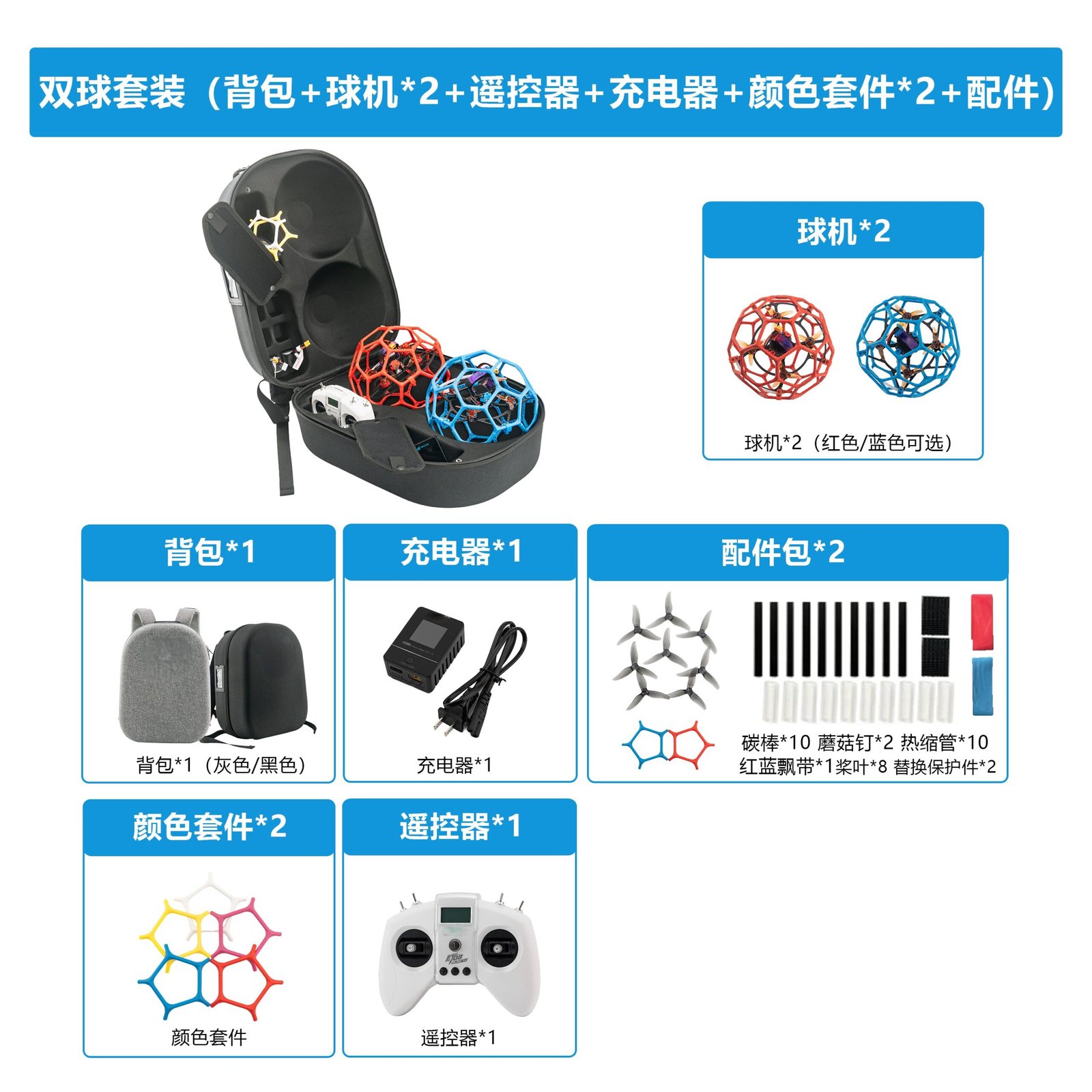
- What is included in each kit — transmitter, receiver, battery, charger, spare parts?
- Are spare receivers and antennas available as separate parts for classroom wear?
- What support does the supplier provide for setup questions, and through which channel?
- What are the confirmed warranty terms, lead times and minimum order quantities for your region?
- Can the supplier provide documentation suitable for a school procurement file?
- Does the product line align with your competition class if you run drone soccer?
For programs standardising on a competition format, review drone soccer systems and confirm class-specific requirements with organisers before purchase. Clubs building a fleet over time may also compare drone soccer clubs resources for planning guidance.
How do you assess whether students actually understand the link?
Assessment should test understanding, not memorised clicks. Three short tasks work well: draw the signal path and label each component; explain in writing why two drones in the same room need different identities; and demonstrate a bind plus a failsafe review to a partner. A student who can explain the failure modes is ready to fly with supervision.
Keep a simple log per aircraft recording binding identity, firmware version and last failsafe check date. The log becomes a teaching artefact and a maintenance record at the same time.
Frequently asked questions
1. At what age can students learn ELRS binding?
Students around 12 and older can usually follow a supervised bind procedure. Younger students benefit from the analogy and observation stages first. Age guidance is a school policy decision, and supervision requirements should follow your institution’s rules.
2. Do students need a computer to bind an ELRS receiver?
It depends on the hardware. Some setups use a bind button or menu procedure on the transmitter; others rely on a binding phrase set through firmware configuration. Ask your supplier which method applies to the specific products you order.
3. Is ELRS required for drone soccer?
Competition classes define their own equipment requirements, and organisers publish the applicable rules. Check the class rules for your event rather than assuming a protocol. A supplier can tell you what a product supports, but the class rulebook is the authority.
4. How many drones can one teacher safely supervise during a binding lesson?
There is no universal number. Practical limits depend on bench space, the number of transmitters, and whether an assistant is present. Many programs use one transmitter per pair of students and keep unbound aircraft powered off.
5. What should a failsafe do when the radio link drops?
Failsafe behaviour is configured in the flight controller and varies by setup. For a school fleet, the practical requirement is that behaviour is known, tested with propellers removed, and written down. Confirm the intended configuration with your supplier or an experienced instructor.
6. Does a school need Remote ID for indoor drone soccer practice?
Rules vary by jurisdiction and by whether the flight is indoors. In the United States, the FAA notes that educational institutions are eligible to request a FRIA, a location where drones can be flown without Remote ID. Confirm your specific situation with the FAA or your administration; a parts supplier cannot determine compliance for you.
7. What spare parts should a school keep for radio-link lessons?
At minimum, spare receivers, antennas and connecting cables reduce downtime when a student damages a component. Confirm part numbers and availability with your supplier, since exact spares depend on the airframe and protocol.
Conclusion: build the habit before the speed
Radio links and ELRS binding are teachable in a single lesson, but the value comes from repetition under safe conditions. Students who can explain identity, frequency and failsafe — and who bind with propellers off and one aircraft at a time — carry those habits into competition and independent projects.
For coordinators planning a term of schools and training organizations activities, the next step is matching equipment to your class rules and classroom layout. Share your student numbers, competition class and site constraints with our team, and we will help you scope a suitable kit and confirm commercial terms in writing.