Quick summary
For most drone soccer and FPV club flying, start with a balanced packet rate such as 250 Hz or 500 Hz for everyday practice; switch to a lower rate like 50 Hz or 100 Hz when range, penetration or link stability matters more than stick latency, and use the highest reliable rate (500 Hz or 1000 Hz) only for close-range racing where your radio link, receiver and antenna setup can actually support it. There is no single best ExpressLRS packet rate: the right choice balances latency, range and robustness for your venue and event rules.
Key Takeaways
- Packet rate is a trade-off between control latency, range/penetration, and link robustness—not a single “best” number.
- Start balanced: 250 Hz is a sensible default for many club practice and drone soccer sessions; 500 Hz for tighter indoor racing if the link stays clean.
- Go lower for reliability: 50–100 Hz helps in noisy RF environments, longer range, or when telemetry and link quality matter more than the fastest stick response.
- Higher is not automatically better: 1000 Hz demands excellent antennas, receiver placement and RF hygiene; otherwise it can reduce effective range and consistency.
- Verify before you buy or standardize: confirm supported packet rates, regulatory domain (e.g., 2.4 GHz vs 915/868 MHz), firmware compatibility and actual performance with your exact hardware and venue.
What Is an ELRS Packet Rate?
In ExpressLRS (ELRS), the packet rate is how many times per second the transmitter sends a control packet to the receiver—commonly expressed in Hz (Hertz). Examples you will see include 50 Hz, 100 Hz, 150 Hz, 250 Hz, 500 Hz and 1000 Hz. In simple terms, a higher Hz means the control link updates more often, which can feel more immediate on the sticks.
Packet rate interacts with other ELRS settings. Telemetry ratio, switch mode, and whether you use a single or diversity receiver all affect how the link behaves in practice. For a broader grounding in the protocol, see our overview of ELRS and RF systems.
Packet rate vs. latency vs. range: the basic relationship
Higher packet rates generally aim to reduce control latency, but they come with trade-offs. Lower packet rates usually give each packet more time-on-air or more robust coding, which can improve range and penetration. The exact numbers depend on firmware version, regulatory domain, antenna gain, receiver sensitivity and the RF noise floor at your venue. Treat any single “best” figure with caution.
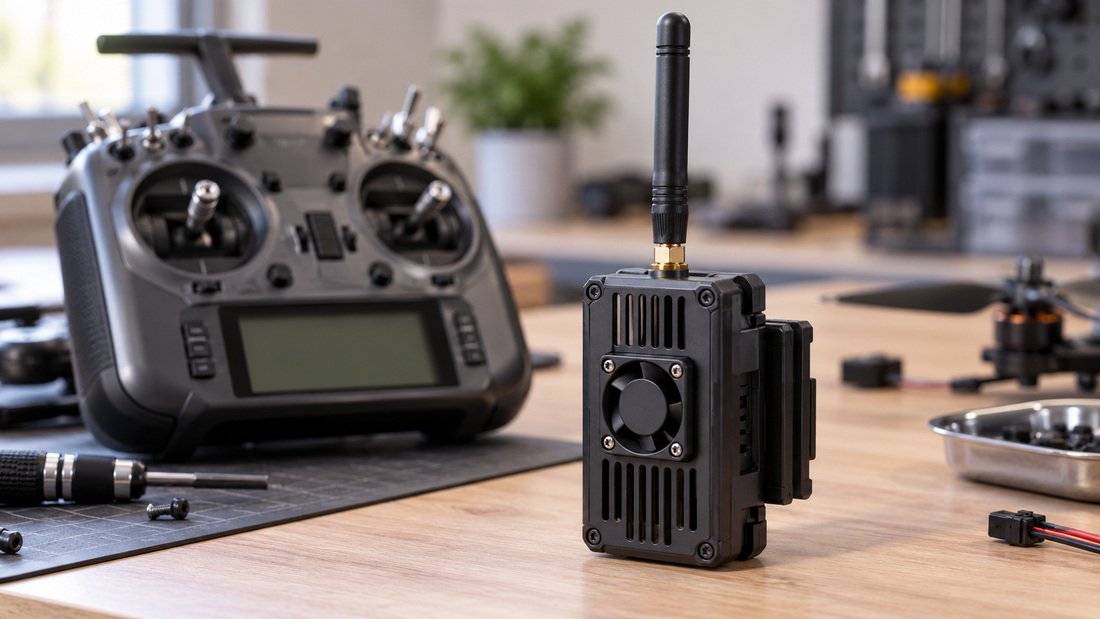
Which ELRS Packet Rate Should You Use? A Practical Guide by Scenario
Indoor drone soccer and gym practice
Indoor venues often have Wi-Fi, video transmitters and other 2.4 GHz traffic. A balanced rate such as 250 Hz is often a good starting point because it keeps control responsive without pushing the link to its limits. If you see link quality drops or telemetry warnings, try 100 Hz or 150 Hz before assuming the hardware is faulty.
Outdoor fields and larger arenas
On larger fields where aircraft fly farther from the pilot, a lower packet rate like 100 Hz or 50 Hz can improve link margin. This is especially relevant if you fly behind obstacles, near ground level or in areas with competing RF. The trade-off is slightly slower stick response, which many drone soccer pilots find acceptable for positional play.
Close-range racing and tight technical flying
When the aircraft stays close and the RF environment is clean, 500 Hz can feel noticeably crisper. Some pilots use 1000 Hz for very short-range, high-speed flying. However, 1000 Hz is less forgiving: poor antenna placement, damaged coax or a noisy receiver can turn a theoretically fast link into an unreliable one. Test it in your actual venue before standardizing on it.
Long-range or penetration-focused flying
For maximum link robustness, 50 Hz is commonly chosen. It prioritizes range and penetration over latency. This is rarely the right choice for drone soccer matches, but it can be useful for search, inspection or long-distance practice. Confirm your receiver and transmitter both support the rate you intend to use.
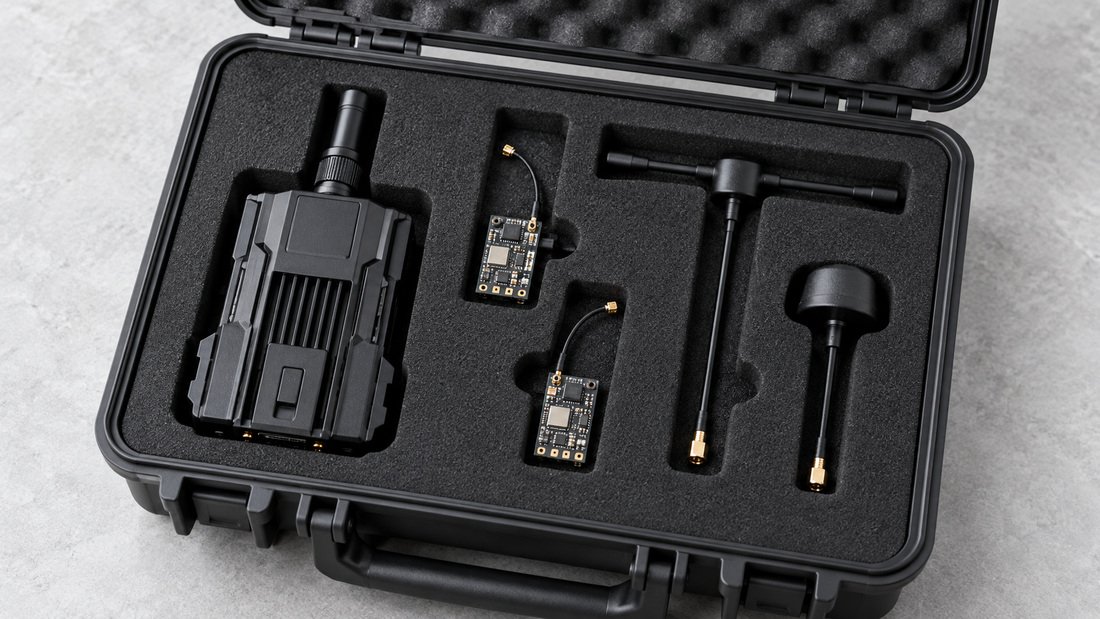
Packet Rate Comparison Table for Drone Soccer and Club Flying
The table below summarizes typical trade-offs. It is general guidance, not a guarantee of performance for your specific hardware or venue.
| Packet Rate | Typical Use | Latency Feel | Range / Penetration | Robustness in Noise |
|---|---|---|---|---|
| 50 Hz | Long range, penetration, maximum link margin | Slower | Best | High |
| 100 Hz | Outdoor fields, larger arenas, mixed RF | Moderate | Very good | High |
| 150 Hz | General club practice, indoor/outdoor mix | Balanced | Good | Medium-high |
| 250 Hz | Default for many drone soccer sessions | Responsive | Good | Medium |
| 500 Hz | Close-range racing, clean RF | Fast | Moderate | Medium-low |
| 1000 Hz | Very short range, expert tuning | Fastest | Limited | Low |
Your mileage will vary. Always test with your actual transmitter module, receiver, antennas and venue. For compatible combinations, see our ELRS receiver compatibility page.
Need a team kit configured for your venue? We help clubs and schools choose packet-rate-friendly receiver and transmitter combinations. Request a Team Kit Quote and tell us your flying environment and event rules.
How to Choose a Packet Rate in 5 Steps
- Define the venue: indoor gym, outdoor field or mixed? Note Wi-Fi density, other radio users and physical obstacles.
- Define the priority: stick latency, range, or link robustness? Match the packet rate to the priority.
- Check hardware support: confirm your transmitter module and receiver firmware both support the rate. Not every combination supports every rate.
- Test at the venue: fly the same route at two or three rates and log link quality. Choose the lowest rate that still feels responsive enough.
- Document and standardize: once you find a reliable setting for your team, record it and use it consistently across club radios.
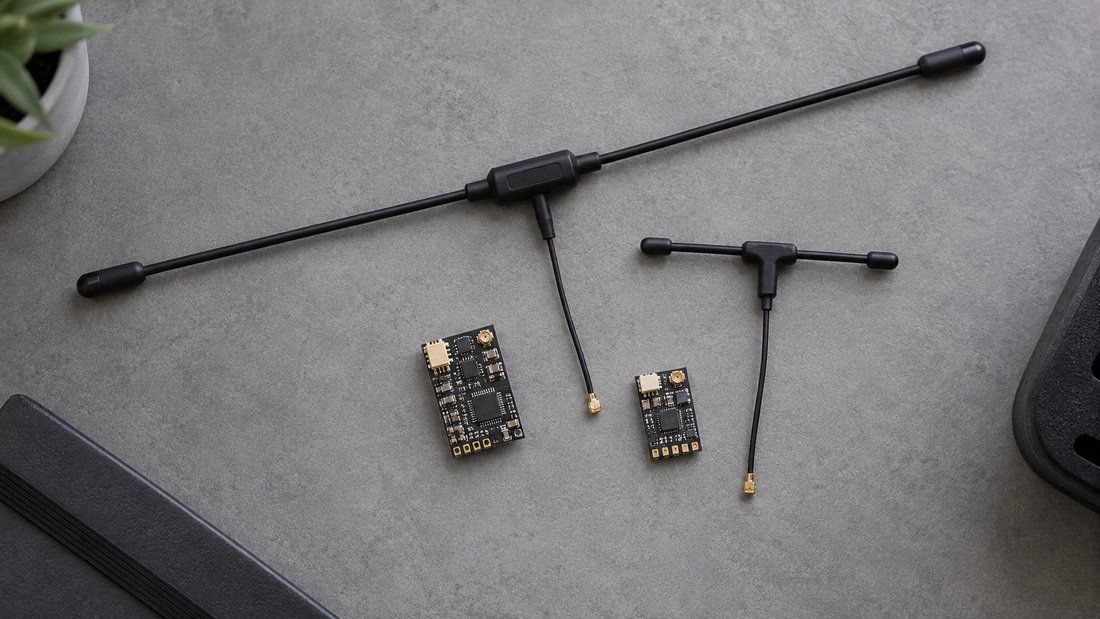
Common Mistakes When Setting ELRS Packet Rates
- Assuming higher Hz is always better. Higher rates can reduce range and robustness if the RF environment or antenna setup is poor.
- Ignoring the RF environment. A rate that works in an empty gym may fail at a packed event with many transmitters and video systems.
- Mixing regulatory domains. 2.4 GHz and 915/868 MHz hardware have different rules and propagation. Do not assume settings transfer.
- Forgetting firmware compatibility. Transmitter and receiver firmware versions must be compatible; a rate supported by one may not work on the other.
- Not testing with the actual aircraft. Antenna placement, carbon frames and battery placement all affect link quality.
- Standardizing too early. Test across multiple sessions before making a rate the club default.
Buyer Checklist for Clubs, Schools and Teams
Use this checklist when procuring ELRS hardware for a team or program. It focuses on questions to ask and items to confirm in writing.
- Supported packet rates: Ask the supplier to confirm which rates the transmitter module and receiver support out of the box, and under which firmware versions.
- Regulatory domain: Confirm the correct frequency band and power limits for your country. Request documentation.
- Receiver form factor: Match receiver size, antenna type and connector to your drone soccer airframe and weight rules.
- Antenna options: Confirm antenna connector type (e.g., U.FL, SMA) and whether spares are available. See RF antennas for typical options.
- Firmware update path: Ask how firmware updates are performed and whether the supplier provides guidance.
- Compatibility: Verify transmitter-receiver compatibility before bulk purchase using the ELRS receiver compatibility resources.
- Documentation: Request wiring diagrams, pinouts and setup guides suitable for student or volunteer technicians.
- Spares and support: Ask about replacement antennas, receivers and modules for club continuity.
- Warranty and returns: Confirm warranty terms and return policy in writing before ordering.
- Training materials: Ask whether setup guides or training resources are available for coaches and students.
Frequently Asked Questions
1. What is the best ELRS packet rate for drone soccer?
There is no single best rate. Many teams start with 250 Hz for indoor practice and adjust down to 100–150 Hz if the RF environment is noisy or the field is large. Test at your venue and choose the lowest rate that still feels responsive enough.
2. Does a higher packet rate always mean better range?
No. Higher rates often prioritize latency over range and penetration. Lower rates such as 50 Hz or 100 Hz are generally chosen when range and link robustness matter more.
3. Can I change packet rate during an event?
You can change it in your transmitter settings, but check event rules and re-test after any change. Changing rates without re-testing can introduce link issues during competition.
4. Do all ELRS receivers support all packet rates?
Not necessarily. Support depends on the receiver hardware and firmware version. Confirm compatibility with your supplier and check the ELRS receiver compatibility resources before buying in bulk.
5. How does telemetry ratio relate to packet rate?
Telemetry ratio controls how often telemetry is sent back to the transmitter. It interacts with packet rate, but the optimal setting depends on your firmware and use case. Consult your firmware documentation and test in your venue.
6. What antennas should I use with different packet rates?
Antenna choice affects link quality at any packet rate. Match antenna type and gain to your frequency band and flying style. See RF antennas for options, and ask your supplier for guidance on receiver antenna placement.
7. Should schools standardize on one packet rate?
Standardizing can simplify training and event preparation, but choose a rate that works across your venues. Test before committing, and document the setting for coaches and students.
Conclusion: Choose the Rate That Fits Your Venue and Team
Selecting an ELRS packet rate is a balancing act. For most drone soccer clubs and school programs, a balanced rate such as 250 Hz is a practical starting point. Move lower for range and robustness, or higher for close-range responsiveness—but only after testing with your actual hardware and venue. The goal is a reliable link that supports your team’s flying, not the highest number on a spec sheet.
Before you buy or standardize, confirm supported rates, regulatory domain, firmware compatibility and antenna options in writing. If you are equipping a team, school or club, we can help you select ELRS receivers, ELRS transmitter modules and antennas that suit your environment.
Next step: Request a Team Kit Quote and share your venue details, aircraft type and event requirements. We will help you narrow down the right configuration and confirm the details in writing.