Quick summary
For most teams, start with an established, actively maintained simulator on PCs the team already owns, then add a second option only when a specific need appears: drone soccer practice, low-spec school laptops, or multiplayer league nights. The decisive factors are hardware compatibility, radio (transmitter) support, licensing, and offline reliability — not the longest feature list. Simulators build stick muscle memory and race-line discipline, but they cannot teach battery safety or airframe repair. Treat the purchase as FPV racing and training infrastructure, matched to your hardware, not as a game.
Key Takeaways
- Pick one primary simulator and standardise the whole team on it — mixed software slows coaching.
- Confirm transmitter (radio) compatibility before buying: many teams already own radios that work over USB.
- Check whether the licence is per seat, per account or site-wide; this usually drives total cost more than the software price.
- Match the sim to the airframe the team actually flies, so stick time transfers to your FPV electronics and frames.
- Assume offline use and low-end hardware: school networks and shared laptops are the most common blockers.
What a simulator can and cannot do for a team
A simulator gives repeatable, zero-damage stick time. That matters most in the first weeks, when pilots are learning throttle control and turns, and later when a team is refining a race line or a drone soccer approach.
It cannot replicate battery charging discipline, loose propellers, antenna placement, soldering quality, or the nerves of a real heat. Plan for both: simulator sessions indoors, real flights outdoors or in a gym.
A practical split that many coaches use is roughly half simulator, half real flight during the build-up phase, shifting toward more real flight as pilots gain control. Adjust to your venue access and battery count.
Where simulators fit in a club or school season
Off-season and onboarding
New members can learn the transmitter layout and acro basics before they touch a team airframe. This reduces crash damage on the first real flights and lets a coach run a larger group with fewer aircraft.
Race-line and course training
Before an event, pilots can rehearse gate sequences and cornering. Some simulators include multiplayer, so a club can run a virtual heat when the weather or venue is unavailable.
Drone soccer and team sports
Drone soccer adds a team-sport layer: positioning, passing and role discipline. Decide early whether you need a simulator built around that sport specifically, or whether a general FPV simulator plus your own drills is enough.
Evaluation criteria for a team purchase
Score each candidate against the same list, and involve at least one pilot and one IT or facilities person. The goal is a defensible, repeatable choice rather than a personal favourite.
| Criteria | Why it matters for a team | How to check |
|---|---|---|
| Hardware requirements | Shared school laptops are often the real constraint | Install on the weakest laptop in the group and test frame rate |
| Radio / transmitter support | Reusing existing radios avoids duplicate spend | Confirm USB or dongle support for your radio models |
| Licensing model | Per-seat vs site-wide changes total cost | Ask the vendor in writing for the exact terms |
| Offline capability | School and venue Wi-Fi is often restricted | Test a full session with networking disabled |
| Airframe relevance | Stick time should transfer to your real quads | Compare flight feel with your team’s actual setup |
| Content and drills | Race, freestyle and sport modes differ | List the drills your coaches will actually run |
| Update cadence | Stale software loses hardware support | Check recent release notes and community activity |
| Support channel | Clubs need answers during a session | Identify forums, documentation or vendor support |
Comparison table: simulator categories
Categories are more stable than specific titles, which change with updates. Use this table to decide what type of simulator to shortlist, then evaluate individual products against the criteria above.
| Category | Typical strength | Typical trade-off | Best fit |
|---|---|---|---|
| Established PC FPV simulators | Broad radio support, active communities, frequent updates | Requires a reasonably capable PC | Most racing and freestyle clubs |
| Drone-sport specific simulators | Sport-specific rules and drills | Narrower hardware and content ecosystem | Drone soccer and league teams |
| Low-spec / mobile-friendly options | Runs on modest or shared devices | Less realistic flight feel | Schools with limited IT budgets |
| Multiplayer-first platforms | Virtual heats and league nights | Depends on stable networking | Associations running online events |
| Manufacturer or vendor tools | May map to a specific ecosystem | Can be tied to one hardware brand | Teams already standardised on that brand |
How simulator practice maps to real FPV hardware
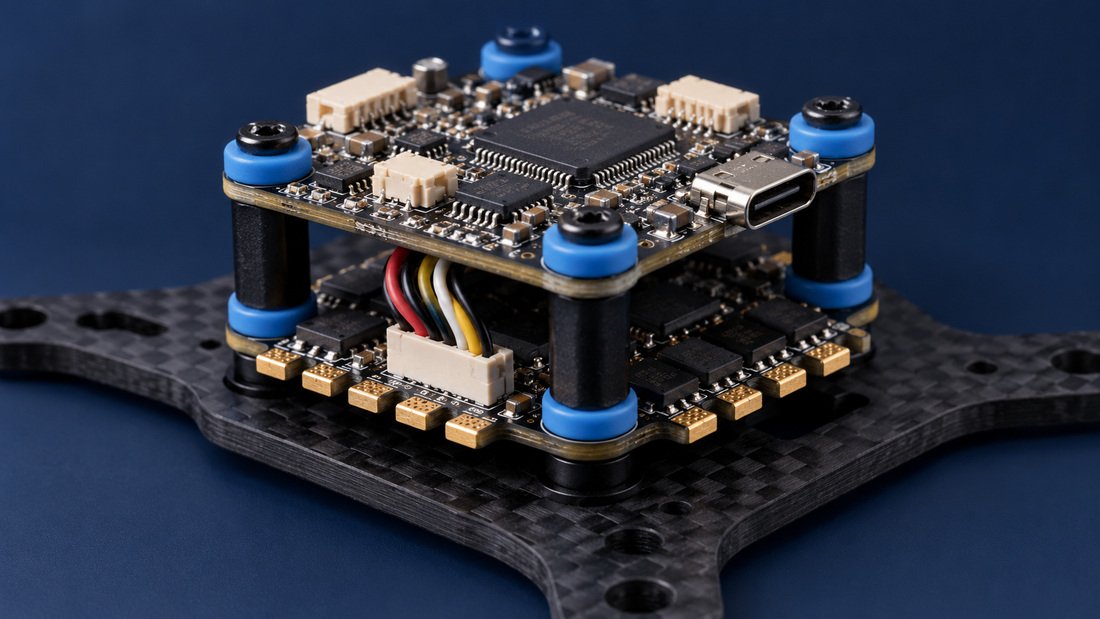
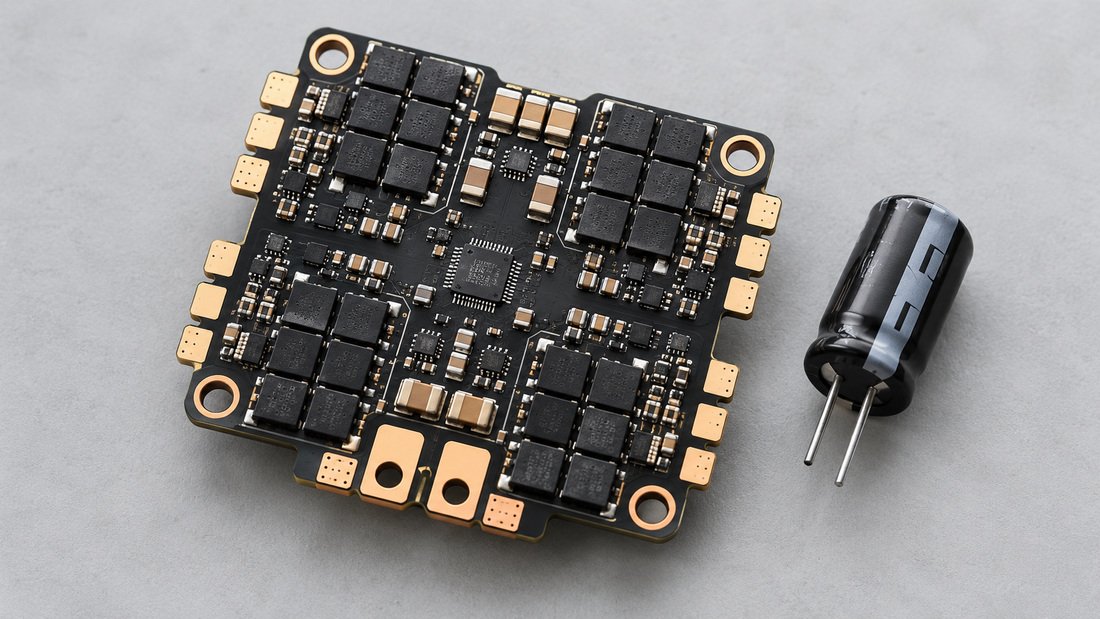
The value of a simulator depends on how closely its flight feel matches the aircraft your team flies. If your real quads use a particular flight controller firmware and electronic speed controllers (ESCs), the sim should at least model comparable rates, throttle response and camera tilt.
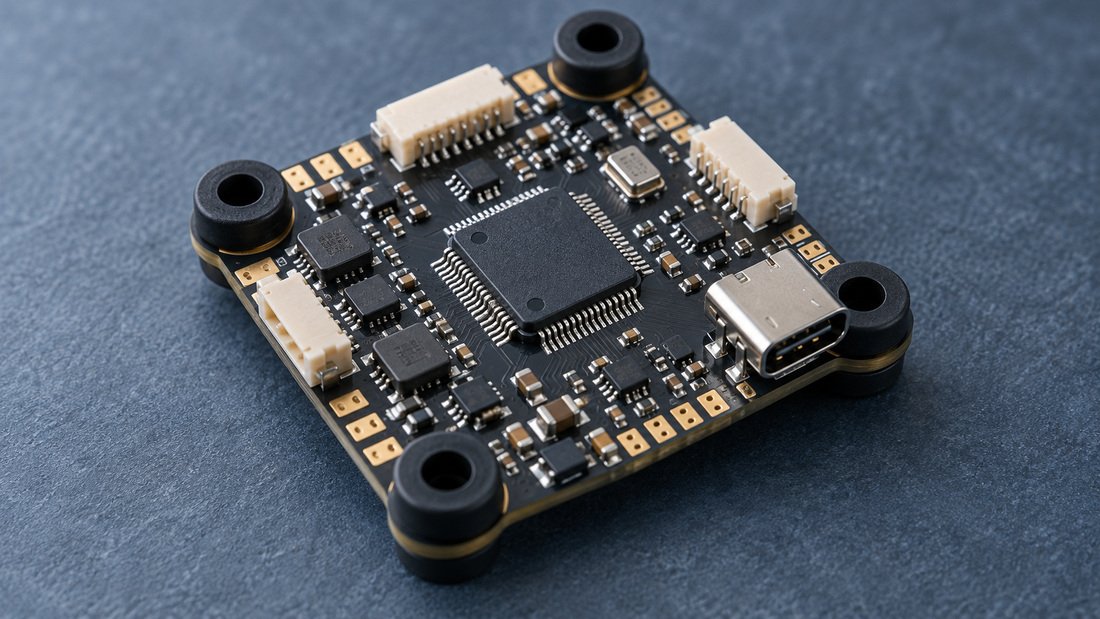
For context on the real stack: a flight controller is the computer that reads sensors such as the gyro and accelerometer, computes the corrections, and sends commands to the ESC to control the motors. Betaflight is free, open-source flight control software used across racing, freestyle, cinematic and other drone types, and it supports a wide range of receiver and ESC protocols, including DShot (Betaflight getting-started documentation).
Choose a simulator that lets you approximate your real rates and camera angle, then standardise those settings across the team. That makes simulator laps and real laps comparable, which is what turns practice into measurable progress.
When you compare sim performance against real builds, keep your hardware reference points consistent. Teams that document their flight controllers and electronic speed controllers find it easier to translate sim settings into real tune changes.
Budgeting: what actually drives cost
List price is rarely the biggest number. For a team, the cost drivers are licences, radios and adapters, PCs capable of running the software, and coach time to set sessions up.
- Licences: ask whether the model is per seat, per account or site-wide, and whether it renews.
- Radios: reusing club radios over USB usually costs far less than buying dedicated sim controllers.
- PCs: a school may already have suitable laptops; confirm by testing, not by reading minimum specs.
- Time: the first setup session per machine is the hidden cost; budget IT support alongside the software.
If you are planning simulator plus real-airframe purchases together, it helps to price the physical side at the same time. You can review DPF’s simulator-adjacent FPV video receivers and FPV DVR options to see how recorded flights and video review fit your coaching loop. For a team-level bundle, request a team kit quote and compare it against your simulator budget.
Common mistakes when clubs buy simulator software
- Buying before checking transmitter compatibility, then discovering nobody can connect a radio.
- Assuming the school network will allow downloads, updates or multiplayer.
- Choosing different simulators per age group, which fragments coaching and licences.
- Ignoring the licence model until renewal, when the cost jumps.
- Expecting the simulator to replace safety, soldering and battery training.
- Never matching sim rates and camera angle to the real aircraft, so practice does not transfer.
Procurement checklist before you commit
- Agree the primary use case: onboarding, race training, or a specific sport such as drone soccer.
- Confirm transmitter compatibility for every radio model in the club.
- Test the software on the weakest PC you expect to use.
- Verify offline operation with networking disabled.
- Get the licensing terms in writing, including renewal and transfer between machines.
- Confirm the update and support model, with named community or vendor channels.
- Check that rates, camera angle and flight feel can be matched to your real quads.
- Plan a one-page standard setup document for coaches and new members.
- Decide the review date — often one term or season — and what evidence will trigger a change.
Frequently asked questions
Is one simulator enough for a whole club?
Usually yes for a standardised programme. One primary tool keeps coaching consistent and simplifies licences. Add a second only for a clear, documented need, such as a sport-specific mode or a subset of laptops that cannot run the main option.
Do we need gaming PCs?
Not necessarily. The real test is running your chosen simulator on the laptops you already own. Install and test on your lowest-spec machine before committing, because published minimum requirements can be optimistic for shared school hardware.
Can we reuse our existing transmitters?
Often yes, but it depends on the radio and the simulator. Many radios can connect over USB or with an adapter. Verify each model in your club, including any older radios, and record which cables or adapters are needed.
What licence model should a school request?
Ask the vendor to state, in writing, whether licensing is per seat, per account, site-wide, or subscription-based, and what happens on renewal or when a laptop is replaced. Only the vendor can confirm the terms that apply to your purchase.
How much simulator time should pilots log?
There is no universal number. Set a team standard based on your goals, then review it each season. New pilots typically need more early stick time; experienced racers may shift toward real flight and course-specific drills.
Is a simulator useful for drone soccer specifically?
It can be, if the simulator includes relevant drills or if your coaches design their own. Otherwise, a general FPV simulator still helps with throttle, orientation and spatial awareness — the fundamentals that underpin team play.
Should we buy simulators and real drone kits from the same supplier?
Not necessarily, but buying the physical side together can simplify compatibility questions and shipping. Ask each supplier to confirm in writing the specifications and terms that matter to you, and keep simulator software sourcing separate if that gives you better licensing.
Recommendation and next steps
Choose one primary simulator, confirm radio and laptop compatibility, and get licensing terms in writing before you commit. Build a short standard setup guide for coaches, then review the choice after one term or season against a clear success measure, such as fewer first-flight crashes or faster onboarding.
Treat the simulator as one part of a wider FPV racing and training programme, alongside real flight time, maintenance skills and safe battery handling. When you are ready to pair simulator practice with real team hardware, Request a Team Kit Quote and tell us your airframe, radio and group size so we can help you compare options.